

Senalux - Laseroptik-Puzzle
Spiele auf dem PC mit BlueStacks - der Android-Gaming-Plattform, der über 500 Millionen Spieler vertrauen.

Seite geändert am: Jul 12, 2024
Play Senalux - the laser optics puzzle on PC or Mac
Join millions to experience Senalux – the laser optics puzzle, an exciting Puzzle game from Pixel with Hat. With BlueStacks App Player, you are always a step ahead of your opponent, ready to outplay them with faster gameplay and better control with the mouse and keyboard on your PC or Mac.
About the Game
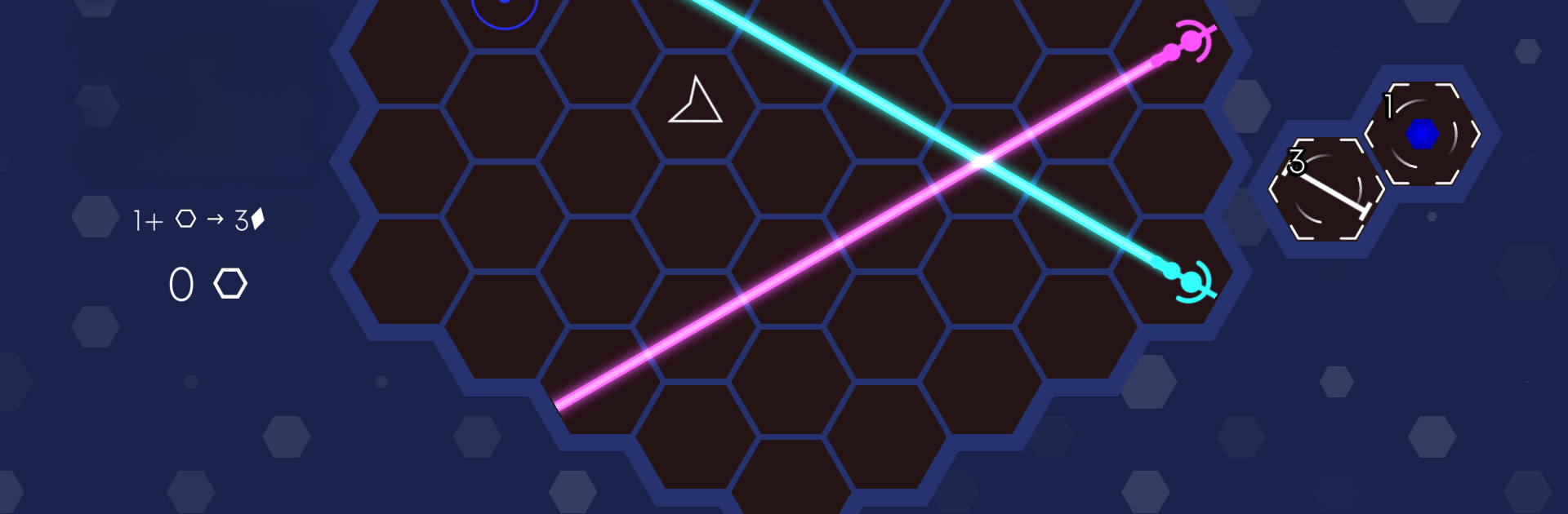
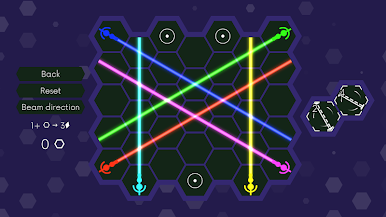
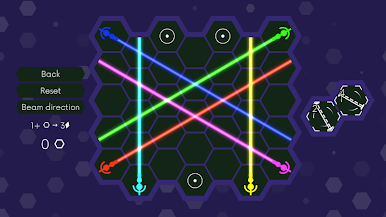
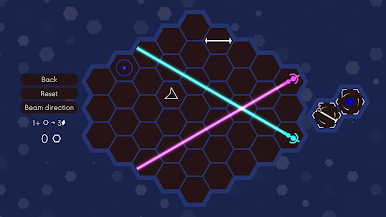
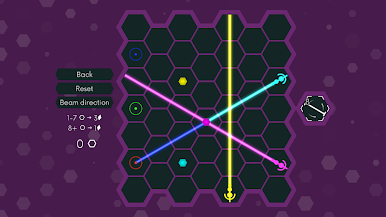
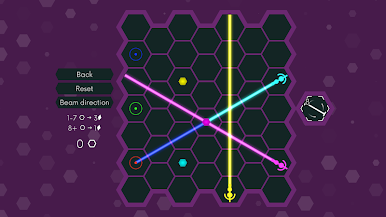
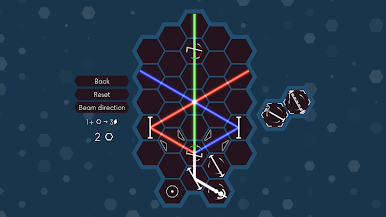
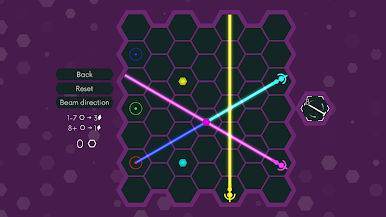
If you’re up for a fresh twist on puzzles, Senalux – the laser optics puzzle will give your brain a good workout. Imagine guiding beams of colored light across hexagonal tiles, using a variety of gadgets inspired by real-world physics. Each level is like solving a clever riddle, with lasers, color mixing, and a bunch of tricky obstacles standing between you and that satisfying solution. There’s a real sense of accomplishment when you finally pull it off—and you’ll definitely want to tinker with “just one more puzzle” before putting it down.
Game Features
-
Hex Grid Action
Move lasers across a unique hexagonal board, which opens up possibilities you don’t see in typical grid-based puzzle games. -
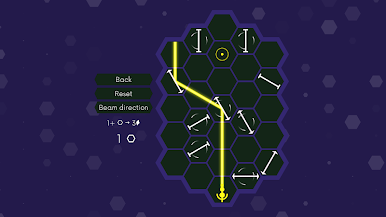
Real Optics Components
Play around with mirrors, splitters, and other components that behave like they would in real-life optics—mixing science with some mind-bending fun. -
Challenging Puzzles
Hundreds of levels are ready to keep you guessing. Each one introduces something a little new, so you won’t get bored fast. -
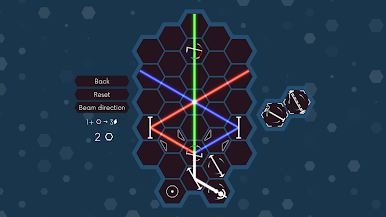
Color Mixing
Combine red, green, and blue beams to create exactly the right color you need. Sometimes you’ll have to get crafty to bypass obstacles and hit your targets. -
Obstacle Course
Work around blockers and figure out clever paths. Not every level has an obvious answer, but that’s half the fun. -
Seamless Play on BlueStacks
If you like the feel of a bigger screen or want a different experience, playing on BlueStacks can give you a smooth puzzle-solving session.
Ready to top the leaderboard? We bet you do. Let precise controls and sharp visuals optimized on BlueStacks lead you to victory.

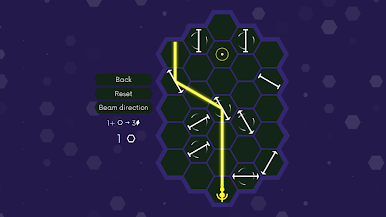
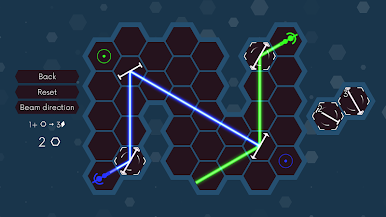
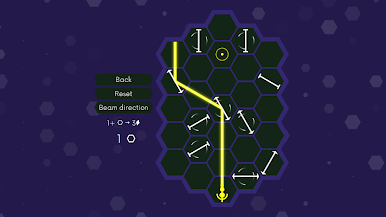
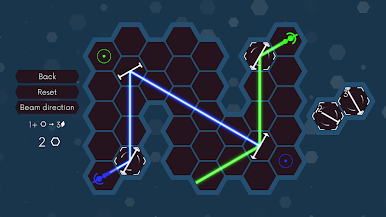

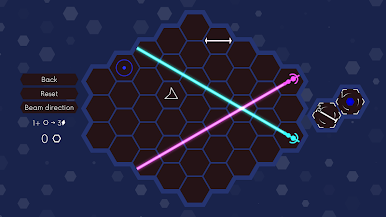
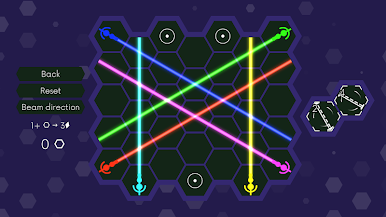
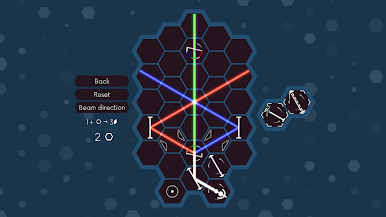
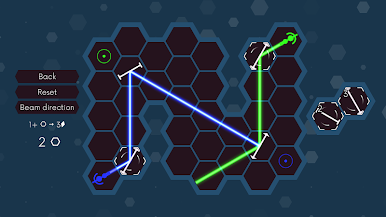
Spiele Senalux - Laseroptik-Puzzle auf dem PC. Der Einstieg ist einfach.
-
Lade BlueStacks herunter und installiere es auf deinem PC
-
Schließe die Google-Anmeldung ab, um auf den Play Store zuzugreifen, oder mache es später
-
Suche in der Suchleiste oben rechts nach Senalux - Laseroptik-Puzzle
-
Klicke hier, um Senalux - Laseroptik-Puzzle aus den Suchergebnissen zu installieren
-
Schließe die Google-Anmeldung ab (wenn du Schritt 2 übersprungen hast), um Senalux - Laseroptik-Puzzle zu installieren.
-
Klicke auf dem Startbildschirm auf das Senalux - Laseroptik-Puzzle Symbol, um mit dem Spielen zu beginnen

