


Plan to Eat: Meal Planner
Spiele auf dem PC mit BlueStacks - der Android-Gaming-Plattform, der über 500 Millionen Spieler vertrauen.

Seite geändert am: Nov 12, 2025
Play Plan to Eat: Meal Planner on PC
Try Plan to Eat FREE for 14 days, no payment information required at sign-up. After that, annual subscriptions can be purchased for $5.95/month or $49/year.
Key features of the app include:
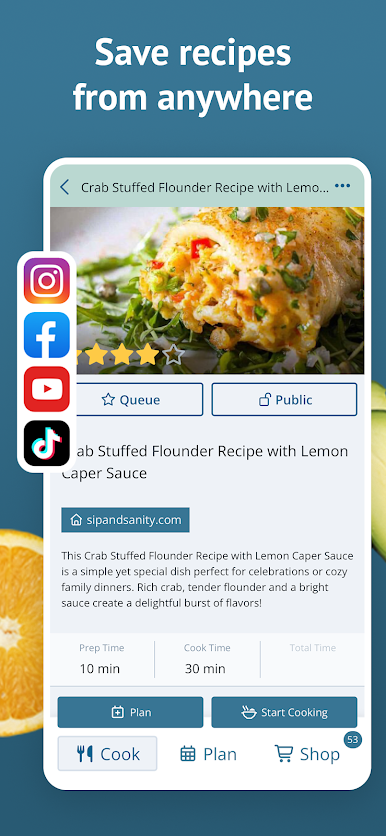
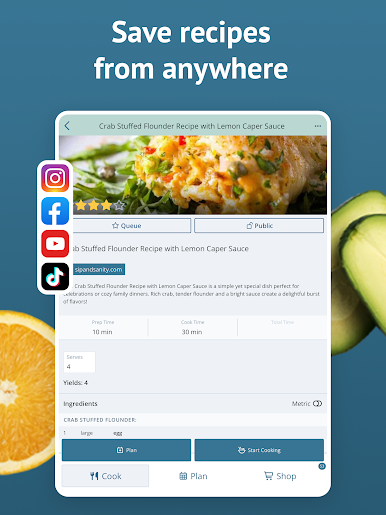
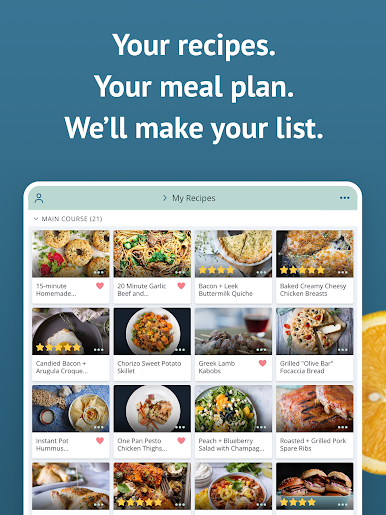
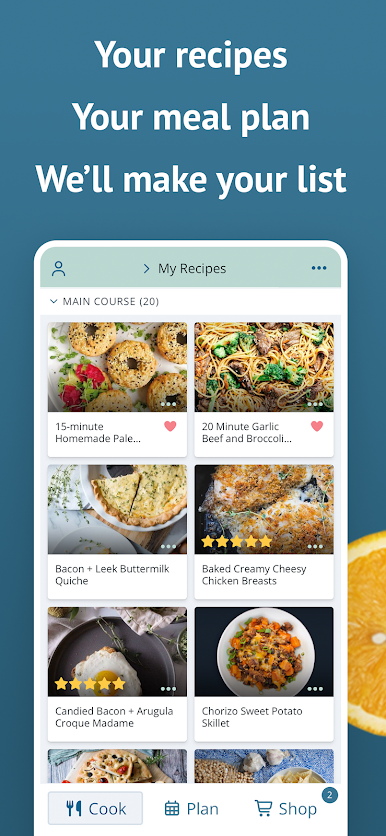
- ALL YOUR RECIPES IN ONE PLACE: Tap the share icon in your web browser to import recipes from the web, or enter your family recipes manually in the app.
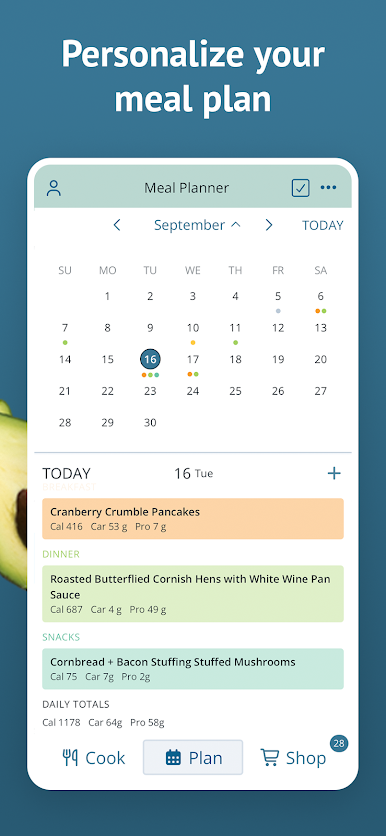
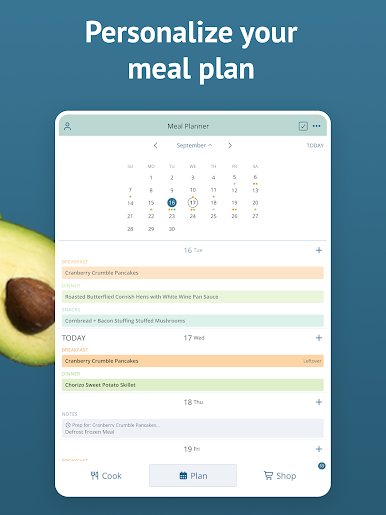
- PERSONALIZED PLANNING: Create meal plans that work for you and your schedule. You can scale servings, reschedule recipes, plan leftovers, and track frozen meals.
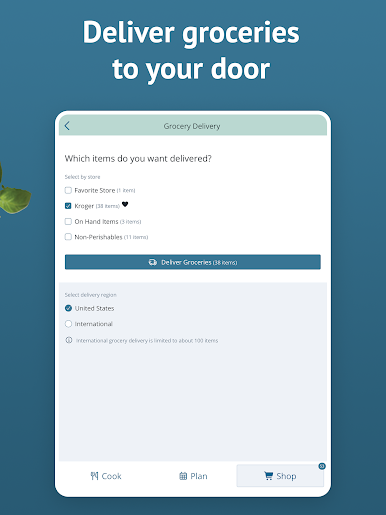
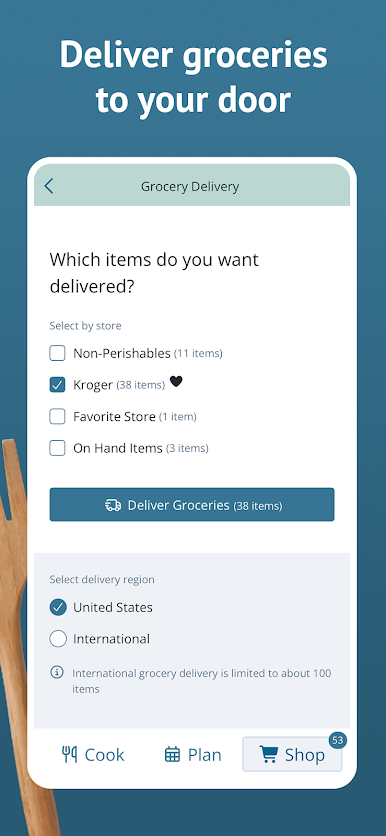
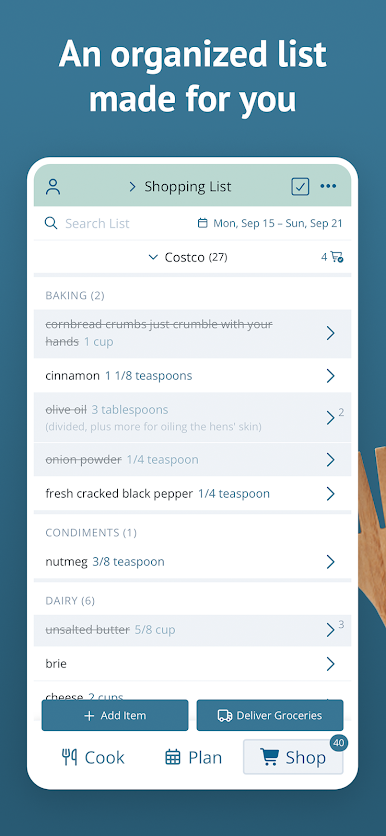
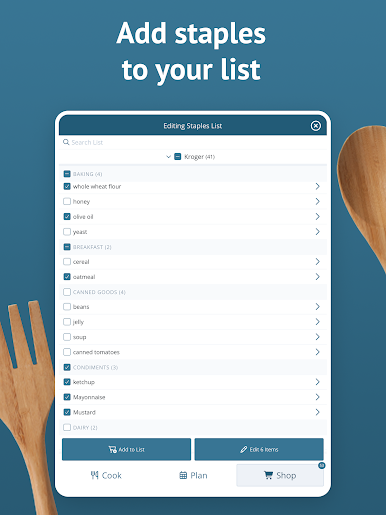
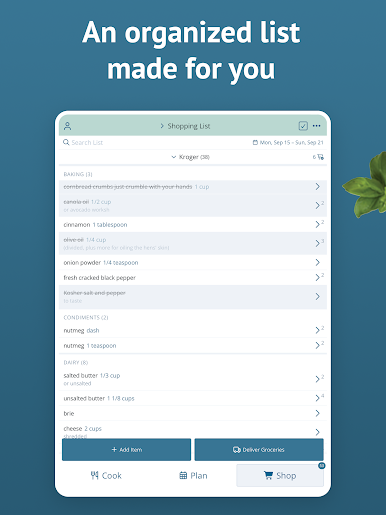
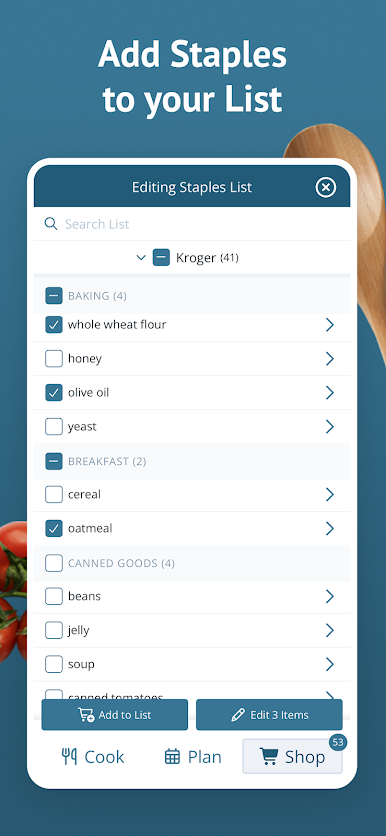
- UPGRADE YOUR SHOPPING LIST: The shopping list auto-generates an organized grocery list based on the ingredients in your meal plan. You can also add extra items to your list, add frequently purchased items from the staples list, customize and re-order your list categories, and create lists for specific stores.
- SHARE WITH FRIENDS: Connect with friends and family to share recipes and saved menus, or send a recipe by text or email.
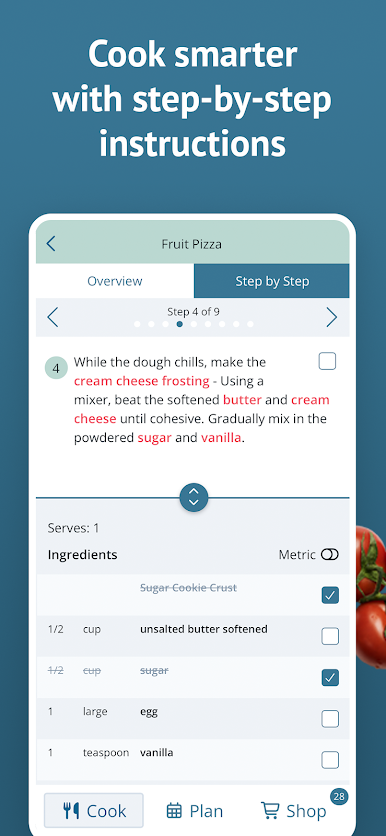
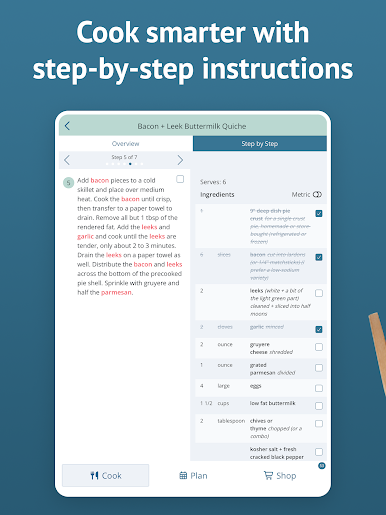
- STEP-BY-STEP COOKING: Tap "Start Cooking" when viewing a recipe to get step-by-step recipe instructions that make cooking easy.
- FIND THE PERFECT RECIPE: Search your recipe book based on title, ingredients, course, main ingredient, tags, recipe rating, and more!
- STAY IN SYNC: Your Plan to Eat account automatically syncs your recipes, planner, and shopping list across all of your devices, and your family's, too! Sign in on all of your mobile devices, and at plantoeat.com, to share recipes, meal plans, and shopping lists.
If you want to feel more organized, save a ton of money, and share your favorite recipes easily, sign up today!
Reach out to us at help@plantoeat.com with questions or feedback.
Thanks for using Plan to Eat!

Spiele Plan to Eat: Meal Planner auf dem PC. Der Einstieg ist einfach.
-
Lade BlueStacks herunter und installiere es auf deinem PC
-
Schließe die Google-Anmeldung ab, um auf den Play Store zuzugreifen, oder mache es später
-
Suche in der Suchleiste oben rechts nach Plan to Eat: Meal Planner
-
Klicke hier, um Plan to Eat: Meal Planner aus den Suchergebnissen zu installieren
-
Schließe die Google-Anmeldung ab (wenn du Schritt 2 übersprungen hast), um Plan to Eat: Meal Planner zu installieren.
-
Klicke auf dem Startbildschirm auf das Plan to Eat: Meal Planner Symbol, um mit dem Spielen zu beginnen

