


M3U & Xtream- P-IPTV PLAYER
500M + oyuncunun güvendiği Android Oyun Platformu, BlueStacks ile PC'de oynayın.

Sayfa Değiştirilme tarihi: Sep 24, 2026
Oyun M3U & Xtream- P-IPTV PLAYER PC'de Oynayın
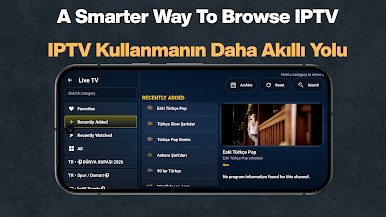
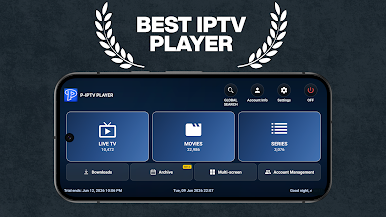
Watch Live TV faster with P-IPTV Player. Easily load your M3U/M3U8 playlists or sign in using Xtream Codes and enjoy smooth IPTV streaming with EPG support, 4K playback, Android TV compatibility, and our exclusive Multi Screen mode.
⭐ Fast IPTV Player
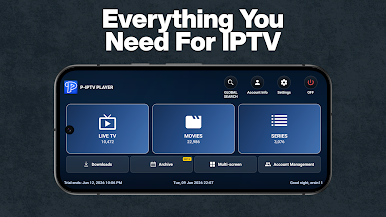
⭐ Live TV & VOD
⭐ M3U / M3U8
⭐ Xtream Codes
⭐ EPG Support
⭐ Android TV
⭐ Multi Screen
⭐ 4K Playback
📺 FEATURES
• M3U & M3U8 Playlist Support
• Xtream Codes Login
• EPG (Electronic Program Guide)
• Live TV Streaming
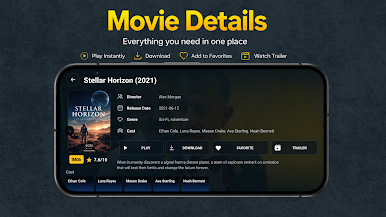
• Movies & Series (VOD)
• Lightning-fast Channel Switching
• 4K / Full HD Playback
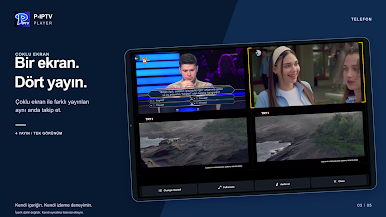
• Multi Screen Mode (2–4 channels simultaneously) (Pro)
• Download for Offline Viewing (Pro)
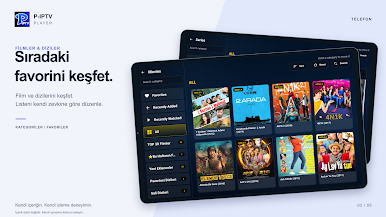
• Favorites
• Continue Watching
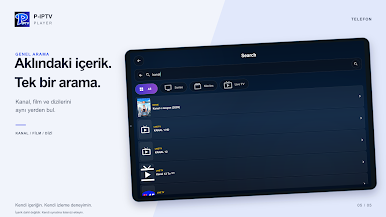
• Smart Search
• Chromecast Ready (if supported)
• Android TV Optimized
• Tablet & Phone Support
• TV Remote Navigation
🚀 EASY SETUP
Import your M3U playlist or enter your Xtream Codes credentials.
Your channels, movies, and series will be ready in seconds.
No complicated configuration.
🏆 WHY CHOOSE P-IPTV PLAYER?
✔ Fast startup
✔ Smooth playback
✔ Optimized for Android TV
✔ Supports Live TV
✔ M3U & Xtream Codes
✔ EPG
✔ 4K Streaming
✔ Multi Screen
✔ Modern interface
✔ Regular updates
⚽ PERFECT FOR
• Sports
• News
• Entertainment
• Movies
• TV Series
• International Channels
📱 SUPPORTED DEVICES
• Android Phones
• Tablets
• Android TV
• Google TV
• TV Boxes
⚠️ Legal Notice
P-IPTV Player does not provide or include any TV channels, movies, series, or IPTV subscriptions.
The application is only a media player designed to play content that users already own or are legally authorized to access.
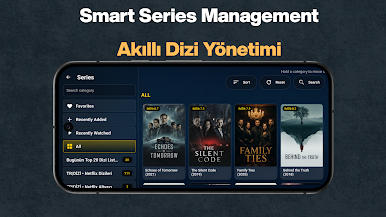
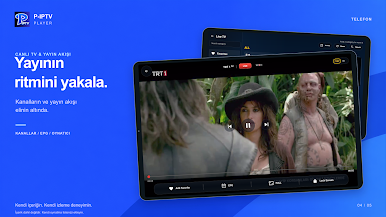
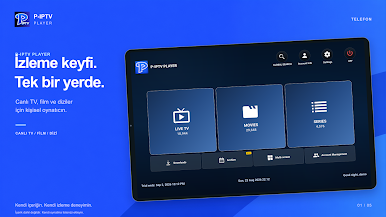
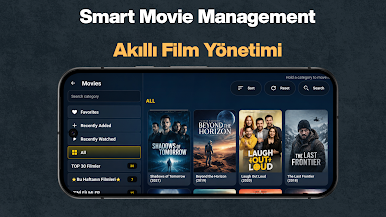
M3U & Xtream- P-IPTV PLAYER oyununu PC'de oyna. Başlamak çok kolay.
-
BlueStacks'i PC'nize İndirin ve Yükleyin
-
Play Store'a erişmek için Google girişi yapın ya da daha sonraya bırakın.
-
Sağ üst köşeye M3U & Xtream- P-IPTV PLAYER yazarak arayın.
-
M3U & Xtream- P-IPTV PLAYER uygulamasını arama sonuçlarından indirmek için tıklayın.
-
(iEğer Adım 2'yi atladıysanız) M3U & Xtream- P-IPTV PLAYER uygulamasını yüklemek için Google'a giriş yapın.
-
Oynatmaya başlatmak için ekrandaki M3U & Xtream- P-IPTV PLAYER ikonuna tıklayın.

