


Reminders: Todo List & Notes
Играйте на ПК с BlueStacks – игровой платформе для приложений на Android. Нас выбирают более 500 млн. игроков.

Страница изменена: Dec 18, 2025
Run Reminders to do list and notes on PC or Mac
What’s better than using Reminders to do list and notes by Pocket Brilliance Limited? Well, try it on a big screen, on your PC or Mac, with BlueStacks to see the difference.
About the App
Reminders to do list and notes is your ultimate productivity partner from Pocket Brilliance Limited, designed to keep you organized and efficient. It seamlessly blends a habit tracker, planner, and focus tool to meet all your planning needs in one spot.
App Features
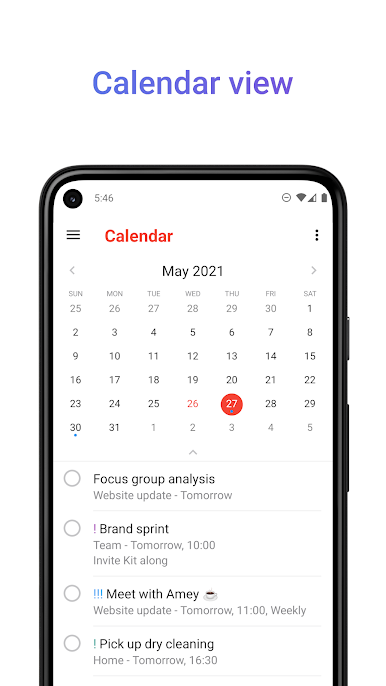
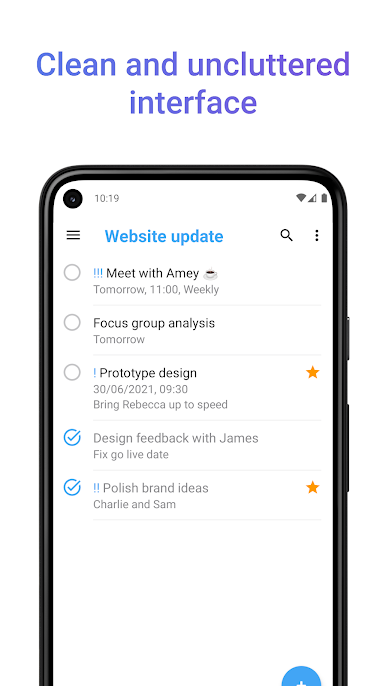
- Calendar and Agenda: Easily visualize your month and manage daily tasks right at a glance.
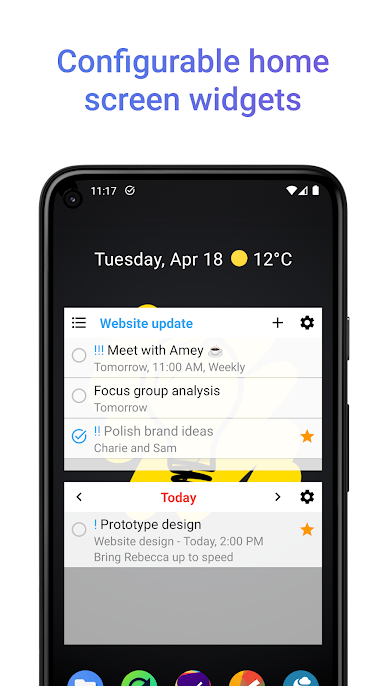
- Widgets: Place your to do list, calendar, or notes instantly on your home screen for quicker access.
- Custom Filters: Sort tasks by category, priority, or tags to keep things in order.
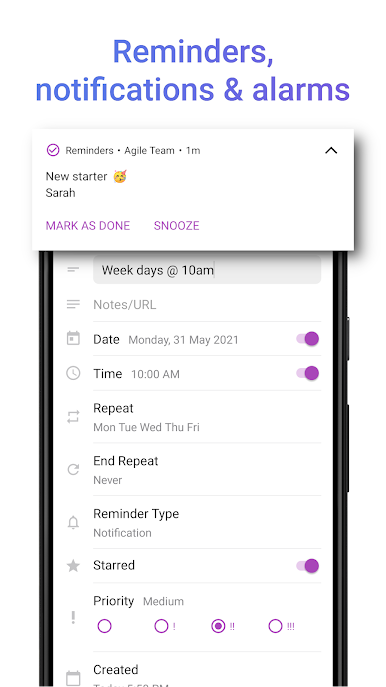
- Alarm and Notifications: Get timely, personalized alerts to stay on schedule.
- Focus and Productivity Tools: Prioritize tasks, track habits, and achieve goals in no time.
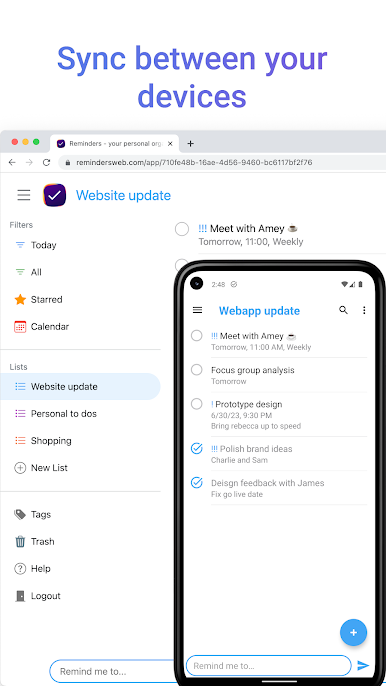
For additional convenience, Reminders keeps everything private and encrypted, supporting seamless device sync, handy on platforms like BlueStacks.
Stay on top of your game—download Reminders to do list and notes, and get organized effortlessly!

Играйте в игру Reminders: Todo List & Notes на ПК. Это легко и просто.
-
Скачайте и установите BlueStacks на ПК.
-
Войдите в аккаунт Google, чтобы получить доступ к Google Play, или сделайте это позже.
-
В поле поиска, которое находится в правой части экрана, введите название игры – Reminders: Todo List & Notes.
-
Среди результатов поиска найдите игру Reminders: Todo List & Notes и нажмите на кнопку "Установить".
-
Завершите авторизацию в Google (если вы пропустили этот шаг в начале) и установите игру Reminders: Todo List & Notes.
-
Нажмите на ярлык игры Reminders: Todo List & Notes на главном экране, чтобы начать играть.

