

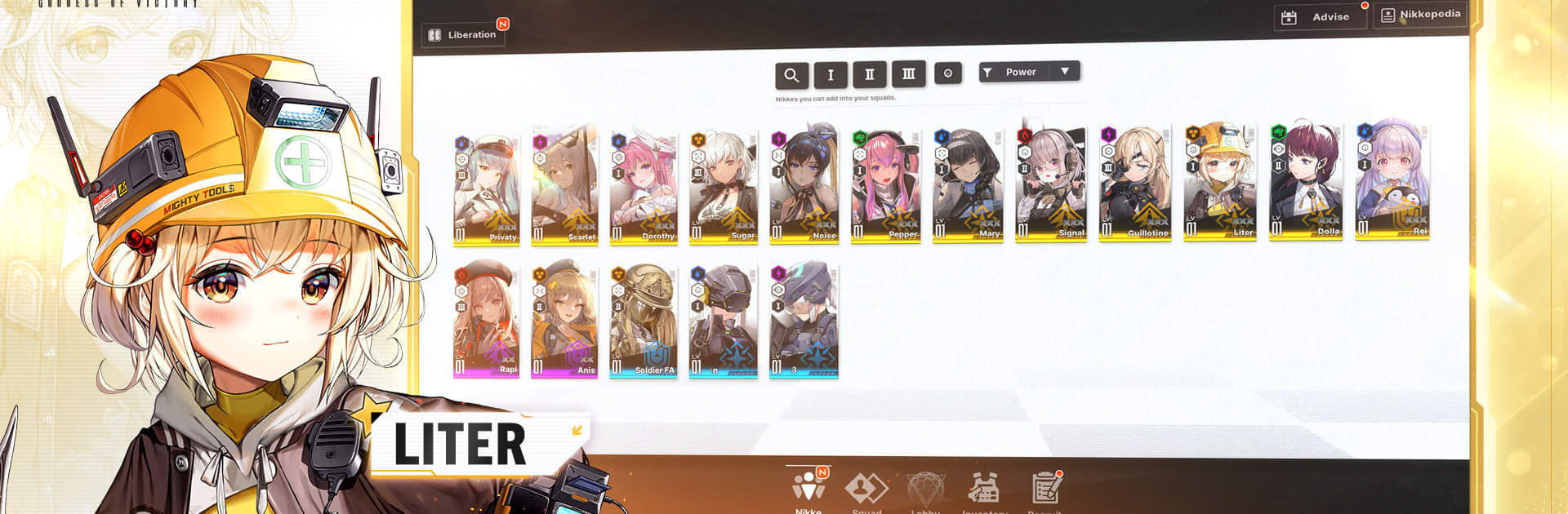
GODDESS OF VICTORY: NIKKE
Spiele auf dem PC mit BlueStacks - der Android-Gaming-Plattform, der über 500 Millionen Spieler vertrauen.

Seite geändert am: Nov 26, 2025
Play GODDESS OF VICTORY: NIKKE on PC or Mac
GODDESS OF VICTORY: NIKKE is a role-playing game developed by Level Infinite. BlueStacks app player is the best platform to play this Android game on your PC or for an immersive gaming experience. BlueStacks is the only gaming platform in the world that supports Android 11. Play your favorite games with BlueStacks at 120 FPS.
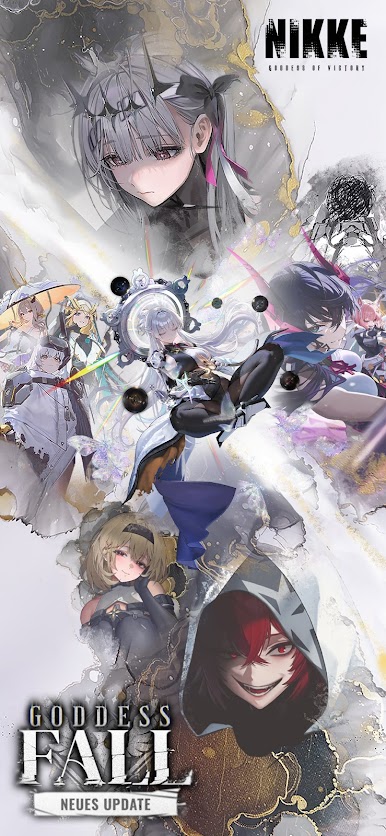
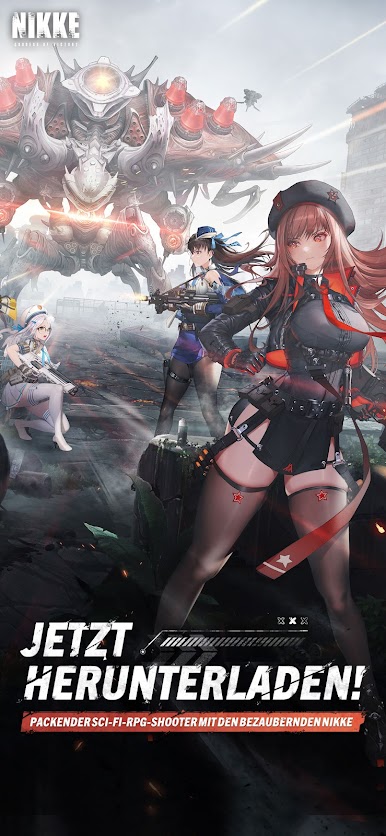
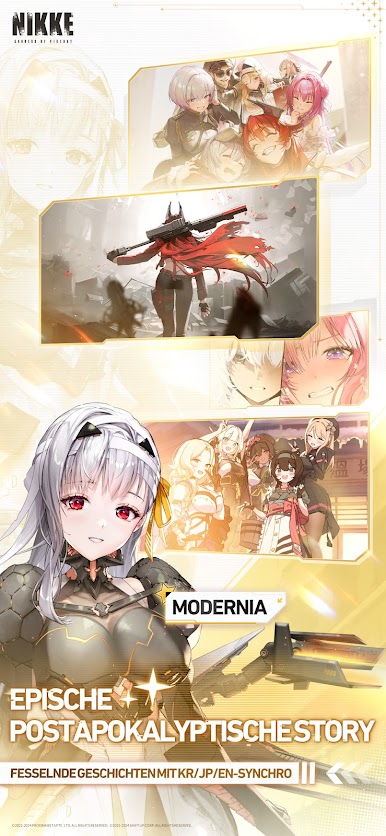
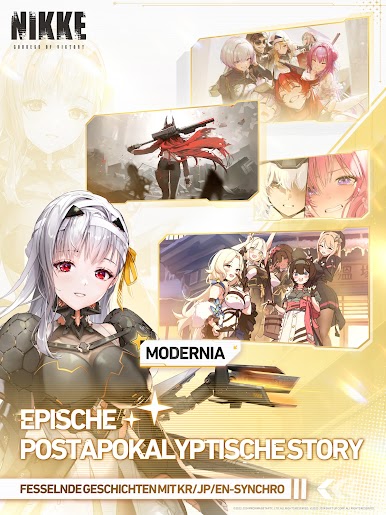
The Rapture invasion pushed the world into darkness and chaos. Humanity had to survive and find a new home. However, several years later, a group of powerful girls rose amidst the survivors. These heroes can lead humanity back to glory and bring peace.
About the Game
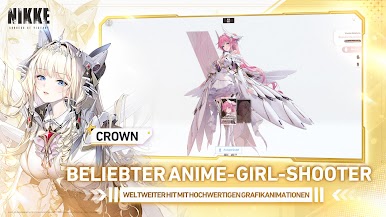
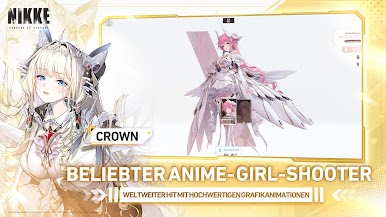
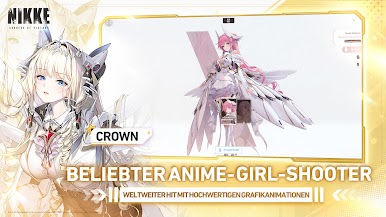
GODDESS OF VICTORY: NIKKE immerses you in an adventurous world where you are mankind’s last hope of victory. In your quest to defeat the Rapture, you can equip your character with either a shotgun, submachine gun, assault rifle, or any other advanced weapon.
Gameplay Overview
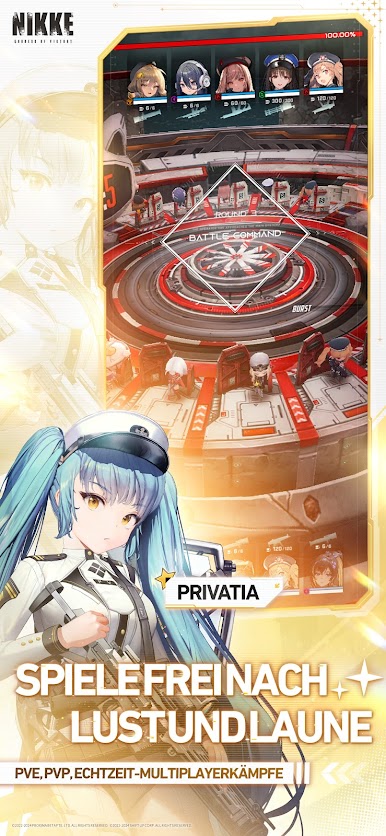
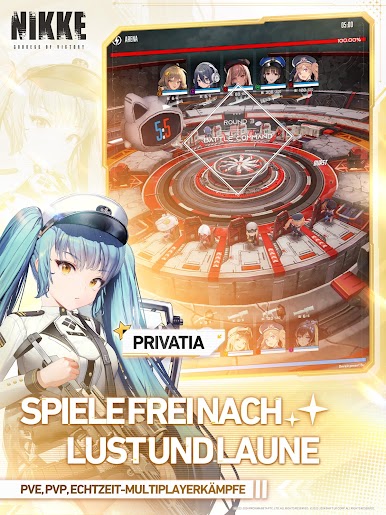
Mankind abandoned the surface and sought refuge underground after the invasion. But all of that is about to change! Build a formidable squad to enact revenge for humanity against the Rapture’s brutal conquest. Learn your enemy’s weaknesses and take advantage of them using effective strategies and formations.
Game Features
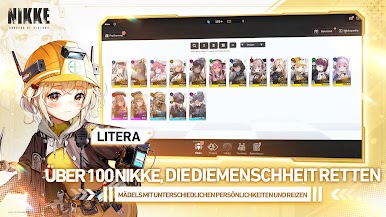
- Over 100 Nikkes
- Stunning visuals
- Rich arsenal of weapons
How to Play?
Download GODDESS OF VICTORY: NIKKE for free from the Google Play Store using the BlueStacks app player.
BlueStacks with Android 11 is faster and smoother than ever before. So play your favorite game GODDESS OF VICTORY: NIKKE, right away.
Install the BlueStacks app player and play “GODDESS OF VICTORY: NIKKE.” Get 3D graphic support with Vulkan and Android 11.
Install the BlueStacks app player and play GODDESS OF VICTORY: NIKKE at 120 or 240 FPS on a PC using an Android 9 (Android Pie) instance.






Spiele GODDESS OF VICTORY: NIKKE auf dem PC. Der Einstieg ist einfach.
-
Lade BlueStacks herunter und installiere es auf deinem PC
-
Schließe die Google-Anmeldung ab, um auf den Play Store zuzugreifen, oder mache es später
-
Suche in der Suchleiste oben rechts nach GODDESS OF VICTORY: NIKKE
-
Klicke hier, um GODDESS OF VICTORY: NIKKE aus den Suchergebnissen zu installieren
-
Schließe die Google-Anmeldung ab (wenn du Schritt 2 übersprungen hast), um GODDESS OF VICTORY: NIKKE zu installieren.
-
Klicke auf dem Startbildschirm auf das GODDESS OF VICTORY: NIKKE Symbol, um mit dem Spielen zu beginnen

