


Quiver - 3D Coloring App
500M + oyuncunun güvendiği Android Oyun Platformu, BlueStacks ile PC'de oynayın.

Sayfa Değiştirilme tarihi: Dec 4, 2025
Run Quiver - 3D Coloring App on PC or Mac
Upgrade your experience. Try Quiver – 3D Coloring App, the fantastic Education app from QuiverVision Limited, from the comfort of your laptop, PC, or Mac, only on BlueStacks.
About the App
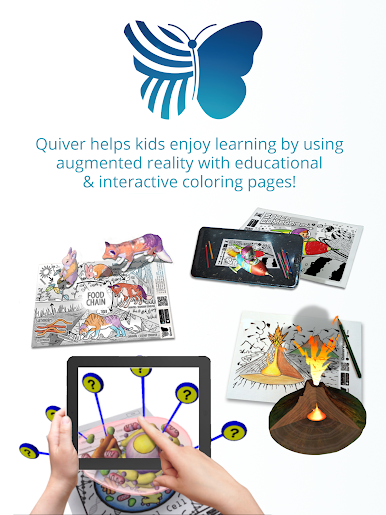
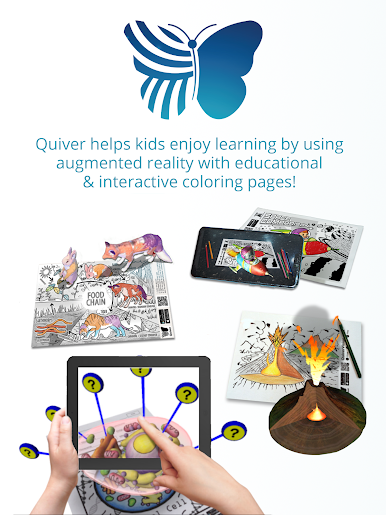
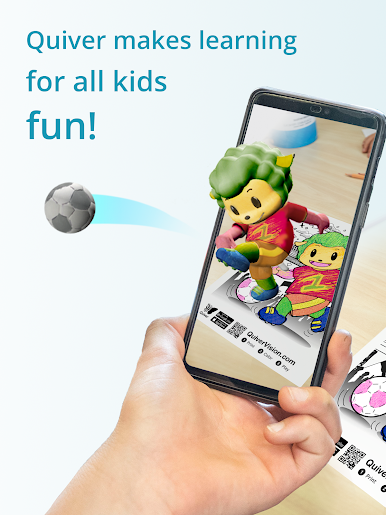
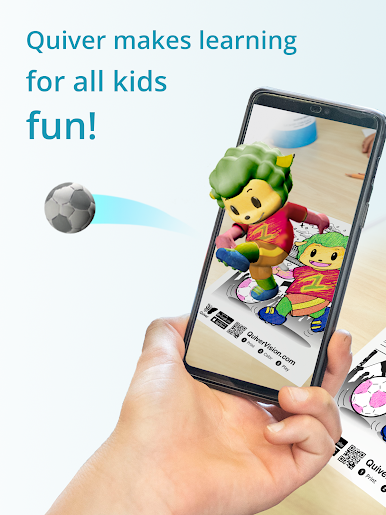
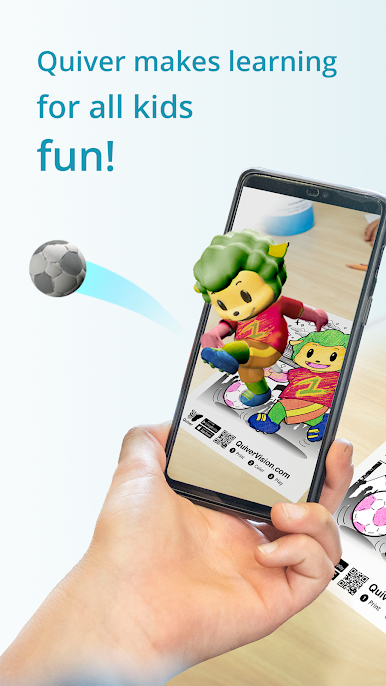
Quiver – 3D Coloring App transforms ordinary coloring time into something much more exciting. Picture this: you or your kids color a page, scan it with your device, and suddenly your artwork pops into life with fun 3D animations, right there on the screen. Created by QuiverVision Limited, this Education app is all about making learning hands-on, imaginative, and—let’s face it—a bit magical. Expect a blend of traditional creativity and futuristic tech that’s both fun and surprisingly educational.
App Features
- Augmented Reality Coloring
Color your favorite pages, then watch them spring up in 3D right before your eyes. Each person’s artwork comes alive in their own style, so no two results are ever exactly alike.
- Learning Made Visual
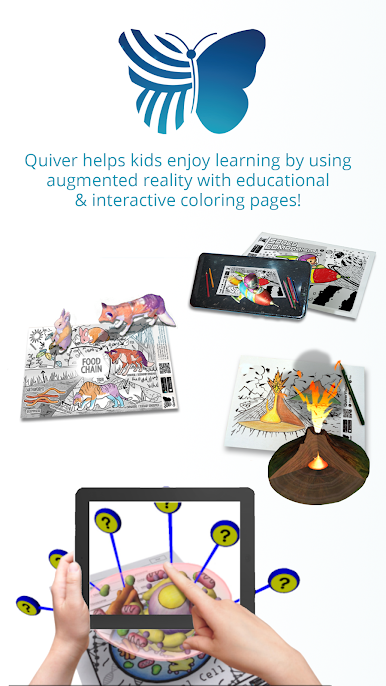
Topics like ABCs, math, space, science, and geography turn into interactive experiences. Quiver mixes in quizzes and educational games, making lessons feel more like play than work.
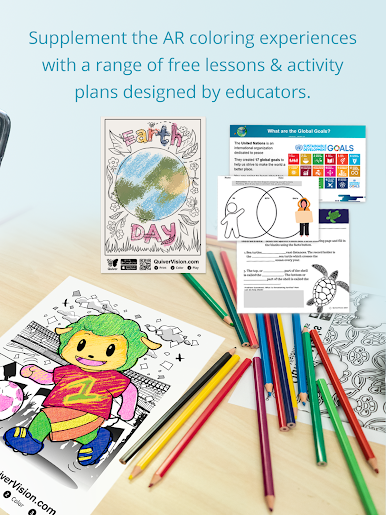
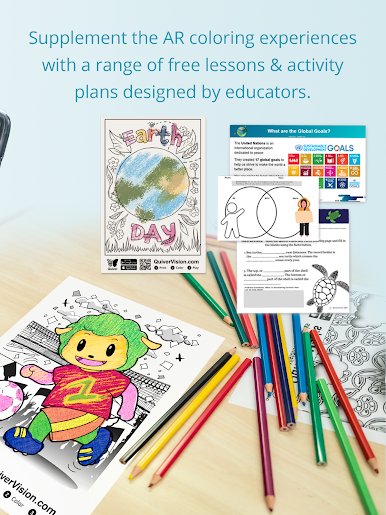
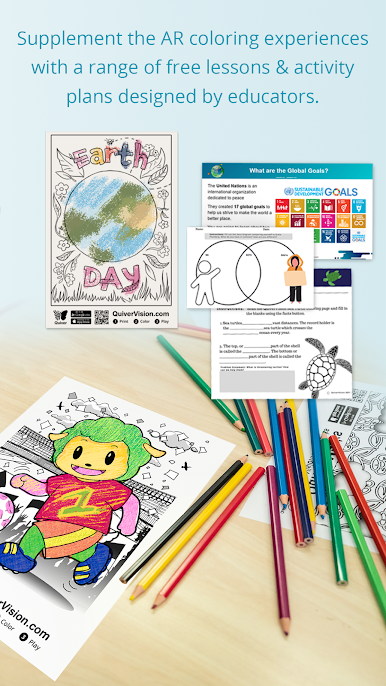
- Free Lesson Plans
You’ll find a bunch of ready-to-use lesson and activity plans, made by real teachers for students of all levels. Great for classrooms or taking learning home.
- Simple to Use
Print out the Quiver coloring pages (can be done from a desktop), color however you like, scan with the app, and watch the magic happen. The process is straightforward enough for even younger kids to manage.
- Capture and Share
Snap photos or record videos of your animated creations. Sharing them with friends or family is just a tap away.
- Multi-Device Classroom Setup
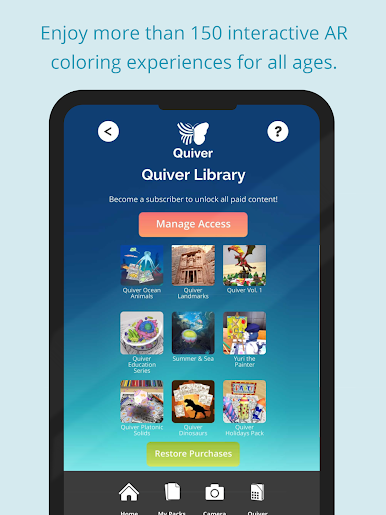
With a single subscription, you can use your Quiver Education dashboard to connect multiple devices and give access to your whole classroom.
- Rich Audio Effects
Each coloring page features its own set of sound effects, adding an extra layer of immersion when your creations come to life.
Prefer using your laptop or PC? Quiver – 3D Coloring App works smoothly on BlueStacks, letting you enjoy the creative AR experience on a bigger screen.
BlueStacks brings your apps to life on a bigger screen—seamless and straightforward.

Quiver - 3D Coloring App oyununu PC'de oyna. Başlamak çok kolay.
-
BlueStacks'i PC'nize İndirin ve Yükleyin
-
Play Store'a erişmek için Google girişi yapın ya da daha sonraya bırakın.
-
Sağ üst köşeye Quiver - 3D Coloring App yazarak arayın.
-
Quiver - 3D Coloring App uygulamasını arama sonuçlarından indirmek için tıklayın.
-
(iEğer Adım 2'yi atladıysanız) Quiver - 3D Coloring App uygulamasını yüklemek için Google'a giriş yapın.
-
Oynatmaya başlatmak için ekrandaki Quiver - 3D Coloring App ikonuna tıklayın.

