


Prosegur Localización
Spiele auf dem PC mit BlueStacks - der Android-Gaming-Plattform, der über 500 Millionen Spieler vertrauen.

Seite geändert am: Aug 26, 2025
Play Prosegur Localización on PC
features:
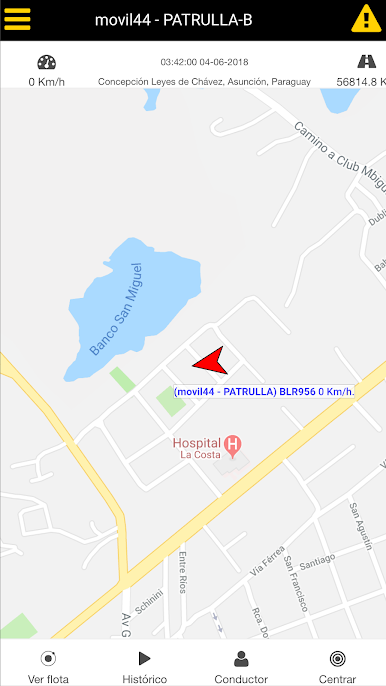
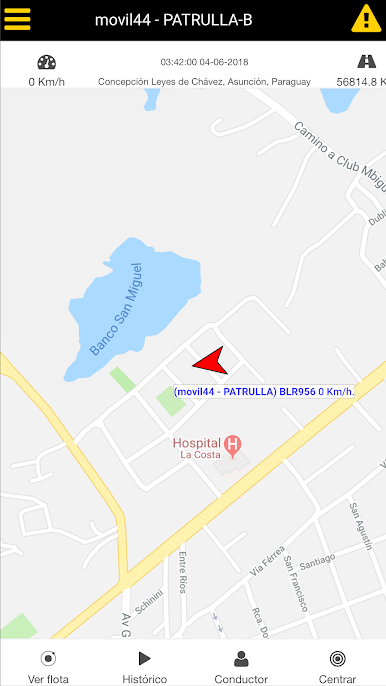
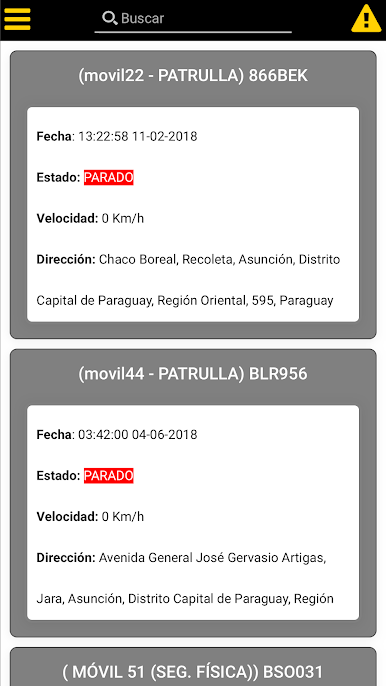
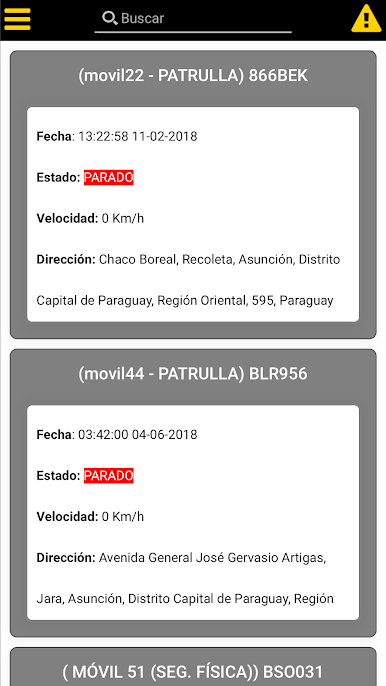
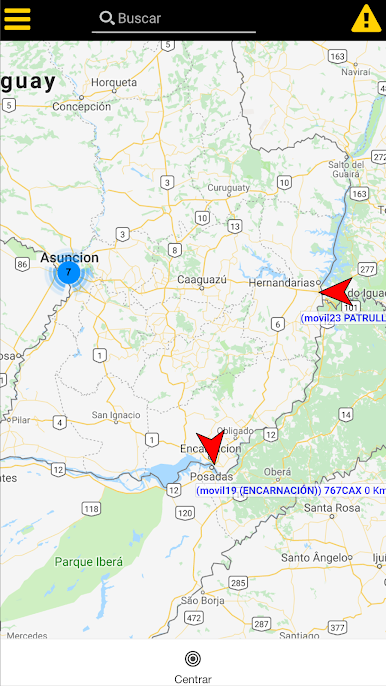
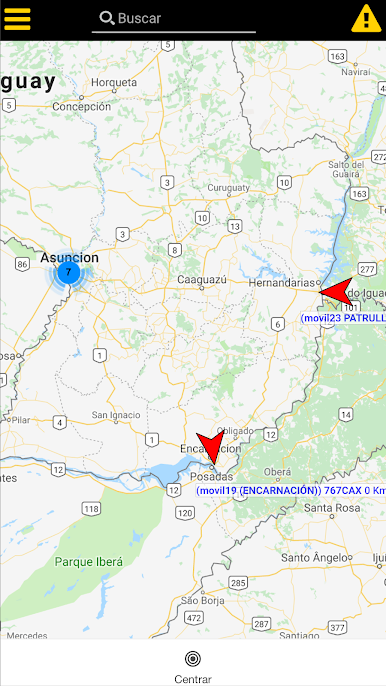
-location vehicle map and listing.
-search vehicle by plate / number.
-information detailed real time speed, direction, odometer, temperature, fuel level, flowmeter and date of last transmission.
-Map satellite mapping or type (Google Maps for premium customers).
-Aviso push notifications in real time generated events of their vehicles even when the application is closed.
Unreported -Aviso time.
-Geolocalización GPS even with the screen locked.
-List of Benchmarks. Get the route from your GPS location and distance of their vehicles to the point. Visualize image and hear audio reference point.
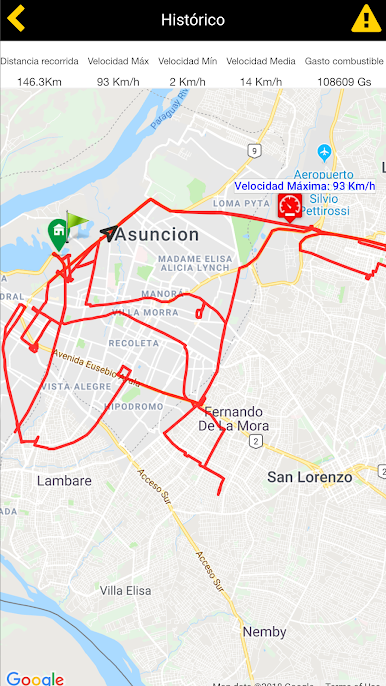
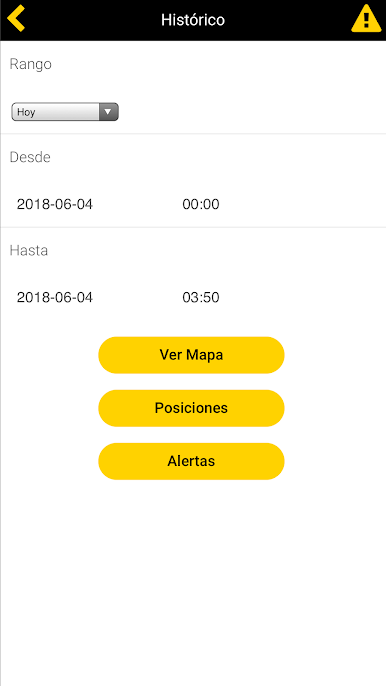
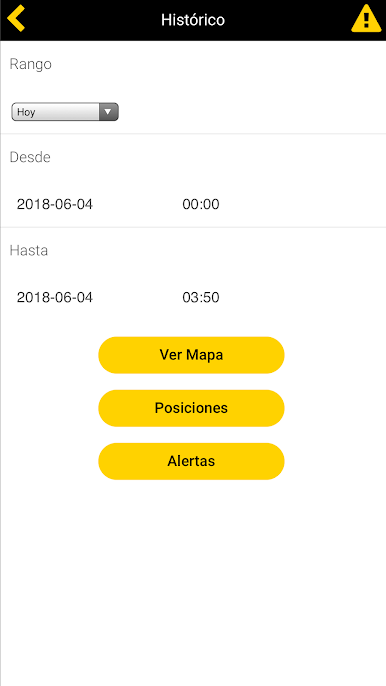
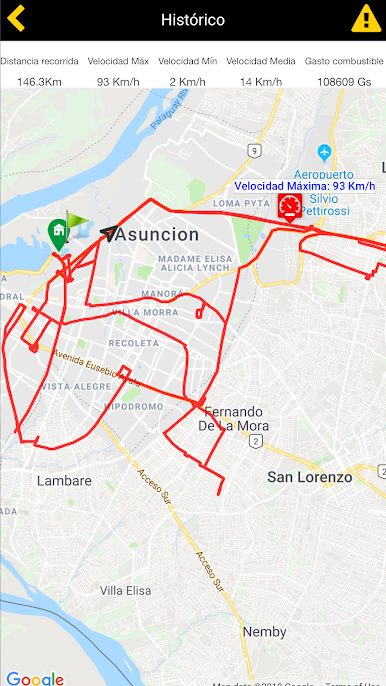
-SUMMARY travel between date range: tracing the route on the map with animation, alerts and positions, distance, fuel consumption, top speed (on the map), minimum and average.
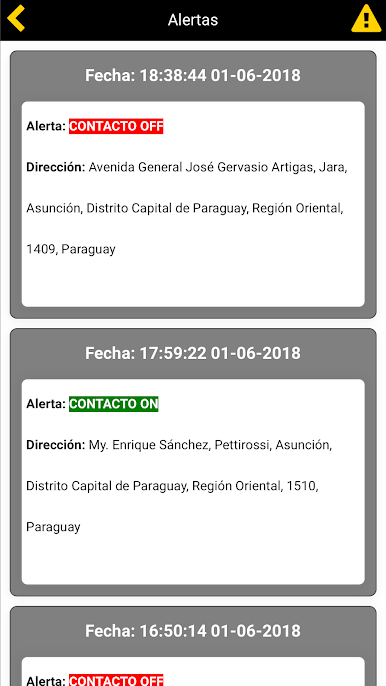
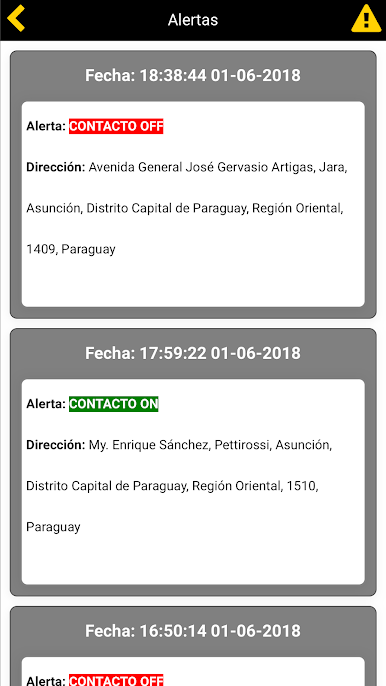
-report alerts.
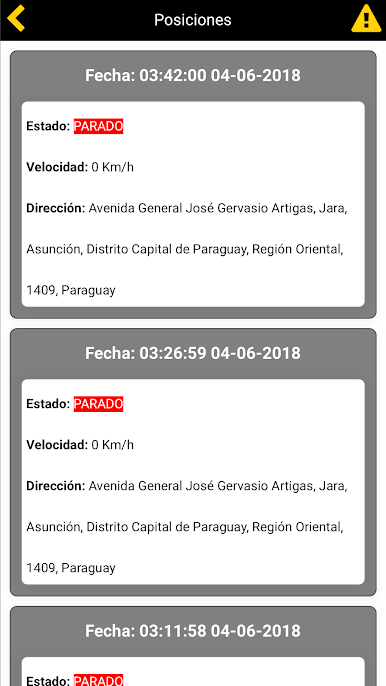
-Reported positions.
-Reported liters / hour with the historical graph (flowmeter sensor).
He sent location and panic alert our Central Monitoring.
-control for dialing Input / Output (Labor type, Lunch, Customer) Start / End of Round by GPS location.
He thinks landmarks from your location. Attach pictures and audio.
-Record events and your GPS position without internet connection. Events are automatically flushed to resume connection.
-Profile for Control Rounds of Guardians / Officials based on NFC technology.
* Requires internet connection, either 3G or WIFI.
* To send location and PANIC signal it is necessary that its terminal count with GPS and is active.
Spiele Prosegur Localización auf dem PC. Der Einstieg ist einfach.
-
Lade BlueStacks herunter und installiere es auf deinem PC
-
Schließe die Google-Anmeldung ab, um auf den Play Store zuzugreifen, oder mache es später
-
Suche in der Suchleiste oben rechts nach Prosegur Localización
-
Klicke hier, um Prosegur Localización aus den Suchergebnissen zu installieren
-
Schließe die Google-Anmeldung ab (wenn du Schritt 2 übersprungen hast), um Prosegur Localización zu installieren.
-
Klicke auf dem Startbildschirm auf das Prosegur Localización Symbol, um mit dem Spielen zu beginnen

