

SoccerLAB Player
Spiele auf dem PC mit BlueStacks - der Android-Gaming-Plattform, der über 500 Millionen Spieler vertrauen.

Seite geändert am: Jan 31, 2024
Play SoccerLAB Player on PC or Mac
Explore a whole new adventure with SoccerLAB Player, a Sports game created by Quinta Essentia Software Development NV. Experience great gameplay with BlueStacks, the most popular gaming platform to play Android games on your PC or Mac.
About the Game
SoccerLAB Player is a Sports companion app built for real club environments, giving players a single place to check what’s planned, watch shared videos, and keep up with daily requirements. If your team runs on the SoccerLAB platform, this is your personal hub—clear, organized, and focused on what you need to perform. Prefer a bigger screen between sessions? It also runs smoothly on BlueStacks.
Game Features
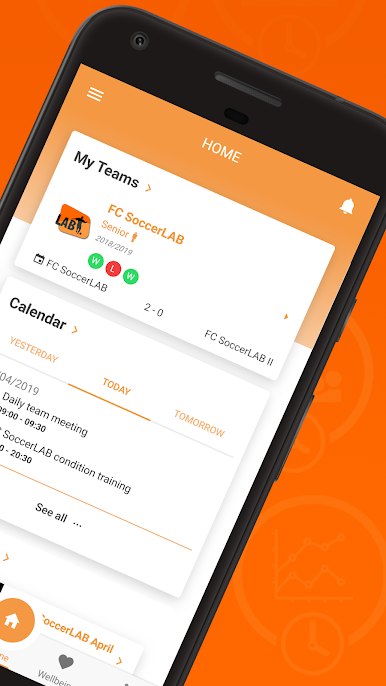
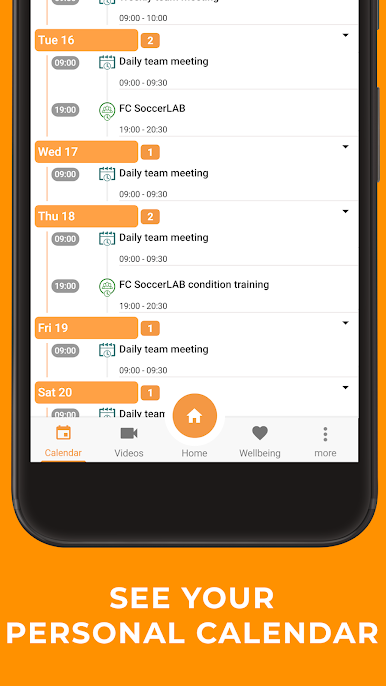
- Calendar & Schedule: See training times, matches, meetings, and travel in one clean calendar so you always know what’s next.
- Video Library: Watch the clips your staff shares—match footage, training sessions, and individual moments—whenever you’ve got a minute.
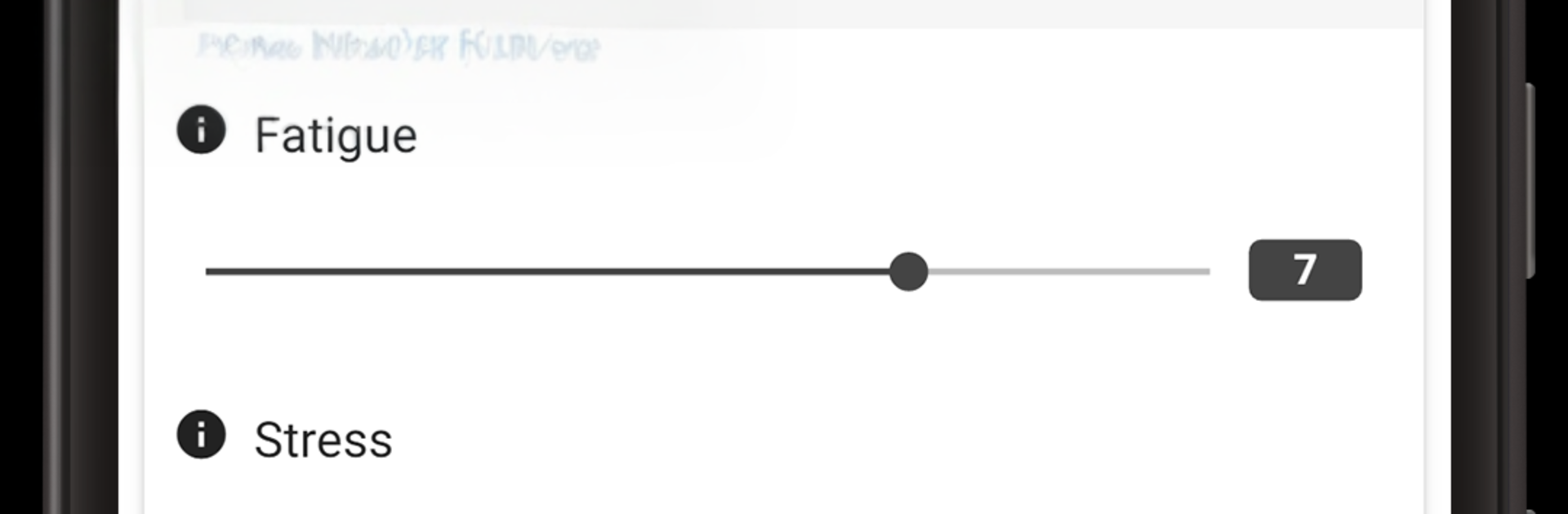
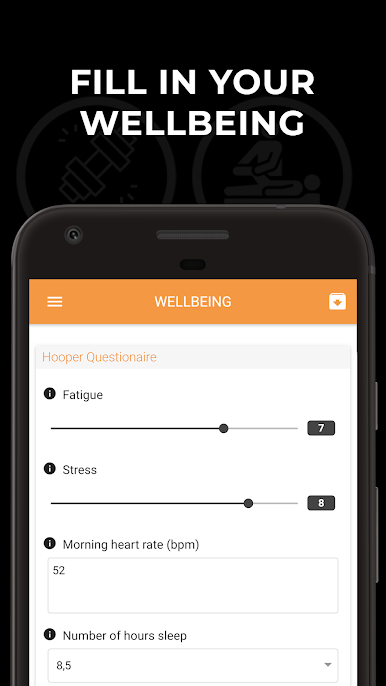
- Daily Wellbeing Check: Log how you’re feeling each day to help coaches track readiness and manage workloads more intelligently.
- Documents on Hand: Access team notes, playbooks, medical forms, and other files without digging through chats or email.
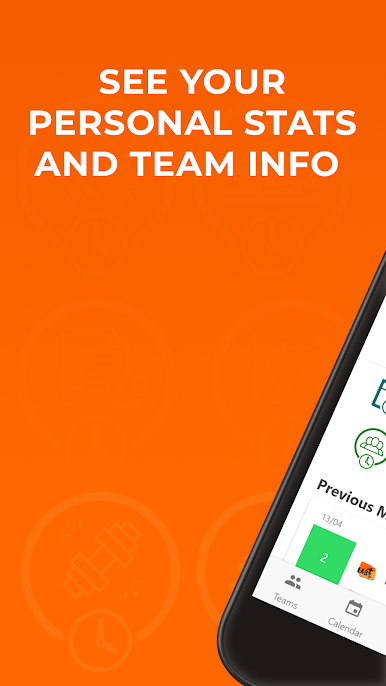
- Performance Data: View the metrics your club collects—think session outputs or game stats—so you can track progress and understand where you’re trending.
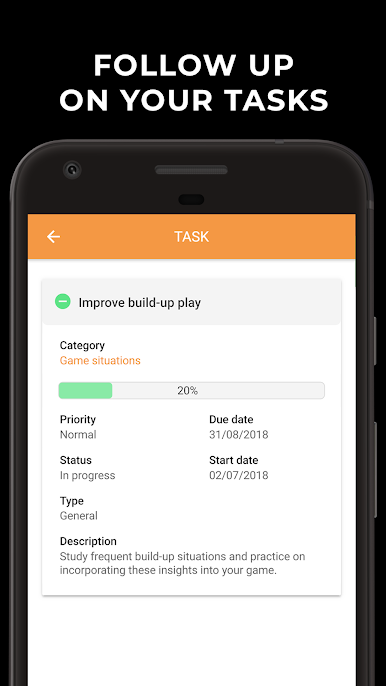
- Tasks & To‑Dos: See what’s assigned to you, from simple reminders to prep work before the next fixture, and tick things off as you go.
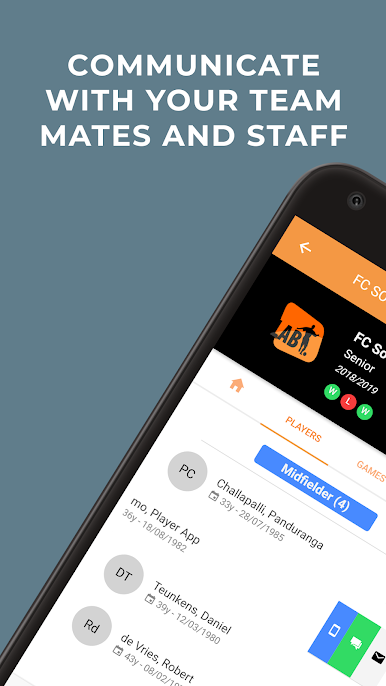
- Built for the Club Workflow: Designed to connect players with staff through the broader SoccerLAB system by Quinta Essentia Software Development NV, keeping everything aligned and in one place.
Start your journey now. Download the game on BlueStacks, invite your friends, and march on a new adventure.
Spiele SoccerLAB Player auf dem PC. Der Einstieg ist einfach.
-
Lade BlueStacks herunter und installiere es auf deinem PC
-
Schließe die Google-Anmeldung ab, um auf den Play Store zuzugreifen, oder mache es später
-
Suche in der Suchleiste oben rechts nach SoccerLAB Player
-
Klicke hier, um SoccerLAB Player aus den Suchergebnissen zu installieren
-
Schließe die Google-Anmeldung ab (wenn du Schritt 2 übersprungen hast), um SoccerLAB Player zu installieren.
-
Klicke auf dem Startbildschirm auf das SoccerLAB Player Symbol, um mit dem Spielen zu beginnen

