


Reev Pro - Outline Icon Pack
Spiele auf dem PC mit BlueStacks - der Android-Gaming-Plattform, der über 500 Millionen Spieler vertrauen.

Seite geändert am: Aug 15, 2025
Play Reev Pro - Outline Icon Pack on PC
Features:
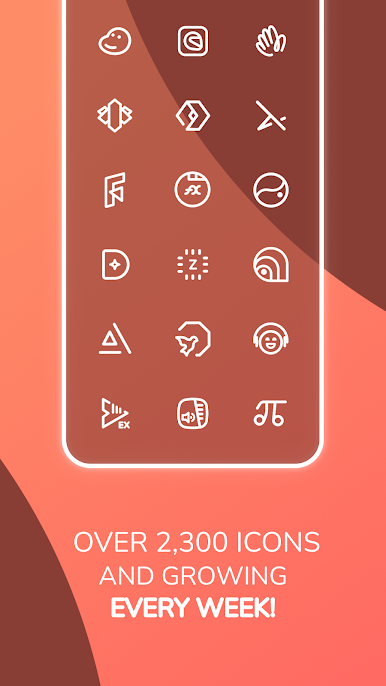
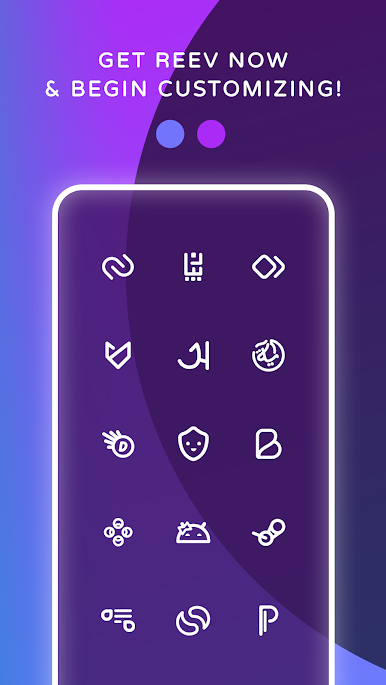
- 2700+ Icons and growing!
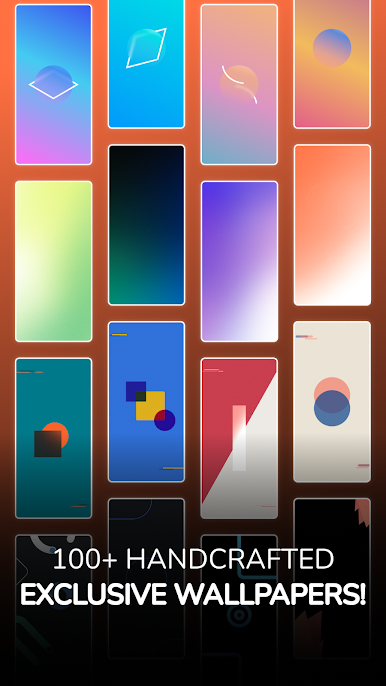
- 130+ Exclusive original wallpapers
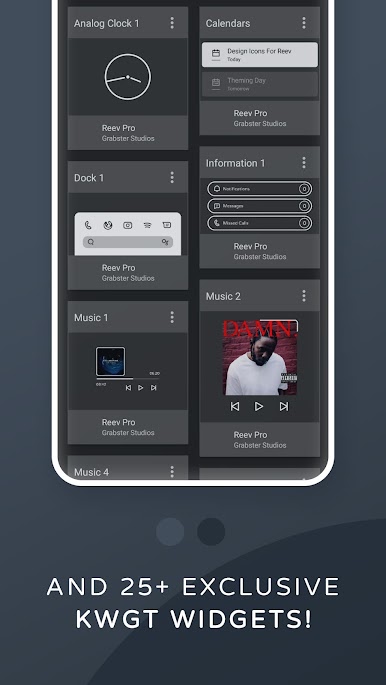
- 30 versatile and highly customizable KWGT widgets.
- Material User Interface based on Blueprint Dashboard
- Ability to request missing icons with ease.
- Compatible with all major Launchers that support icons (Full list below)
Supported Launchers:
Nova Launcher
Niagara Launcher
Blloc Ratio Launcher
Launcher 10
Evie Launcher
Action Launcher
ADW Launcher
Lawnchair Launcher (v1 and v2)
Pixel Launcher
Microsoft Launcher
Apex Launcher
Atom Launcher
Aviate Launcher
CM Theme Engine
GO Launcher
Holo Launcher
Solo Launcher
V Launcher
ZenUI Launcher
Zero Launcher
ABC Launcher
and many more…
Dark and Pastel Variants
- Reev Dark is the dark variant of Reev: https://play.google.com/store/apps/details?id=com.reevdark.grabsterstudios
- Reev Chroma is the colorful variant of Reev: https://play.google.com/store/apps/details?id=com.reevchroma.grabsterstudios
FAQs:
Q: How do I apply the icon pack?
A: Once your app is installed, open it. Tap the big button at the bottom that says "Apply to home". It should apply to your launcher automatically. If not, go to your launcher settings and apply it from there.
Q: Why are there in-app purchases?
A: Once you purchase the app, there are no hidden features to be unlocked afterward. You get everything after installing. In-app purchases are COMPLETELY OPTIONAL and are only present for tipping, which helps development.
Q: What is the difference between Reev LITE and Reev PRO?
A: Reev Lite is not maintained. It has a limited number of icons, no widgets and wallpapers. Reev Pro is updated every week with new content. It contains exclusive widgets and wallpapers.
Q: My Launcher is not listed?
A: If your launcher is not listed, go into your launcher settings and apply the icon pack from there.
Q: How do I request for new icons?
A: Tap the last icon in the bottom navigation menu that says "Request" to open the icon request page. Select the icons you want to request, or tap the select all icons to request all icons. Once selected, tap the big buttons that says "Request Icon" and send it through your email app.
Q: I'm getting some sort of License Validation error. What do I do?
A: If you have patching apps installed, such as Lucky Patcher or Aptoide, please uninstall them before installing Reev. This is to prevent pirates from uploading the app outside the play store.
Q: Why aren't there more icons?
A: Designing and adding icons to the app takes a lot of time. I'm doing my best to update the pack each week with new content so all of your icons can be themed.
Q: Why are wallpapers low quality?
A: They are not. Only thumbnails are low quality, which helps with loading them faster. Wallpaper will be set in full resolution.
Q: How to apply the icon pack on Samsung OneUI Home Launcher?
A: Reev Pro supports OneUI Home! You will need Good Lock and Theme Park to apply it system wide. In the Icon tab of Theme Park, create a new icon set and select Reev as your icon pack!
---
Have questions, suggestions or Issues? Email me at grabster@duck.com. I'll get back to you ASAP.
Follow me around:
- Twitter: https://twitter.com/grabsterstudios (for updates & quick customer service)
- YouTube: https://youtube.com/grabstertv
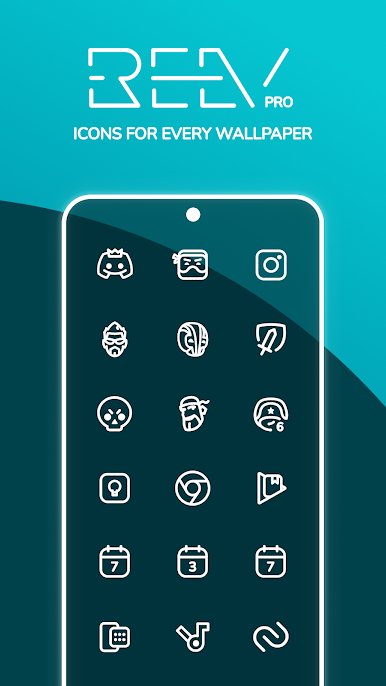
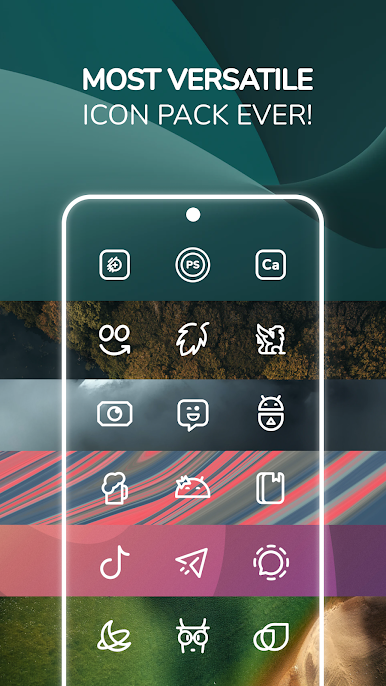
Spiele Reev Pro - Outline Icon Pack auf dem PC. Der Einstieg ist einfach.
-
Lade BlueStacks herunter und installiere es auf deinem PC
-
Schließe die Google-Anmeldung ab, um auf den Play Store zuzugreifen, oder mache es später
-
Suche in der Suchleiste oben rechts nach Reev Pro - Outline Icon Pack
-
Klicke hier, um Reev Pro - Outline Icon Pack aus den Suchergebnissen zu installieren
-
Schließe die Google-Anmeldung ab (wenn du Schritt 2 übersprungen hast), um Reev Pro - Outline Icon Pack zu installieren.
-
Klicke auf dem Startbildschirm auf das Reev Pro - Outline Icon Pack Symbol, um mit dem Spielen zu beginnen

