


RequestBox
Играйте на ПК с BlueStacks – игровой платформе для приложений на Android. Нас выбирают более 500 млн. игроков.

Страница изменена: Aug 23, 2025
Play RequestBox on PC
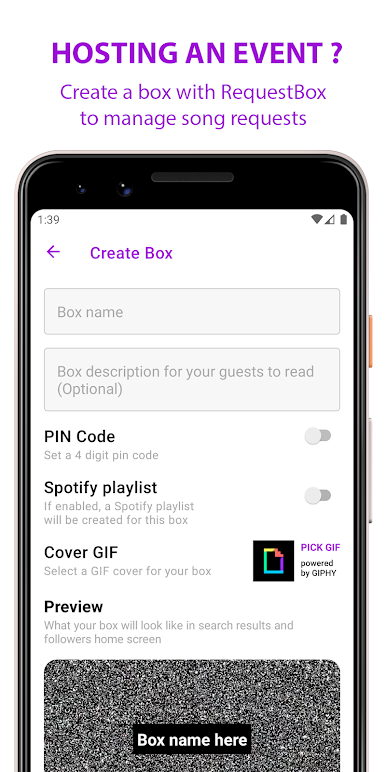
Hosting an event?
Use RequestBox to create a box for your guests to drop their song requests in. You can create a box to get song requests in advance to help prepare a setlist. Or create a box during the party and receive live requests.
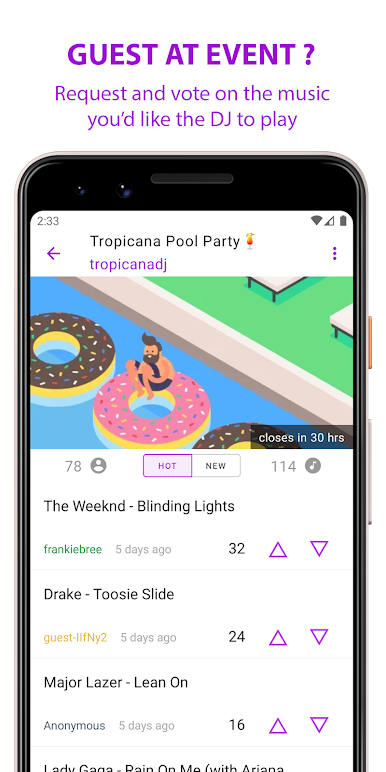
Guest at a party?
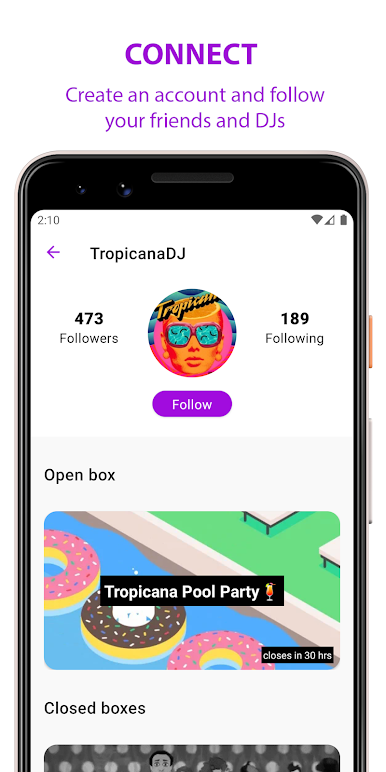
As a guest, you can influence the music by dropping song requests or by voting on other guests requests. You can also create an account to follow your favorite hosts/DJs and be the first to know when they create a new box.
Note: RequestBox does not manage music playback. It is up to the host to use their preferred platform to source and play the music.
Main features:
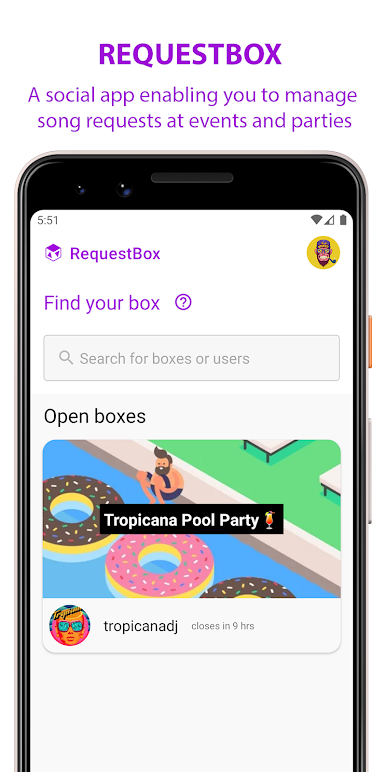
• No sign ups required for guests. Just download the app, search for the box and request away.
• Search for your favorite songs with the help of Spotify search
• Boxes can be opened for up to 48 hours. You can also set a pin code for access, modify the request interval per guest and much more.
• Optional Spotify playlist integration for your box.
* Spotify features may be limited to territories and regions where Spotify is available
Играйте в игру RequestBox на ПК. Это легко и просто.
-
Скачайте и установите BlueStacks на ПК.
-
Войдите в аккаунт Google, чтобы получить доступ к Google Play, или сделайте это позже.
-
В поле поиска, которое находится в правой части экрана, введите название игры – RequestBox.
-
Среди результатов поиска найдите игру RequestBox и нажмите на кнопку "Установить".
-
Завершите авторизацию в Google (если вы пропустили этот шаг в начале) и установите игру RequestBox.
-
Нажмите на ярлык игры RequestBox на главном экране, чтобы начать играть.

