


RescueTime Classic
Spiele auf dem PC mit BlueStacks - der Android-Gaming-Plattform, der über 500 Millionen Spieler vertrauen.

Seite geändert am: Aug 23, 2023
Run RescueTime Classic on PC or Mac
Upgrade your experience. Try RescueTime Classic, the fantastic Productivity app from RescueTime, from the comfort of your laptop, PC, or Mac, only on BlueStacks.
About the App
Ever wondered where your day really goes? RescueTime Classic can show you. This handy Productivity app by RescueTime keeps tabs on how you spend your time on your Android device, letting you spot those sneaky distractions, set goals, and build better habits. You get honest, accurate feedback—not just about your phone use, but about your whole daily routine. Plug into it through BlueStacks for an even smoother desktop experience if that’s more your thing.
App Features
-
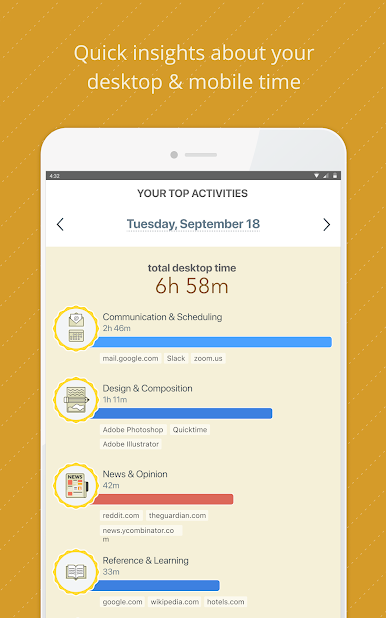
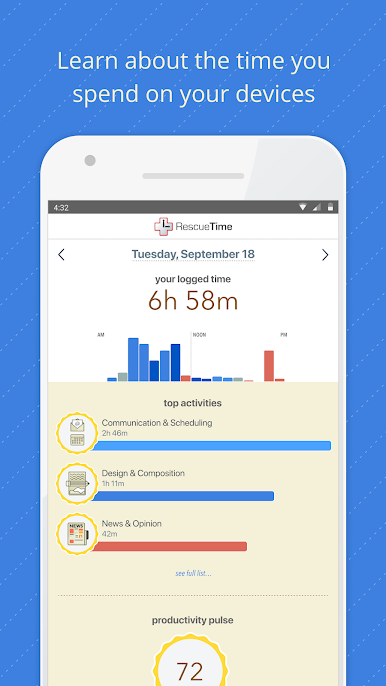
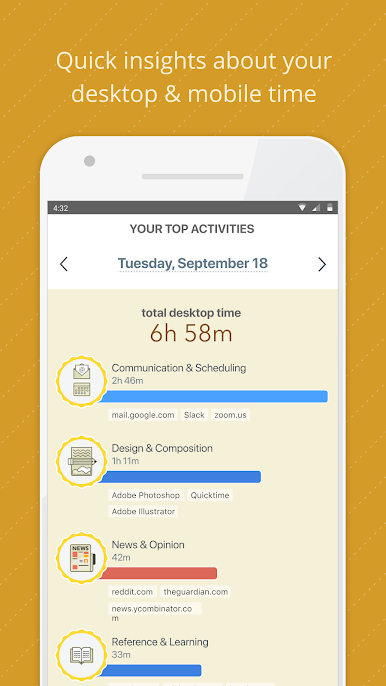
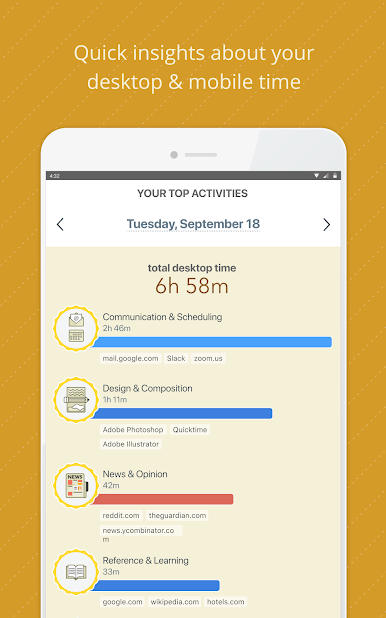
Automatic Time & App Tracking
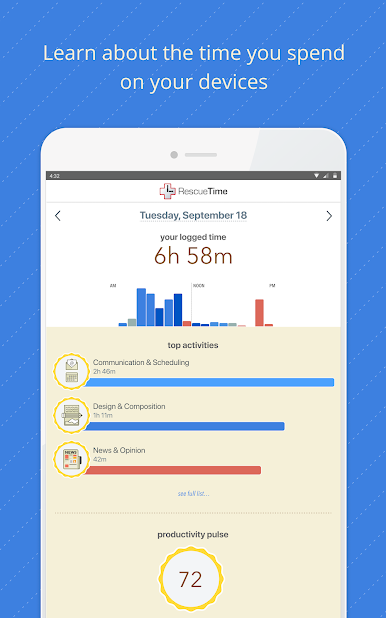
RescueTime Classic quietly monitors your activity on your Android device, breaking down exactly how much time you spend on certain apps or activities. Prefer working on your computer? You can sync up with the desktop app, too, for full coverage. -
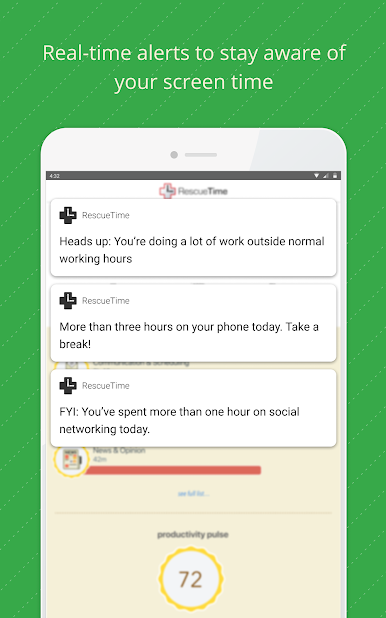
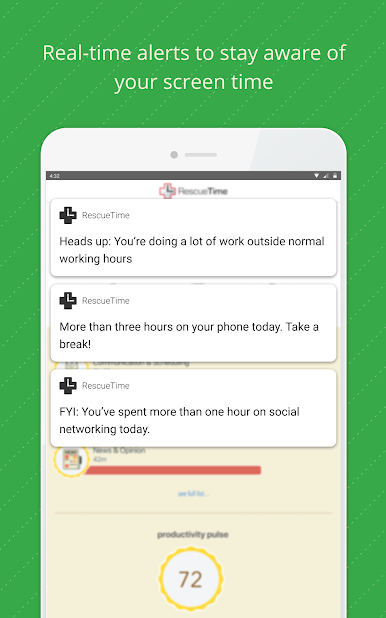
Custom Goals & Real-Time Alerts
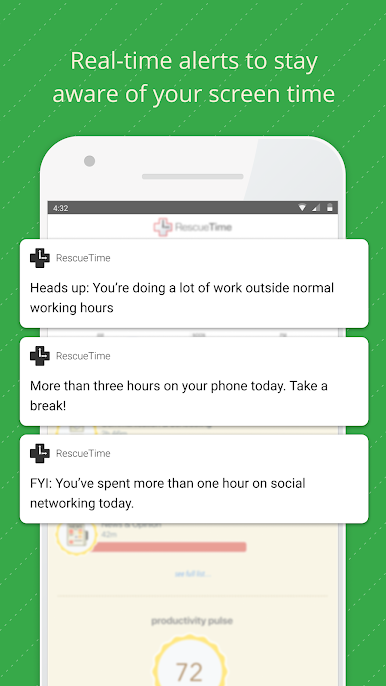
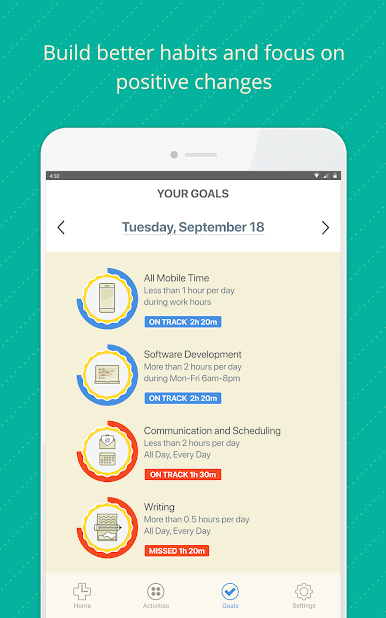
Got a screen time goal in mind? You can set your daily limits—and RescueTime Classic will nudge you with a heads-up if you’re overdoing it. If you hit your targets, you’ll get a friendly shout-out, too. -
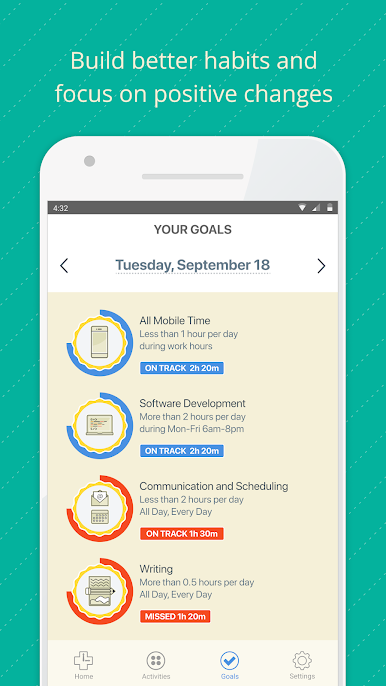
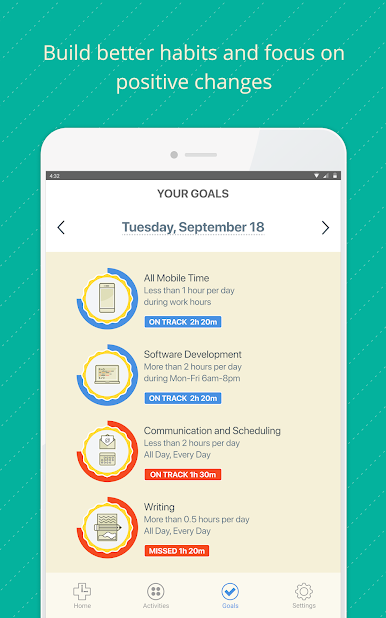
Personal Dashboard for Habits
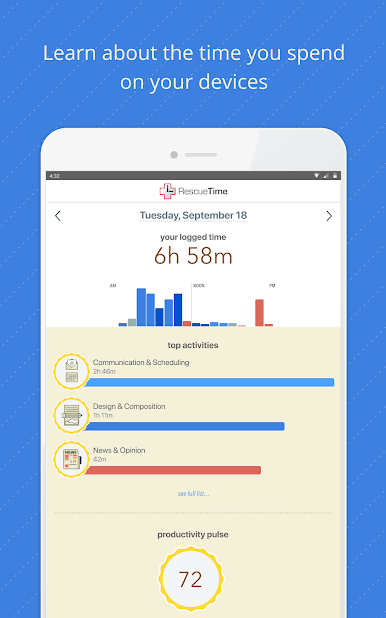
All your goals and usage stats are front and center in a simple dashboard, so you can see where you’re making progress or slipping up. Want less social scrolling or more time writing? It’s easy to keep track. -
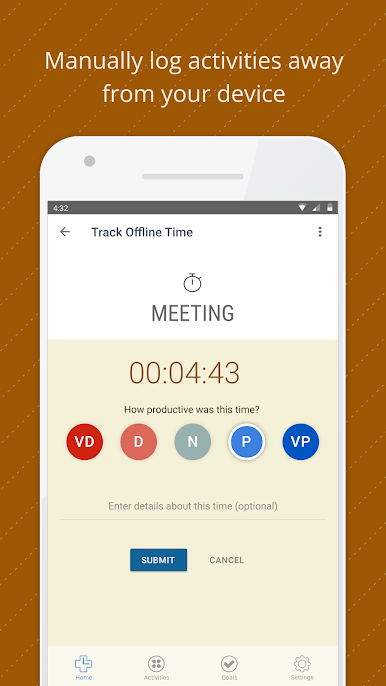
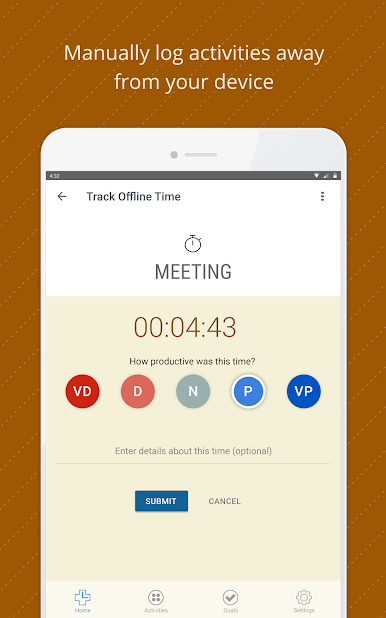
Offline Activity Logging
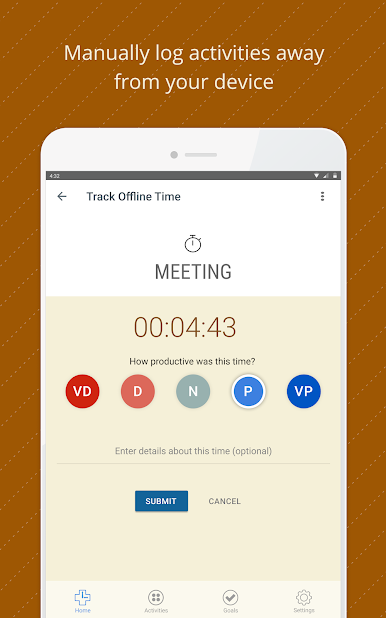
Don’t want to miss anything? Log meetings, lunch breaks, phone calls, or any offline tasks directly from your phone. It’s all in one place for a big-picture look at your day. -
FocusTime Mode with Do-Not-Disturb
Need deep focus? Activate FocusTime, and RescueTime Classic will automatically silence notifications and block distracting websites, so you aren’t tempted to lose your groove. -
Premium Upgrades
Level up for more powerful options like unlimited data history, super-detailed reports, and distraction blocking on your computer. Premium lets you see every angle of your productivity game. -
Privacy Controls
You’re in charge. RescueTime Classic has privacy options, so you decide what gets tracked and what doesn’t—no surprises, just useful info.
Eager to take your app experience to the next level? Start right away by downloading BlueStacks on your PC or Mac.
Spiele RescueTime Classic auf dem PC. Der Einstieg ist einfach.
-
Lade BlueStacks herunter und installiere es auf deinem PC
-
Schließe die Google-Anmeldung ab, um auf den Play Store zuzugreifen, oder mache es später
-
Suche in der Suchleiste oben rechts nach RescueTime Classic
-
Klicke hier, um RescueTime Classic aus den Suchergebnissen zu installieren
-
Schließe die Google-Anmeldung ab (wenn du Schritt 2 übersprungen hast), um RescueTime Classic zu installieren.
-
Klicke auf dem Startbildschirm auf das RescueTime Classic Symbol, um mit dem Spielen zu beginnen

