


WiFi Bağlantı Yöneticisi
500M + oyuncunun güvendiği Android Oyun Platformu, BlueStacks ile PC'de oynayın.

Sayfa Değiştirilme tarihi: Oct 31, 2025
Run WiFi Connection Manager on PC or Mac
Let BlueStacks turn your PC, Mac, or laptop into the perfect home for WiFi Connection Manager, a fun Tools app from roamingsoft.
About the App
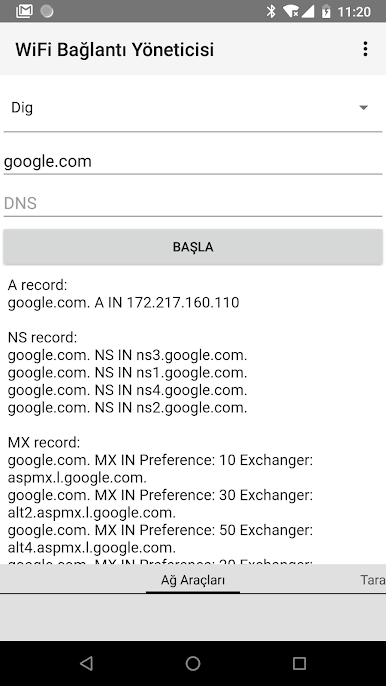
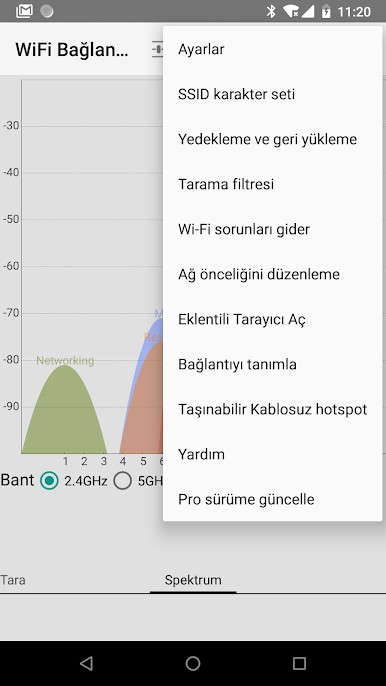
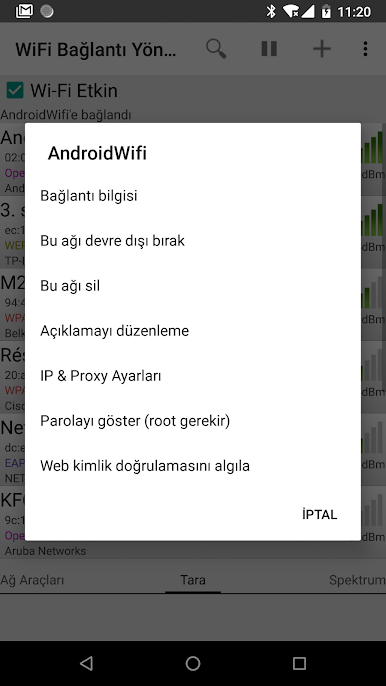
Looking for an easy way to take control of your Wi-Fi connections? WiFi Connection Manager by roamingsoft lets you scan, connect, and manage your networks without any fuss. Whether you’re hopping between different hotspots or just want more info about what’s around, this app’s got your back. Setting up a static IP, dealing with hidden networks, or troubleshooting Wi-Fi issues—it all gets a little simpler here.
App Features
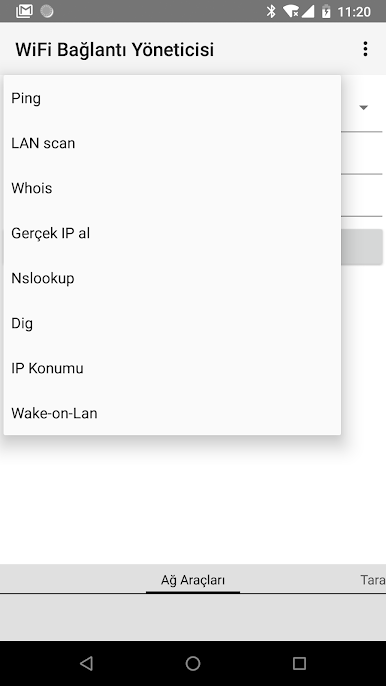
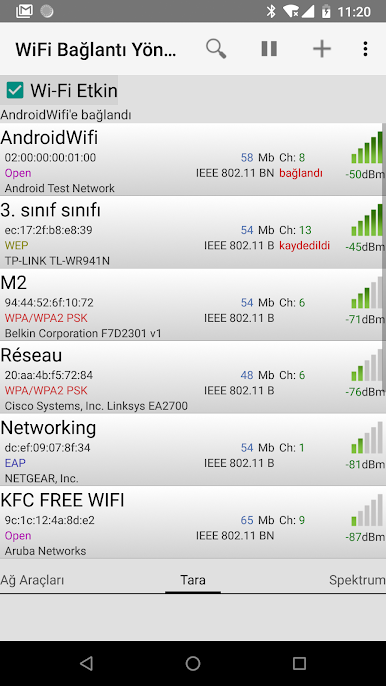
- Intuitive Network Scanning
Find available networks (including ones with non-English names or special characters like Chinese, Korean, Russian, and more) at a glance. - Fast Connection Setup
Connect instantly to hotspots as soon as they pop up, skipping the usual long waits from the default system scanner. - Easy Troubleshooting
Ran into a Wi-Fi headache? The app can help sort out common connection problems quickly. - Support for Static IP & Auto-Switch
Easily set up static IPs for networks and seamlessly switch between different access points without manual effort. - Handle Hidden and Advanced Networks
Add or join networks with hidden SSIDs, even those with special encryptions like EAP/LEAP, when your device supports it. - Network Details & Priority Control
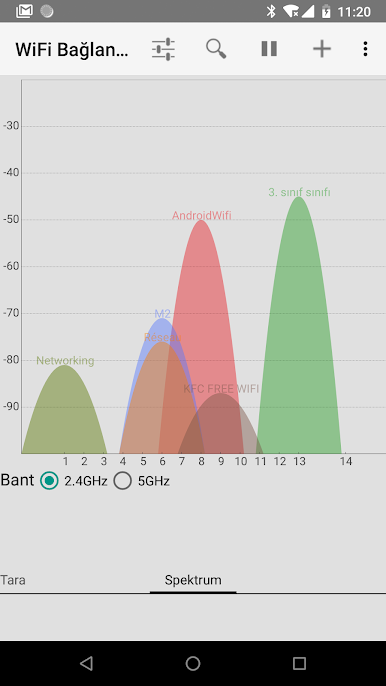
Peek under the hood at bandwidth, channel, type, and more. Plus, set which networks your device should favor automatically. - WPS and Tethering
Use Wi-Fi Protected Setup on compatible devices and turn on mobile hotspot features with just a few taps. - Web Login Detection
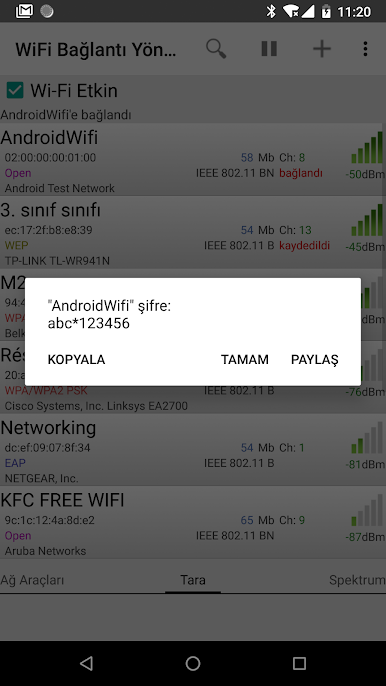
Automatically detect networks needing web authentication, sparing you those annoying extra steps. - QR Code Sharing and Backup
Add or share networks using QR codes, or backup and restore your saved connections for peace of mind. - Auto-Switch for Weak Signals
If your current network isn’t cutting it, the app can hop to a better saved network on its own.
You can run WiFi Connection Manager comfortably on BlueStacks if you need it on your desktop setup. The app may need camera access for QR code sharing, storage permission to backup/restore, and network/phone permissions for ad support features.
Switch to BlueStacks and make the most of your apps on your PC or Mac.
WiFi Bağlantı Yöneticisi oyununu PC'de oyna. Başlamak çok kolay.
-
BlueStacks'i PC'nize İndirin ve Yükleyin
-
Play Store'a erişmek için Google girişi yapın ya da daha sonraya bırakın.
-
Sağ üst köşeye WiFi Bağlantı Yöneticisi yazarak arayın.
-
WiFi Bağlantı Yöneticisi uygulamasını arama sonuçlarından indirmek için tıklayın.
-
(iEğer Adım 2'yi atladıysanız) WiFi Bağlantı Yöneticisi uygulamasını yüklemek için Google'a giriş yapın.
-
Oynatmaya başlatmak için ekrandaki WiFi Bağlantı Yöneticisi ikonuna tıklayın.

