

Geometry Dash
Spiele auf dem PC mit BlueStacks - der Android-Gaming-Plattform, der über 500 Millionen Spieler vertrauen.

Seite geändert am: Jan 27, 2026
Spiel Geometry Dash auf deinem PC oder Mac
Geometry Dash ist ein Arcade-Spiel, das von RobTop Games entwickelt wurde. Der BlueStacks App-Player ist die beste Plattform, um dieses Android-Spiel auf deinem PC oder Mac zu spielen und ein intensives Spielerlebnis zu erleben.
Geometry Dash: Meistere den Rhythmus der Herausforderung
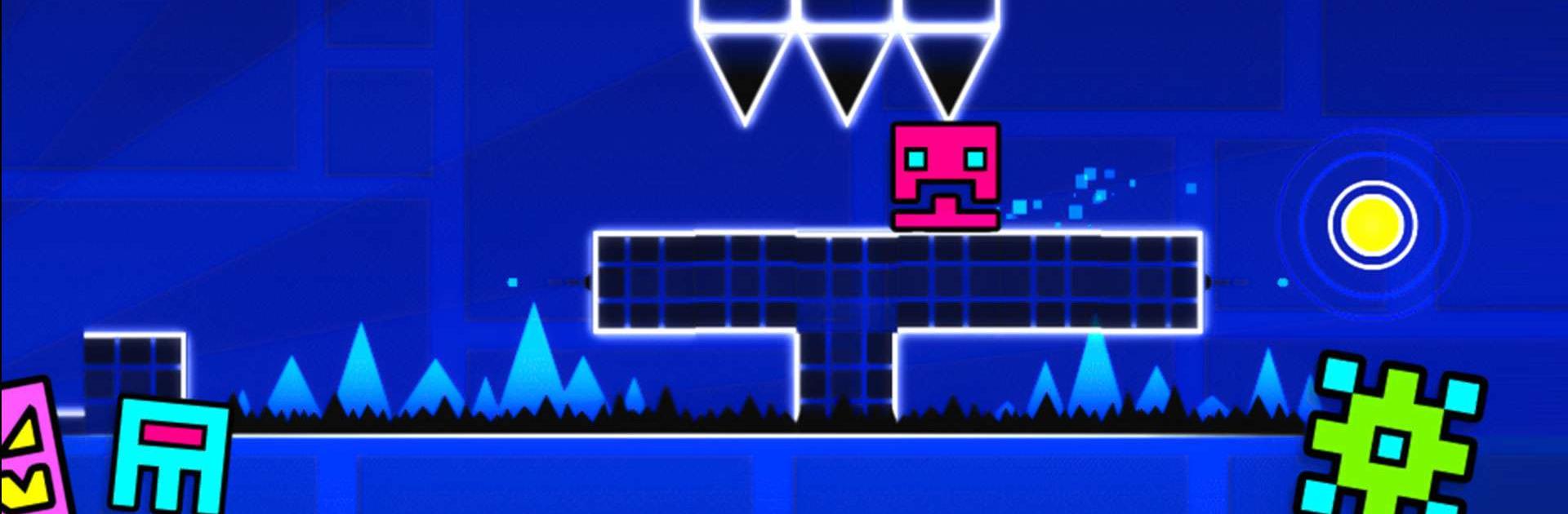
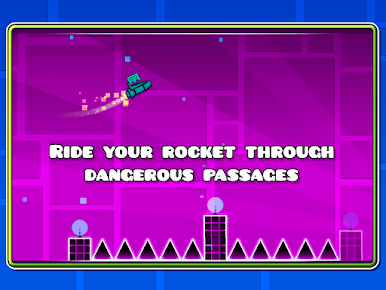
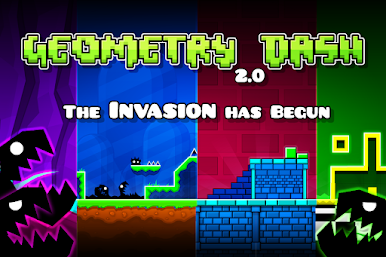
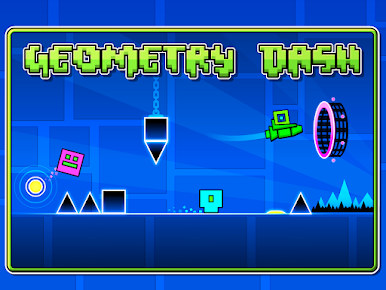
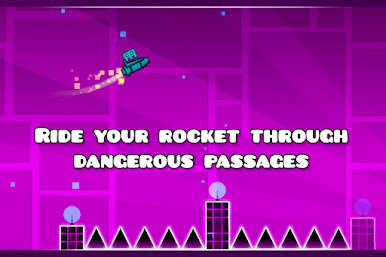
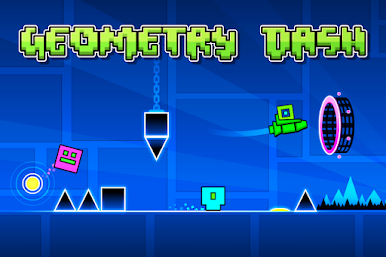
Tauche ein in die rasante Welt von Geometry Dash, einem rhythmusbasierten Action-Plattformer, der deine Reflexe und Fähigkeiten auf die Probe stellt. Springe, fliege und kämpfe dich durch gefährliche Passagen und stachelige Hindernisse, während du dich dem nahezu Unmöglichen stellst. Mit einfachem One-Touch-Gameplay und zahlreichen Levels bietet dieses Spiel stundenlangen Nervenkitzel.
- Rhythmusbasiertes Gameplay: Synchronisiere deine Bewegungen mit zahlreichen, packenden Soundtracks.
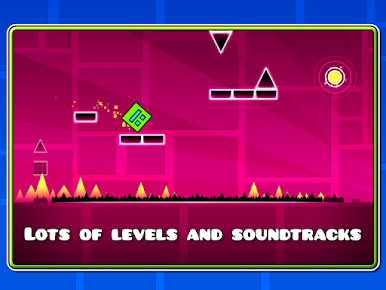
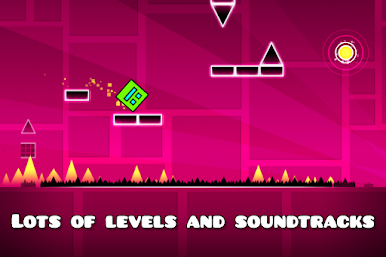
- Vielzahl an Levels: Erlebe zahlreiche Levels, jedes mit seinem einzigartigen Sound-Design und Artworks.
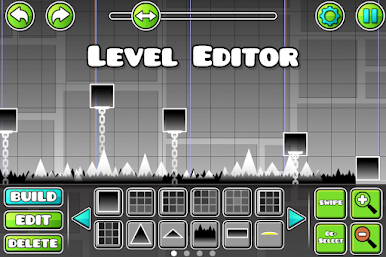
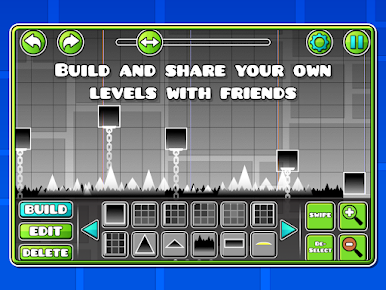
- Level-Editor: Erstelle und teile deine eigenen Levels und fordere deine Freunde heraus.
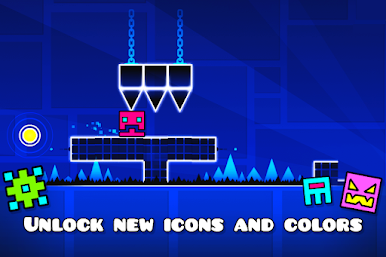
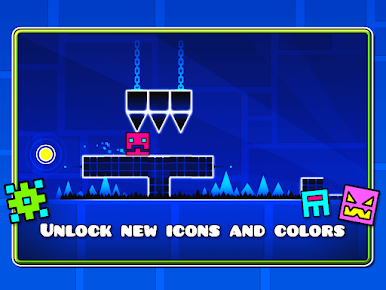
- Charakteranpassung: Schalte neue Symbole und Farben frei, um deinen Charakter individuell zu gestalten.
- Vielfältige Mechaniken: Fliege Raketen, drehe die Schwerkraft um und mehr.
Spannende Herausforderungen und Belohnungen
Geometry Dash bietet dir nicht nur pures Adrenalin, sondern auch viele Möglichkeiten zur Verbesserung deiner Fähigkeiten und zum Freischalten von Belohnungen. Nutze den Übungsmodus, um schwierige Passagen zu meistern und bereite dich auf die ultimative Herausforderung vor.
- Übungsmodus: Trainiere deine Fähigkeiten und perfektioniere deine Bewegungen.
- Erfolge und Belohnungen: Sammle zahlreiche Erfolge und erhalte wertvolle Belohnungen.
- Keine In-App-Käufe: Genieße das vollständige Spielerlebnis ohne zusätzliche Kosten.
- Nahezu unmöglich: Fordere dich selbst mit extrem schwierigen Levels heraus.
- Community-getriebener Inhalt: Teile deine Kreationen und spiele Levels von anderen Spielern.
Werde zum Meister von Geometrie und Rhythmus
Erlebe die einzigartige und packende Kombination aus Rhythmus und Action in Geometry Dash. Lade das Spiel jetzt mit dem BlueStacks App-Player herunter, um es gemütlich auf deine PC oder Mac zu spielen. Stelle dich der Herausforderung und beweise dein Rhythmusgefühl!
Du kannst Geometry Dash auch in deinem Browser auf deinem PC oder Smartphone spielen, ohne es herunterzuladen. Klicke und spiele sofort!
Spiele Geometry Dash auf dem PC. Der Einstieg ist einfach.
-
Lade BlueStacks herunter und installiere es auf deinem PC
-
Schließe die Google-Anmeldung ab, um auf den Play Store zuzugreifen, oder mache es später
-
Suche in der Suchleiste oben rechts nach Geometry Dash
-
Klicke hier, um Geometry Dash aus den Suchergebnissen zu installieren
-
Schließe die Google-Anmeldung ab (wenn du Schritt 2 übersprungen hast), um Geometry Dash zu installieren.
-
Klicke auf dem Startbildschirm auf das Geometry Dash Symbol, um mit dem Spielen zu beginnen

