

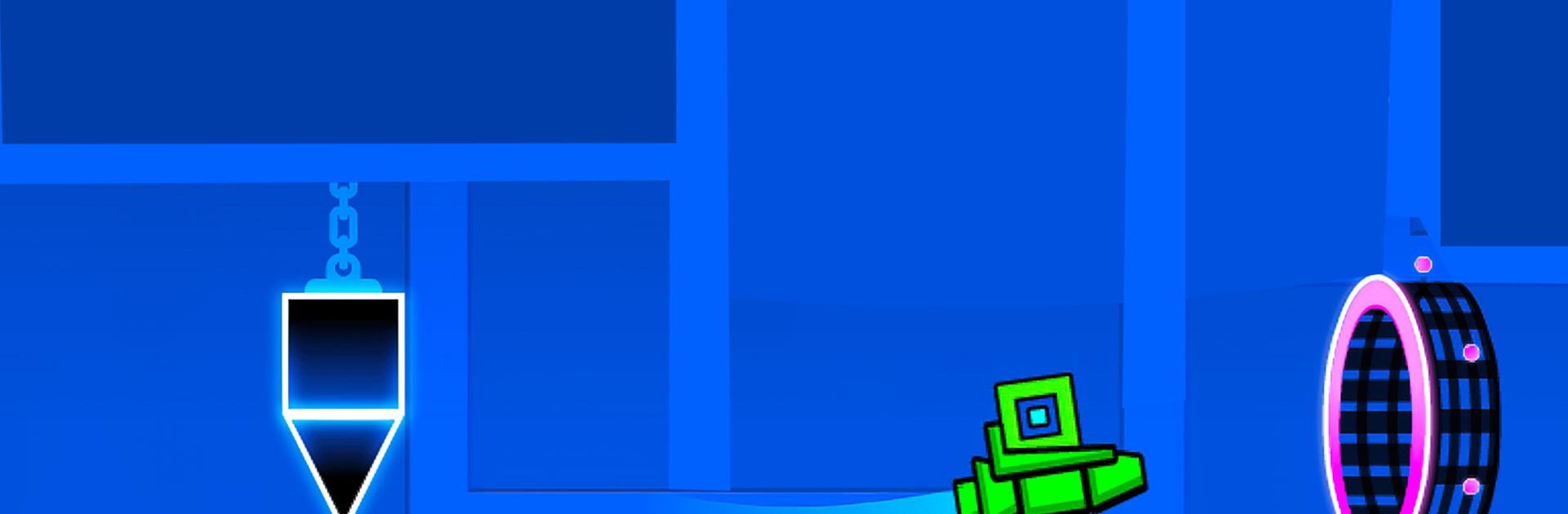
Geometry Dash Lite
Spiele auf dem PC mit BlueStacks - der Android-Gaming-Plattform, der über 500 Millionen Spieler vertrauen.

Seite geändert am: Jan 30, 2026
Spiel Geometry Dash Lite auf deinem PC oder Mac
Geometry Dash Lite ist ein Actionspiel entwickelt von RobTop Games. Der BlueStacks App-Player ist die beste Plattform (Emulator), um dieses Android-Spiel auf deinem PC oder Mac zu spielen und in ein fesselndes Spielerlebnis einzutauchen.
Lade Geometry Dash Lite mit BlueStacks auf deinen PC herunter und probiere diesen klassischen Rhythmus-Platformer aus! Aber stell dich darauf ein, dass das Spiel dich absolut süchtig machen wird.
Elektrisierende Rhythmus-basierte Action
- Freischaltbare Charaktere und Farben
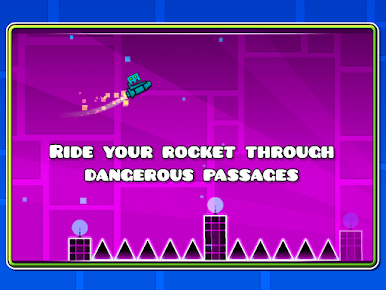
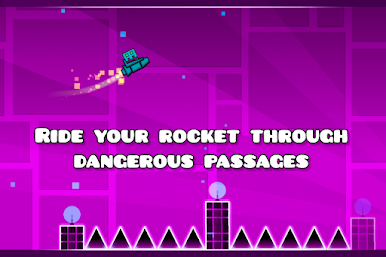
- Spannende Raketenflüge
- Chaotische Schwerkraft-Action
- Nützlicher Übungsmodus
- Beinahe unmögliche Herausforderungen
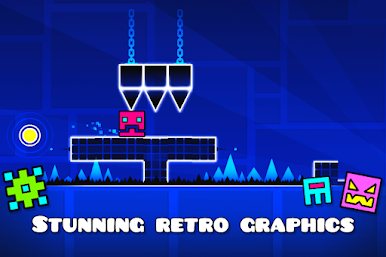
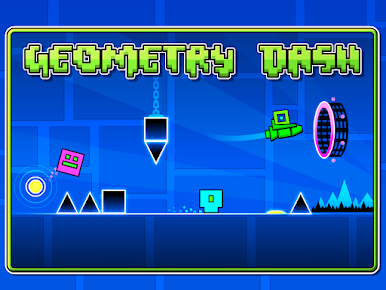
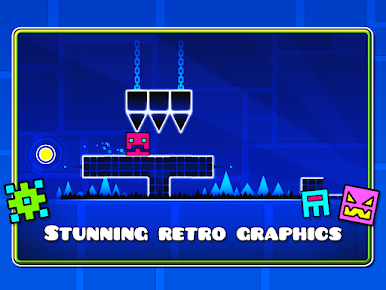
Geometry Dash Lite bietet ein elektrisierendes Rhythmus-basiertes Action-Platforming-Erlebnis. Hier kannst du springen, fliegen und dich durch gefährliche Passagen mit stachligen Hindernissen manövrieren. Die mitreißende Musik ist perfekt synchronisiert mit dem Gameplay und bietet ein immersives Erlebnis, das dich ständig auf Trab hält.
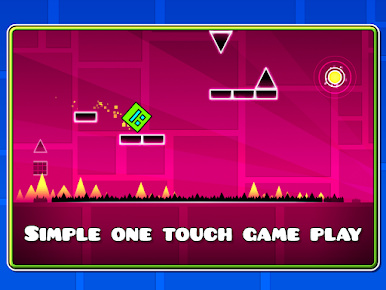
Ein-Touch-Steuerung
Spielen kann Geometry Dash Lite jeder, aber es zu meistern erfordert Geschick und Genauigkeit. Diese Einfachheit macht das Spiel für alle Altersgruppen zugänglich und verwandelt jeden Moment in eine spannende Herausforderung! Die einfache Steuerung gepaart mit zunehmend komplexeren Levels schaffen eine Balance, die unfassbaren Spaß macht und dich zugleich herrlich frustriert!
Lade Geometry Dash Lite mit BlueStacks auf deinen PC herunter und erstell deine eigenen Levels mit dem Online-Editor. Teile sie mit Freunden, um zu sehen, wer deine Herausforderungen meistern kann!
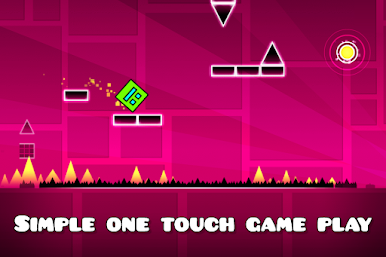
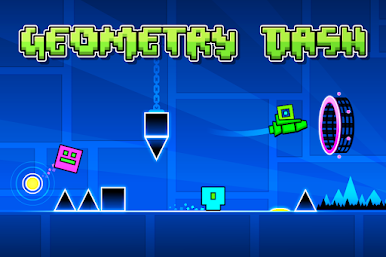
Spiele Geometry Dash Lite auf dem PC. Der Einstieg ist einfach.
-
Lade BlueStacks herunter und installiere es auf deinem PC
-
Schließe die Google-Anmeldung ab, um auf den Play Store zuzugreifen, oder mache es später
-
Suche in der Suchleiste oben rechts nach Geometry Dash Lite
-
Klicke hier, um Geometry Dash Lite aus den Suchergebnissen zu installieren
-
Schließe die Google-Anmeldung ab (wenn du Schritt 2 übersprungen hast), um Geometry Dash Lite zu installieren.
-
Klicke auf dem Startbildschirm auf das Geometry Dash Lite Symbol, um mit dem Spielen zu beginnen

