


Timestudy Stopwatch
500M + oyuncunun güvendiği Android Oyun Platformu, BlueStacks ile PC'de oynayın.

Sayfa Değiştirilme tarihi: Jan 7, 2025
Run Timestudy Stopwatch on PC or Mac
Get freedom from your phone’s obvious limitations. Use Timestudy Stopwatch, made by Robert Linsener, a Tools app on your PC or Mac with BlueStacks, and level up your experience.
About the App
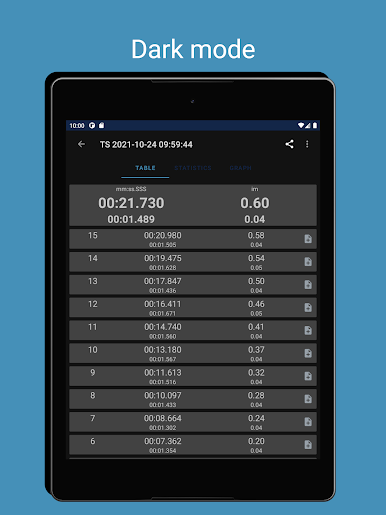
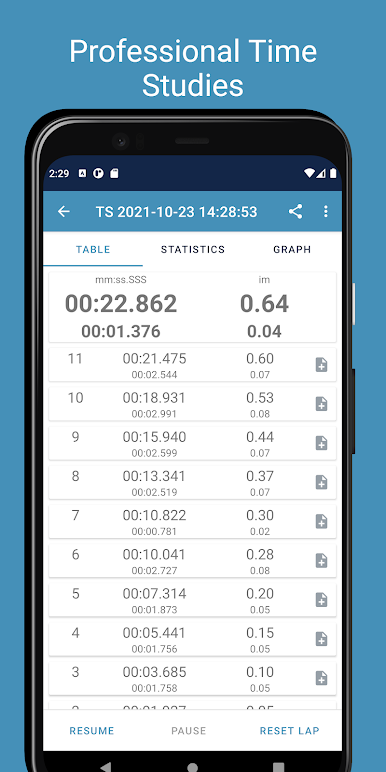
Need a stopwatch that goes beyond simple start and stop? Timestudy Stopwatch is built for folks working in industrial engineering or anyone who needs to track time with extra accuracy. Created by Robert Linsener, this app is all about making time studies, cycle counts, and takt time tracking way less of a hassle. It’s straightforward and won’t get bogged down with unnecessary extras—just open it up, get your timing on, and you’re good to go.
App Features
-
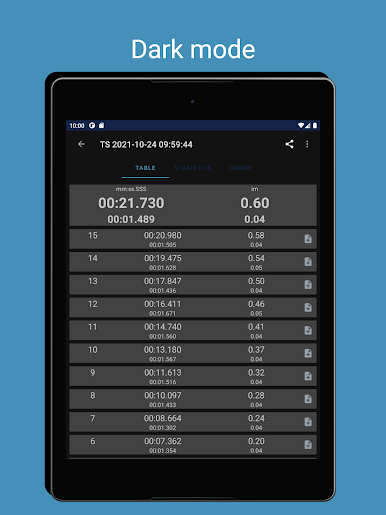
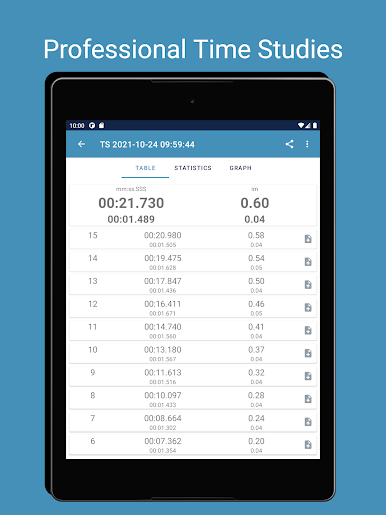
Detailed Time Tracking
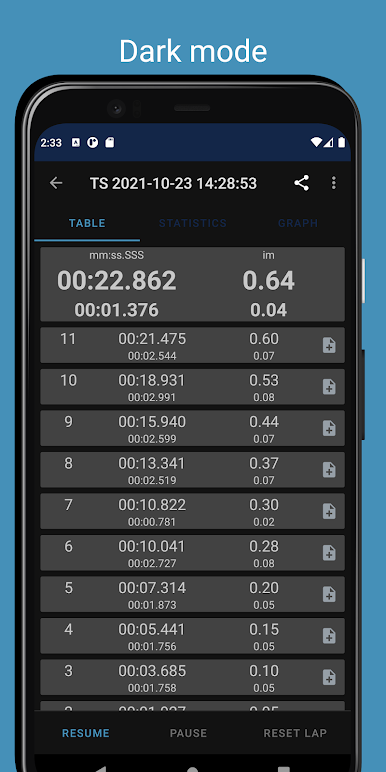
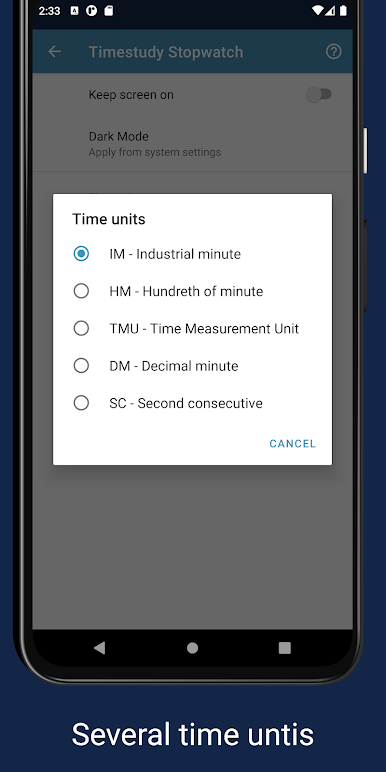
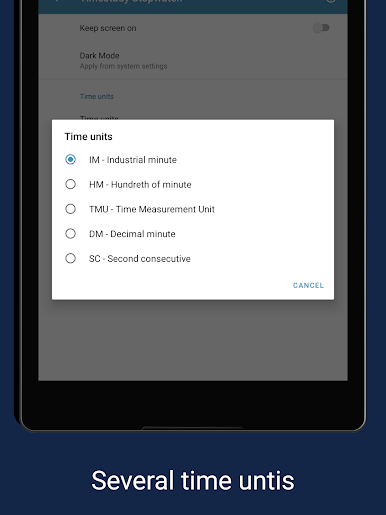
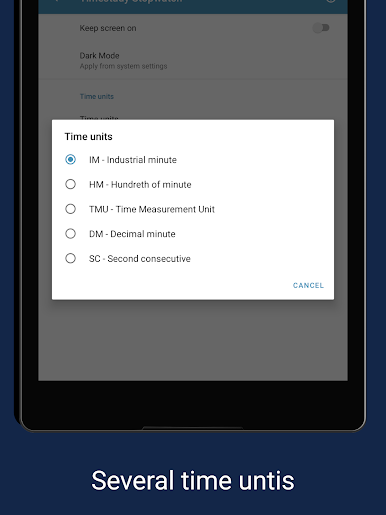
Get your readings in various professional formats—minutes, seconds, or milliseconds, sure, but also in decimal minutes, hundredths, and even industrial-specific units like TMUs. -
Lap and Split Functions
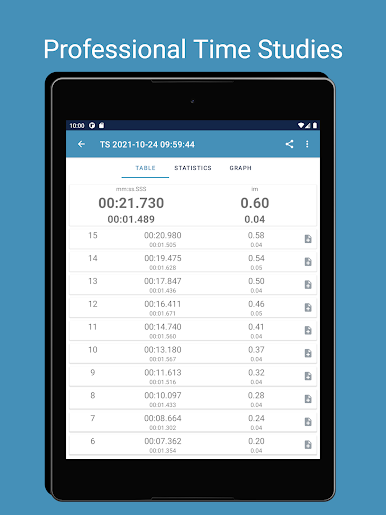
Quickly mark laps or splits with a tap. All your recorded intervals are neatly saved so you don’t lose any important data. -
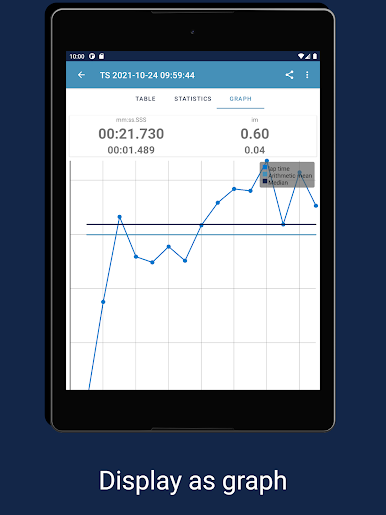
Statistical Insights
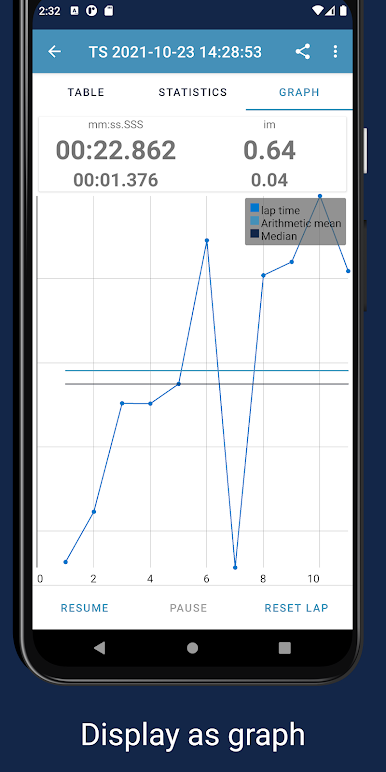
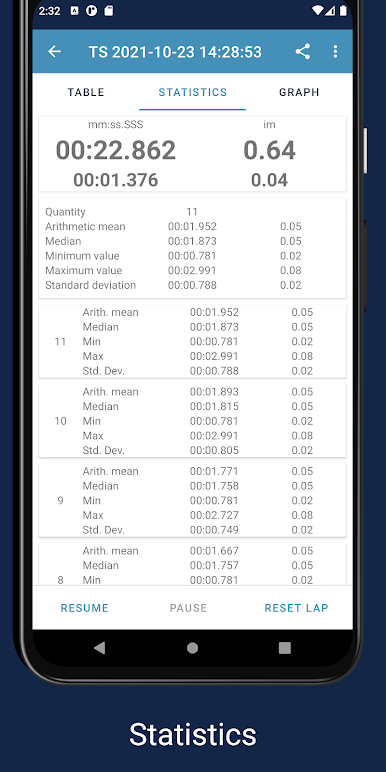
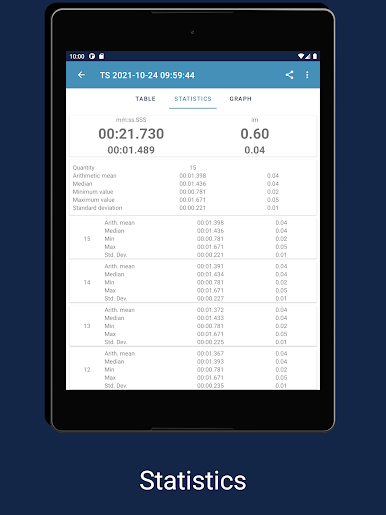
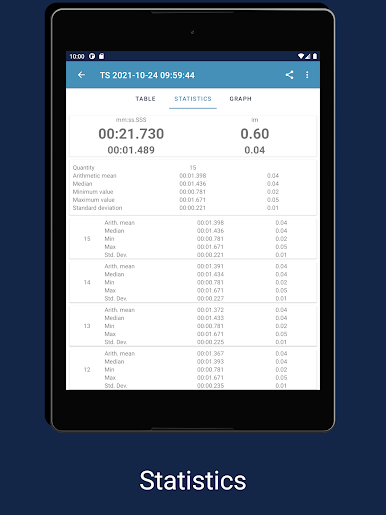
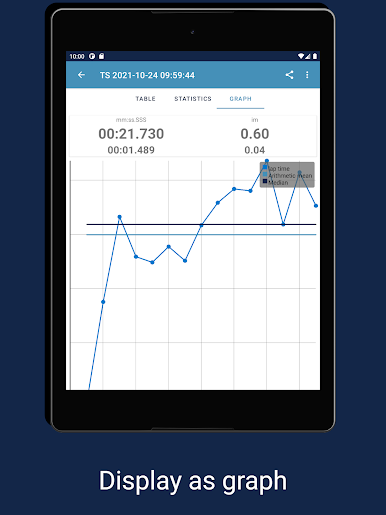
Curious about your fastest or slowest cycles? The app automatically calculates and displays your average, minimum, and maximum times for each session. -
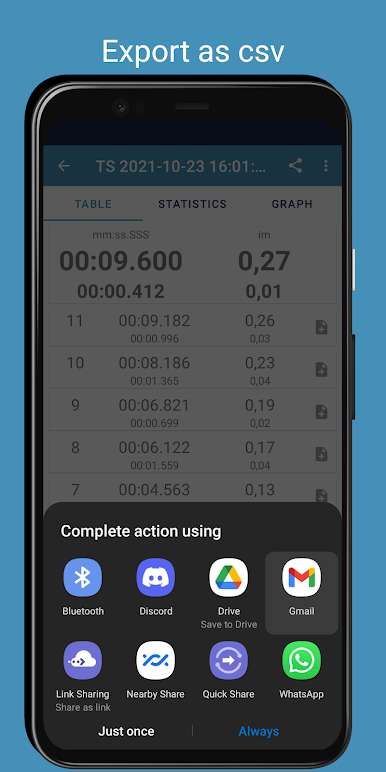
Easy Data Management
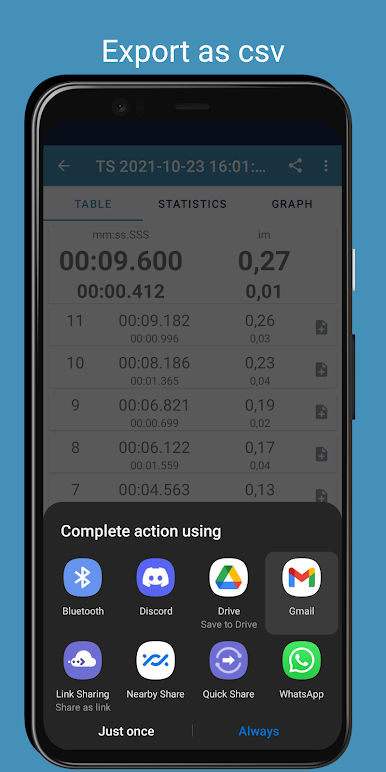
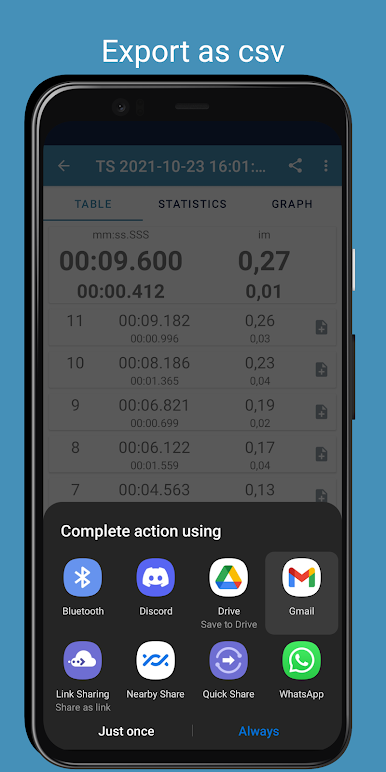
Save your completed studies, load previous ones, or export your timings as a .csv file. Perfect if you want to analyze your performance later in spreadsheet apps. -
No Ads, No Distractions
There’s nothing getting in your way—no pop-ups or banners, just you and your time studies. -
BlueStacks-Friendly
Works well on BlueStacks if you feel like moving your workflow to your PC for extra space and convenience.
Ready to experience Timestudy Stopwatch on a bigger screen, in all its glory? Download BlueStacks now.
Timestudy Stopwatch oyununu PC'de oyna. Başlamak çok kolay.
-
BlueStacks'i PC'nize İndirin ve Yükleyin
-
Play Store'a erişmek için Google girişi yapın ya da daha sonraya bırakın.
-
Sağ üst köşeye Timestudy Stopwatch yazarak arayın.
-
Timestudy Stopwatch uygulamasını arama sonuçlarından indirmek için tıklayın.
-
(iEğer Adım 2'yi atladıysanız) Timestudy Stopwatch uygulamasını yüklemek için Google'a giriş yapın.
-
Oynatmaya başlatmak için ekrandaki Timestudy Stopwatch ikonuna tıklayın.

