

SAM Root
Играйте на ПК с BlueStacks – игровой платформе для приложений на Android. Нас выбирают более 500 млн. игроков.

Страница изменена: Sep 28, 2025
Run iRobot Coding on PC or Mac
Let BlueStacks turn your PC, Mac, or laptop into the perfect home for iRobot Coding, a fun Education app from iRobot.
About the App
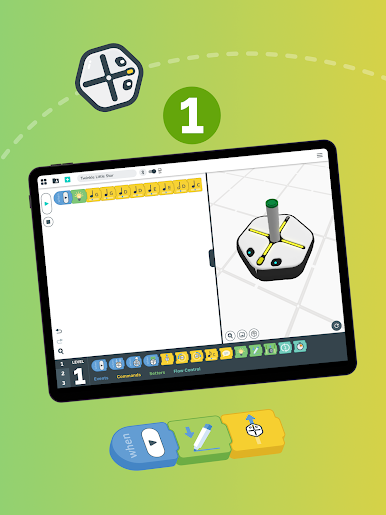
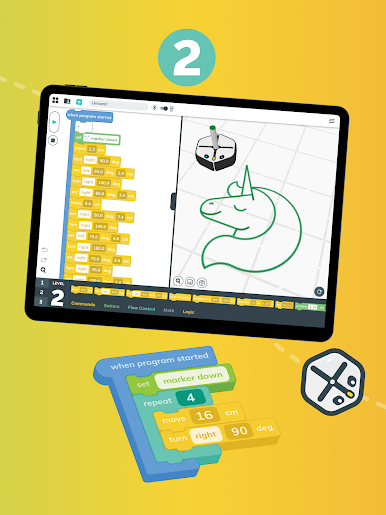
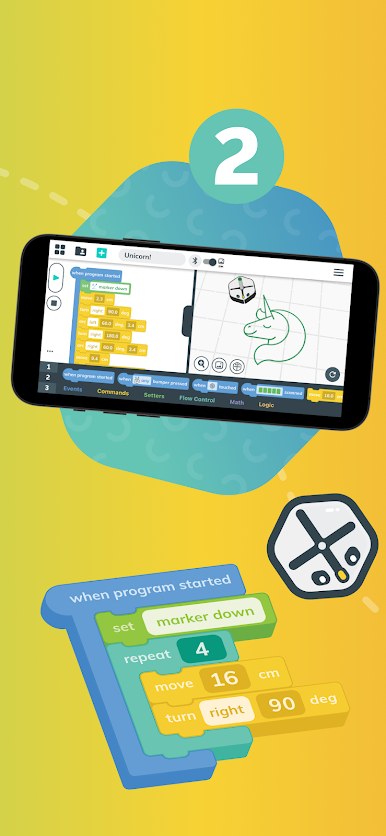
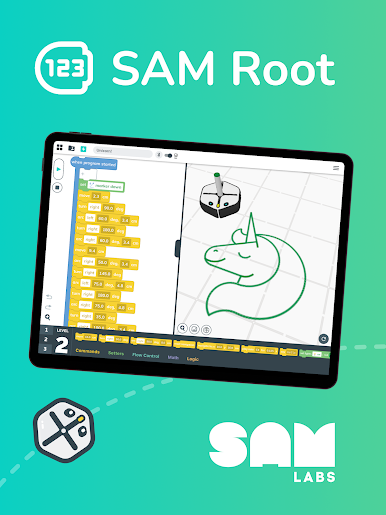
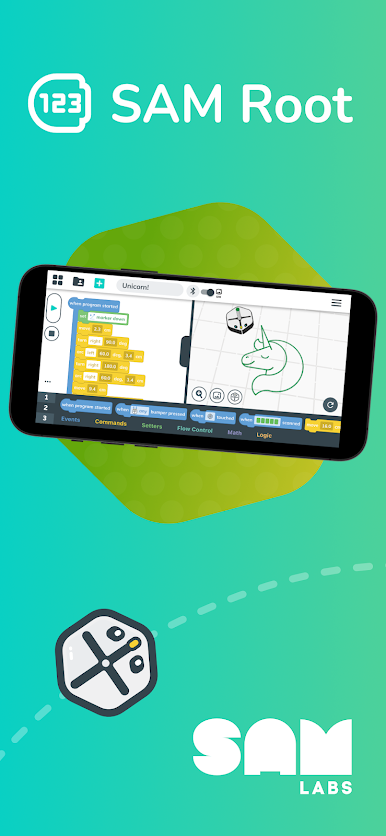
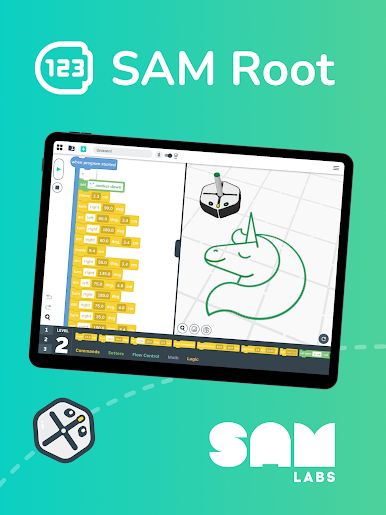
iRobot Coding is an Education app from iRobot that makes learning to program feel hands-on and approachable. You’ll experiment with code, guide robots through challenges, and see your ideas play out on screen or with a real Root robot. The experience scales with you—start simple, then step into more advanced tools as your confidence grows. Prefer a bigger workspace? You can also use it on your PC with BlueStacks.
App Features
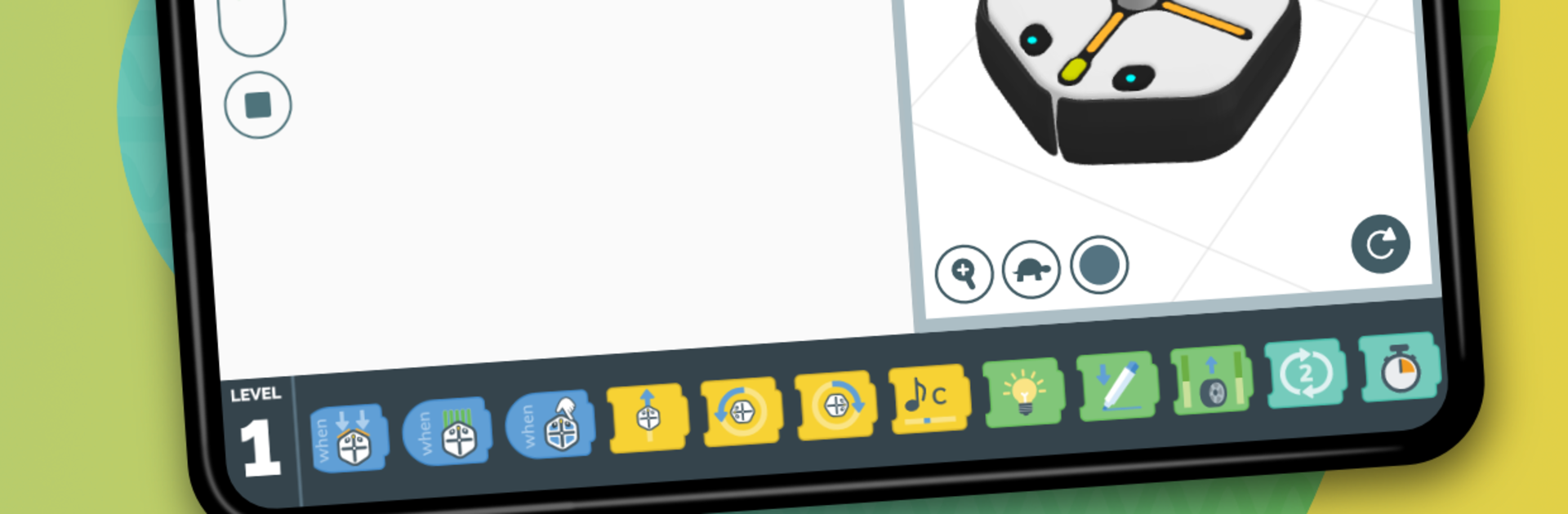
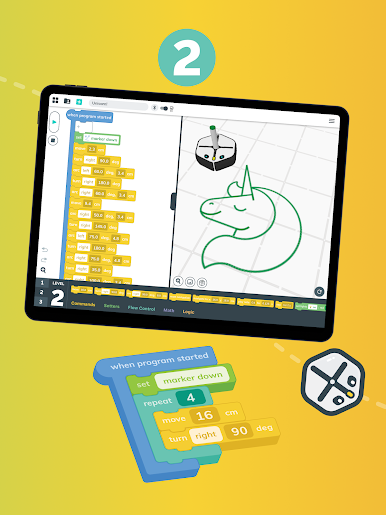
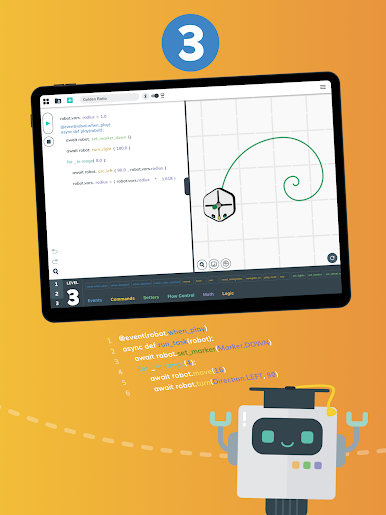
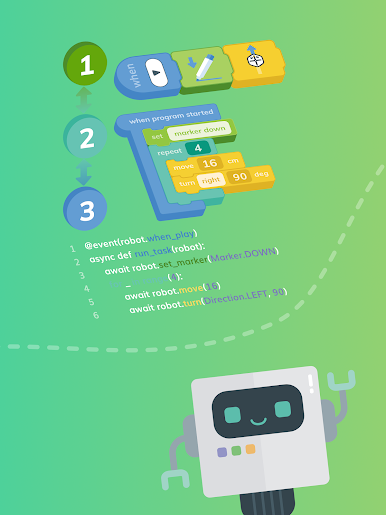
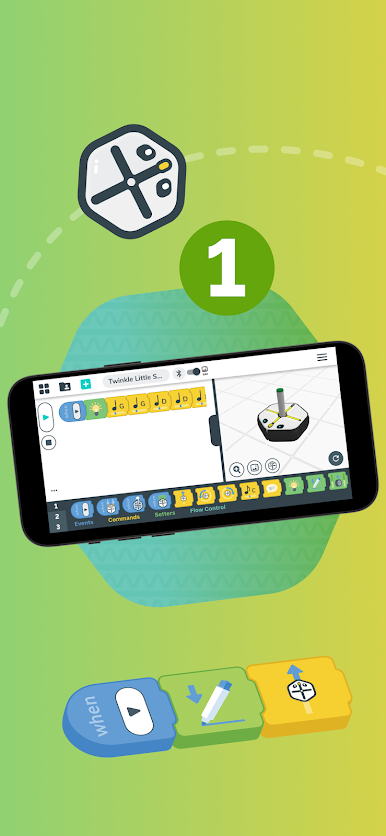
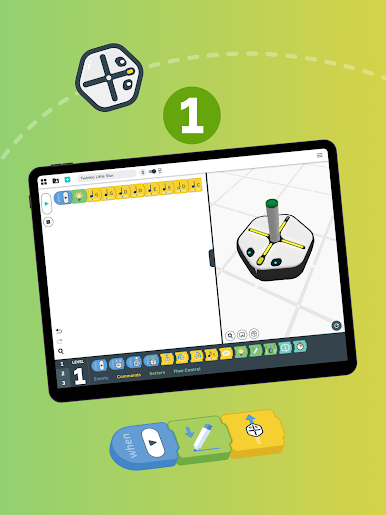
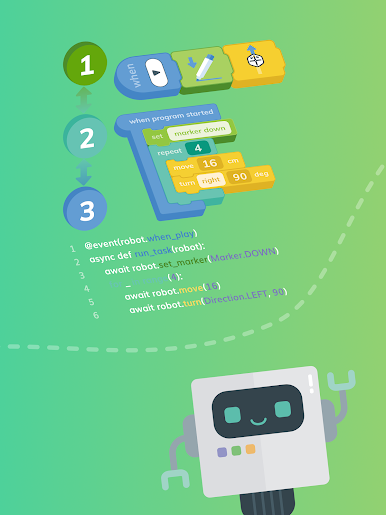
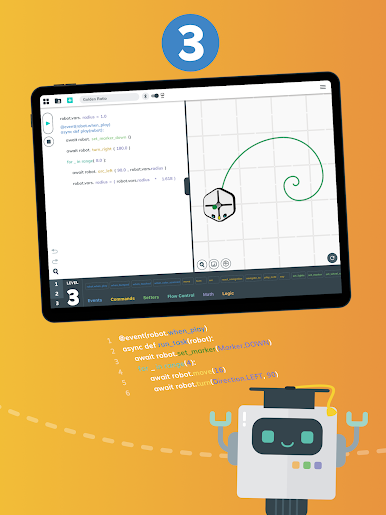
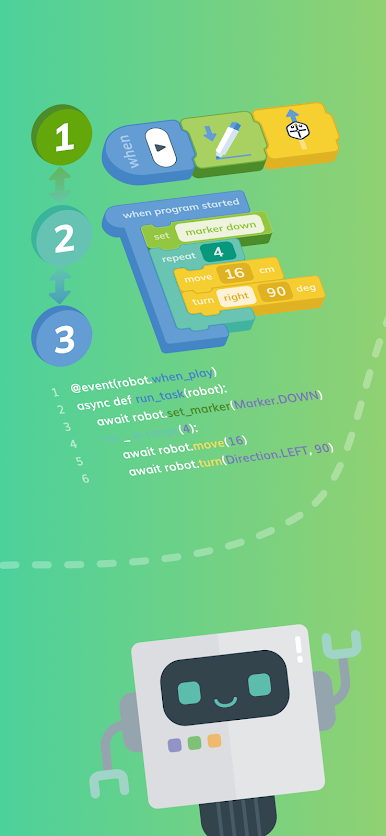
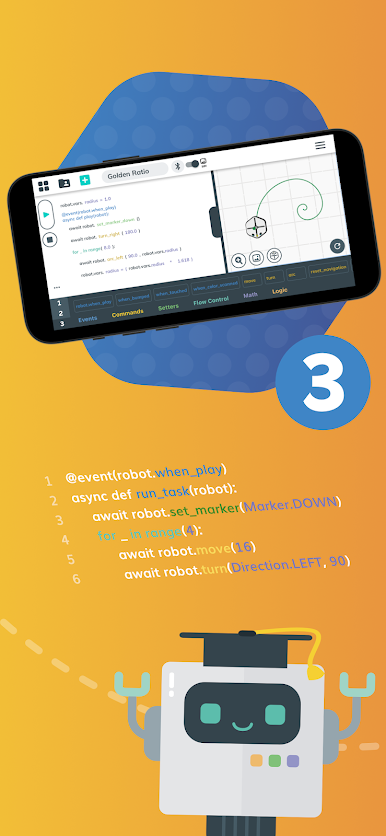
- Three ways to learn: Begin with visual, drag-and-drop blocks, move into a blended style that mixes icons with code, and then transition to full text using Swift when you’re ready.
- Smooth level switching: Instantly convert the same project between block, hybrid, and text views to understand how each concept translates across styles.
- Virtual robots (SimBots): Practice entirely on-screen by programming SimBots in interactive arenas—perfect for quick experiments or learning without hardware.
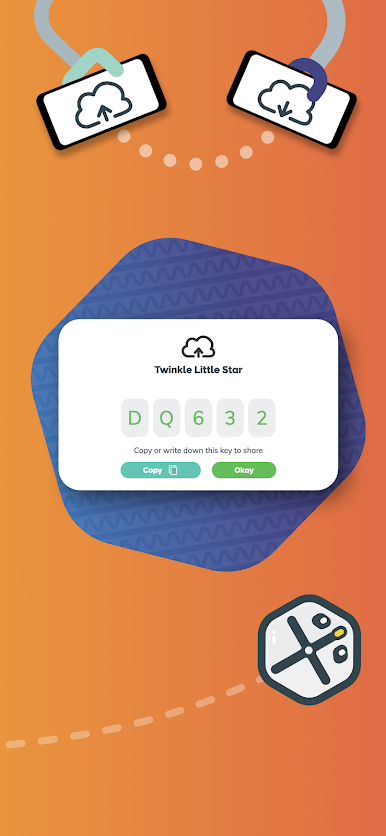
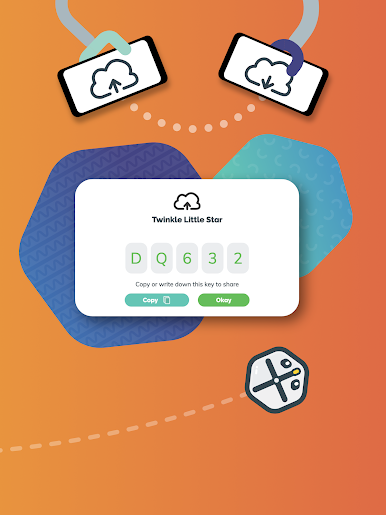
- Works with real robots: Pair with a Root coding robot to watch your code draw, drive, sense obstacles, light up, and even play sounds in the real world.
- Built for beginners to pros: Learn at your own pace, from the first “if/else” to more structured syntax, with a layout that keeps things clear as projects get more complex.
- Ready-made activities: Browse a library filled with tutorials, challenges, and sample programs for solo practice, one-on-one learning, or small groups.
- Classroom and home friendly: Whether you’re exploring coding for school, prepping for a future career, or just geeking out for fun, the app fits a variety of learning setups.
BlueStacks gives you the much-needed freedom to experience your favorite apps on a bigger screen. Get it now.
Играйте в игру SAM Root на ПК. Это легко и просто.
-
Скачайте и установите BlueStacks на ПК.
-
Войдите в аккаунт Google, чтобы получить доступ к Google Play, или сделайте это позже.
-
В поле поиска, которое находится в правой части экрана, введите название игры – SAM Root.
-
Среди результатов поиска найдите игру SAM Root и нажмите на кнопку "Установить".
-
Завершите авторизацию в Google (если вы пропустили этот шаг в начале) и установите игру SAM Root.
-
Нажмите на ярлык игры SAM Root на главном экране, чтобы начать играть.

