


AB Go!
Spiele auf dem PC mit BlueStacks - der Android-Gaming-Plattform, der über 500 Millionen Spieler vertrauen.

Seite geändert am: Sep 14, 2026
Übersicht
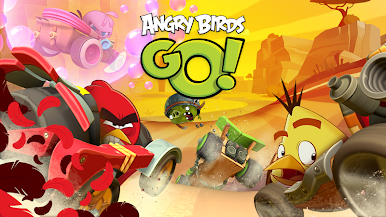
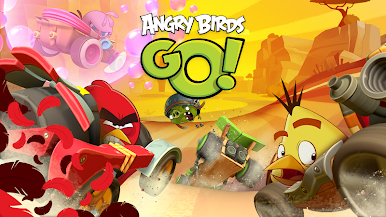
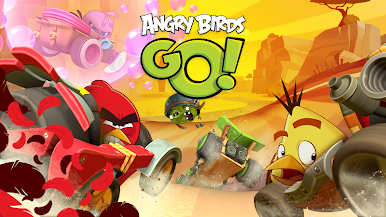
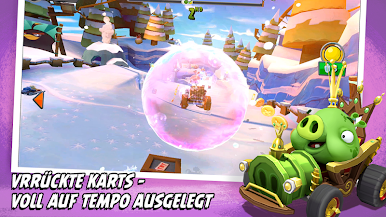
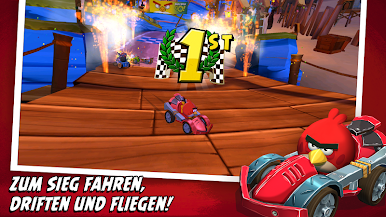
FAHRE RENNEN ALS VOGEL ODER SCHWEIN IN EINER 3D-WELT! Übernimm das Steuer mit einem deiner Lieblingscharaktere aus Angry Birds (Red, Chuck, Terence, Schweinekönig, Meisterschwein und vielen anderen) und tauche in die farbenfrohe 3D-Welt ein!
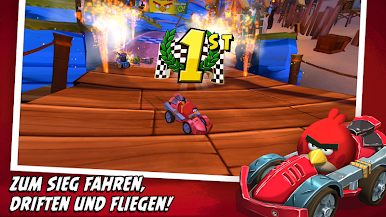
SPANNENDER KAMPAGNENMODUS! Zeige in lustigen und spannenden Rennen, was du drauf hast, und schalte exklusiven Belohnungen frei!
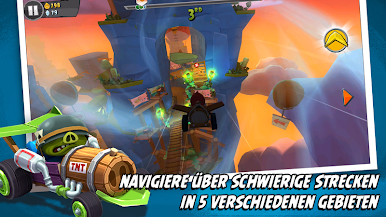
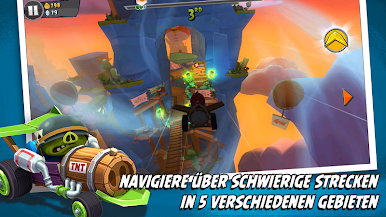
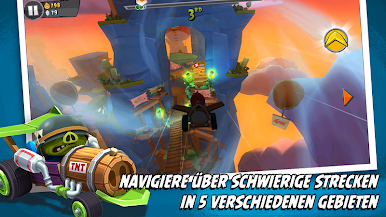
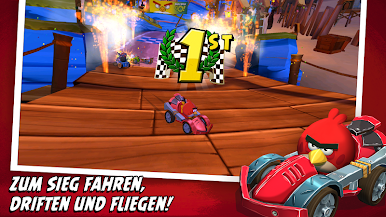
MEISTERE DIE STRECKEN! Viele Rennstrecken, Stuntstrecken, Luftstrecken und Offroad-Rennen – und alle gespickt mit großen und überraschenden Herausforderungen!
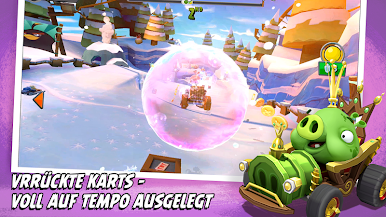
TOLLE SPEZIALKRÄFTE! Setze spezielle, für jeden Charakter einzigartige Kräfte ein, um deine Gegner hinter dir zu lassen und dich an die Spitze zu setzen!
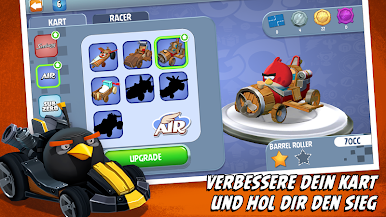
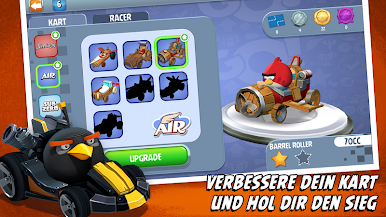
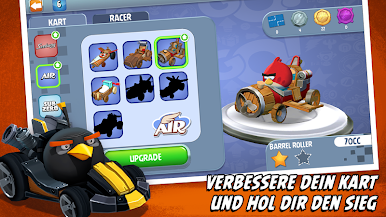
VERBESSERE DEIN KART! Sammle und verbessere deine Karts, um der beste Fahrer auf der Insel zu werden!
ZEITLICH BEGRENZTE TURNIERE! Spieglein, Spieglein an der Wand, wer ist der Schnellste im ganzen Land? Setze dich an die Spitze der Bestenliste und gewinne tolle Preise
TÄGLICHE RENNEN! Nimm jeden Tag an einem neuen Rennen teil und finde das versteckte Geschenkpaket auf der Strecke!
LOKALER MEHRSPIELRMODUS! Tritt im lokalen Mehrspielermodus in Echtzeit gegen deine Freunde an!
TELEPODS! Ein ganz neues Spielerlebnis! Bringe deine Lieblingscharaktere ins Rennen, indem du deine Angry Birds GO!-TELEPODS auf die Kamera deines Geräts stellst!*
BALD NOCH MEHR! Das neue Rennen hat gerade erst begonnen – freu dich also auf weitere lustige Neuerungen für 2016 in GO!
Für Angry Birds Go! benötigst du nun eine Internetverbindung. Nach dem Herunterladen der Daten für die Erstinstallation werden weitere Inhalte heruntergeladen, für die Datentransferkosten entstehen können (gemäß der Dienstleistungsrichtlinien deines Mobilfunkanbieters). Du kannst diese Kosten vermeiden, wenn du zum Spielen WLAN nutzt.
Dieses Spiel beinhaltet Werbeinhalte ausgewählter Partner.
Terms of Use: http://www.rovio.com/terms-of-service
Privacy Policy: http://www.rovio.com/privacy
Wichtiger Hinweis für Eltern!
Dieses Spiel kann folgende Dinge beinhalten:
– Direkte Links zu sozialen Netzwerken mit Inhalten für Personen über 13 Jahre
– Direkte Links ins Internet, die den Spieler aus dem Spiel auf eine Seite weiterleiten und so eventuell die Möglichkeit bieten, auch andere Internetseiten zu besuchen.
– Werbung für Produkte von Rovio und ausgewählten Partnern.
– Die Option, In-App-Käufe abzuschließen. Der zahlungspflichtige Rechnungsempfänger sollte immer vorab informiert werden.
*Angry Birds Go!-Telepods werden gesondert vertrieben und sind nur mit bestimmten Mobilgeräten kompatibel.
Spiele AB Go! auf dem PC. Der Einstieg ist einfach.
-
Lade BlueStacks herunter und installiere es auf deinem PC
-
Schließe die Google-Anmeldung ab, um auf den Play Store zuzugreifen, oder mache es später
-
Suche in der Suchleiste oben rechts nach AB Go!
-
Klicke hier, um AB Go! aus den Suchergebnissen zu installieren
-
Schließe die Google-Anmeldung ab (wenn du Schritt 2 übersprungen hast), um AB Go! zu installieren.
-
Klicke auf dem Startbildschirm auf das AB Go! Symbol, um mit dem Spielen zu beginnen

