


Zähl Mich - stricken & häkeln
Spiele auf dem PC mit BlueStacks - der Android-Gaming-Plattform, der über 500 Millionen Spieler vertrauen.

Seite geändert am: Dec 20, 2025
Play My Row Counter: Knit & Crochet on PC
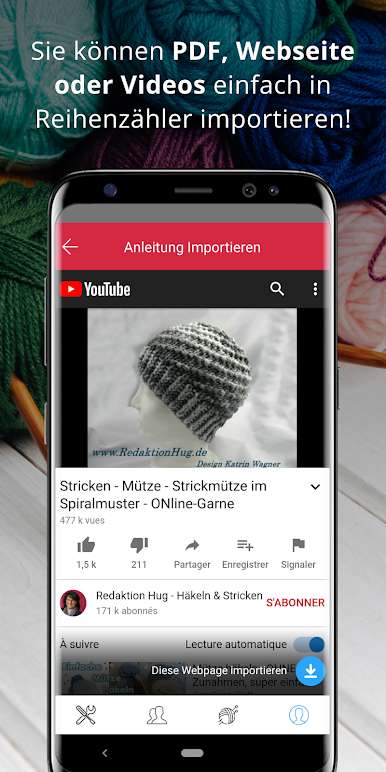
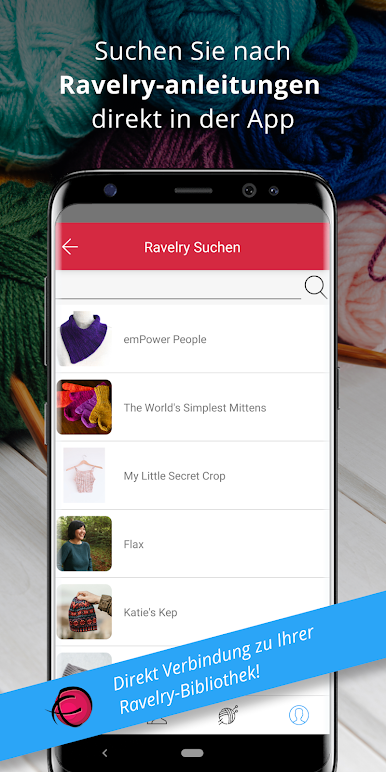
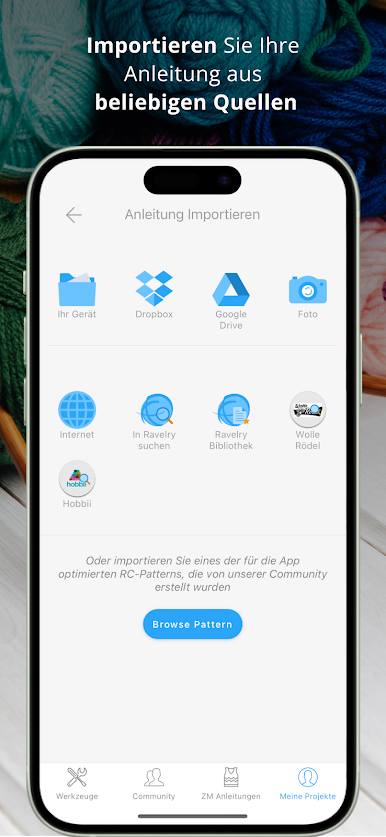
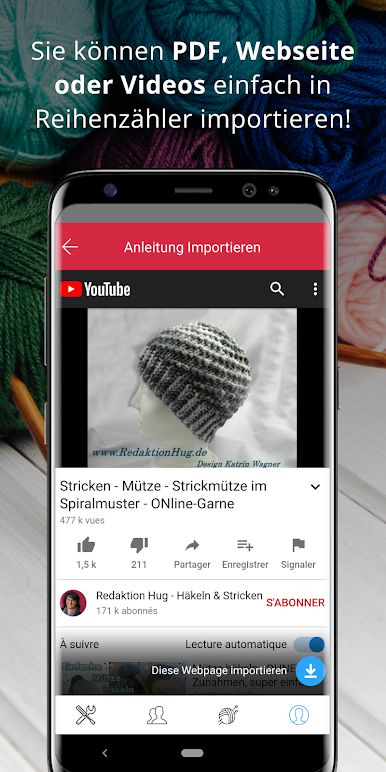
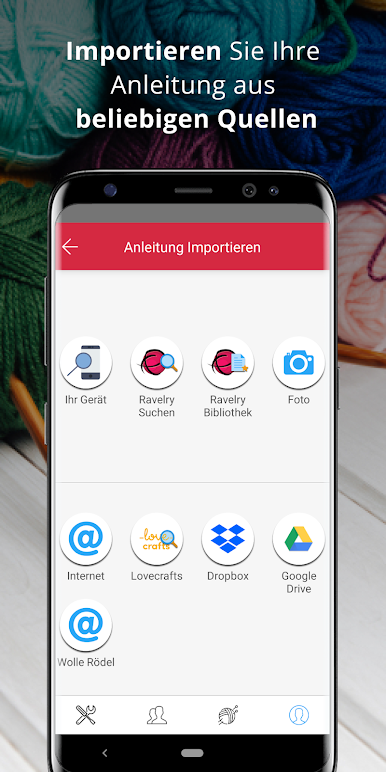
IMPORT YOUR PATTERN
- Download your patterns directly into the app, be it a webpage, a video or a pdf.
- Direct access to Ravelry, so you can search their website or access your library.
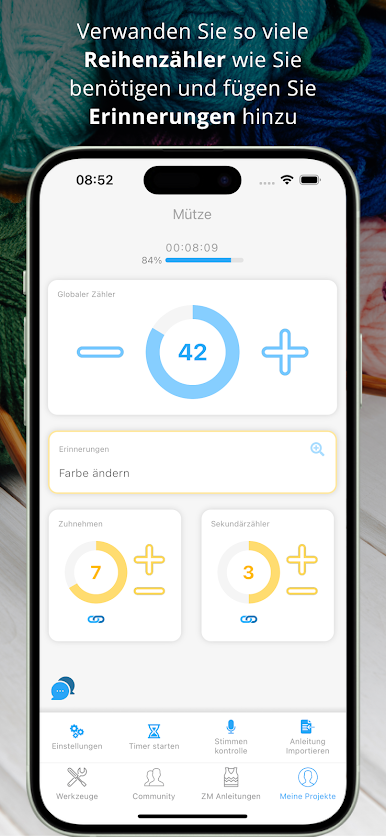
CUSTOMIZE YOUR ROW COUNTER
- Set up several counters to keep track of your increases, design, or change of color
- Horizontal highlighter to help you keep your line
- Vertical band highlight for Charts
- Multi-lines marker for you to underline important instruction
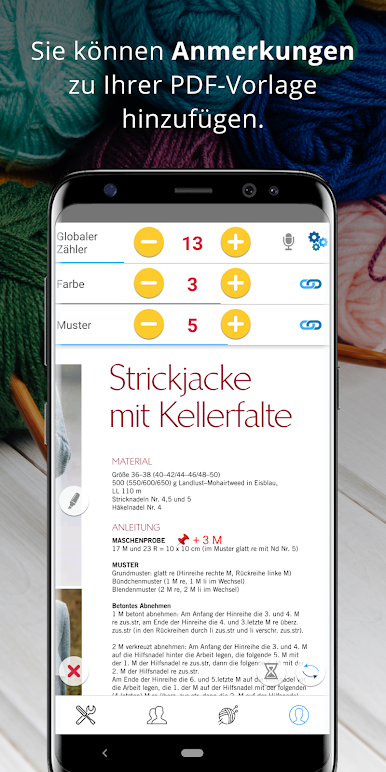
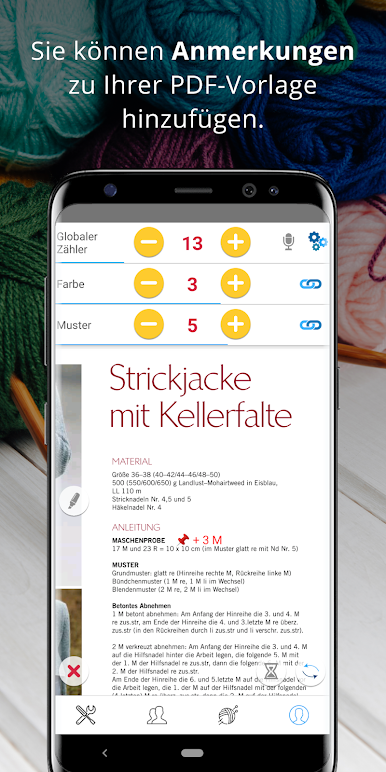
- Add annotations to your PDF pattern.
- Add reminders to appear on a specific row: you will knit mistake-free!
- You just need a basic counter? No worries, you can also use it without any configuration
VOICE CONTROL
- No need to touch the app while knitting, just speak to it to increment the counter, and keep your hands free to do beautiful things!
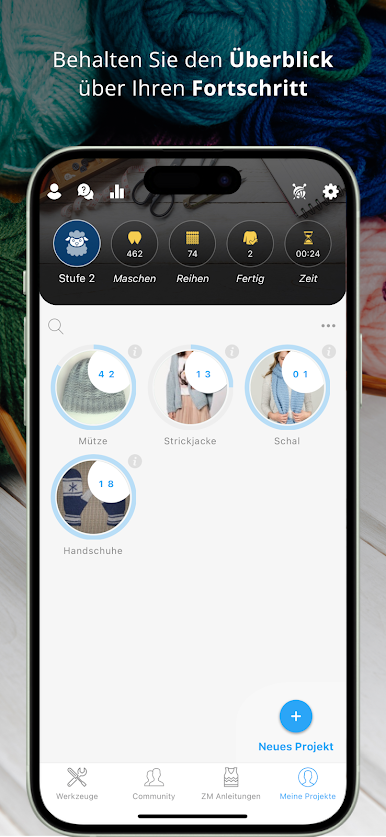
FOLLOW UP ON YOUR PROGRESS
- See any times how many rows and stitches your have knit!
DARK MODE
The app will be in dark mode when your device is in dark mode. You can also choose to always use the dark mode or to disable it.
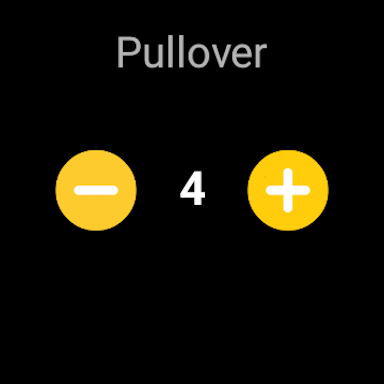
ANDROID WATCH on Wear OS
If you have an Android Watch compatible with Wear OS, you can control your counters from your wrist!














Spiele Zähl Mich - stricken & häkeln auf dem PC. Der Einstieg ist einfach.
-
Lade BlueStacks herunter und installiere es auf deinem PC
-
Schließe die Google-Anmeldung ab, um auf den Play Store zuzugreifen, oder mache es später
-
Suche in der Suchleiste oben rechts nach Zähl Mich - stricken & häkeln
-
Klicke hier, um Zähl Mich - stricken & häkeln aus den Suchergebnissen zu installieren
-
Schließe die Google-Anmeldung ab (wenn du Schritt 2 übersprungen hast), um Zähl Mich - stricken & häkeln zu installieren.
-
Klicke auf dem Startbildschirm auf das Zähl Mich - stricken & häkeln Symbol, um mit dem Spielen zu beginnen

