

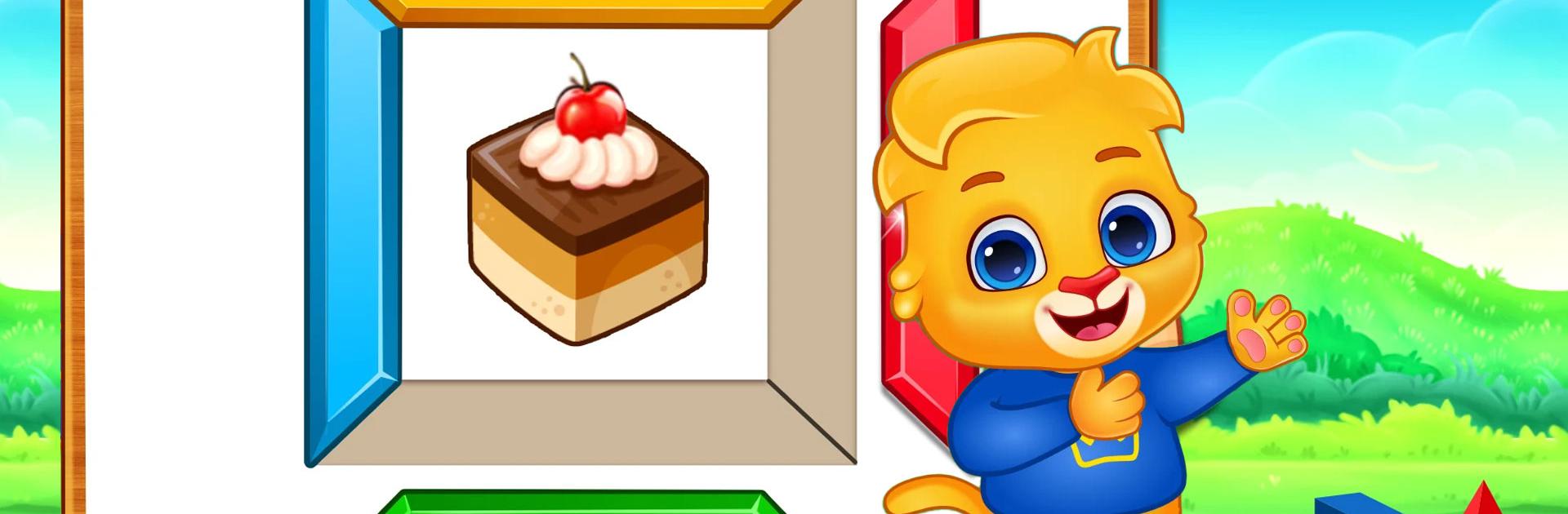
Çocuklar renkler ve şekiller
500M + oyuncunun güvendiği Android Oyun Platformu, BlueStacks ile PC'de oynayın.

Sayfa Değiştirilme tarihi: Dec 17, 2025
Play Color Kids: Coloring Games on PC or Mac
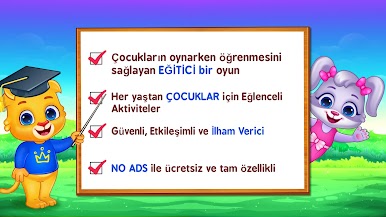
Color Kids: Coloring Games is an educational game developed by RV AppStudios. BlueStacks app player is the best platform (emulator) to play this Android game on your PC or Mac for an immersive gaming experience!
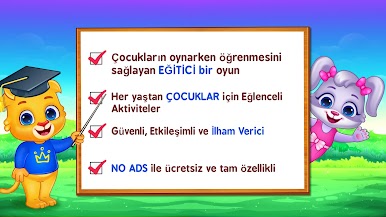
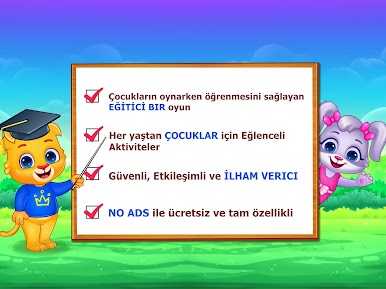
Play Color Kids: Coloring Games on PC and enjoy this casual single player educational game from the large and gorgeous display on your PC! Immerse yourself in a world of colors and shapes and create beautiful designs and paintings!
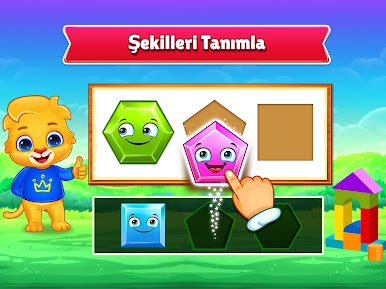
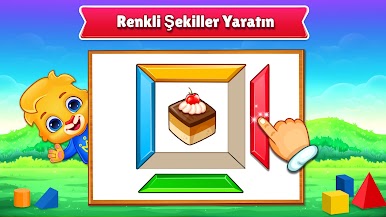
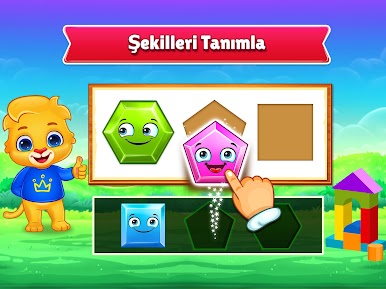
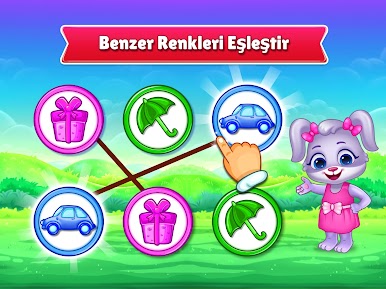
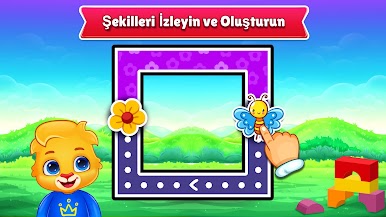
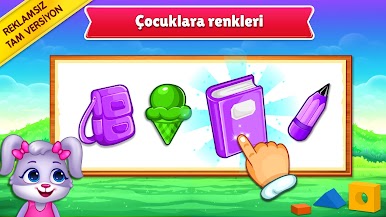
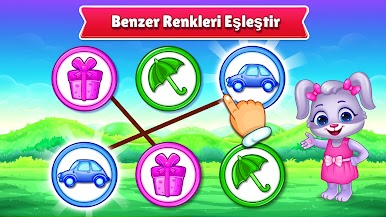
In the Color Kids: Coloring Games PC game, you must learn to recognize shapes and colors while engaging in fun activities. You can start with basic activities like tracing, building, and matching colors to train your brain and cognition!
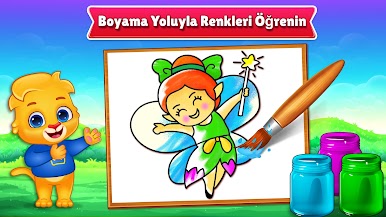
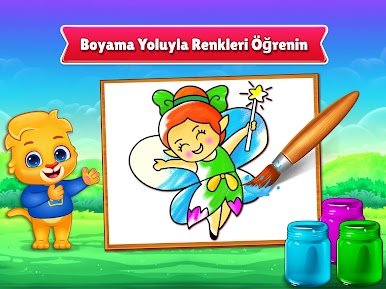
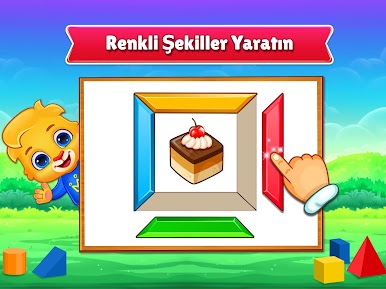
Enjoy mini-games like painting, matching, and tracing, and learn new things on the go! Solve puzzles, create and identify colorful shapes, learn color through paintings, and match similar colors to create unique designs!
There are tons of fun activities for you to learn colors and shapes. But it’s not as easy as it sounds! Are you up for this tough challenge? It’s time to learn, paint, and create beautiful color matches!
Are you ready to show what you’re capable of? Download Color Kids: Coloring Games on PC to play this exciting single player casual educational game!
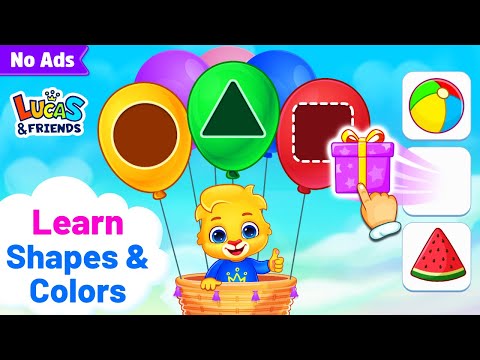
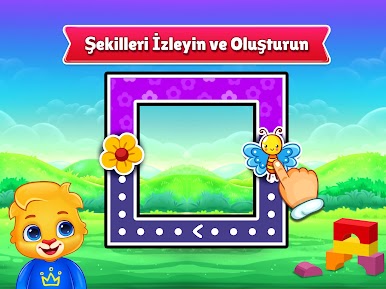
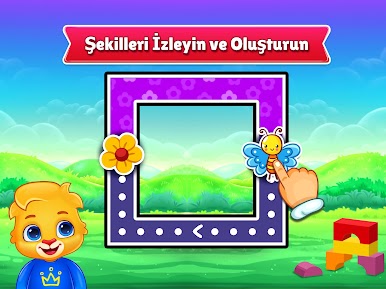
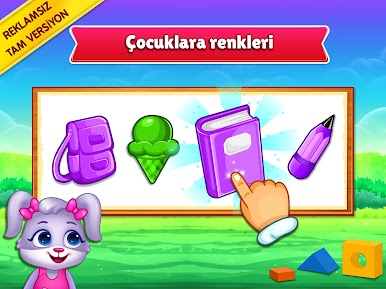
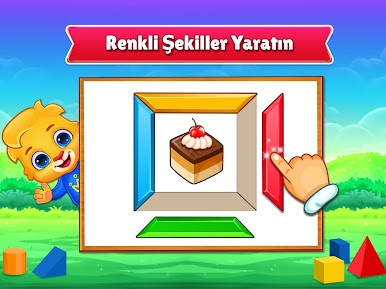
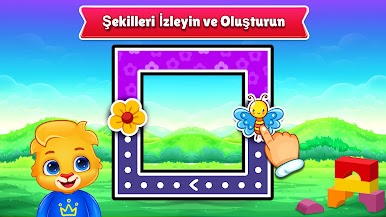
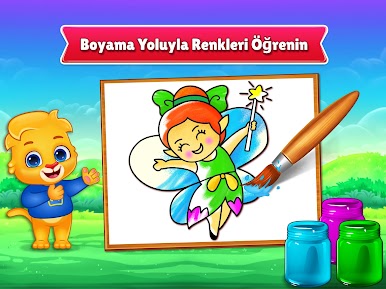
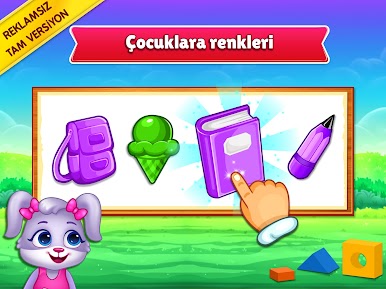
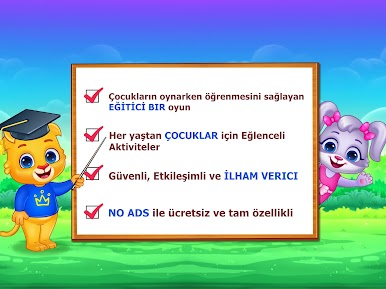
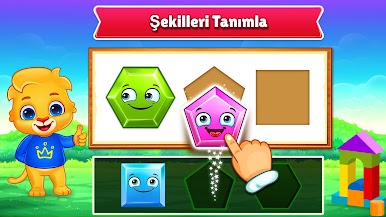
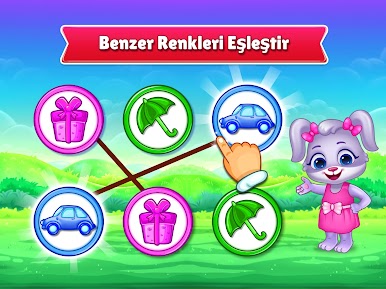
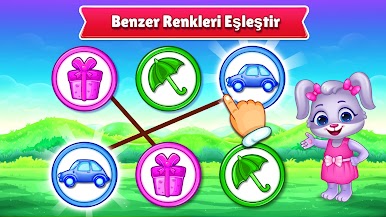
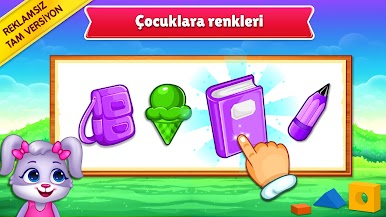
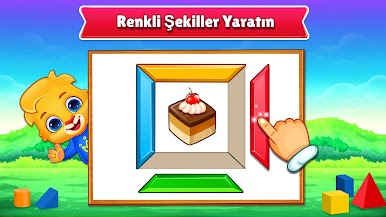
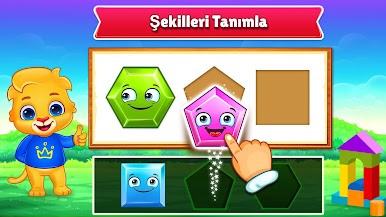
Çocuklar renkler ve şekiller oyununu PC'de oyna. Başlamak çok kolay.
-
BlueStacks'i PC'nize İndirin ve Yükleyin
-
Play Store'a erişmek için Google girişi yapın ya da daha sonraya bırakın.
-
Sağ üst köşeye Çocuklar renkler ve şekiller yazarak arayın.
-
Çocuklar renkler ve şekiller uygulamasını arama sonuçlarından indirmek için tıklayın.
-
(iEğer Adım 2'yi atladıysanız) Çocuklar renkler ve şekiller uygulamasını yüklemek için Google'a giriş yapın.
-
Oynatmaya başlatmak için ekrandaki Çocuklar renkler ve şekiller ikonuna tıklayın.

