


FME AR
Spiele auf dem PC mit BlueStacks - der Android-Gaming-Plattform, der über 500 Millionen Spieler vertrauen.

Seite geändert am: 28. Juli 2018
Play FME AR on PC
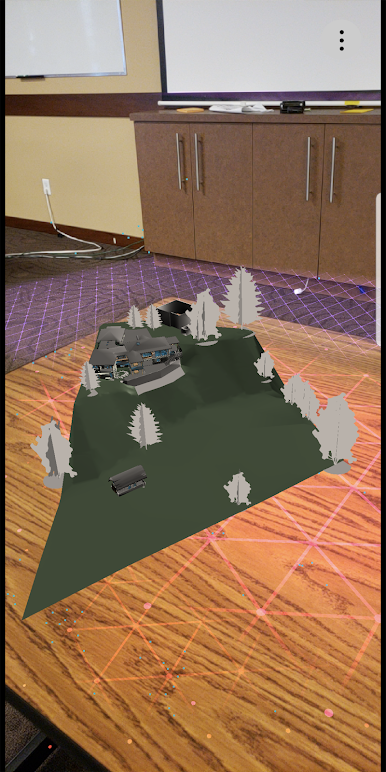
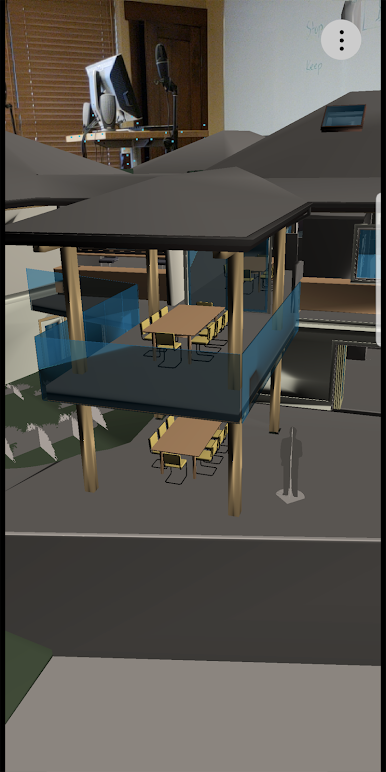
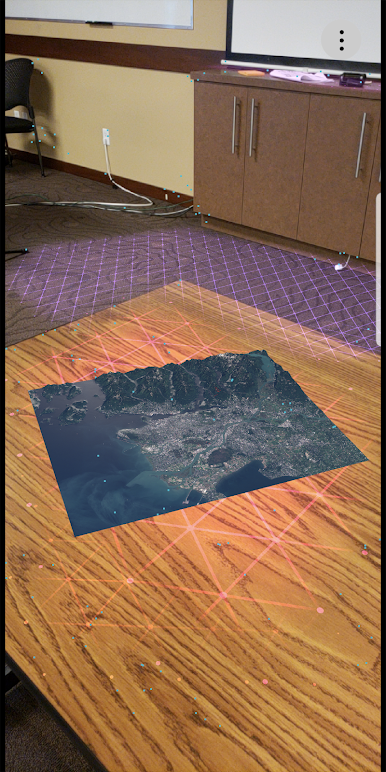
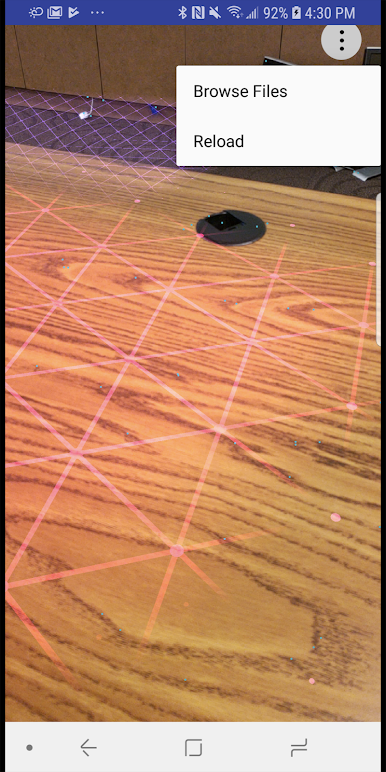
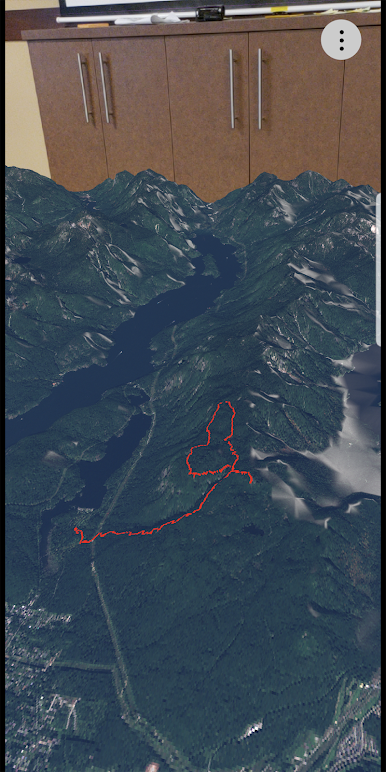
This app is built on the Android augmented reality framework called ARCore. It allows people to easily create unparalleled augmented reality experiences for Android devices. It has an accurate tracking of device movement. It can analyze the scene presented by the camera view and find horizontal and vertical planes in the real world. It can place and track virtual objects on the plane with a high degree of accuracy without additional calibration.
Requirements:
ARCore requires Android 7.0 or later and access to the Google Play Store. Here is a list of supported devices currently: https://developers.google.com/ar/discover/supported-devices
ARCore download: https://play.google.com/store/apps/details?id=com.google.ar.core&hl=en
APK Direct Download:
If ARCore is not officially supported yet on your device but you still want to try the app, you can download the apk file using this link: https://drive.google.com/open?id=1aCgEAo8MWvLYKF-Vm30q-lviQYH8YcGx


Spiele FME AR auf dem PC. Der Einstieg ist einfach.
-
Lade BlueStacks herunter und installiere es auf deinem PC
-
Schließe die Google-Anmeldung ab, um auf den Play Store zuzugreifen, oder mache es später
-
Suche in der Suchleiste oben rechts nach FME AR
-
Klicke hier, um FME AR aus den Suchergebnissen zu installieren
-
Schließe die Google-Anmeldung ab (wenn du Schritt 2 übersprungen hast), um FME AR zu installieren.
-
Klicke auf dem Startbildschirm auf das FME AR Symbol, um mit dem Spielen zu beginnen

