


SafeInCloud 1
Играйте на ПК с BlueStacks – игровой платформе для приложений на Android. Нас выбирают более 500 млн. игроков.

Страница изменена: Mar 6, 2025
Run SafeInCloud 1 on PC or Mac
Multitask effortlessly on your PC or Mac as you try out SafeInCloud 1, a Productivity app by SafeInCloud S.A.S. on BlueStacks.
About the App
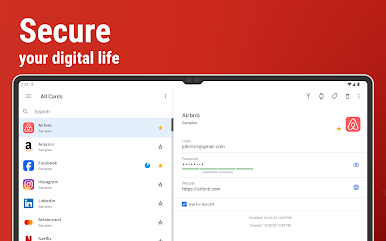
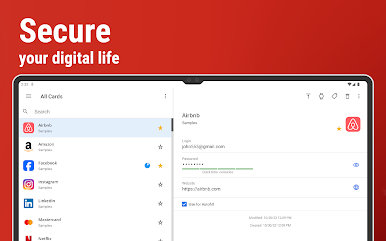
Ever find yourself juggling dozens of logins, worried that your passwords might fall into the wrong hands? SafeInCloud 1 makes managing all that sensitive info a whole lot simpler. With this handy tool from SafeInCloud S.A.S., you can securely store passwords, account details, and other private data without the stress—everything’s protected and right where you need it. If you’re looking for a smarter, safer way to stay organized across all your devices, this app’s got you covered.
App Features
-
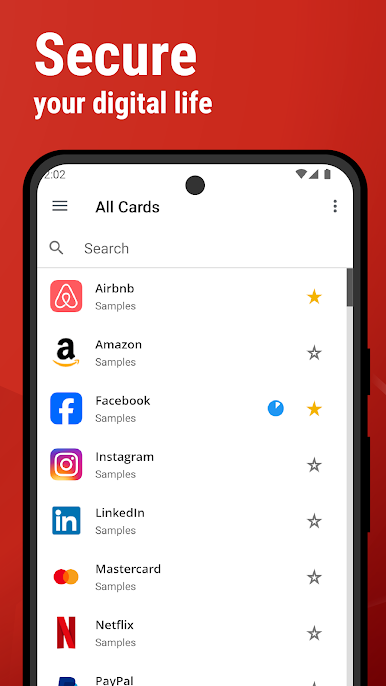
Clean, Modern Interface
Navigating SafeInCloud 1 feels easy and intuitive, thanks to its sleek design inspired by Google’s Material Design. Prefer a darker look? There’s a black theme too, perfect for night owls or anyone who wants to save a little battery. -
Tough Security
All your data is shielded with powerful 256-bit AES encryption. That’s the same encryption trusted by leading organizations—so your passwords aren’t going anywhere. -
Sync Across Devices
Keep everything up-to-date by syncing with your own cloud account (Google Drive, Dropbox, OneDrive, NAS, WebDAV). Switching phones, adding a tablet, or using your computer? No problem—your database follows you. -
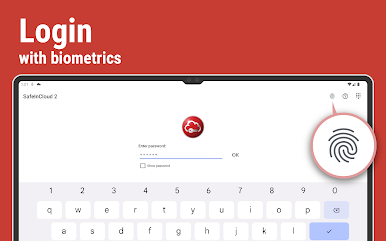
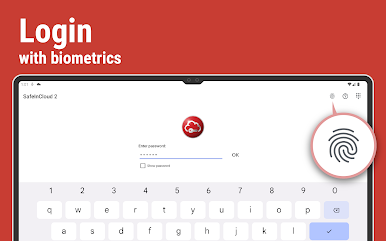
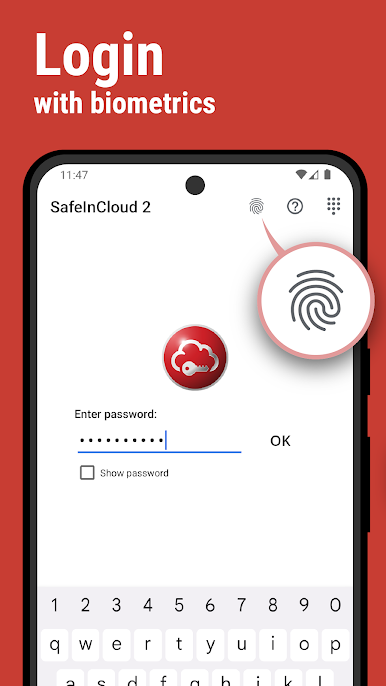
Biometric Unlock
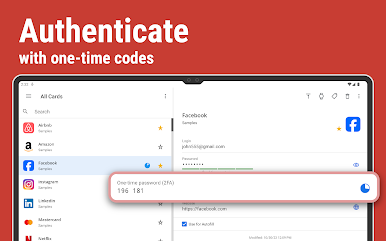
Access your info in seconds with fingerprint, face, or retina recognition. Just tap, and you’re in—no need to type out long master passwords every single time. -
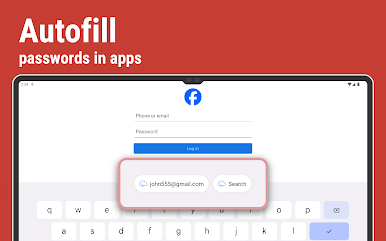
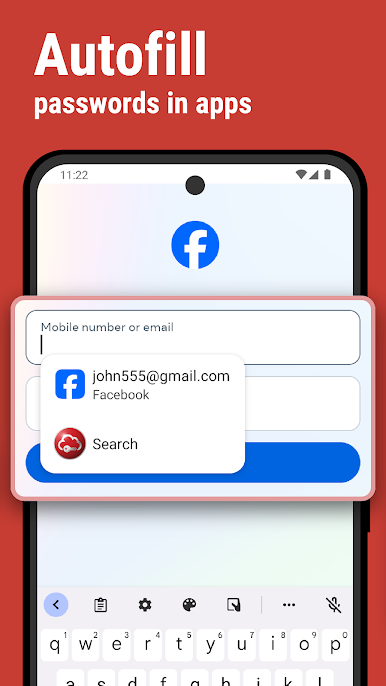
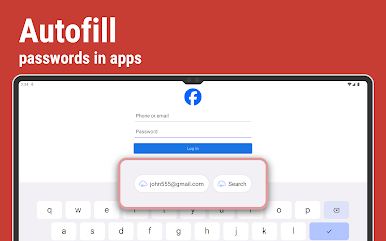
Autofill Made Simple
SafeInCloud 1 fills out logins for you in apps and even in Chrome. Forget all that copying and pasting—your credentials get where they need to go automatically. -
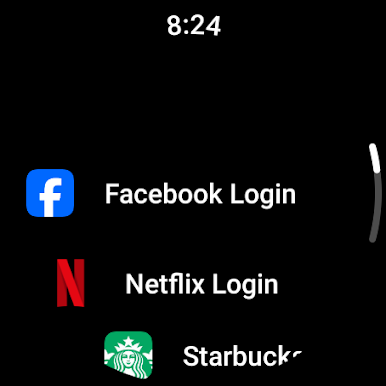
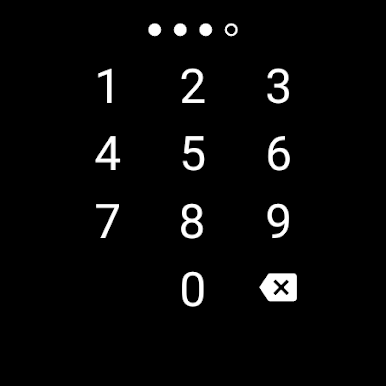
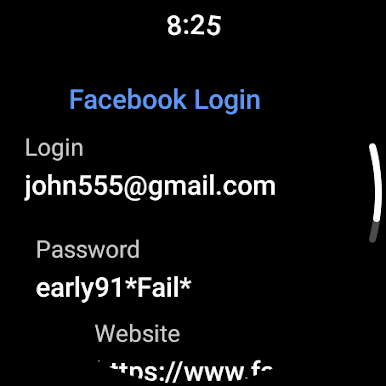
Wear OS Support
Need a code or PIN while you’re out? Pop your most-used cards right on your wrist with integration for Wear OS. Handy for quick checkouts or gym locker codes. -
Check Your Password Strength
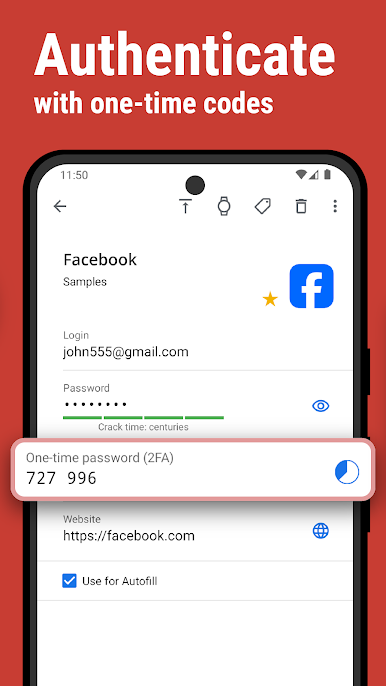
See at a glance how secure your passwords really are. The app flags weak ones and shows you how tough they’d be to crack, giving you a real sense of peace of mind. -
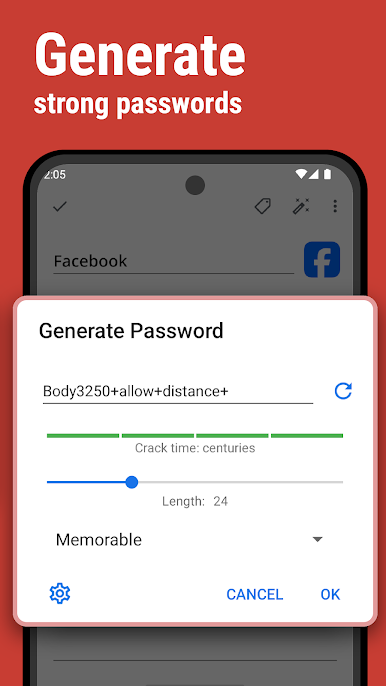
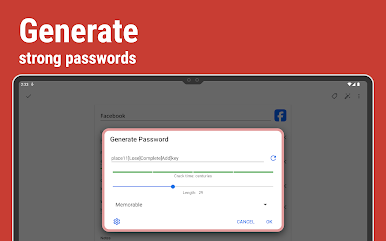
Powerful Password Generator
Create rock-solid passwords or generate ones you’ll actually remember (but hackers won’t guess). No more reusing the same old combo. -
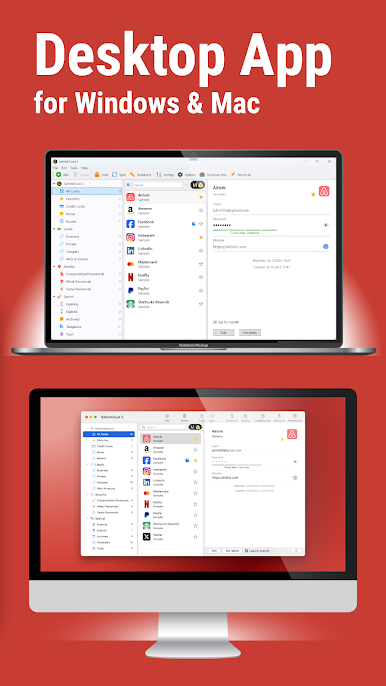
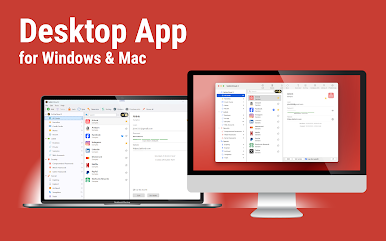
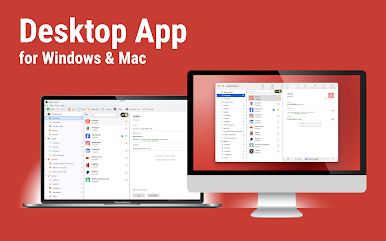
Desktop App
Prefer typing with a real keyboard? Use the free desktop version for Windows and Mac to manage everything from a bigger screen. Works seamlessly alongside the app—even if you use BlueStacks. -
Easy Import
Moving over from another password manager? SafeInCloud 1 helps bring your old logins and data in without any hassle—no need to type it all in from scratch. -
Truly Cross-Platform
Whether you’re on Android, iOS, Mac, or Windows, SafeInCloud 1 keeps you connected—so you’ve always got your important info, no matter what device you’re using.
BlueStacks brings your apps to life on a bigger screen—seamless and straightforward.
Играйте в игру SafeInCloud 1 на ПК. Это легко и просто.
-
Скачайте и установите BlueStacks на ПК.
-
Войдите в аккаунт Google, чтобы получить доступ к Google Play, или сделайте это позже.
-
В поле поиска, которое находится в правой части экрана, введите название игры – SafeInCloud 1.
-
Среди результатов поиска найдите игру SafeInCloud 1 и нажмите на кнопку "Установить".
-
Завершите авторизацию в Google (если вы пропустили этот шаг в начале) и установите игру SafeInCloud 1.
-
Нажмите на ярлык игры SafeInCloud 1 на главном экране, чтобы начать играть.

