


Offline Surveys
Spiele auf dem PC mit BlueStacks - der Android-Gaming-Plattform, der über 500 Millionen Spieler vertrauen.

Seite geändert am: Aug 21, 2024
Play Offline Surveys on PC
• NOTE: While devices running Android 5.0 and 5.1 can still download an older release, these devices won't work with surveys authored in Lighthouse Studio 9.13 or newer. To run surveys authored in Lighthouse Studio 9.13 or newer, you must use Android 6.0 or higher.
• NOTE: As of January 2, 2018, devices running Android 4.0 - 4.3 will no longer be able to download this app.
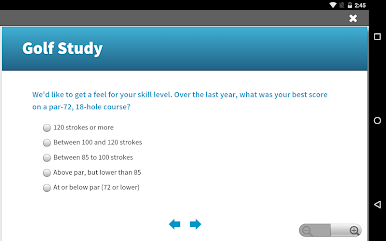
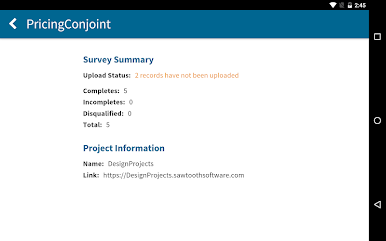
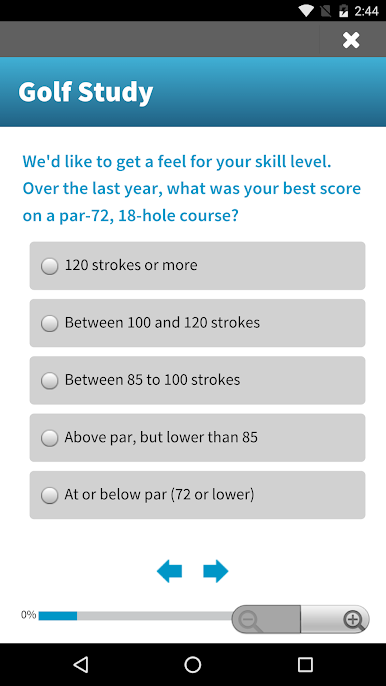
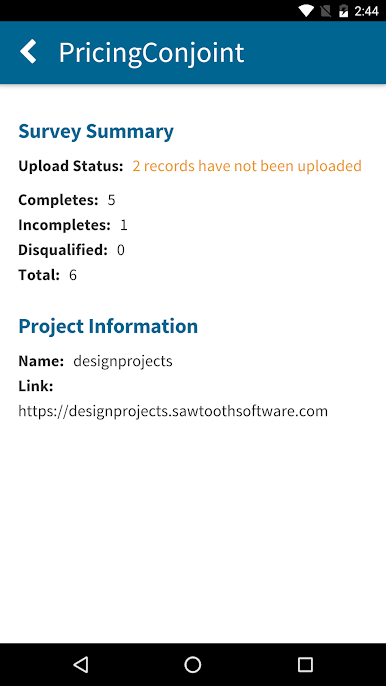
• The Offline Surveys app runs surveys created in Sawtooth Software’s Lighthouse Studio. The app supports all of the robust capabilities and custom code you’re used to.
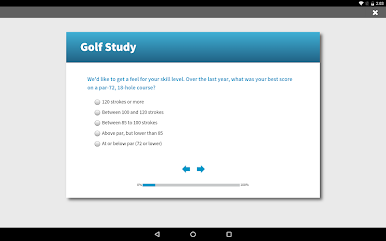
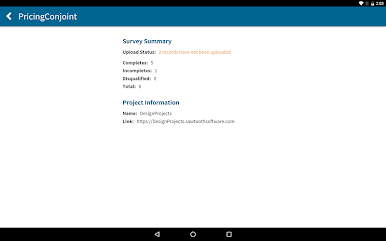
• Surveys look and function the same in the app as they do on a web browser, so all your respondents will have the same experience.
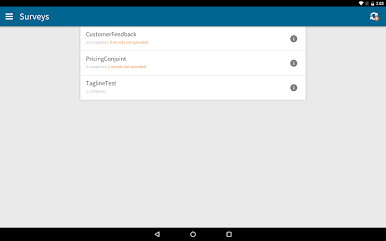
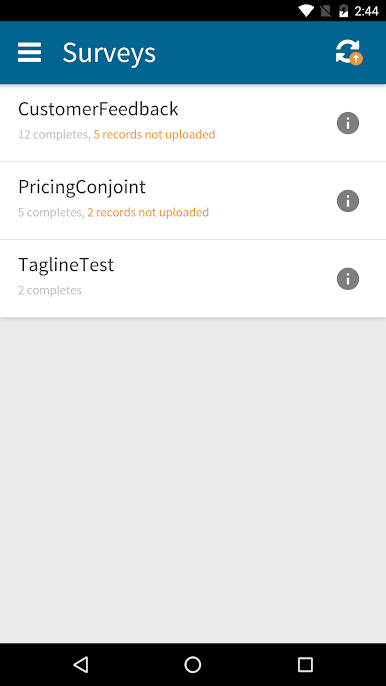
• Downloading surveys and collecting data is easy to do. Begin a survey with just one tap.
• Data automatically syncs with the hosting server once the device acquires an Internet connection.
• Data collected in the app is combined with any survey data from regular web-based responses.
• Any changes you make to your survey are downloaded automatically on all devices.
Learn more about Offline Surveys
http://www.sawtoothsoftware.com/help/offline-surveys/manual
Learn more about Lighthouse Studio
http://sawtoothsoftware.com/products/online-surveys
Questions?
+1 801 477 4700
support@sawtoothsoftware.com
By installing this app, you agree to the license agreement found at
http://www.sawtoothsoftware.com/offline-surveys-license
Spiele Offline Surveys auf dem PC. Der Einstieg ist einfach.
-
Lade BlueStacks herunter und installiere es auf deinem PC
-
Schließe die Google-Anmeldung ab, um auf den Play Store zuzugreifen, oder mache es später
-
Suche in der Suchleiste oben rechts nach Offline Surveys
-
Klicke hier, um Offline Surveys aus den Suchergebnissen zu installieren
-
Schließe die Google-Anmeldung ab (wenn du Schritt 2 übersprungen hast), um Offline Surveys zu installieren.
-
Klicke auf dem Startbildschirm auf das Offline Surveys Symbol, um mit dem Spielen zu beginnen

