


MagicSDR
Spiele auf dem PC mit BlueStacks - der Android-Gaming-Plattform, der über 500 Millionen Spieler vertrauen.

Seite geändert am: Dec 16, 2025
Run MagicSDR on PC or Mac
Upgrade your experience. Try MagicSDR, the fantastic Tools app from hOne, from the comfort of your laptop, PC, or Mac, only on BlueStacks.
About the App
MagicSDR by hOne turns your phone or tablet into a powerful software-defined radio console. It’s built for curious listeners and radio hobbyists who want to scan, tune, and visualize the RF spectrum in real time. Use your own SDR hardware or hop onto shared receivers around the world and start exploring. Prefer a bigger screen? You can also run it on your PC with BlueStacks.
App Features
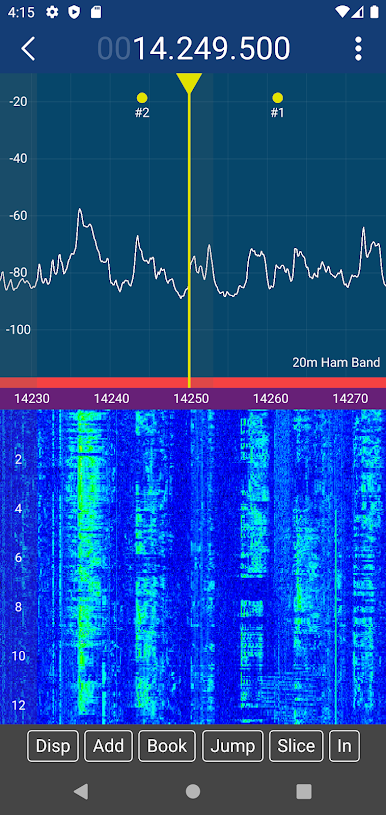
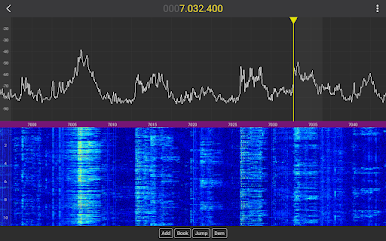
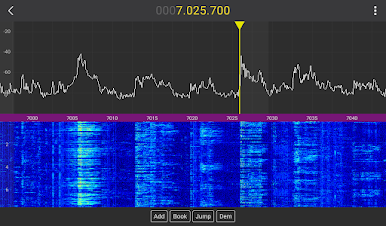
- Live Spectrum + Waterfall: Watch signals pop to life with a wideband panadapter and waterfall view. Pinch to zoom, swipe to tune, and move smoothly across bands with simple gestures.
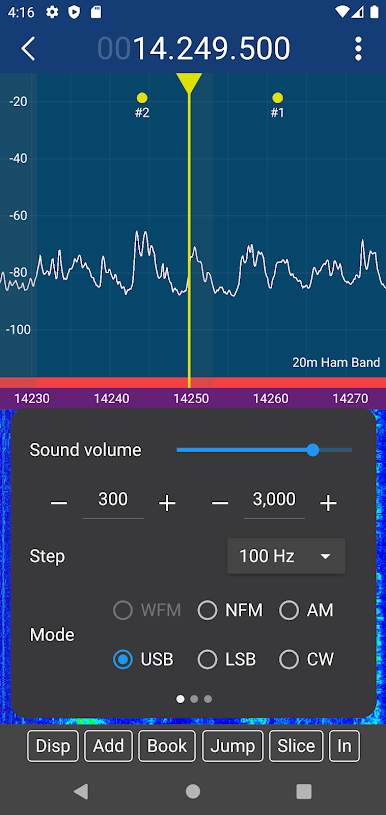
- Multiple Demodulators: Listen to AM, SSB (LSB/USB), CW, NFM, and WFM. A noise-threshold squelch helps keep quiet between active transmissions.
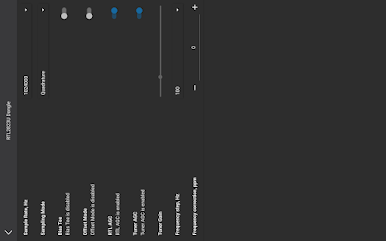
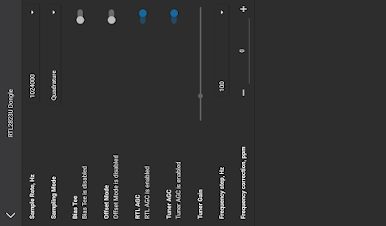
- Hardware-Friendly: Works with KiwiSDR, RTLSDR dongles, any radio using an rtl_tcp server, Hermes Lite, HiQSDR, Airspy R2/mini/HF+, and SpyServers.
- No Gear? No Problem: Connect to hundreds of public servers worldwide and enjoy shortwave listening without plugging in any hardware.
- Easy Setup Options: Plug SDR peripherals directly into your phone via USB OTG, or point the app at a server on your home computer. There’s also a virtual radio device to try the interface before buying gear.
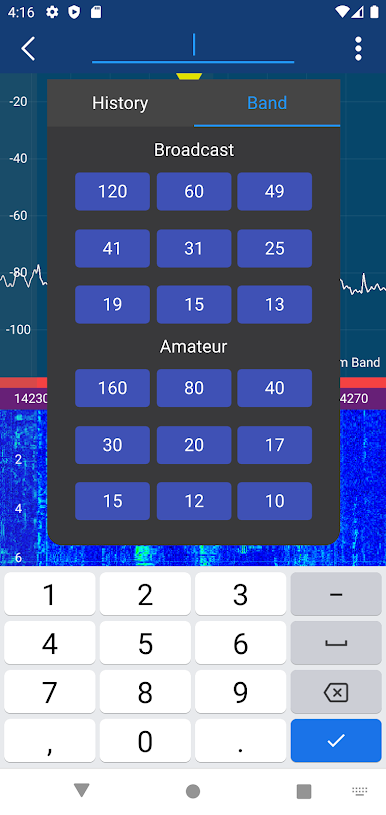
- Bookmarks and Band Plan: Save favorite frequencies, keep them organized, and navigate bands faster with a built-in band plan.
- Shortwave Guide: The integrated EiBi database helps you identify stations and find what’s on the air right now.
- Record and Stream: Capture audio for later or stream it over UDP to external decoders and tools.
- Plugin-Style Design: A flexible, modular architecture that keeps the experience fast and adaptable for different setups.
Please use responsibly and follow local laws when monitoring radio signals. Genre: Tools.
Switch to BlueStacks and make the most of your apps on your PC or Mac.

Spiele MagicSDR auf dem PC. Der Einstieg ist einfach.
-
Lade BlueStacks herunter und installiere es auf deinem PC
-
Schließe die Google-Anmeldung ab, um auf den Play Store zuzugreifen, oder mache es später
-
Suche in der Suchleiste oben rechts nach MagicSDR
-
Klicke hier, um MagicSDR aus den Suchergebnissen zu installieren
-
Schließe die Google-Anmeldung ab (wenn du Schritt 2 übersprungen hast), um MagicSDR zu installieren.
-
Klicke auf dem Startbildschirm auf das MagicSDR Symbol, um mit dem Spielen zu beginnen

