


Termius - Modern SSH Client
Играйте на ПК с BlueStacks – игровой платформе для приложений на Android. Нас выбирают более 500 млн. игроков.

Страница изменена: Dec 8, 2025
Play Termius - Modern SSH Client on PC
With a free Termius Starter plan, you can:
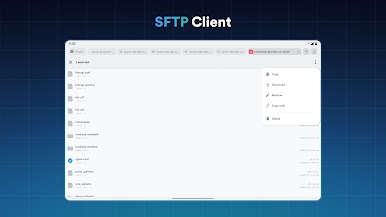
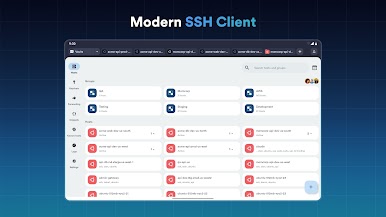
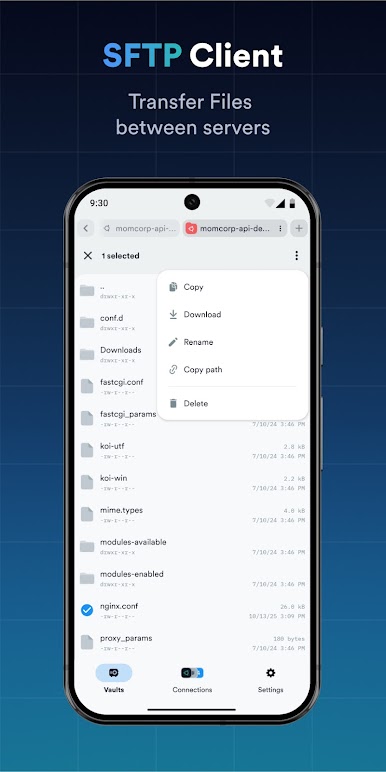
· Connect from your mobile and desktop device with SSH, Mosh, Telnet, Port Forwarding, and SFTP.
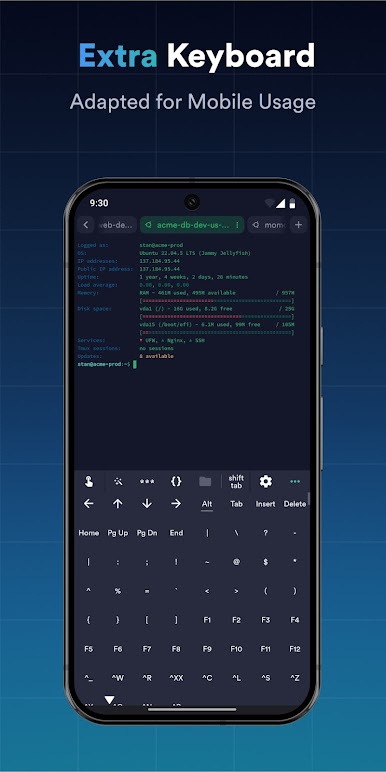
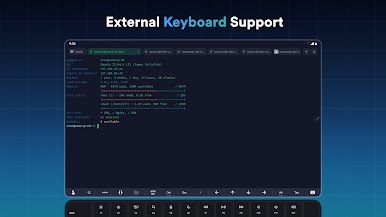
· Get a desktop-grade terminal experience with a virtual keyboard covering all the special keys required, or connect your Bluetooth keyboard.
Use gestures or shake the device while in the terminal to emulate stroking of Tab, arrows, PgUp/Down, Home, and End, etc.
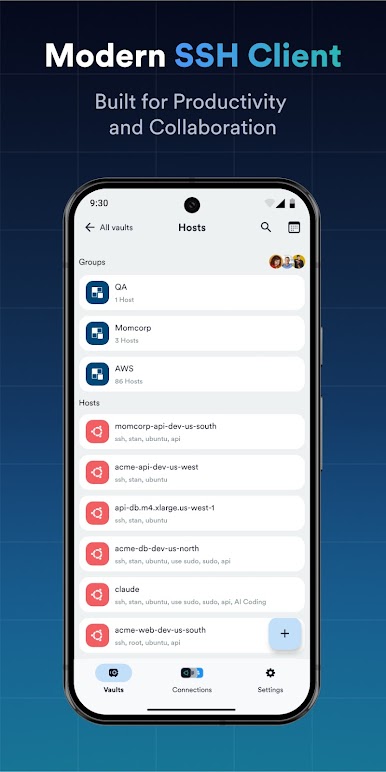
· Work in several sessions simultaneously with a multi-tab interface and split-view support.
· Customize your terminal themes and fonts for each connection.
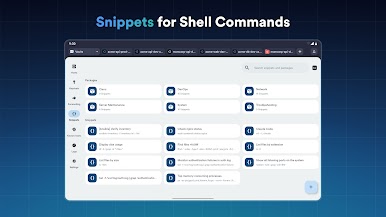
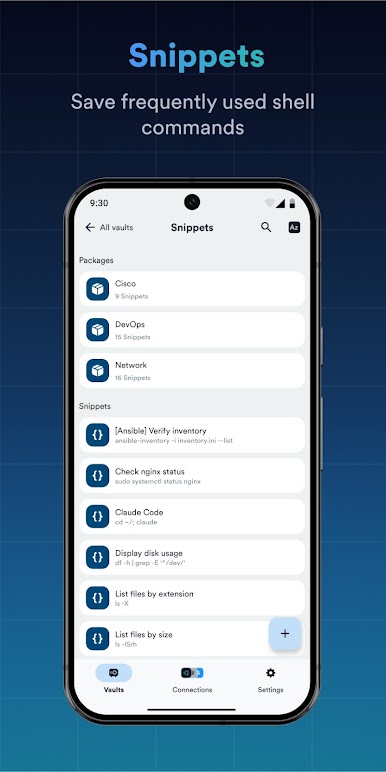
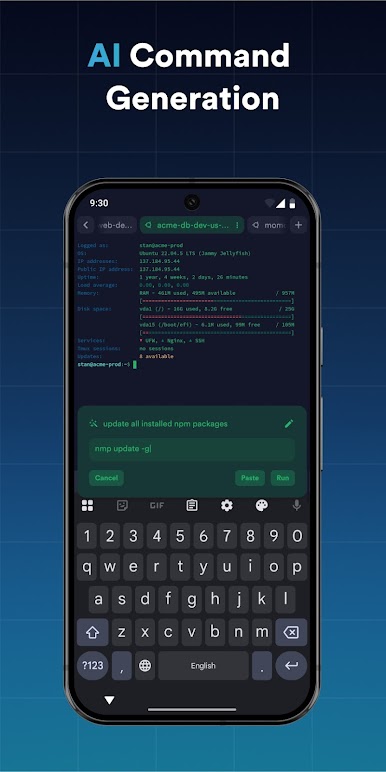
· Save your favorite and frequently used commands and shell scripts to execute them with a tap instead of typing.
· Quickly access the unified history of your terminal commands.
· Get the support of ECDSA and ed25519 keys as well as a chacha20-poly1305 cipher.
Ad-free.
With the Termius Pro plan, you can also:
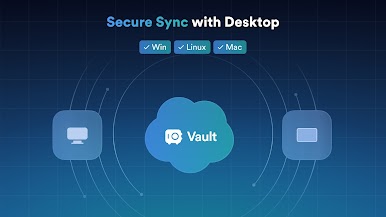
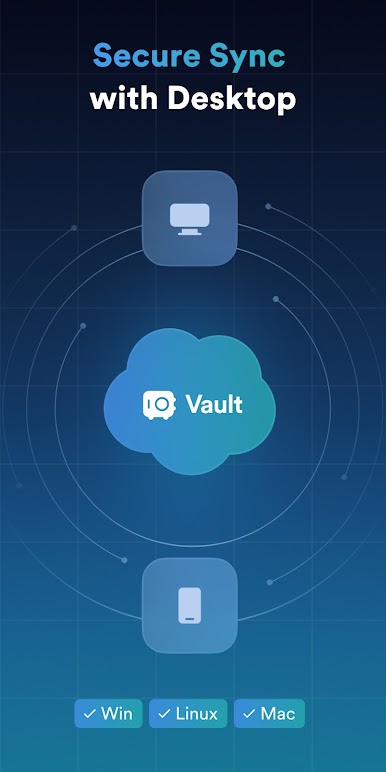
· Access your connection settings and credentials from all your devices anytime with an encrypted cloud vault.
· No limitations on the number of devices to sync.
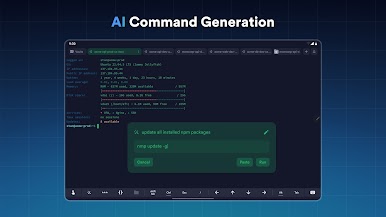
· Run your saved commands on multiple sessions or servers or instantly get them autocompleted in the terminal.
· Connect to your hardware via Serial Cable.
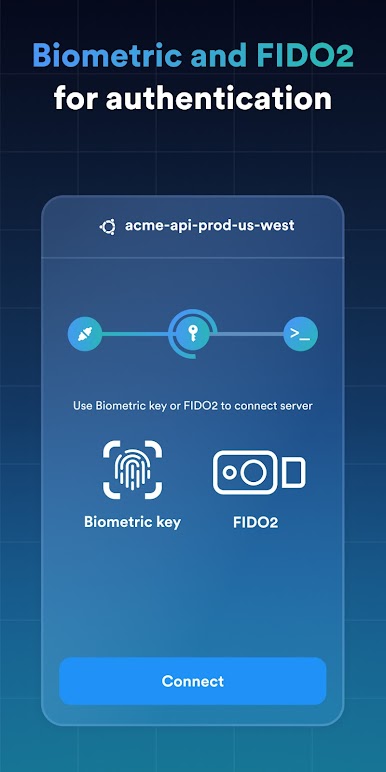
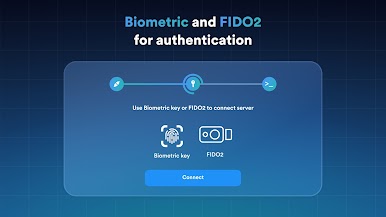
· Authenticate using hardware FIDO2 keys.
· Connect through Proxy and jump servers.
· Set custom environment variables.
Integrate with AWS and DigitalOcean.
· Protect your credentials with Touch ID or Face ID and your account with two-factor authentication.
· Keep your keys on your machine with SSH agent forwarding.
Termius reinvents the command line experience. We strive to make remote access for admins and engineers a more productive and enjoyable experience.
Играйте в игру Termius - Modern SSH Client на ПК. Это легко и просто.
-
Скачайте и установите BlueStacks на ПК.
-
Войдите в аккаунт Google, чтобы получить доступ к Google Play, или сделайте это позже.
-
В поле поиска, которое находится в правой части экрана, введите название игры – Termius - Modern SSH Client.
-
Среди результатов поиска найдите игру Termius - Modern SSH Client и нажмите на кнопку "Установить".
-
Завершите авторизацию в Google (если вы пропустили этот шаг в начале) и установите игру Termius - Modern SSH Client.
-
Нажмите на ярлык игры Termius - Modern SSH Client на главном экране, чтобы начать играть.

