


Shuttle Music Player
500M + oyuncunun güvendiği Android Oyun Platformu, BlueStacks ile PC'de oynayın.

Sayfa Değiştirilme tarihi: Jan 15, 2024
Play Shuttle Music Player on PC
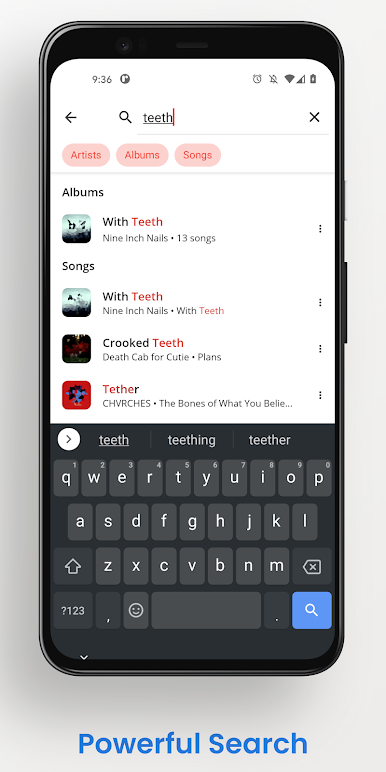
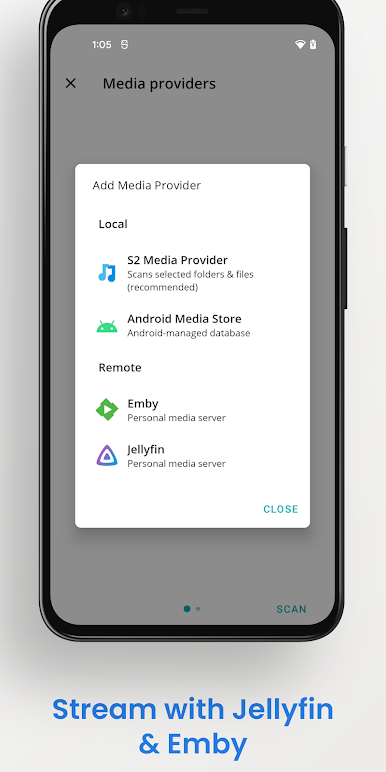
Stream your music via Jellyfin, Emby or Plex, or copy it onto your device for local playback.
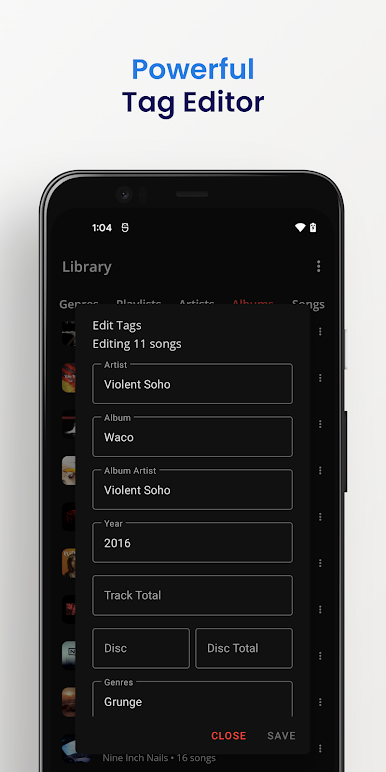
Shuttle includes a built in tag editor, and offers an alternative to the often flaky Android Media Store. With Shuttle, your playlists won't go missing, and your tags will be imported correctly. A wide range of media formats are supported, and S2 ships with built in software codecs for Opus and FLAC.
Other features include:
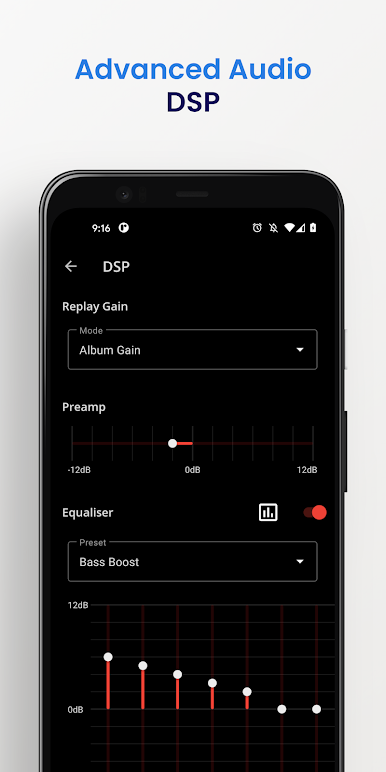
- A custom built 10-band equalizer with frequency response graph
- Sleep timer
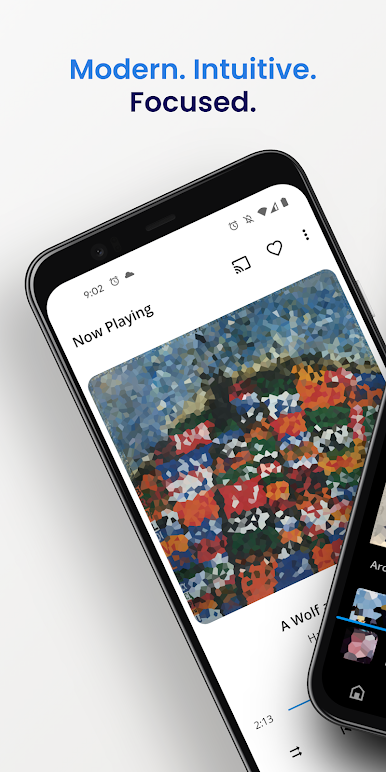
- Day/Night mode & themes
- Android Auto
- Chromecast
- Album shuffle
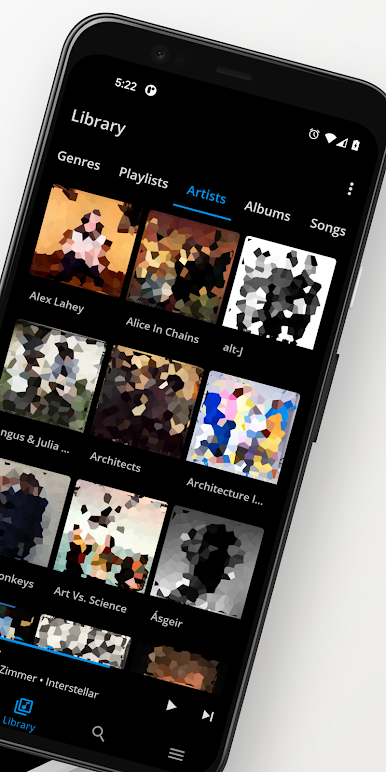
- Playlists
- Automatic artwork downloading
- Lyrics
- Modern MD2 design
I'm proud of what I've built with Shuttle. I hope you love it as much as I do!
Shuttle Music Player oyununu PC'de oyna. Başlamak çok kolay.
-
BlueStacks'i PC'nize İndirin ve Yükleyin
-
Play Store'a erişmek için Google girişi yapın ya da daha sonraya bırakın.
-
Sağ üst köşeye Shuttle Music Player yazarak arayın.
-
Shuttle Music Player uygulamasını arama sonuçlarından indirmek için tıklayın.
-
(iEğer Adım 2'yi atladıysanız) Shuttle Music Player uygulamasını yüklemek için Google'a giriş yapın.
-
Oynatmaya başlatmak için ekrandaki Shuttle Music Player ikonuna tıklayın.

