


Nature Wallpapers - BlissView
Играйте на ПК с BlueStacks – игровой платформе для приложений на Android. Нас выбирают более 500 млн. игроков.

Страница изменена: Aug 20, 2025
Play Nature Wallpapers - BlissView on PC
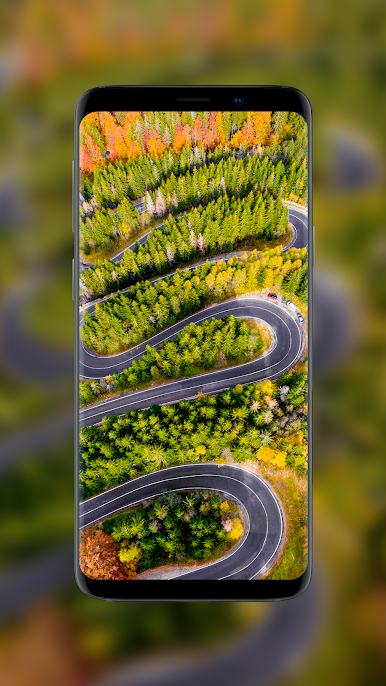
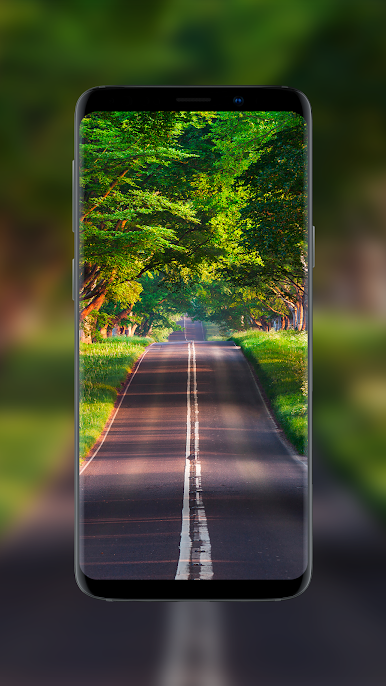
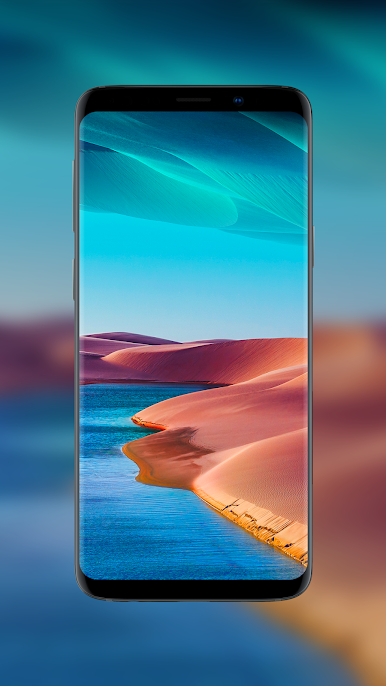
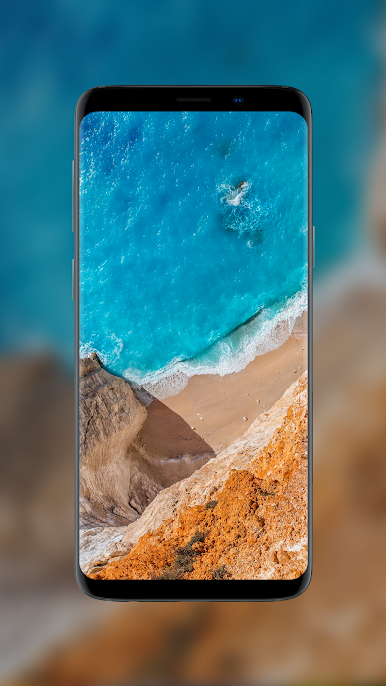
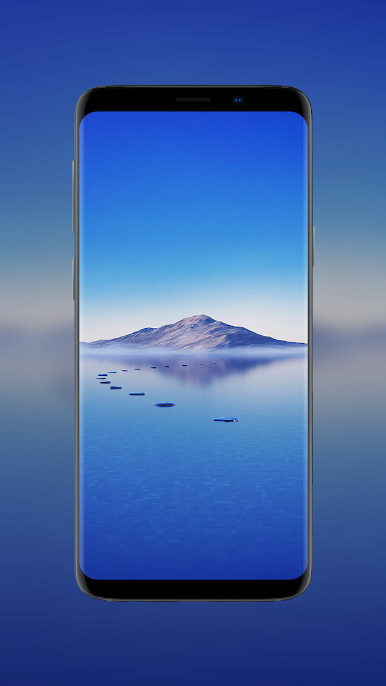
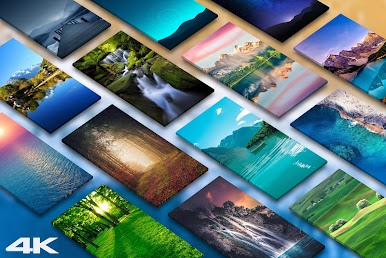
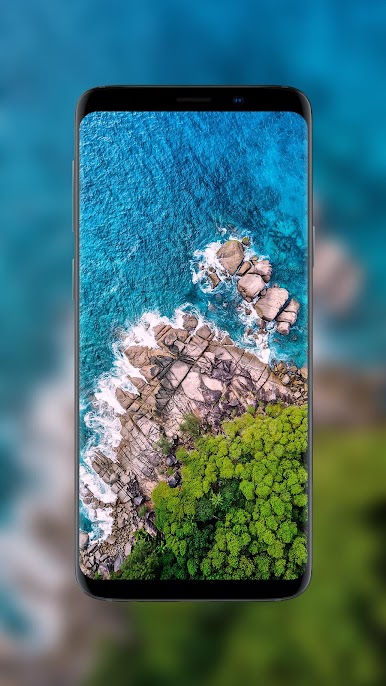
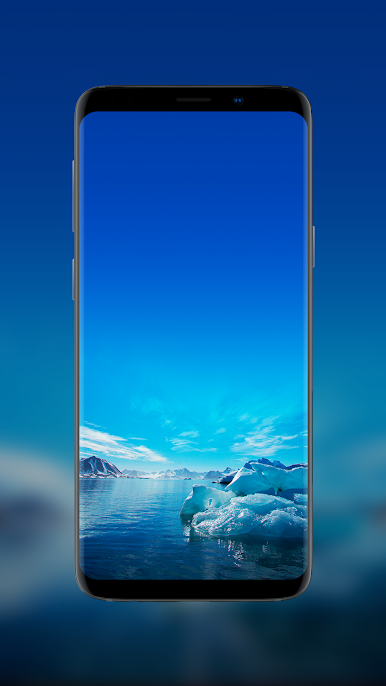
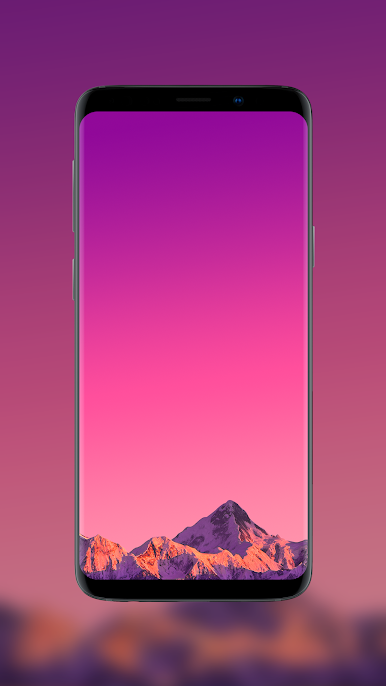
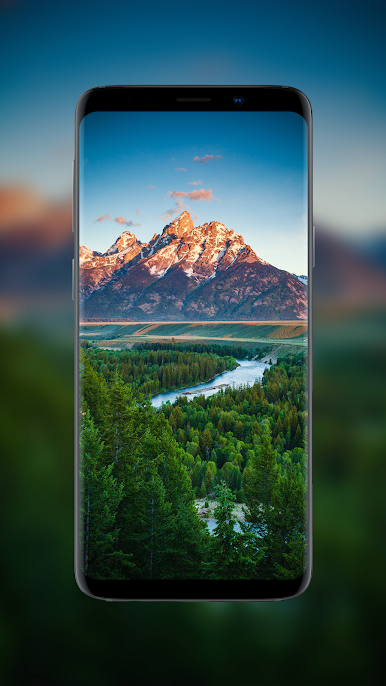
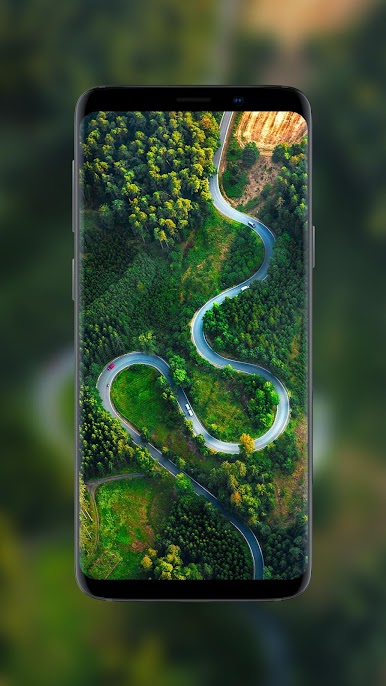
Explore the mesmerizing seasons, including the vibrant hues of autumn, the serene landscapes of winter, the lively scenes of summer, and the refreshing blooms of spring.
Elevate your mobile's aesthetics with a diverse range of spectacular backgrounds, carefully curated to bring the tranquility and wonder of nature right to your fingertips.
☀️ Features:
Recent > This is where you see latest updated wallpapers
Popular > Popular wallpapers sorted based on user downloads
Random > Wallpapers randomly shown from whole collection on the fly
• Simple & user-friendly interface
• Download high quality premium Nature wallpapers for free
• Daily updates
• Super-fast & lightweight app
• All wallpapers are suitable for HD, QHD and 4K resolution mobile phones
• Option to Share/Send wallpapers through various apps like Whatsapp, Mail, Skype and much more..
• Save your favorite wallpapers and access them through "Favorites"
• In-app purchase available to remove ads for life-time
Download BlissView now and transform your screen into a window to the natural world.
Stay glued for more Nature & Landscapes backgrounds and we bet you will be amazed 😍
💖 We are thankful for all of your support and always welcome your feedback and suggestions 💖
Играйте в игру Nature Wallpapers - BlissView на ПК. Это легко и просто.
-
Скачайте и установите BlueStacks на ПК.
-
Войдите в аккаунт Google, чтобы получить доступ к Google Play, или сделайте это позже.
-
В поле поиска, которое находится в правой части экрана, введите название игры – Nature Wallpapers - BlissView.
-
Среди результатов поиска найдите игру Nature Wallpapers - BlissView и нажмите на кнопку "Установить".
-
Завершите авторизацию в Google (если вы пропустили этот шаг в начале) и установите игру Nature Wallpapers - BlissView.
-
Нажмите на ярлык игры Nature Wallpapers - BlissView на главном экране, чтобы начать играть.

