

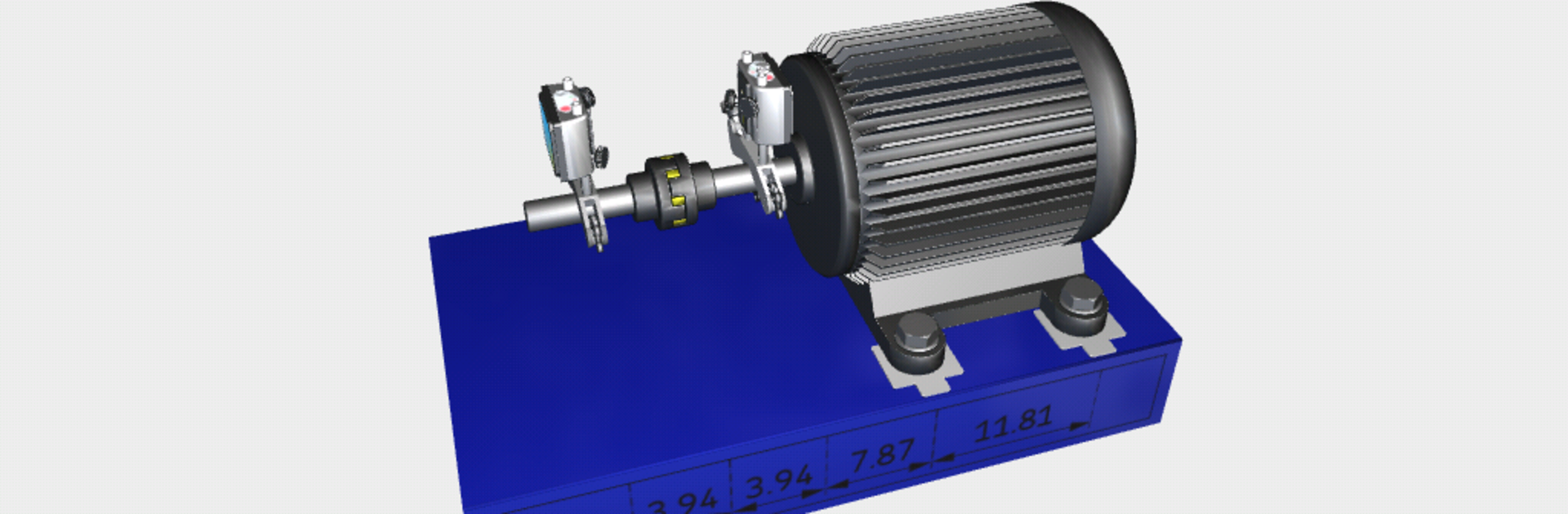
SKF Shaft alignment
Играйте на ПК с BlueStacks – игровой платформе для приложений на Android. Нас выбирают более 500 млн. игроков.

Страница изменена: Jul 1, 2025
Run SKF Shaft alignment on PC or Mac
Why limit yourself to your small screen on the phone? Run SKF Shaft alignment, an app by SKF, best experienced on your PC or Mac with BlueStacks, the world’s #1 Android emulator.
About the App
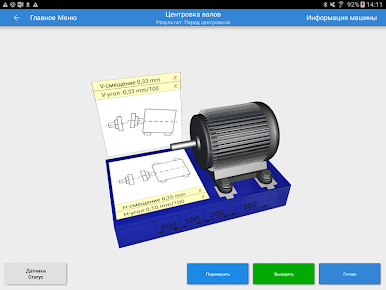
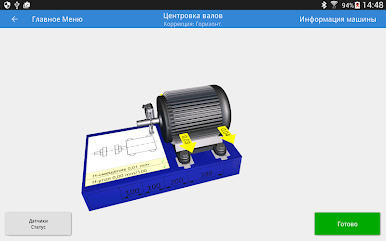
SKF Shaft alignment is your go-to companion for handling shaft alignment, especially if you’re working with the TKSA 51 or TKSA 71 tools from SKF. This app transforms your smartphone or tablet into a smart alignment hub, guiding you every step of the way—whether you’re an experienced technician or just starting out. Expect an intuitive, approachable experience that makes otherwise complex shaft alignments much more straightforward.
App Features
-
User-Friendly Workflow
Built with simplicity in mind, the app walks you through key alignment tasks, stripping out unnecessary complications and making sure the job gets done right. -
Flexible Measurement Options
Using a unique three-position measurement method, you can kick off your measurements from any angle. Got tight spaces? No problem—you only need a 40° rotation to get accurate results. -
Demonstration Mode
Want to try before you buy? The fully functional demo mode lets you practice and learn the complete alignment process—even if you don’t have the hardware just yet. -
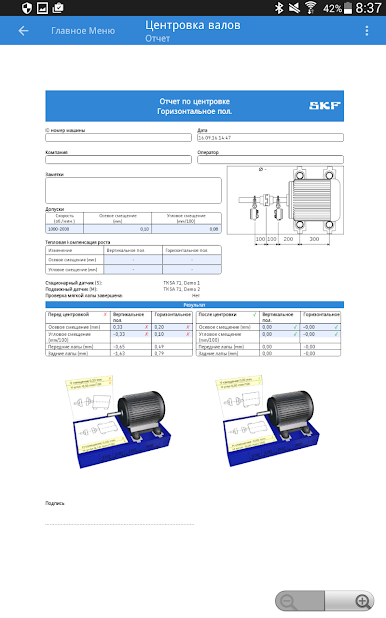
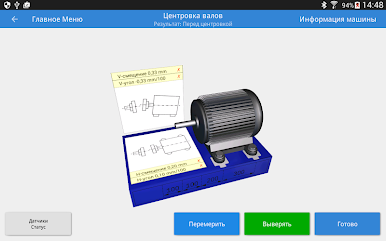
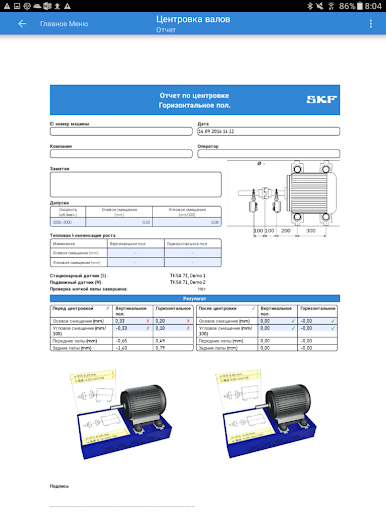
Instant Alignment Reports
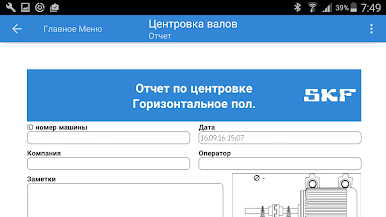
When your alignment is complete, the app automatically creates a detailed report. You can add photos, jot down notes, sign off, and easily share the results via email or your favorite cloud service. -
Step-by-Step Videos
Unsure how to use the TKSA 51 or TKSA 71? The app has clear, helpful videos that break down each step, making measurement and setup worry-free. -
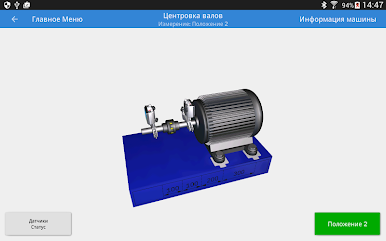
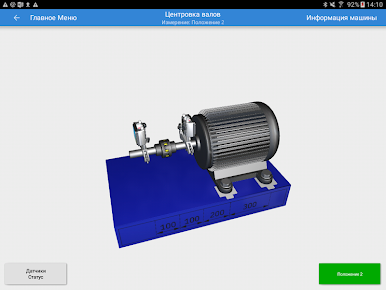
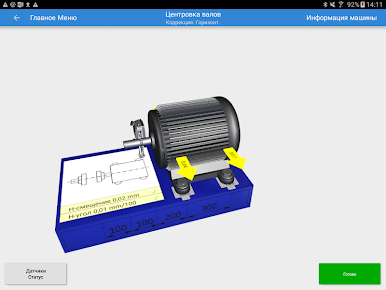
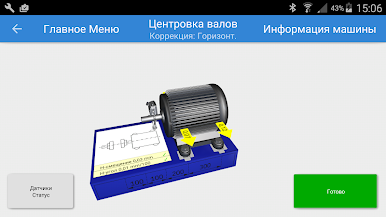
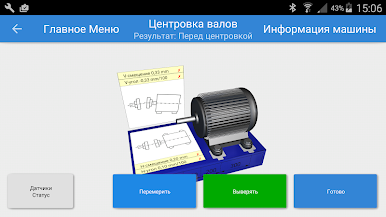
3D Animation Guidance
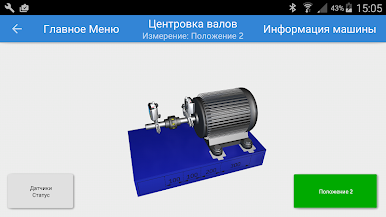
Instead of squinting at text instructions, follow along with 3D animations that visually lead you through the alignment process. -
Handy Machine Library with QR Scanning
Keep a tidy record of every machine you measure. Save info like distances or pictures, and use QR codes for quick identification and access to past reports—all in a single, organized library.
If you’re using BlueStacks, you can get the most out of the SKF Shaft alignment experience on a bigger screen—especially helpful when navigating lots of reports or videos.
Switch to BlueStacks and make the most of your apps on your PC or Mac.
Играйте в игру SKF Shaft alignment на ПК. Это легко и просто.
-
Скачайте и установите BlueStacks на ПК.
-
Войдите в аккаунт Google, чтобы получить доступ к Google Play, или сделайте это позже.
-
В поле поиска, которое находится в правой части экрана, введите название игры – SKF Shaft alignment.
-
Среди результатов поиска найдите игру SKF Shaft alignment и нажмите на кнопку "Установить".
-
Завершите авторизацию в Google (если вы пропустили этот шаг в начале) и установите игру SKF Shaft alignment.
-
Нажмите на ярлык игры SKF Shaft alignment на главном экране, чтобы начать играть.

