


PDF Reader Pro - PDF Viewer
Играйте на ПК с BlueStacks – игровой платформе для приложений на Android. Нас выбирают более 500 млн. игроков.

Страница изменена: Feb 24, 2025
Play PDF Reader Pro - PDF Viewer on PC
Looking for a lightweight and easy-to-use PDF reader? Install PDF Reader Pro and manage all your PDF files effortlessly in one place! ⚡
🔥 Key Features:
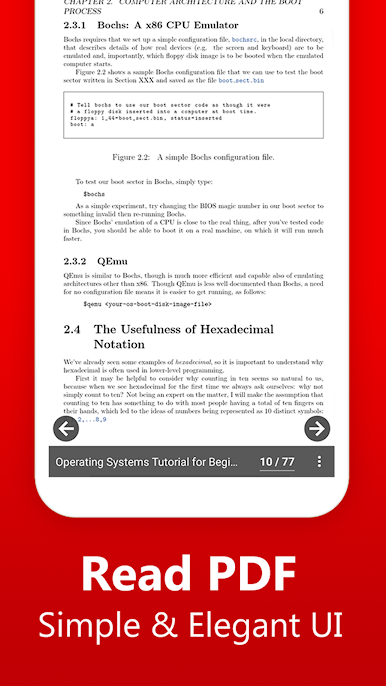
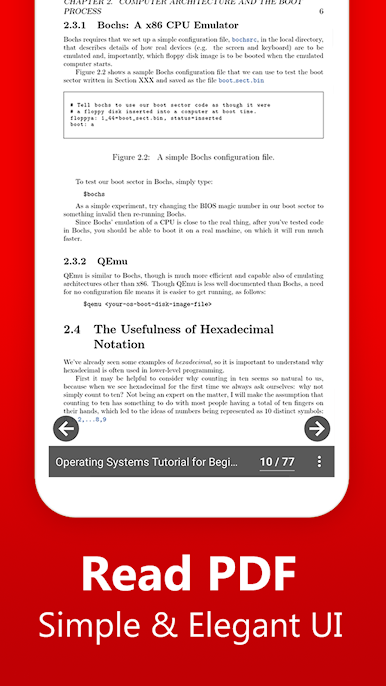
📑 Simple & Elegant Interface - Enjoy a clean and user-friendly reading experience with essential controls.
📜 Resume Where You Left Off - Open PDFs exactly from the last page you viewed, making reading seamless.
📖 Scroll Your Way - Choose between horizontal or vertical scrolling for a comfortable reading experience.
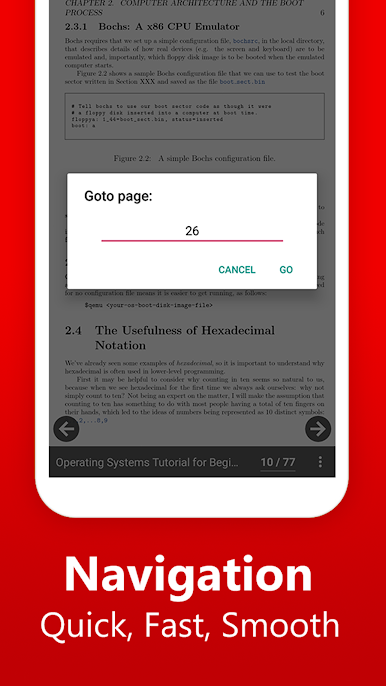
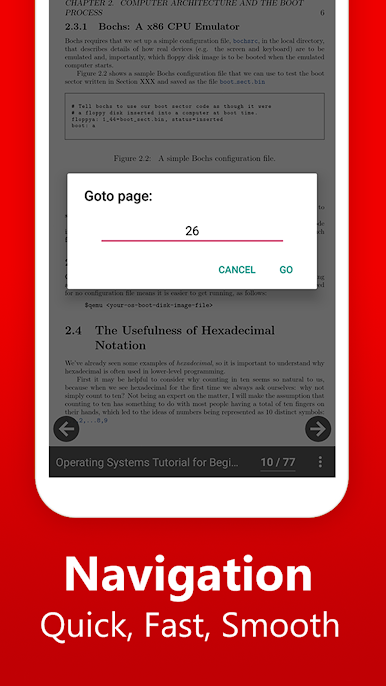
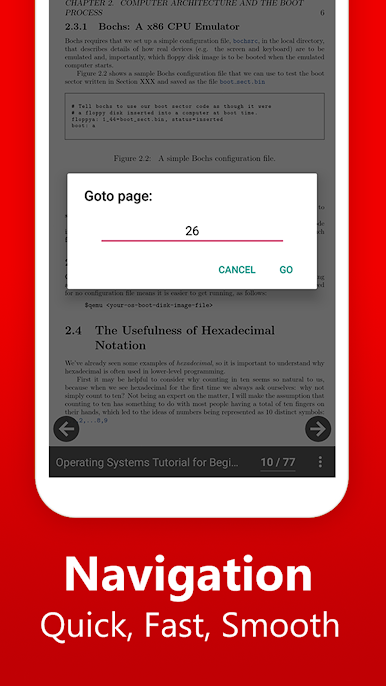
🎯 Easy Navigation - Jump to specific pages instantly with quick navigation tools.
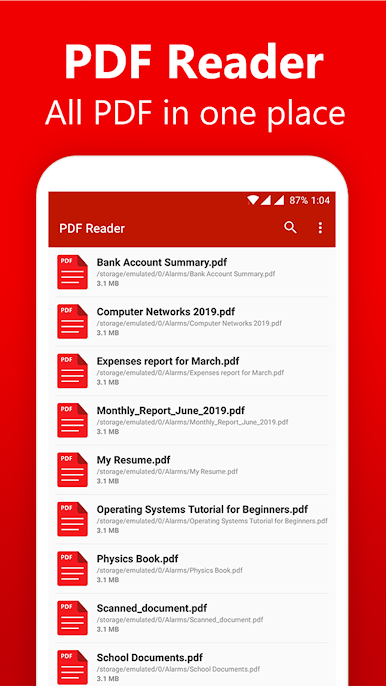
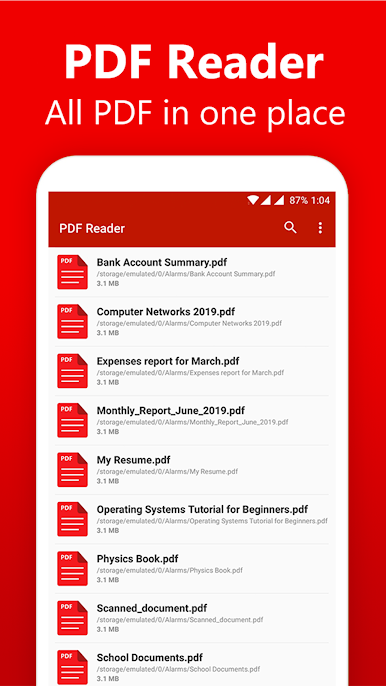
📚 All PDFs in One Place - Automatically detects and lists all PDFs on your device for easy access.
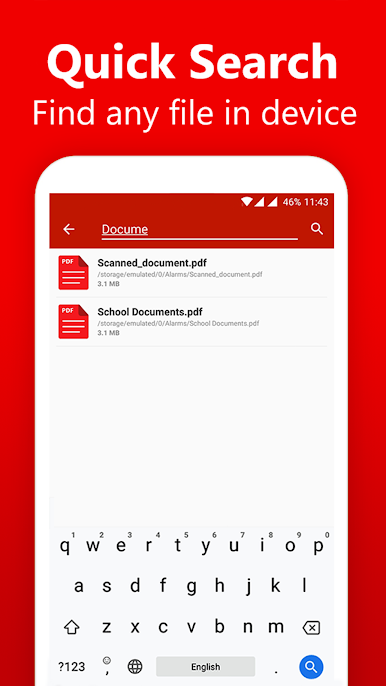
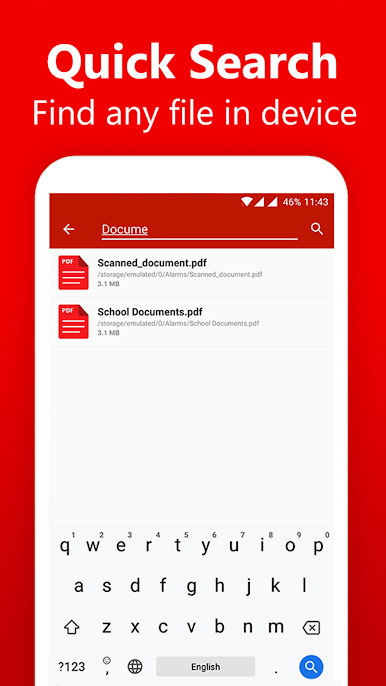
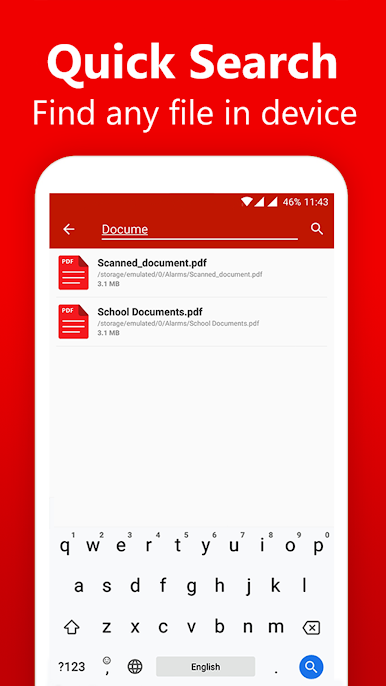
🔍 Instant Search - Find any PDF instantly with the built-in search option.
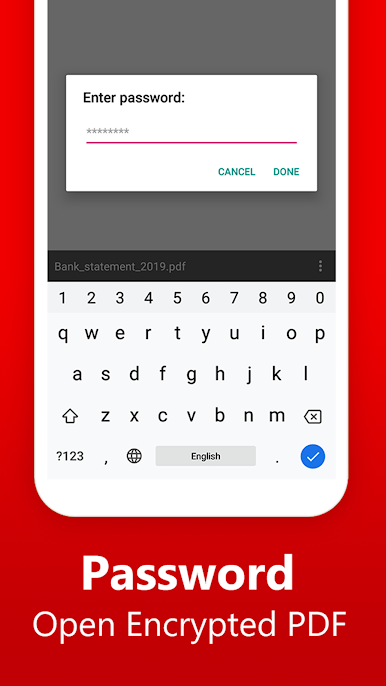
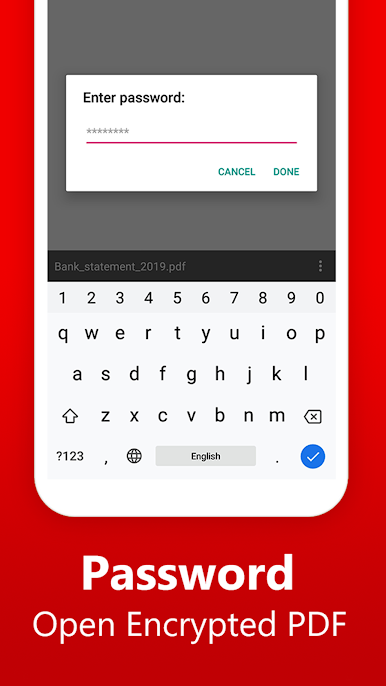
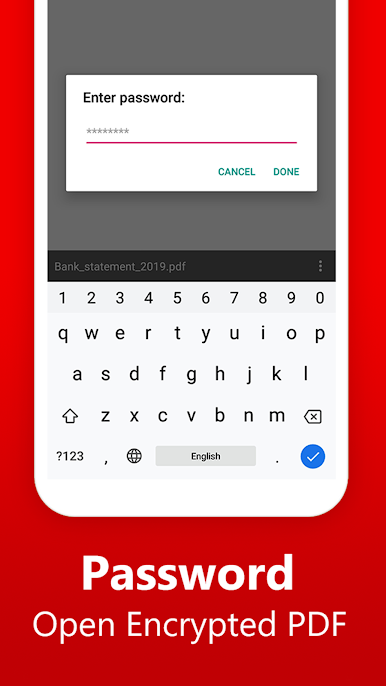
🔒 Open Password-Protected PDFs - Securely access locked PDFs with the built-in decryption tool.
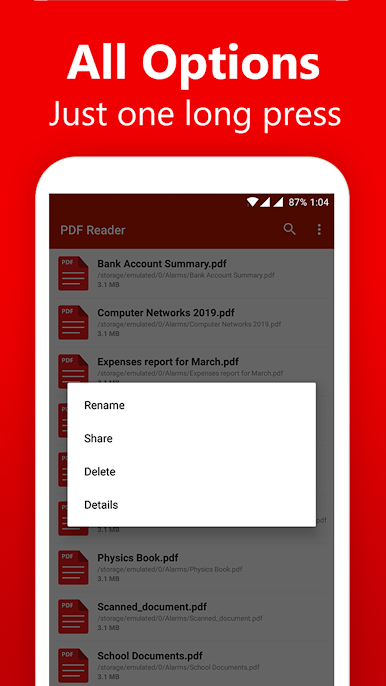
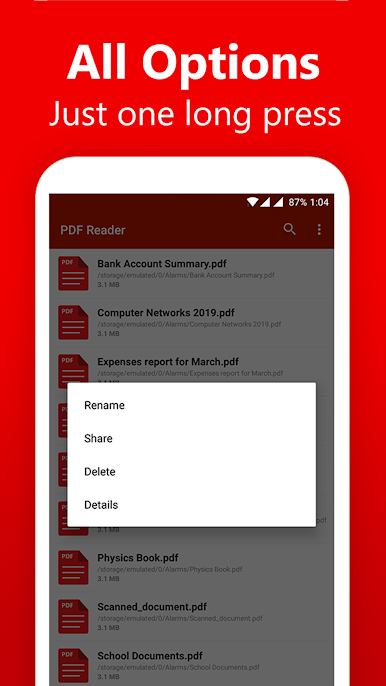
🛠️ Essential File Management - Rename, delete, share, and organize your PDFs effortlessly.
🕶️ Ad-Free Experience - Read your PDFs without any interruptions!
🎯 Additional Features:
✅ Smart page fitting - Snap pages to fit your screen while scrolling.
✅ Check file details - View size, name, and other properties of PDFs.
✅ Sort PDFs - Organize by name, date, or size.
✅ Quick Refresh - Instantly update the list of available PDFs.
📥 Download Now and experience a fast, smooth, and hassle-free PDF reading experience!
💬 We’d love your feedback! Write to us at support@skydot.tech
If you love the app, don’t forget to share it with friends! 😊


Играйте в игру PDF Reader Pro - PDF Viewer на ПК. Это легко и просто.
-
Скачайте и установите BlueStacks на ПК.
-
Войдите в аккаунт Google, чтобы получить доступ к Google Play, или сделайте это позже.
-
В поле поиска, которое находится в правой части экрана, введите название игры – PDF Reader Pro - PDF Viewer.
-
Среди результатов поиска найдите игру PDF Reader Pro - PDF Viewer и нажмите на кнопку "Установить".
-
Завершите авторизацию в Google (если вы пропустили этот шаг в начале) и установите игру PDF Reader Pro - PDF Viewer.
-
Нажмите на ярлык игры PDF Reader Pro - PDF Viewer на главном экране, чтобы начать играть.

