


AccuRadio
Играйте на ПК с BlueStacks – игровой платформе для приложений на Android. Нас выбирают более 500 млн. игроков.

Страница изменена: Nov 19, 2025
Run AccuRadio on PC or Mac
Upgrade your experience. Try AccuRadio, the fantastic Music & Audio app from AccuRadio, from the comfort of your laptop, PC, or Mac, only on BlueStacks.
About the App
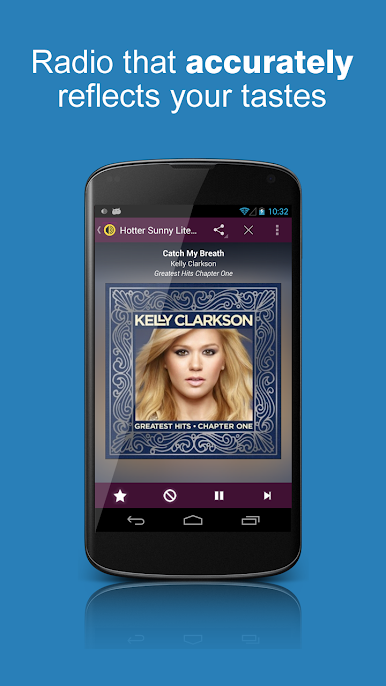
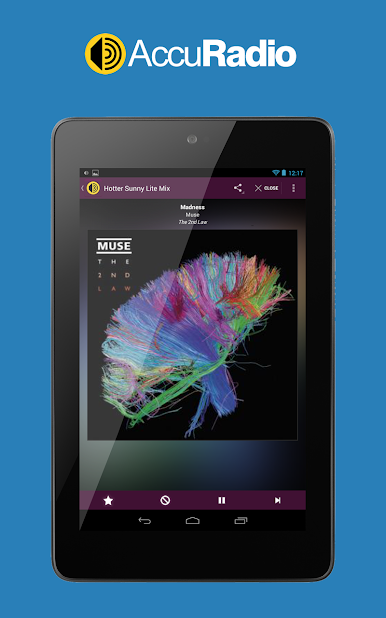
Looking for a music experience that actually feels like yours? AccuRadio brings you a huge world of tunes, from hits you know by heart to gems you haven’t discovered yet. Whether you’re in the mood for classic rock, chill jazz, or even a bit of comedy, this app’s got a station (or ten) for you to hit play, relax, and enjoy—all for free.
App Features
-
Vast Selection of Channels
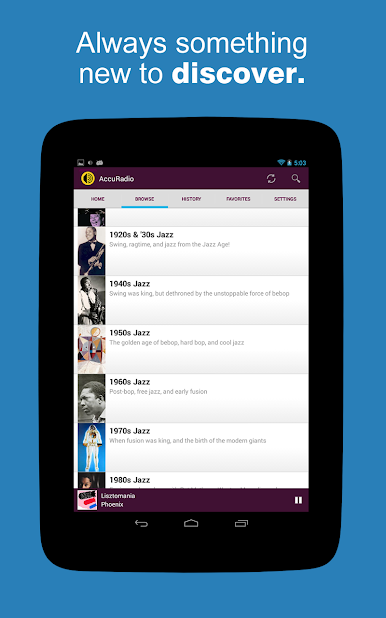
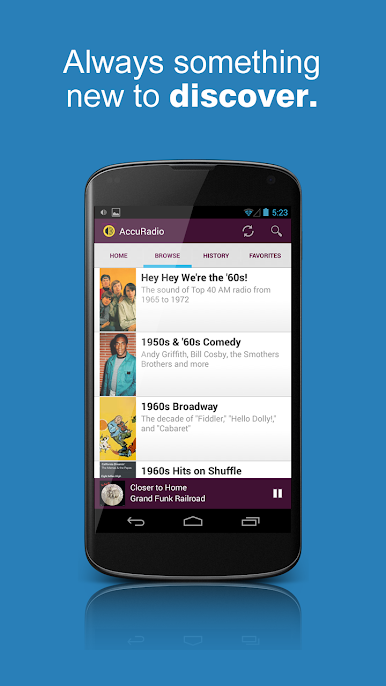
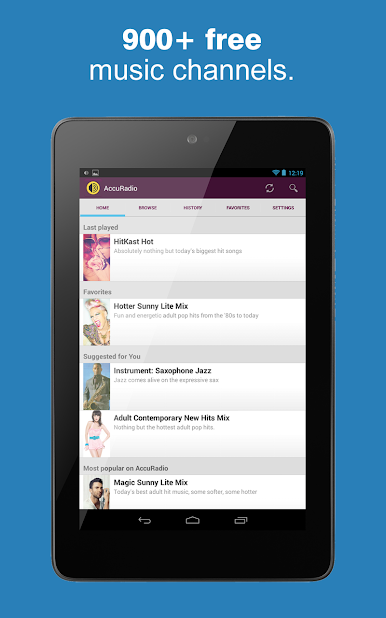
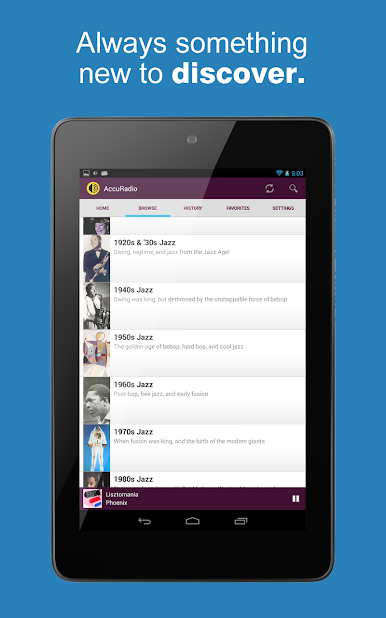
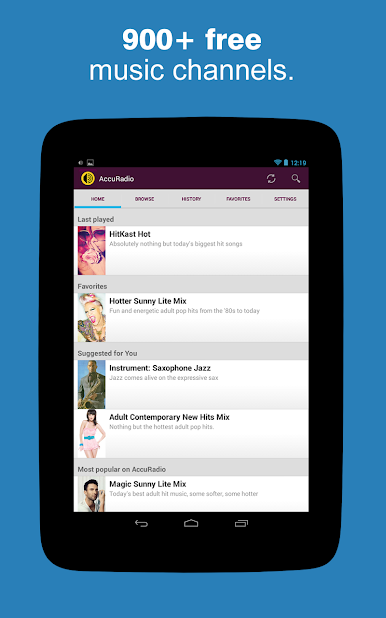
Explore hundreds of music channels spanning more than 50 genres, including pop, R&B, country, indie rock, jazz, K-pop, oldies, and so many others. There’s honestly something for every vibe—whether you’re winding down, getting pumped up, or just want something in the background. -
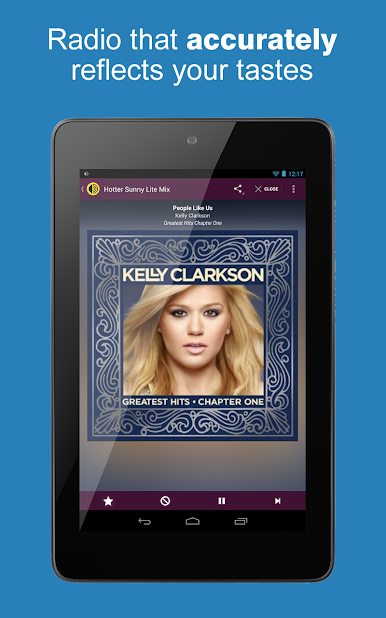
Your Tastes, Your Way
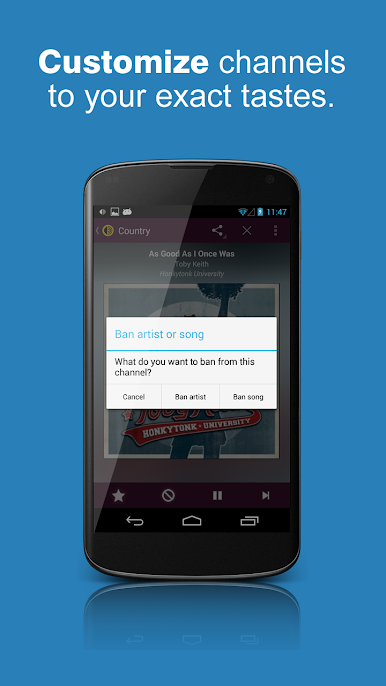
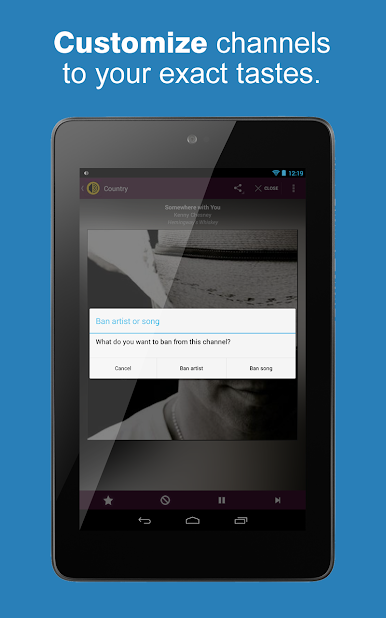
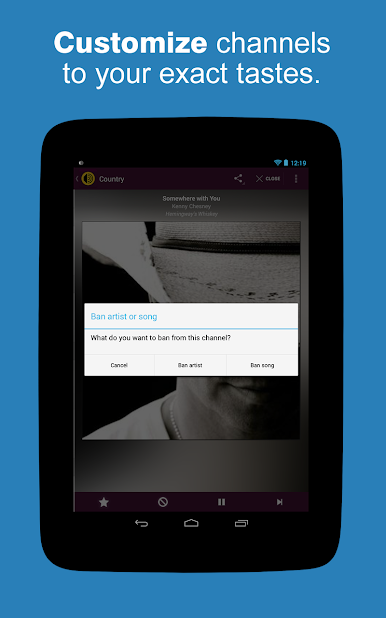
Save your favorite channels and keep track of what you’ve listened to, so you never lose that song you loved. And if a tune’s not for you? Just skip it, or even ban an artist or song from your mix. -
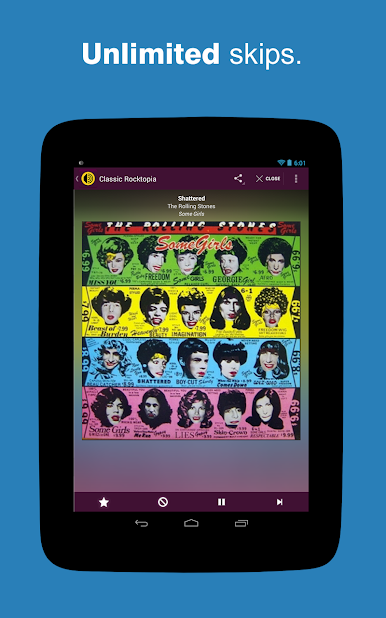
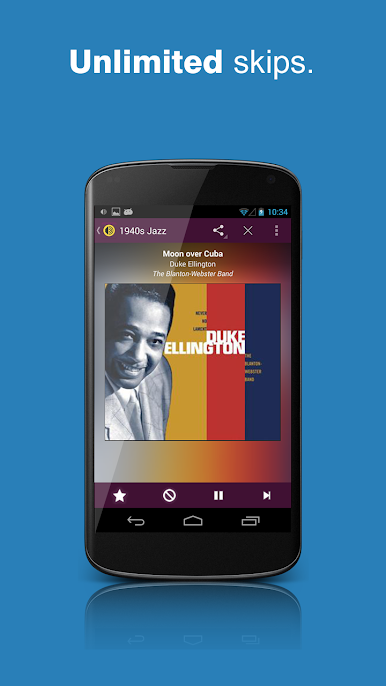
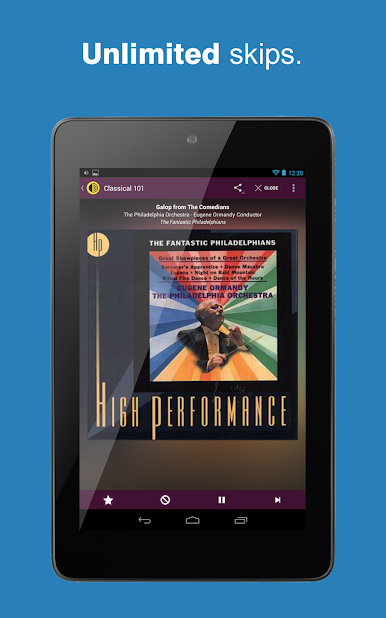
Unlimited Song Skips
Tired of apps that limit how often you can skip? AccuRadio gives you endless skips, so you’re never stuck with a track you don’t want to hear. -
Personalized Five-Star Channel
Love rating songs? As you give tracks a thumbs-up, AccuRadio automatically creates a special “Five-Star” channel just for you, filled with your top picks. -
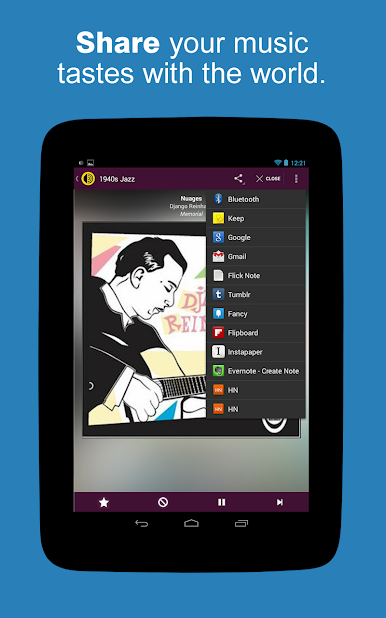
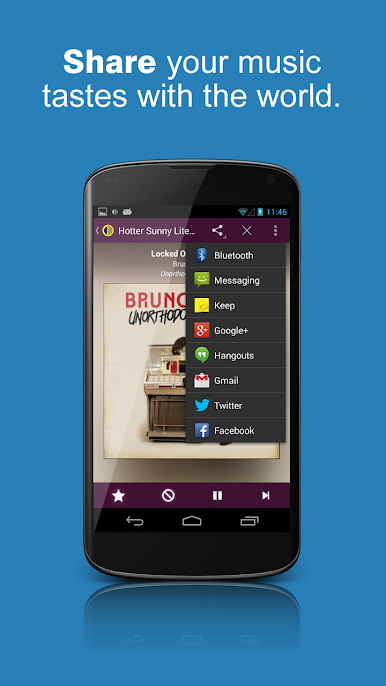
Easy Sharing
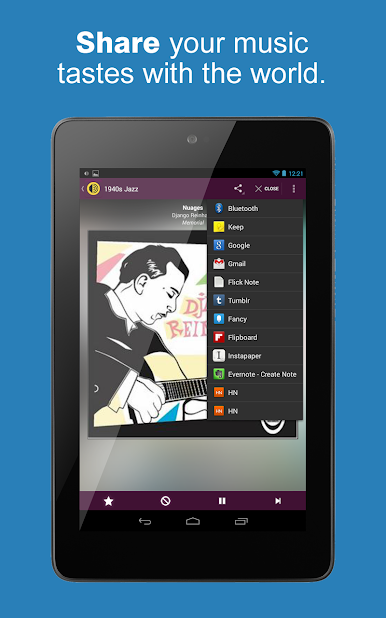
Found a new favorite channel or a song you can’t stop replaying? Share your discovery with friends, right from the app. -
No Annoying Paywalls
All features are always free, with no subscription required to enjoy great music.
And if you prefer listening on a bigger screen, AccuRadio runs smoothly on your laptop or computer with BlueStacks, so you can take your playlists wherever you want.
BlueStacks gives you the much-needed freedom to experience your favorite apps on a bigger screen. Get it now.


Играйте в игру AccuRadio на ПК. Это легко и просто.
-
Скачайте и установите BlueStacks на ПК.
-
Войдите в аккаунт Google, чтобы получить доступ к Google Play, или сделайте это позже.
-
В поле поиска, которое находится в правой части экрана, введите название игры – AccuRadio.
-
Среди результатов поиска найдите игру AccuRadio и нажмите на кнопку "Установить".
-
Завершите авторизацию в Google (если вы пропустили этот шаг в начале) и установите игру AccuRadio.
-
Нажмите на ярлык игры AccuRadio на главном экране, чтобы начать играть.

