

Quantic School of Business
Spiele auf dem PC mit BlueStacks - der Android-Gaming-Plattform, der über 500 Millionen Spieler vertrauen.

Seite geändert am: Nov 14, 2025
Run Quantic School of Business on PC or Mac
What’s better than using Quantic School of Business by Pedago Holdings, Inc.? Well, try it on a big screen, on your PC or Mac, with BlueStacks to see the difference.
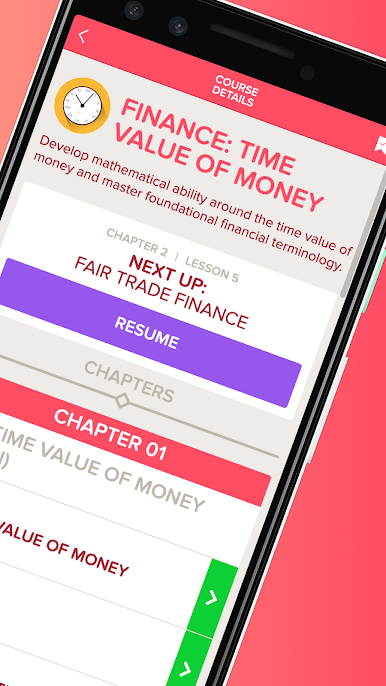
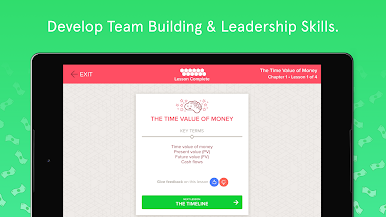
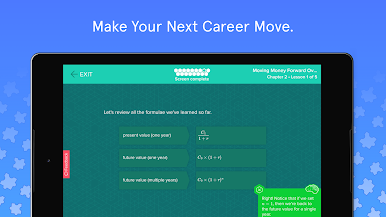
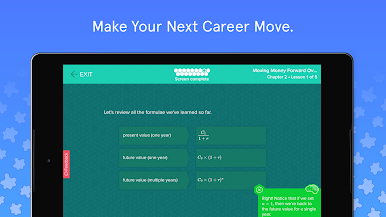
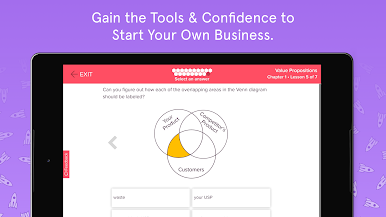
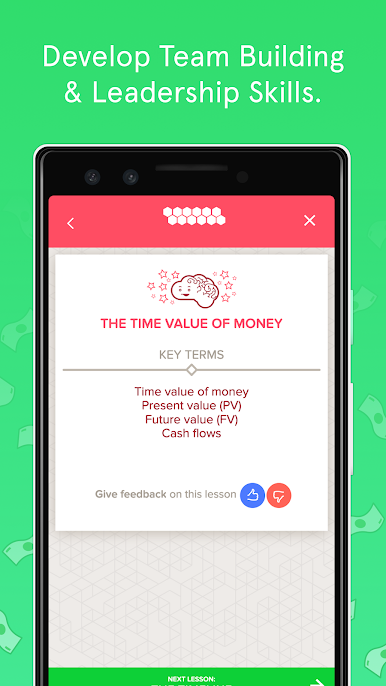
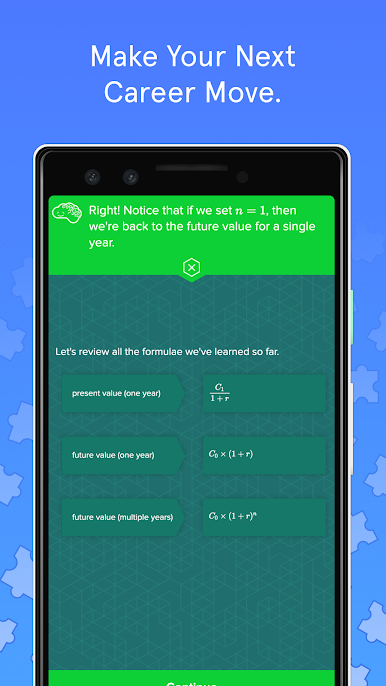
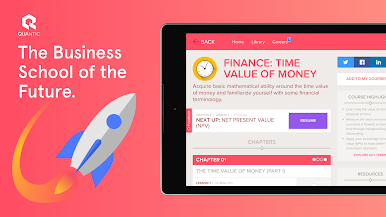
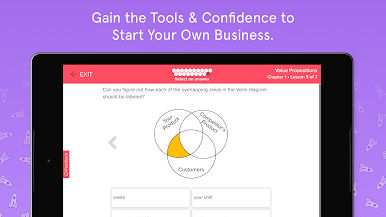
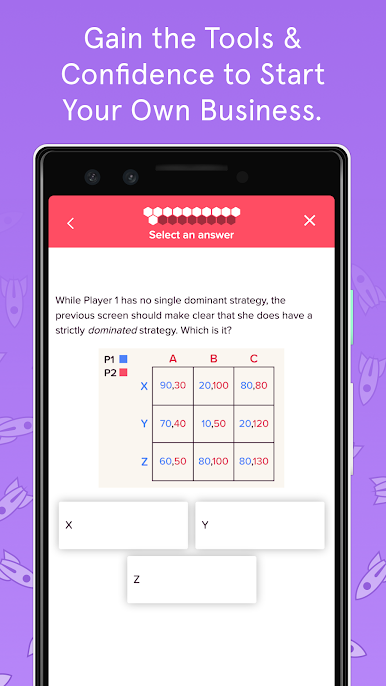
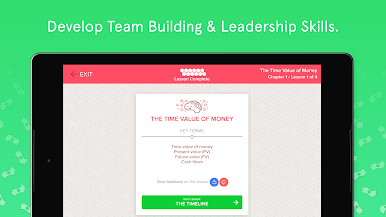
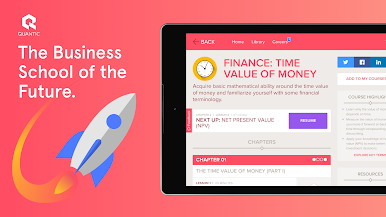
Quantic is one of those business education apps that actually manages to keep things interesting. Instead of just throwing long lectures or boring videos at you, it splits everything into short, interactive lessons that feel a bit like mini-games. It’s focused on core areas that you’d see in an MBA – stuff like marketing, finance, management – but the real difference is how much you’re involved. You never just sit there watching; there are constant quizzes, examples, and chances to try things out, so you actually remember the stuff you learn. Even if someone’s just checking it out for the free intro lessons, there’s a surprising amount you can pick up right away.
It’s especially good if studying on a phone annoys you, because using it on a PC with BlueStacks makes things much easier – all the buttons and charts look huge and clear. Some people join for the full degree, and then there’s this whole online community thing where students work together or even meet up at events. The app keeps the lessons short – usually just a few minutes each – and they throw in real business scenarios, so it isn’t just theory. There are updates with new courses pretty often, so it never gets old if someone sticks with it. If someone’s thinking about learning business skills without taking years off for school, or just wants to understand business basics in a straightforward way, this app makes it easy to get started and stay interested.
Switch to BlueStacks and make the most of your apps on your PC or Mac.
Spiele Quantic School of Business auf dem PC. Der Einstieg ist einfach.
-
Lade BlueStacks herunter und installiere es auf deinem PC
-
Schließe die Google-Anmeldung ab, um auf den Play Store zuzugreifen, oder mache es später
-
Suche in der Suchleiste oben rechts nach Quantic School of Business
-
Klicke hier, um Quantic School of Business aus den Suchergebnissen zu installieren
-
Schließe die Google-Anmeldung ab (wenn du Schritt 2 übersprungen hast), um Quantic School of Business zu installieren.
-
Klicke auf dem Startbildschirm auf das Quantic School of Business Symbol, um mit dem Spielen zu beginnen

