


Crafty Cat: Puzzle&Knitting
Spiele auf dem PC mit BlueStacks - der Android-Gaming-Plattform, der über 500 Millionen Spieler vertrauen.

Seite geändert am: Oct 14, 2025
Play Crafty Cat: Puzzle&Knitting on PC
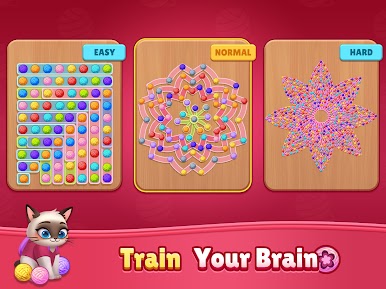
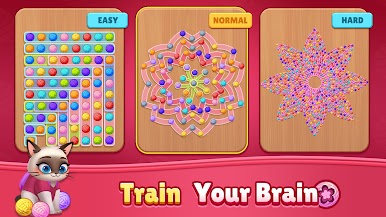
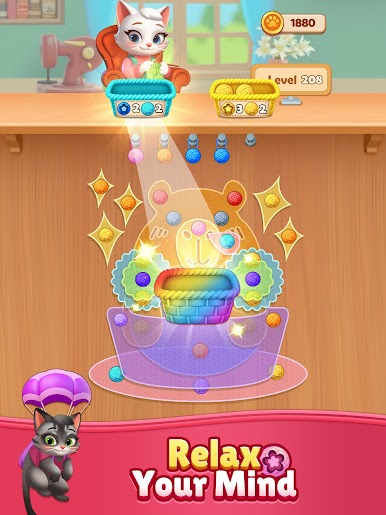
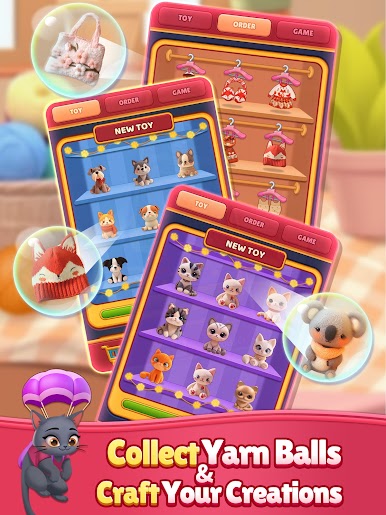
Love puzzles and clever cats? Looking for a casual game to train your brain and relax your mind? Join us for a fun-filled journey!
How to Play:
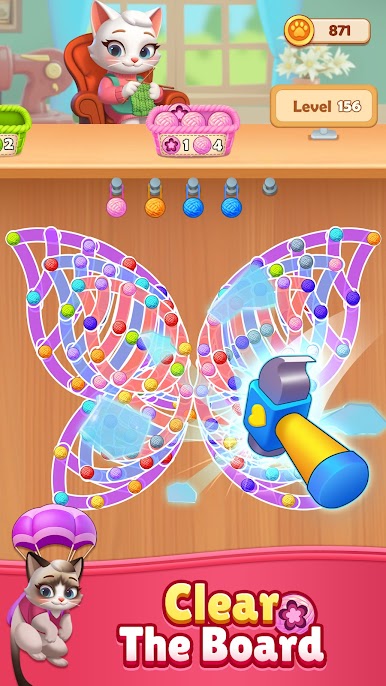
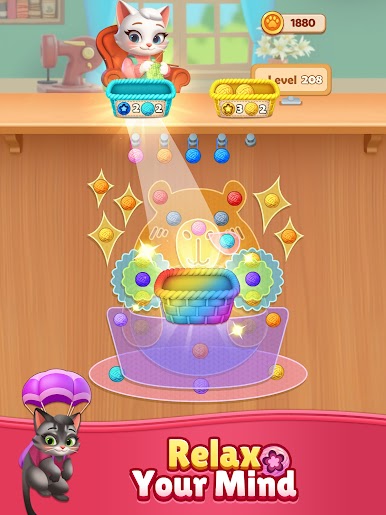
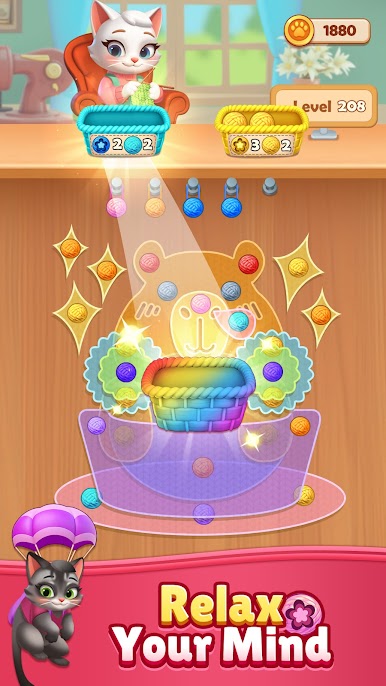
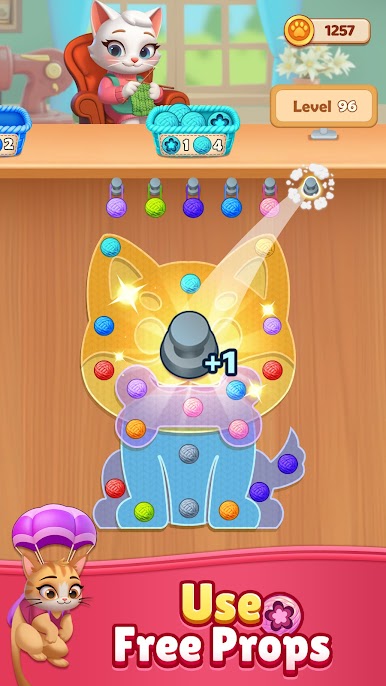
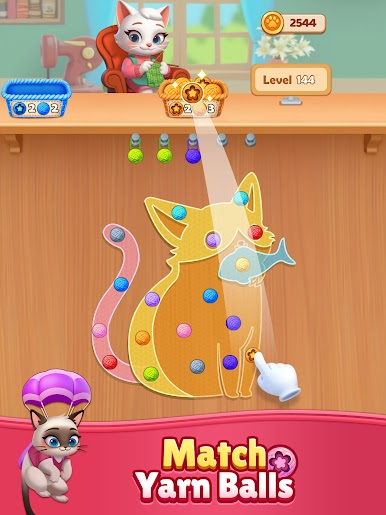
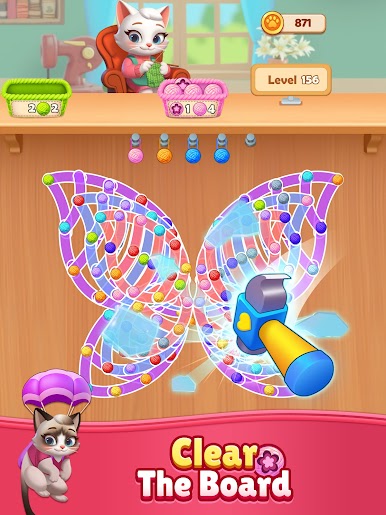
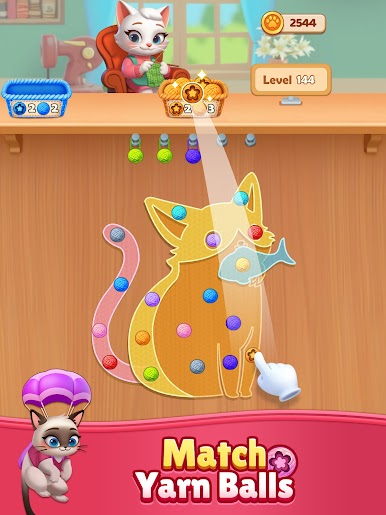
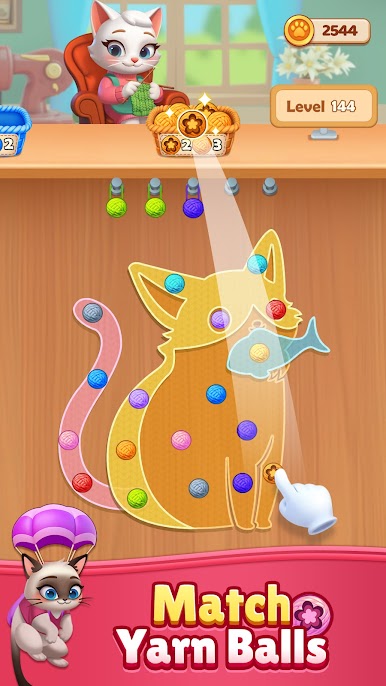
1. Click on the yarn balls that match the color of the basket.
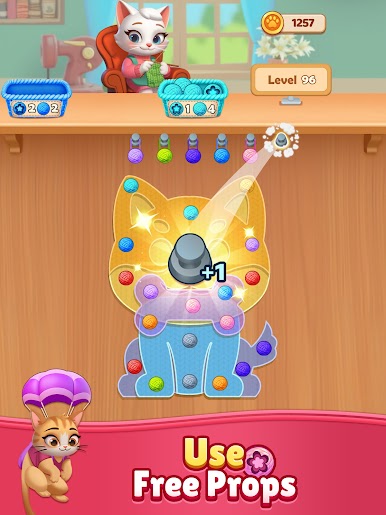
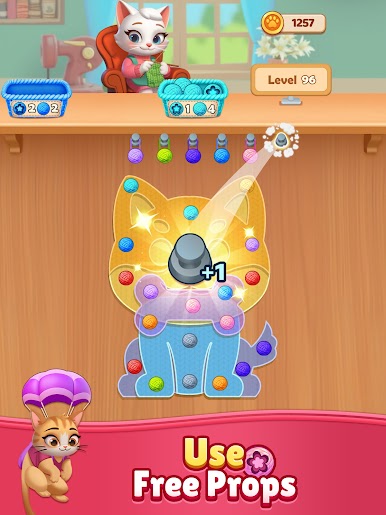
2. Use three free power-ups, like hints or extra moves, to assist you in clearing the level.
3. Sort all yarn balls correctly to pass the level!
Why You'll Love This Game:
- Free to Play: Enjoy endless fun.
- No WiFi Needed: Play anytime, anywhere—perfect for commutes or relaxing at home.
- Simple Gameplay: Easy to learn, suitable for all ages.
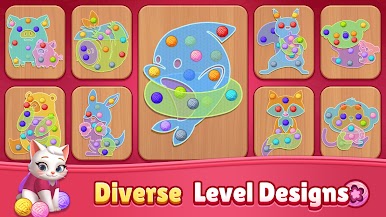
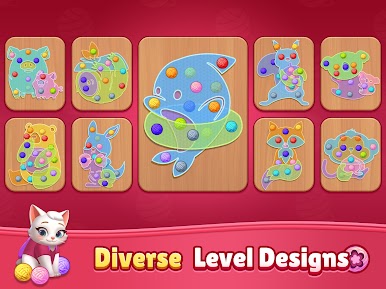
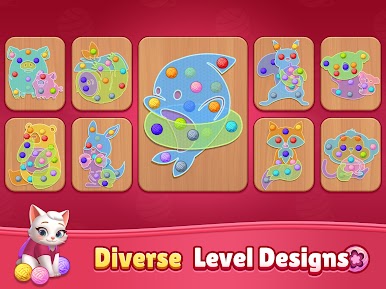
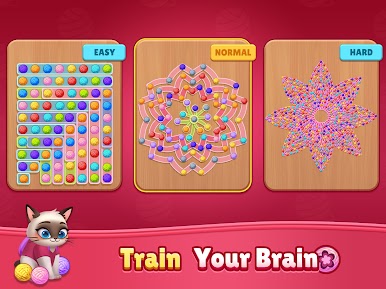
- Diverse Level Design: Unique challenges keep the gameplay exciting.
- Stress Relief: A great way to unwind.
Ready to challenge your mind and have fun? Download now and start your adventure today!


Spiele Crafty Cat: Puzzle&Knitting auf dem PC. Der Einstieg ist einfach.
-
Lade BlueStacks herunter und installiere es auf deinem PC
-
Schließe die Google-Anmeldung ab, um auf den Play Store zuzugreifen, oder mache es später
-
Suche in der Suchleiste oben rechts nach Crafty Cat: Puzzle&Knitting
-
Klicke hier, um Crafty Cat: Puzzle&Knitting aus den Suchergebnissen zu installieren
-
Schließe die Google-Anmeldung ab (wenn du Schritt 2 übersprungen hast), um Crafty Cat: Puzzle&Knitting zu installieren.
-
Klicke auf dem Startbildschirm auf das Crafty Cat: Puzzle&Knitting Symbol, um mit dem Spielen zu beginnen

