


SpeedQuizzing
500M + oyuncunun güvendiği Android Oyun Platformu, BlueStacks ile PC'de oynayın.

Sayfa Değiştirilme tarihi: Nov 21, 2025
Run SpeedQuizzing Virtual Buzzer on PC or Mac
Let BlueStacks turn your PC, Mac, or laptop into the perfect home for SpeedQuizzing Virtual Buzzer, a fun Entertainment app from SpeedQuizzing.
About the App
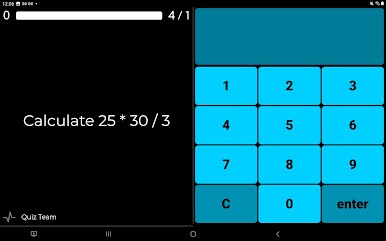
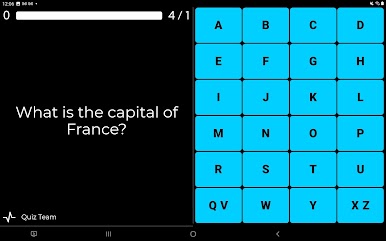
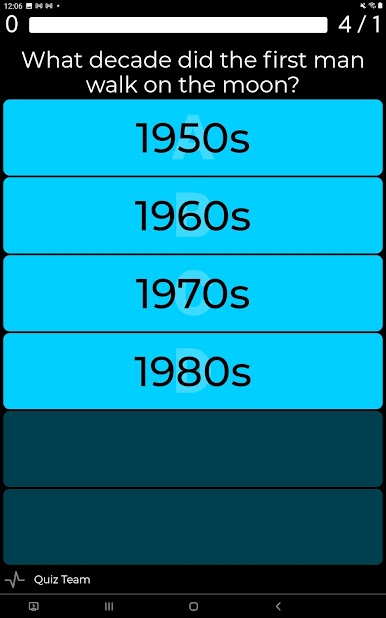
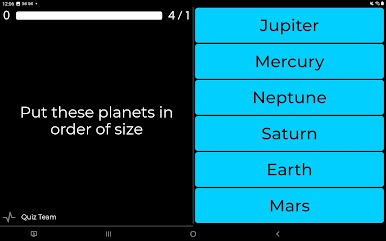
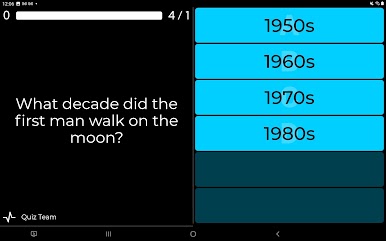
SpeedQuizzing Virtual Buzzer brings all the excitement of a fast-paced quiz show right to your phone. Imagine hanging out with friends or joining a live event and your device becomes your personal buzzer—no need for fancy hardware or a clutter of remotes. Whether you’re a quiz master running the show or competing against others, this Entertainment app by SpeedQuizzing keeps things lively, quick, and super interactive.
App Features
-
Turn Your Phone into a Buzzer
Forget digging around for special equipment—just grab your Android phone, connect to WiFi at a SpeedQuizzing quiz, and your screen becomes a ready-to-go response pad. -
Easy Group Play
Lots of friends around? No problem. Tons of players can hop onto the same quiz at once, making for a real game show atmosphere—laughs, friendly competition, and all the buzzer-hitting you can handle. -
Gameshow-Style Action
Get that TV gameshow vibe with fast-paced questions, where timing is everything. The app reacts instantly to your taps, so you’re always in on the excitement (or at least trying to beat your buddies to the answer). -
Simple, Wireless Setup
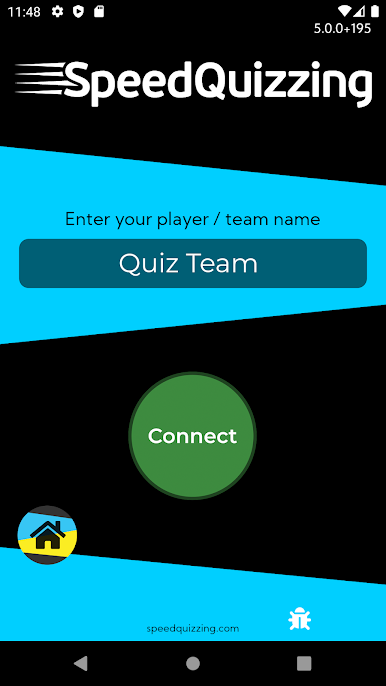
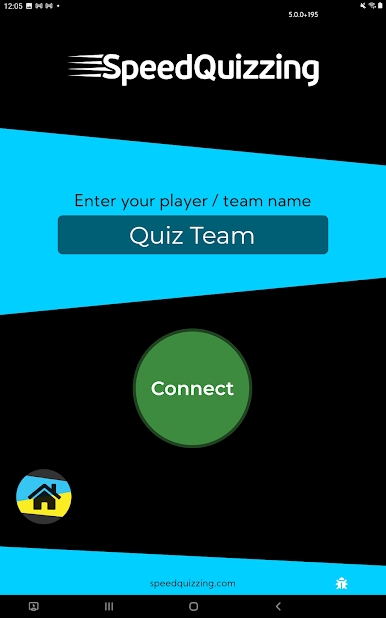
No mess of wires or complicated installs—if you’re at a SpeedQuizzing event and on the right WiFi, you’re in. Just launch SpeedQuizzing Virtual Buzzer, join the session, and you’re good to go. -
Works Great with BlueStacks
Want a bigger screen or just a change of scene? You can run SpeedQuizzing Virtual Buzzer on your PC using BlueStacks for an even more comfortable quiz experience. -
Perfect for Events
Whether it’s pub trivia or a private party, this app makes hosting or playing in group quizzes super smooth. Everyone’s device syncs up, so organizing is a breeze.
Big screen. Bigger performance. Use BlueStacks on your PC or Mac to run your favorite apps.
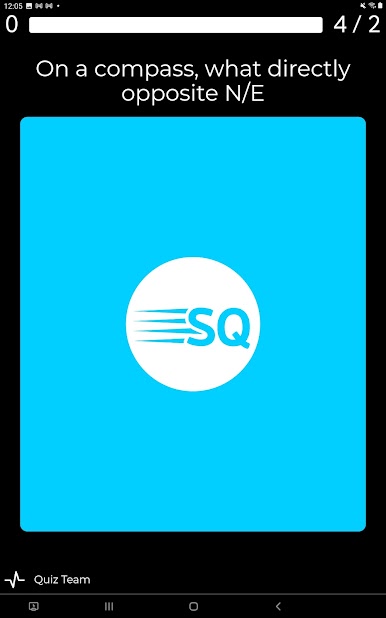
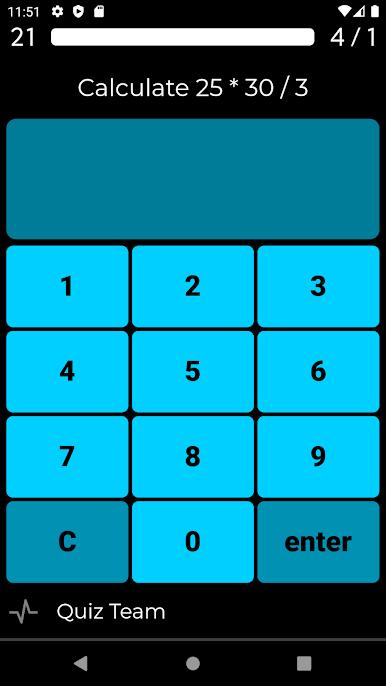
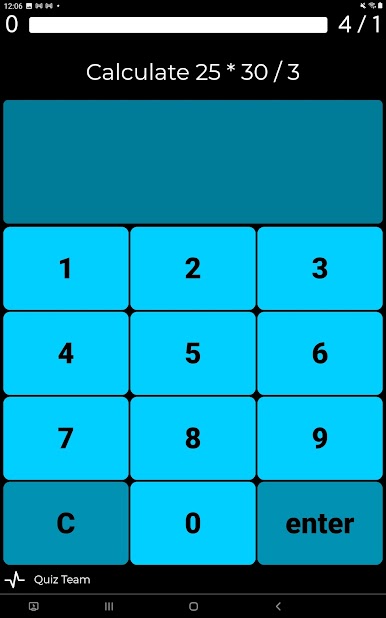
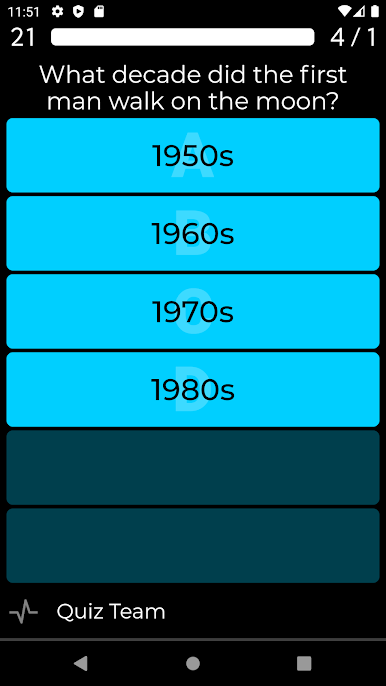
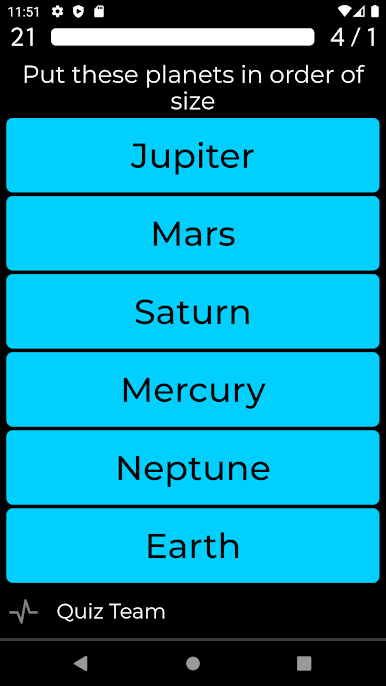
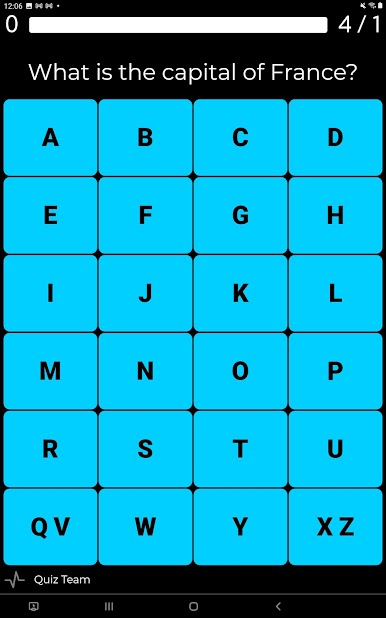
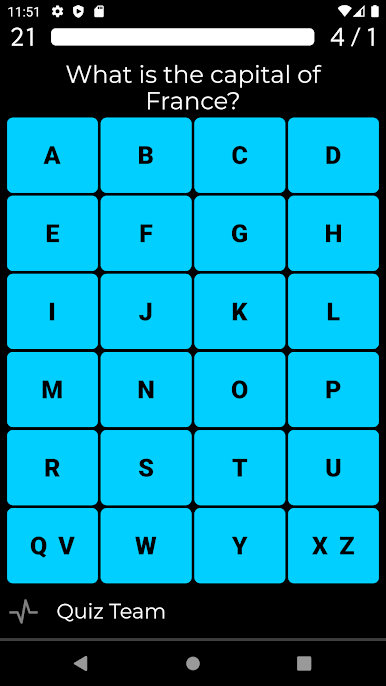
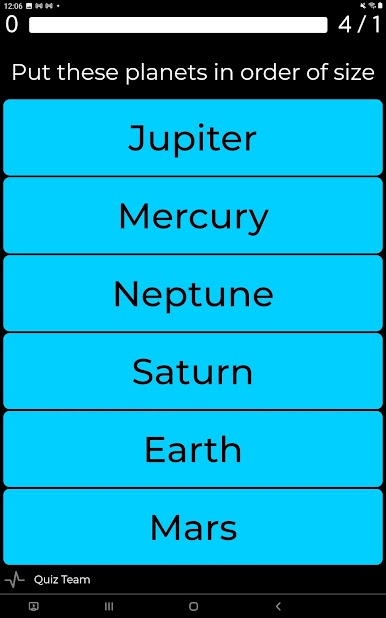
SpeedQuizzing oyununu PC'de oyna. Başlamak çok kolay.
-
BlueStacks'i PC'nize İndirin ve Yükleyin
-
Play Store'a erişmek için Google girişi yapın ya da daha sonraya bırakın.
-
Sağ üst köşeye SpeedQuizzing yazarak arayın.
-
SpeedQuizzing uygulamasını arama sonuçlarından indirmek için tıklayın.
-
(iEğer Adım 2'yi atladıysanız) SpeedQuizzing uygulamasını yüklemek için Google'a giriş yapın.
-
Oynatmaya başlatmak için ekrandaki SpeedQuizzing ikonuna tıklayın.

