


Sports Trivia Star Sport Games
Spiele auf dem PC mit BlueStacks - der Android-Gaming-Plattform, der über 500 Millionen Spieler vertrauen.

Seite geändert am: Apr 4, 2023
Play Sports Trivia Star Sport Games on PC or Mac
Join millions to experience Sports Trivia Star Sport Games, an exciting Trivia game from Super Free. With BlueStacks App Player, you are always a step ahead of your opponent, ready to outplay them with faster gameplay and better control with the mouse and keyboard on your PC or Mac.
About the Game
Think you know your sports inside and out? Sports Trivia Star Sport Games by Super Free gives you the perfect chance to put that confidence to the test. Whether you’re hanging out with friends or just want a quick brain workout on your own, this trivia game keeps things interesting with questions that start easy but get trickier as you go. Curious if you’re really a sports expert? There’s only one way to find out.
Game Features
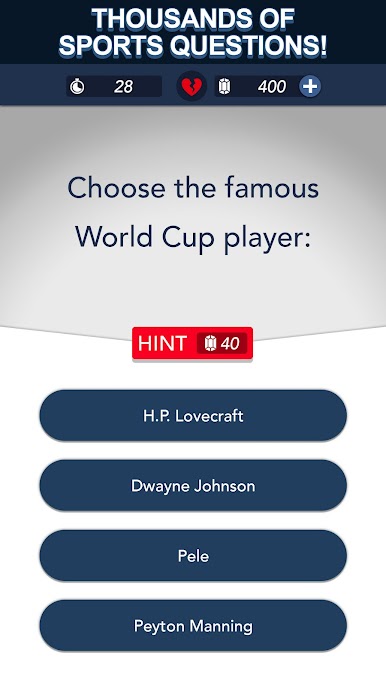
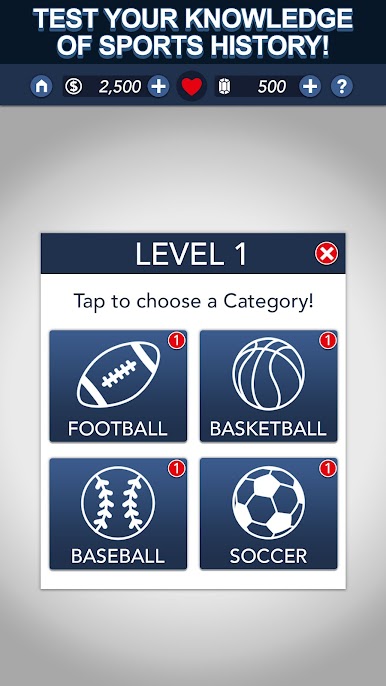
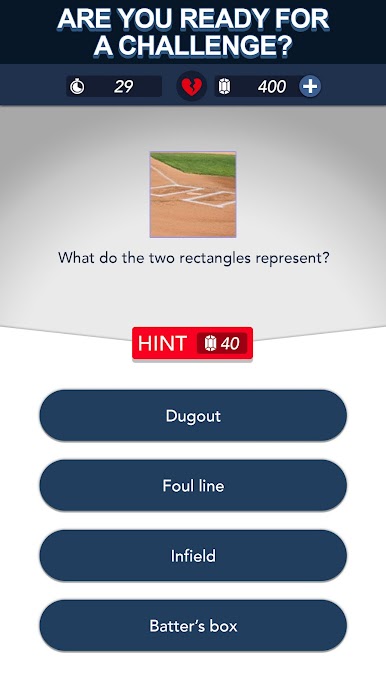
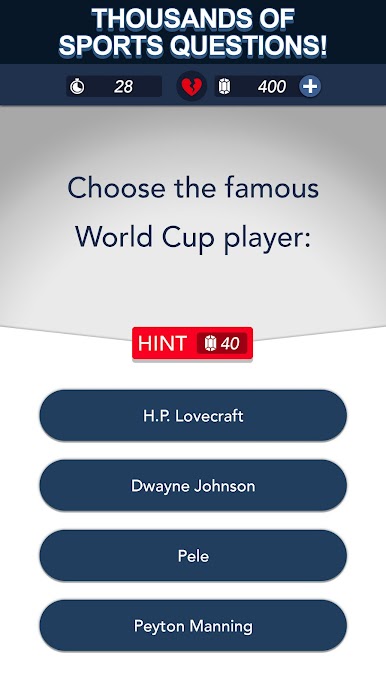
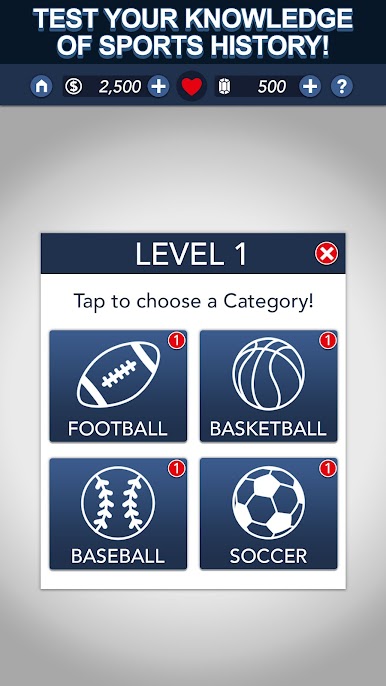
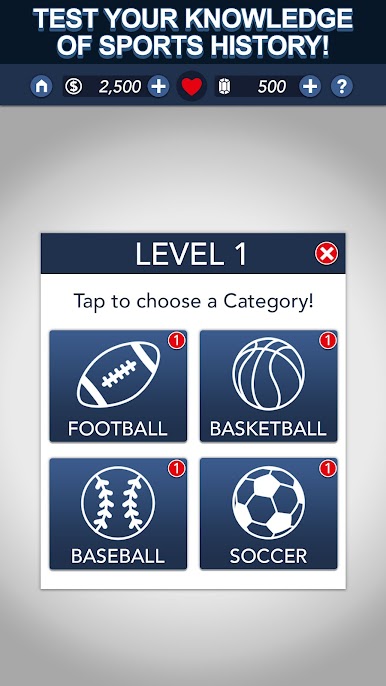
- Wide Variety of Sports Questions: Football, basketball, soccer, baseball, and even questions about your favorite players — the game covers loads of topics, so things never get dull.
- Levels That Ramp Up: Don’t get too comfortable—the difficulty climbs as you answer more questions, so you’ll always have a new challenge.
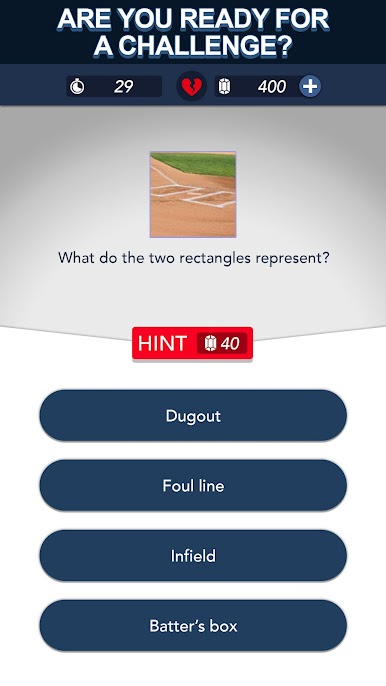
- Multiple Choice Format: No need to type out answers; just pick from a few options and see if your gut feeling matches up.
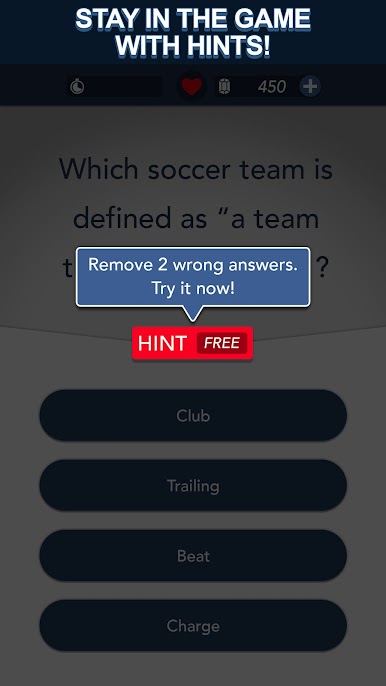
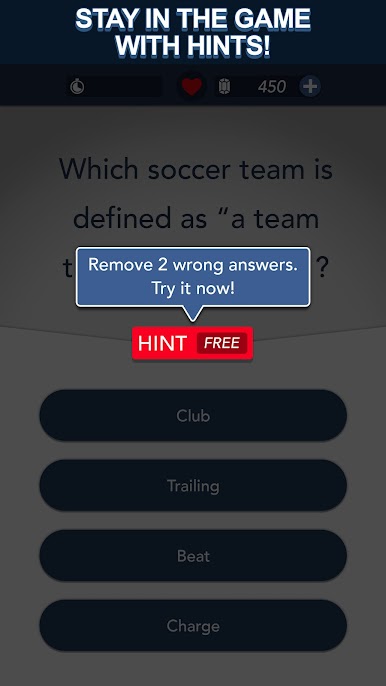
- Hints When You Need Them: Stuck on a question? You can use coins to grab a helpful hint and keep your streak alive.
- Over 1,000 Unique Levels: There’s a ton to work through. If you love sports trivia, you’ll always have something new to answer.
- Daily Bonus Coins: Log in each day to snag extra coins, making it easier to get hints when the questions get tough.
- Offline and Online Play: No internet? No problem. You can play Sports Trivia Star Sport Games wherever you are.
- Designed for Smooth Solo Play: It’s all about your personal best, so play at your speed whenever you’d like.
- Works Awesome with BlueStacks: Want to play on a bigger screen? BlueStacks lets you enjoy the game on your PC, giving you a chance to really dig in and focus.
Ready to top the leaderboard? We bet you do. Let precise controls and sharp visuals optimized on BlueStacks lead you to victory.


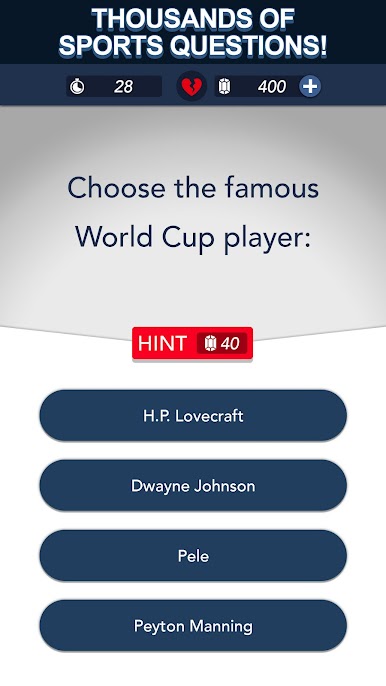

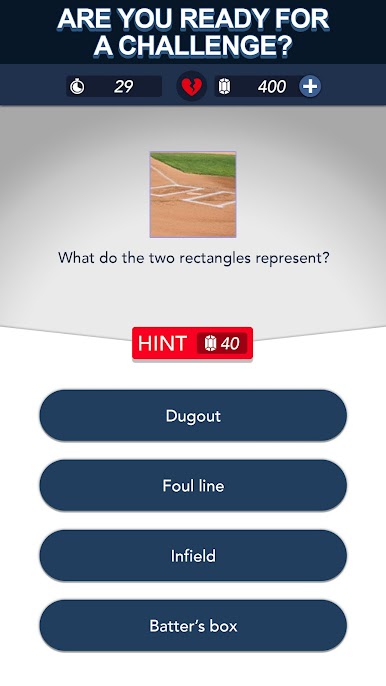

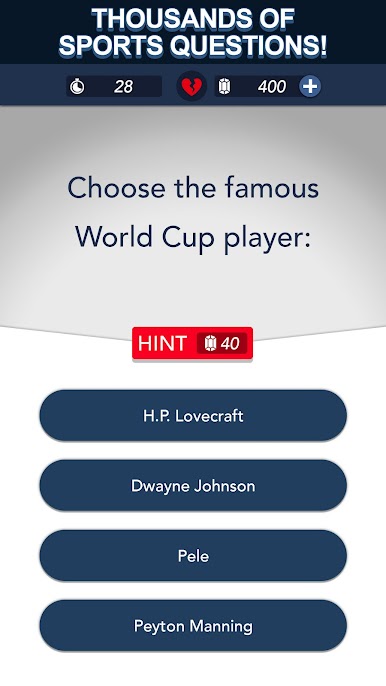
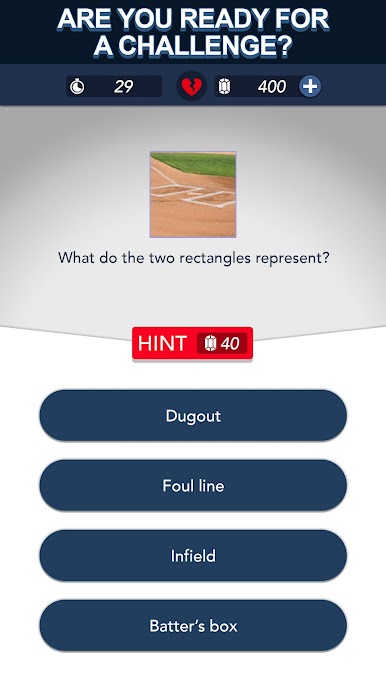
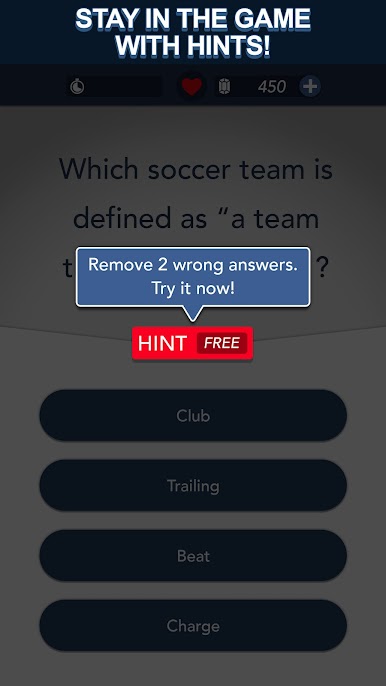
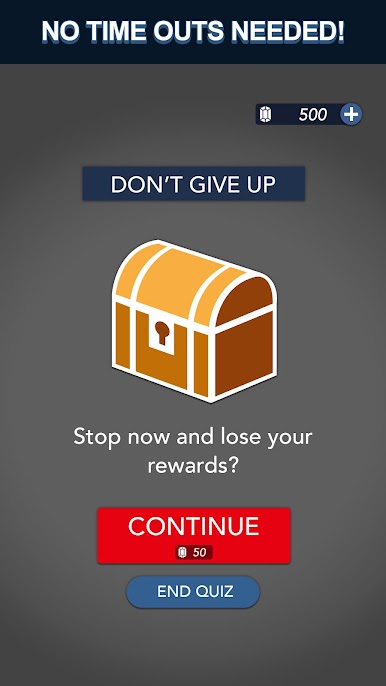

Spiele Sports Trivia Star Sport Games auf dem PC. Der Einstieg ist einfach.
-
Lade BlueStacks herunter und installiere es auf deinem PC
-
Schließe die Google-Anmeldung ab, um auf den Play Store zuzugreifen, oder mache es später
-
Suche in der Suchleiste oben rechts nach Sports Trivia Star Sport Games
-
Klicke hier, um Sports Trivia Star Sport Games aus den Suchergebnissen zu installieren
-
Schließe die Google-Anmeldung ab (wenn du Schritt 2 übersprungen hast), um Sports Trivia Star Sport Games zu installieren.
-
Klicke auf dem Startbildschirm auf das Sports Trivia Star Sport Games Symbol, um mit dem Spielen zu beginnen

