


Brainbot Merge Battle
Spiele auf dem PC mit BlueStacks - der Android-Gaming-Plattform, der über 500 Millionen Spieler vertrauen.

Seite geändert am: Nov 7, 2025
Play Spranky Run: Horror Game on PC or Mac
From the innovators and creators at TSACom, Spranky Run: Horror Game is another fun addition to the World of Casual games. Go beyond your mobile screen and play it bigger and better on your PC or Mac. An immersive experience awaits you.
About the Game
Get ready for a wild ride with Spranky Run: Horror Game, TSACom’s casual creation where you never really know what’s waiting around the next corner. Guide Spranky through a zany world packed with offbeat challenges, catchy sounds, and totally unexpected twists. If you’re in the mood for a fast-paced runner that adds a playful, quirky spin to every level, this is definitely your jam.
Game Features
-
Sound Collecting & Song Creation
Snag unique Spranky sounds as you zip through the levels, then remix them to whip up your very own soundtrack. Every run feels just a little bit different when you’re the DJ. -
Endless Running Action
This isn’t just about moving fast—it’s about thinking on your feet. Dash endlessly through vibrant, 2D stages while your reflexes are put to the test. No two runs feel quite the same. -
Hilarious Obstacles and Power-ups
From dodging rolling spikes to bouncing past wacky barriers, there’s always something waiting to trip you up or boost you forward. Make smart moves, keep your cool, and watch out for those sneaky hazards. -
Epic Boss Showdowns
Reach the end of your run? Time to face off against a boss. Pull out all the stops and maybe you’ll unlock new Spranky characters for your next adventure. -
Casual Vibes with Added Perks
It’s easy to jump in for a quick burst of fun or chase high scores, and everything looks extra sharp on BlueStacks for those grabbing a few runs on their PC.
Ready to top the leaderboard? We bet you do. Let precise controls and sharp visuals optimized on BlueStacks lead you to victory.
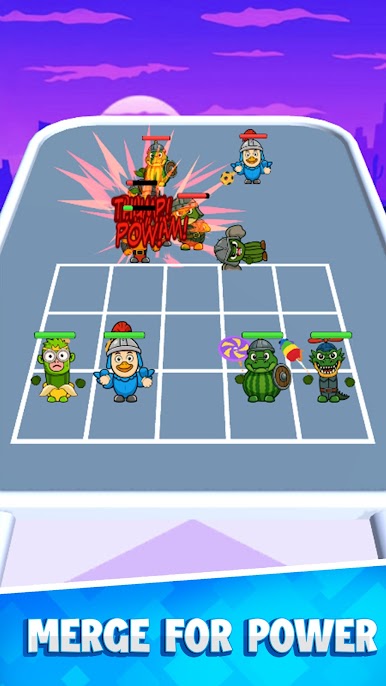
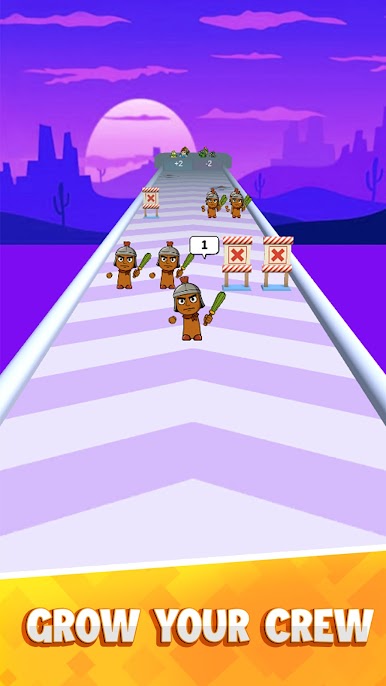

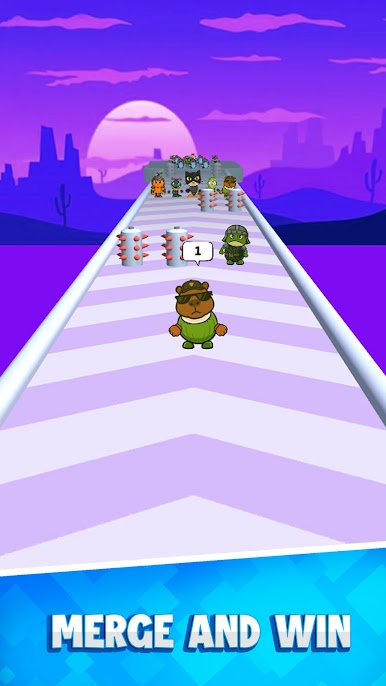
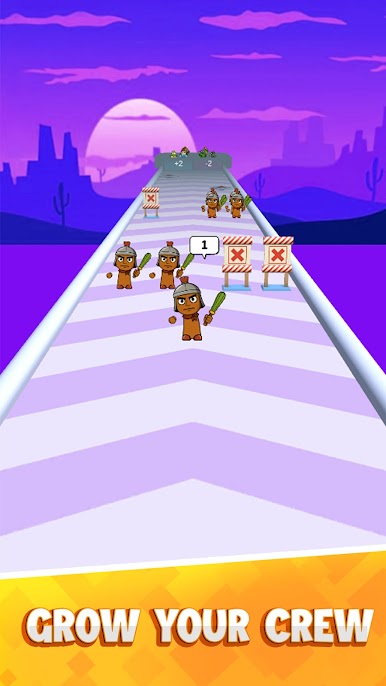
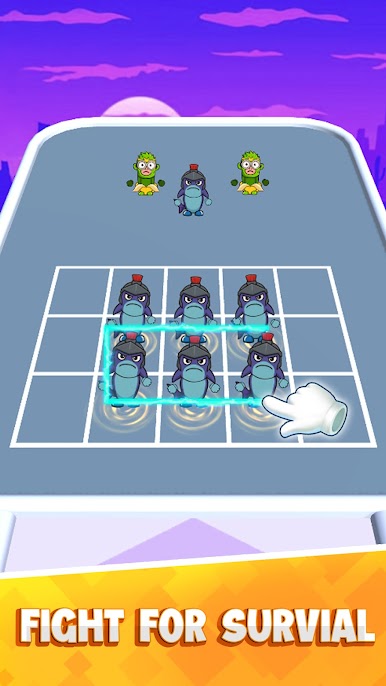
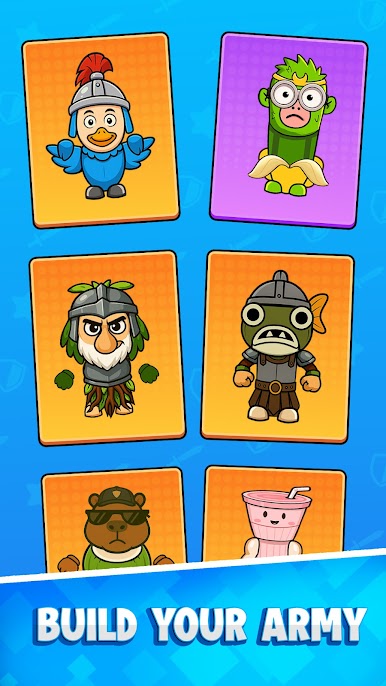
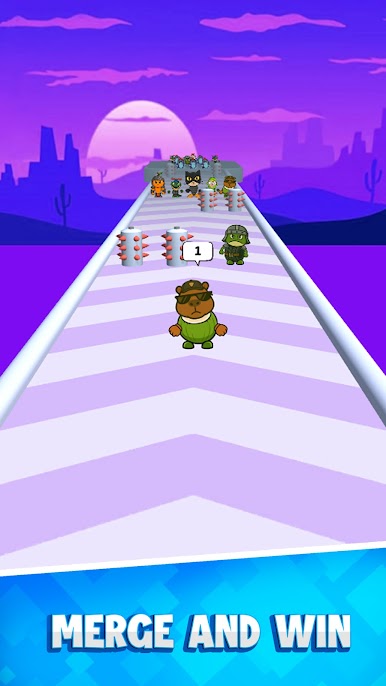
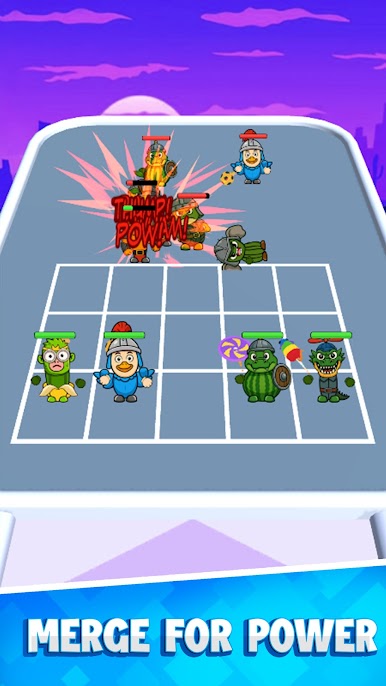
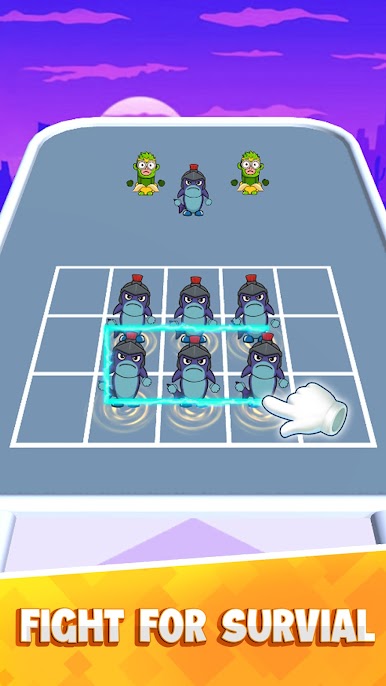
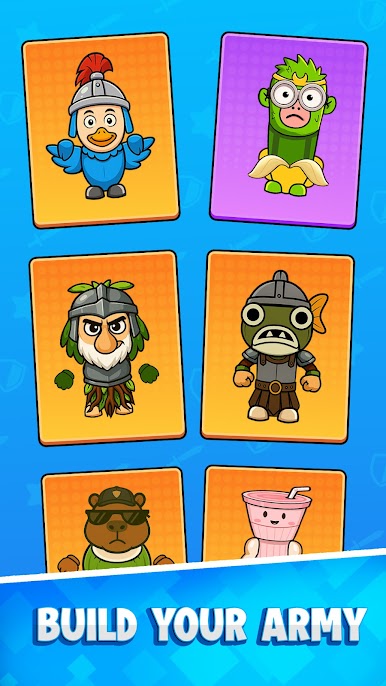
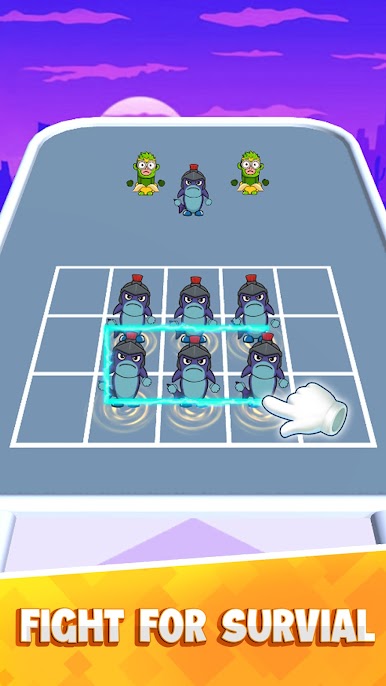
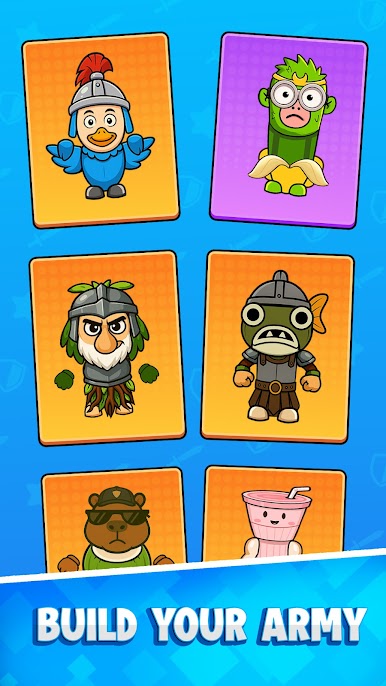
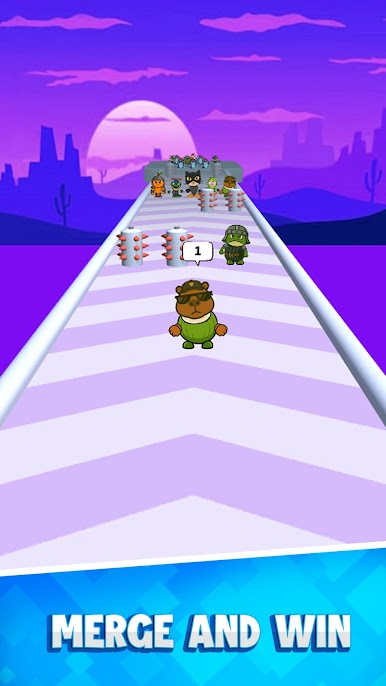
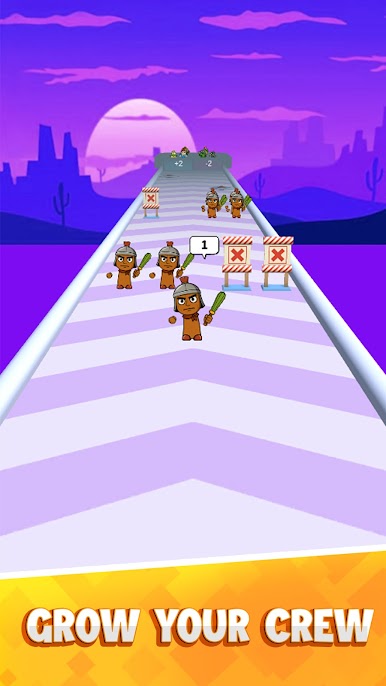
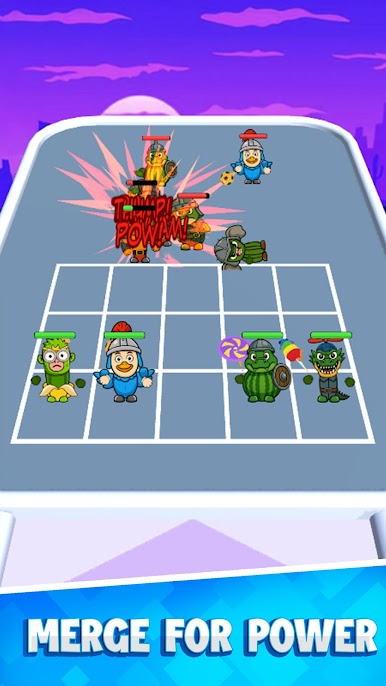
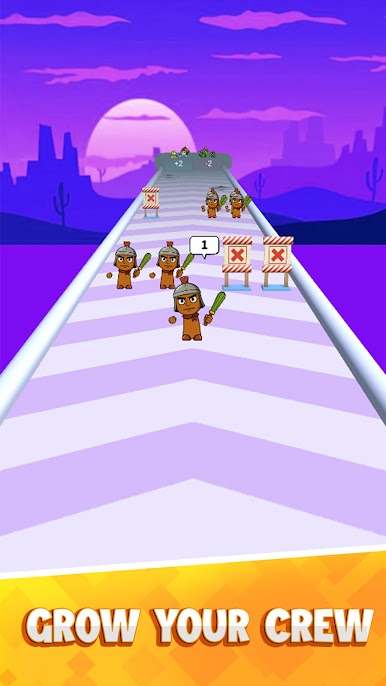
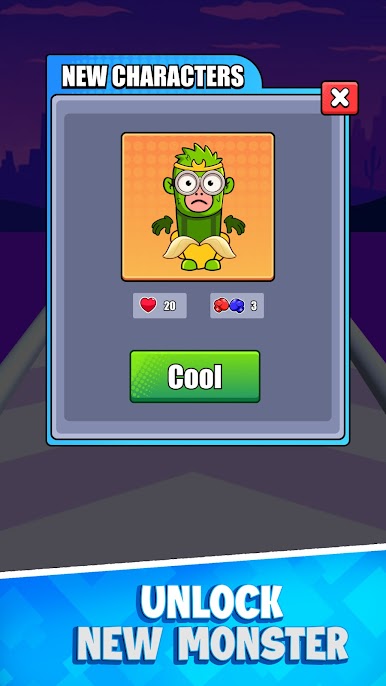
Spiele Brainbot Merge Battle auf dem PC. Der Einstieg ist einfach.
-
Lade BlueStacks herunter und installiere es auf deinem PC
-
Schließe die Google-Anmeldung ab, um auf den Play Store zuzugreifen, oder mache es später
-
Suche in der Suchleiste oben rechts nach Brainbot Merge Battle
-
Klicke hier, um Brainbot Merge Battle aus den Suchergebnissen zu installieren
-
Schließe die Google-Anmeldung ab (wenn du Schritt 2 übersprungen hast), um Brainbot Merge Battle zu installieren.
-
Klicke auf dem Startbildschirm auf das Brainbot Merge Battle Symbol, um mit dem Spielen zu beginnen

