
Car Parking 3D: Driving School
Spiele auf dem PC mit BlueStacks - der Android-Gaming-Plattform, der über 500 Millionen Spieler vertrauen.

Seite geändert am: 08.12.2024
Play Car Parking 3D: Driving School on PC or Mac
Car Parking 3D: Driving School brings the Strategy genre to life, and throws up exciting challenges for gamers. Developed by Solo Studio Inc, this Android game is best experienced on BlueStacks, the World’s #1 app player for PC and Mac users.
About the Game
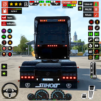
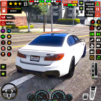
Hop in the driver’s seat with “Car Parking 3D: Driving School” by Solo Studio Inc, where your strategic skills are your best allies. This game challenges you to navigate intricate parking scenarios and driving missions, making it the go-to for car enthusiasts and driving novices alike. Expect intense car handling, realistic environments, and a variety of missions that will test your precision and parking finesse.
Game Features
-
Realistic Driving Experience
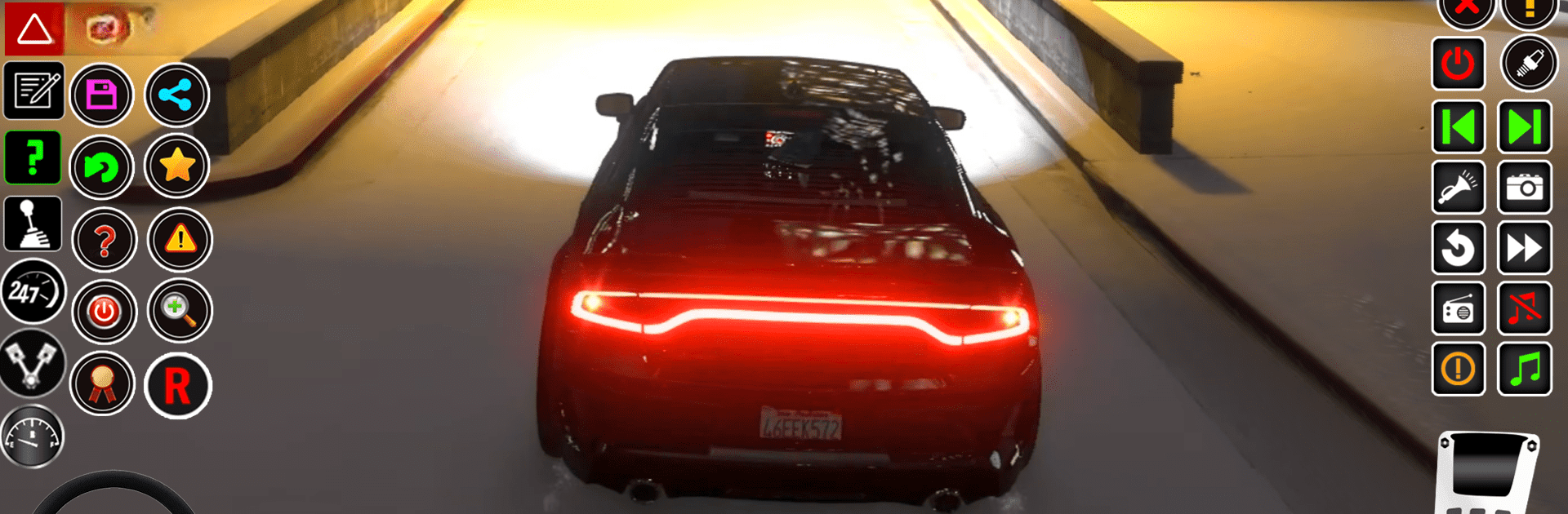
Delve into a lifelike driving world with authentic physics, smooth controls, and a dynamic day-night cycle for an immersive experience. -
Challenging Levels
Tackle over 20 meticulously designed levels, each offering unique challenges that range from tight parking jams to complex city driving tests. -
Car Customization
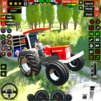
Choose from a vast array of vehicles, each with different handling characteristics. Customize them to match your style and performance needs. -
Weather Variability
Navigate through different weather conditions, adding layers of complexity to your driving training regimen. -
Immersive Environment
Explore a brand-new city designed to enhance your driving skills, with stunning 3D graphics and real engine sounds enhancing realism.
Master the roads and become the ultimate driver—all optimized when played using BlueStacks.
Make your gaming sessions memorable with precise controls that give you an edge in close combats and visuals that pop up, bringing every character to life.


Spiele Car Parking 3D: Driving School auf dem PC. Der Einstieg ist einfach.
-
Lade BlueStacks herunter und installiere es auf deinem PC
-
Schließe die Google-Anmeldung ab, um auf den Play Store zuzugreifen, oder mache es später
-
Suche in der Suchleiste oben rechts nach Car Parking 3D: Driving School
-
Klicke hier, um Car Parking 3D: Driving School aus den Suchergebnissen zu installieren
-
Schließe die Google-Anmeldung ab (wenn du Schritt 2 übersprungen hast), um Car Parking 3D: Driving School zu installieren.
-
Klicke auf dem Startbildschirm auf das Car Parking 3D: Driving School Symbol, um mit dem Spielen zu beginnen