

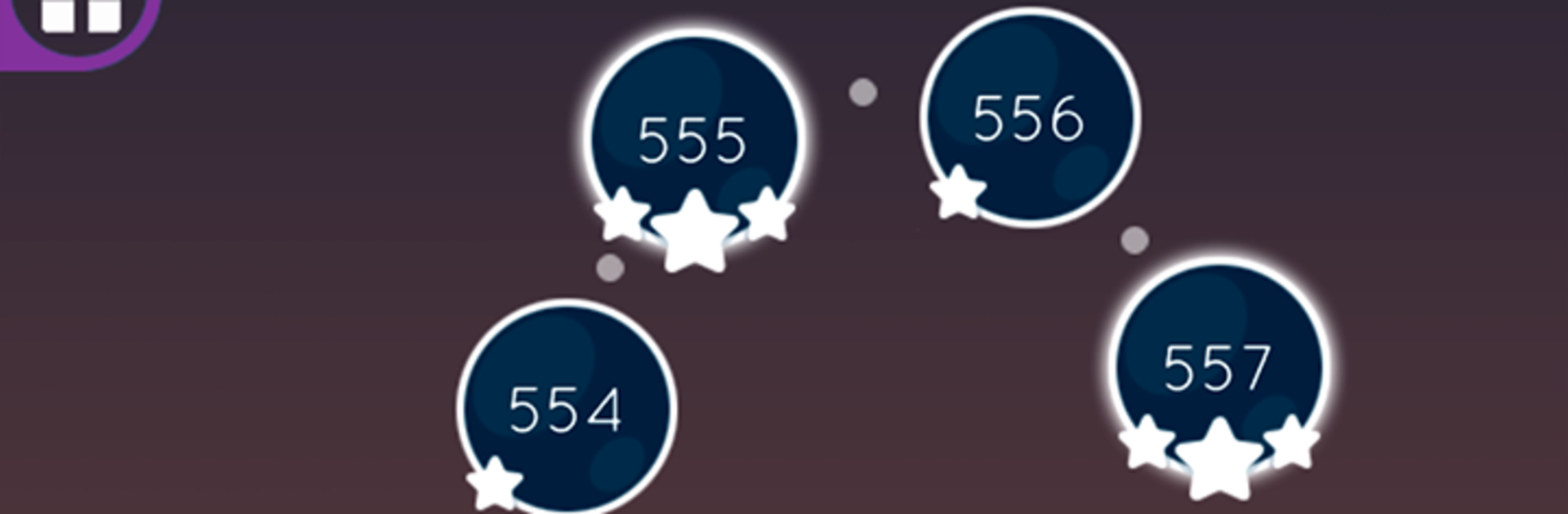
Meme Link : Brainrot Puzzle
Spiele auf dem PC mit BlueStacks - der Android-Gaming-Plattform, der über 500 Millionen Spieler vertrauen.

Seite geändert am: Oct 16, 2025
Play Star Link Free on PC or Mac
Star Link Free brings the Puzzle genre to life, and throws up exciting challenges for gamers. Developed by SUPERBOX.INC, this Android game is best experienced on BlueStacks, the World’s #1 app player for PC and Mac users.
About the Game
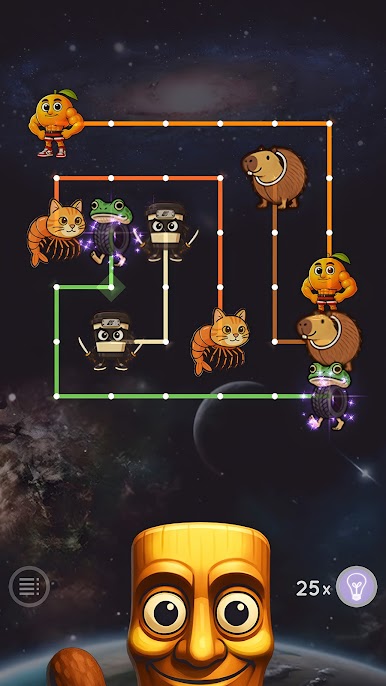
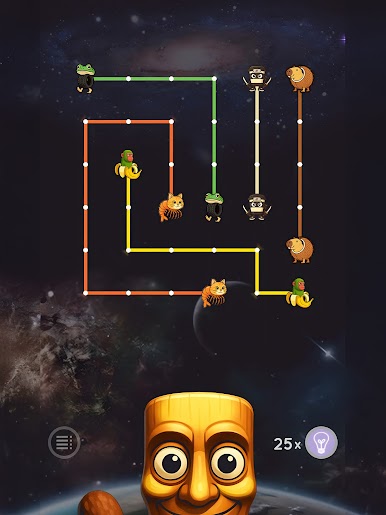
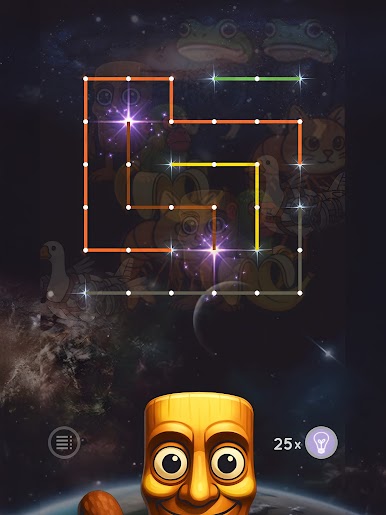
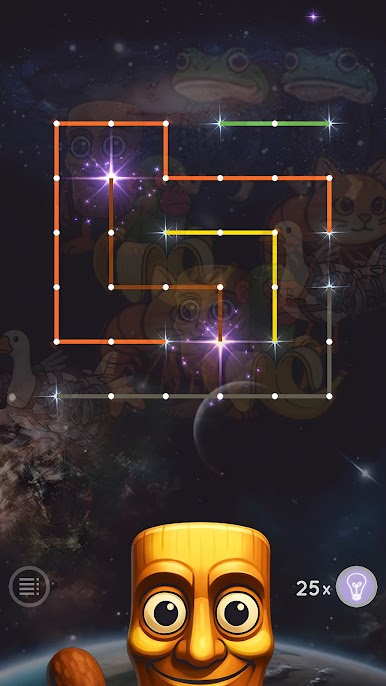
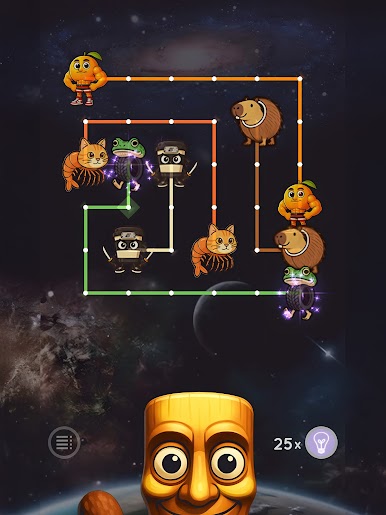
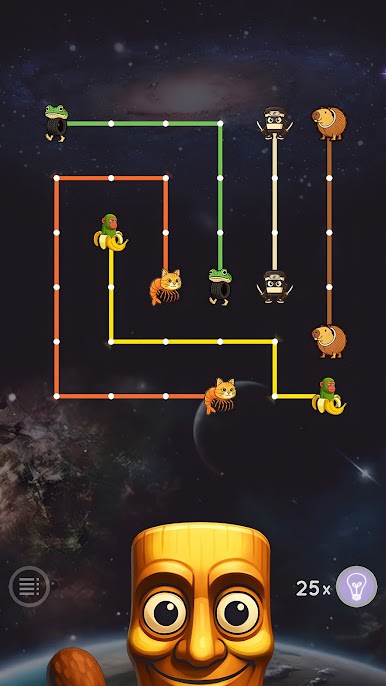
Star Link Free is a laid-back Puzzle game from SUPERBOX.INC that’s all about connecting matching stars without crossing your lines. It starts simple, then sneaks in clever challenges that make you pause, rethink, and feel smart when everything clicks. Great for quick breaks or long sessions—you decide how deep you go.
Game Features
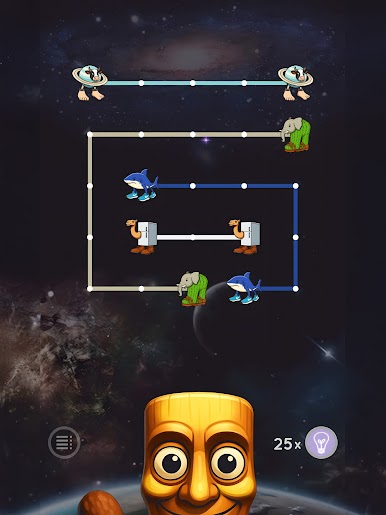
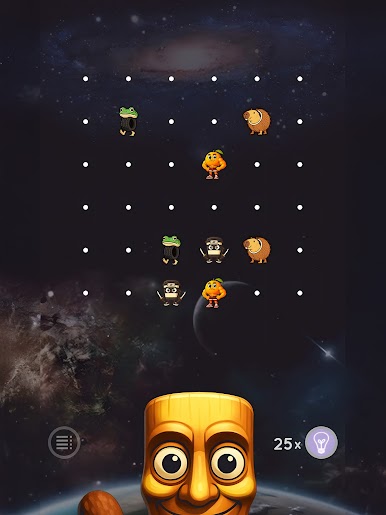
- Clean, easy-to-learn play: Trace paths between matching stars to fill the board. It’s intuitive, relaxing, and surprisingly strategic.
- No crossing allowed: Lines can’t overlap, so every move matters. Plan your routes carefully or you’ll end up painting yourself into a corner.
- Tons of stages: Take on a huge collection of handcrafted puzzles—there’s always another board waiting.
- Infinite Mode: Want something that doesn’t end? Keep linking in a mode that lets you play as long as you’re in the zone.
- World-themed visuals: Bright, crisp boards inspired by cities around the globe give each set a fresh look.
- Helpful hints: Stuck? Hints nudge you in the right direction, and you get a few freebies when you first play.
- Share your wins: Post your best runs and scores to Facebook and show off your smartest solves.
- Play in your language: Supports multiple languages so you can puzzle comfortably.
- Optional boosts: Need an extra push? Pick up items and hints when you want them—totally optional.
- Smooth on PC with BlueStacks: Prefer a bigger screen and mouse control? You can play it there too.
Get ready for a buttery smooth, high-performance gaming action only on BlueStacks.
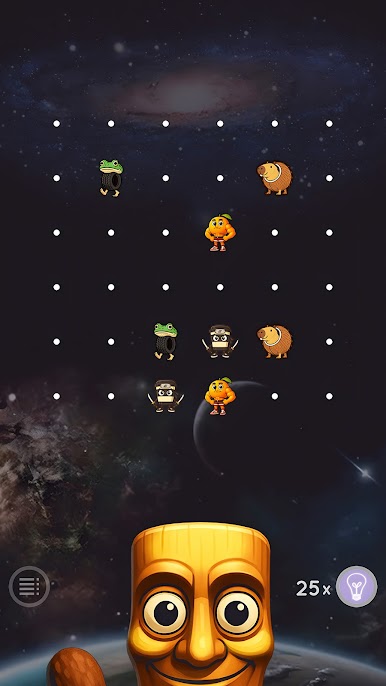
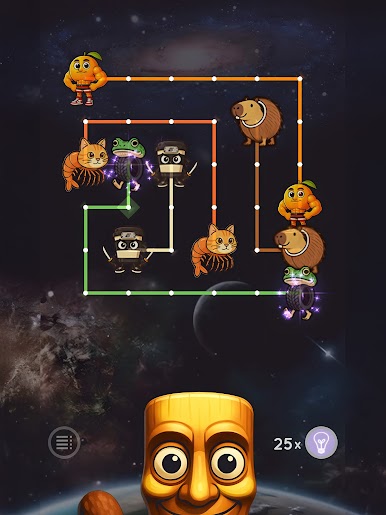
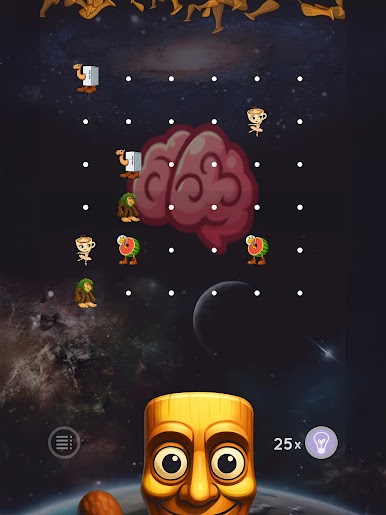
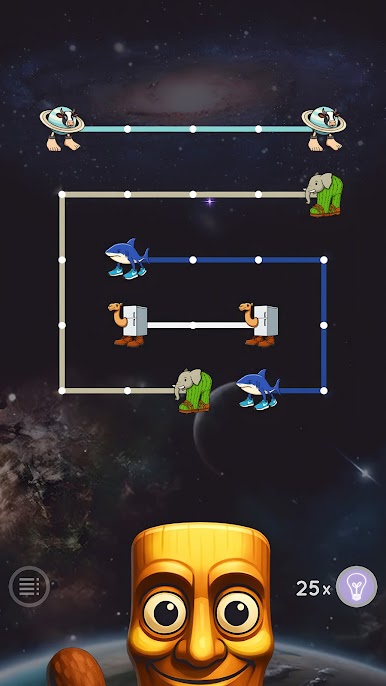
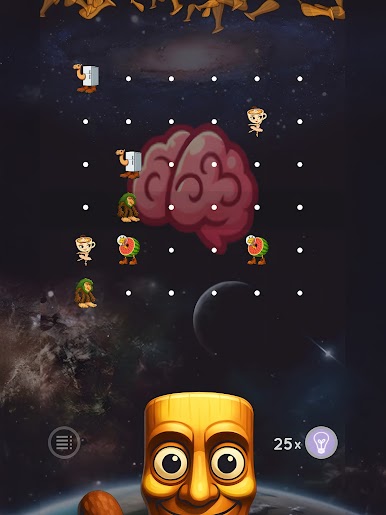
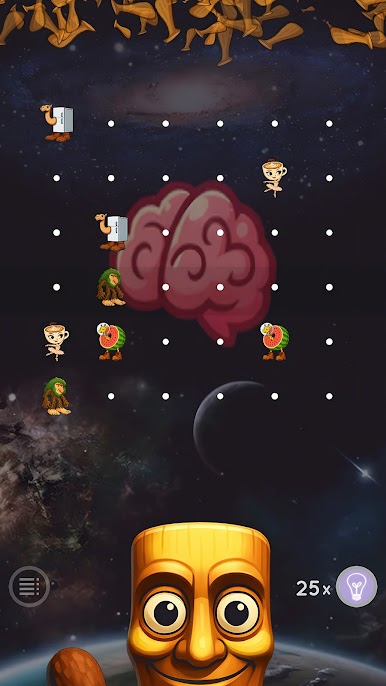
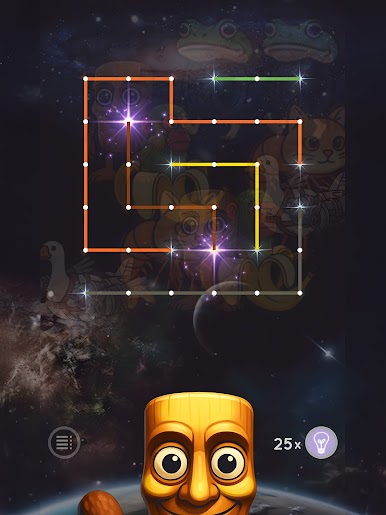
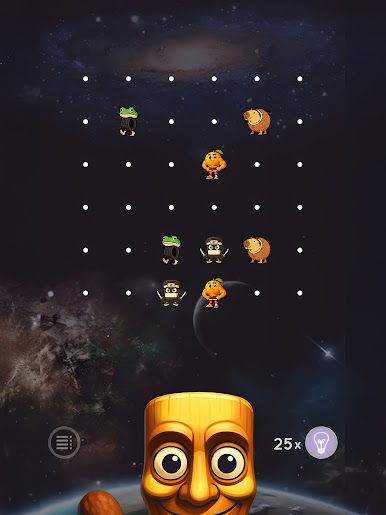
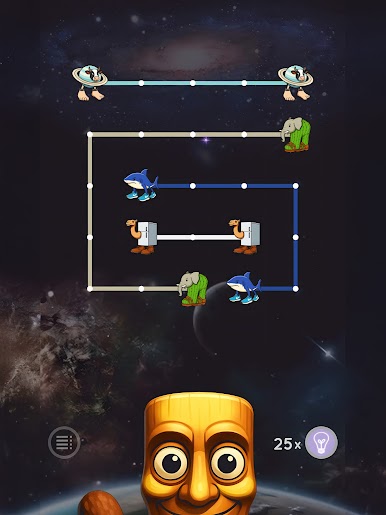
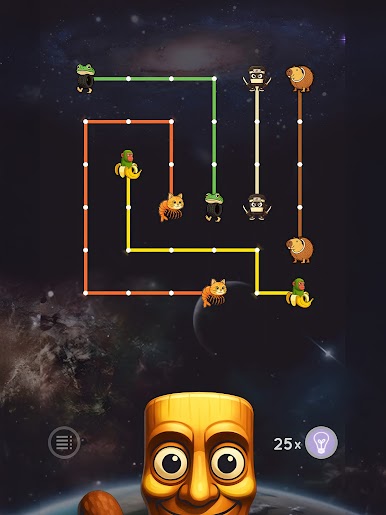
Spiele Meme Link : Brainrot Puzzle auf dem PC. Der Einstieg ist einfach.
-
Lade BlueStacks herunter und installiere es auf deinem PC
-
Schließe die Google-Anmeldung ab, um auf den Play Store zuzugreifen, oder mache es später
-
Suche in der Suchleiste oben rechts nach Meme Link : Brainrot Puzzle
-
Klicke hier, um Meme Link : Brainrot Puzzle aus den Suchergebnissen zu installieren
-
Schließe die Google-Anmeldung ab (wenn du Schritt 2 übersprungen hast), um Meme Link : Brainrot Puzzle zu installieren.
-
Klicke auf dem Startbildschirm auf das Meme Link : Brainrot Puzzle Symbol, um mit dem Spielen zu beginnen

