


Supermarket Master Simulator
Spiele auf dem PC mit BlueStacks - der Android-Gaming-Plattform, der über 500 Millionen Spieler vertrauen.

Seite geändert am: Jul 23, 2025
Play Supermarket Master Simulator on PC or Mac
Join millions to experience Supermarket Master Simulator, an exciting Role Playing game from Metagame.Ltd. With BlueStacks App Player, you are always a step ahead of your opponent, ready to outplay them with faster gameplay and better control with the mouse and keyboard on your PC or Mac.
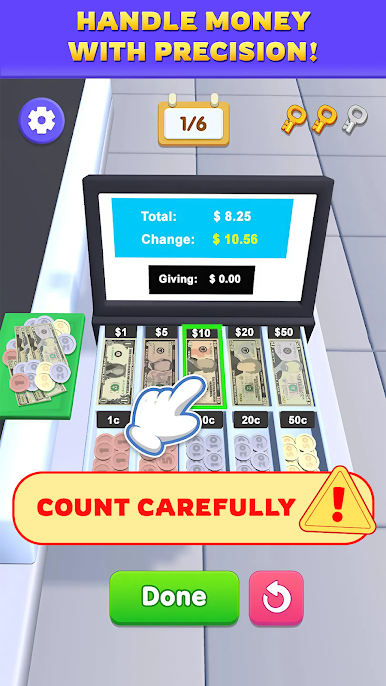
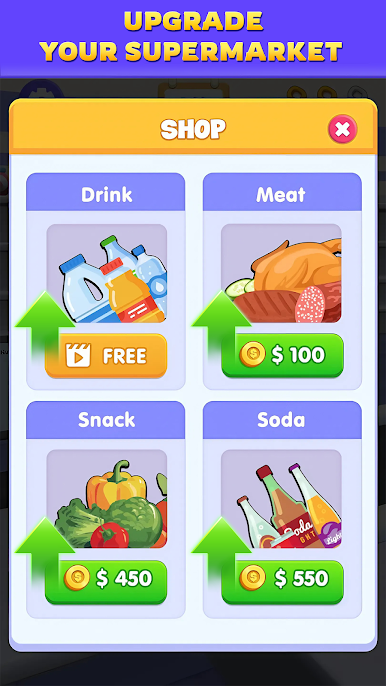
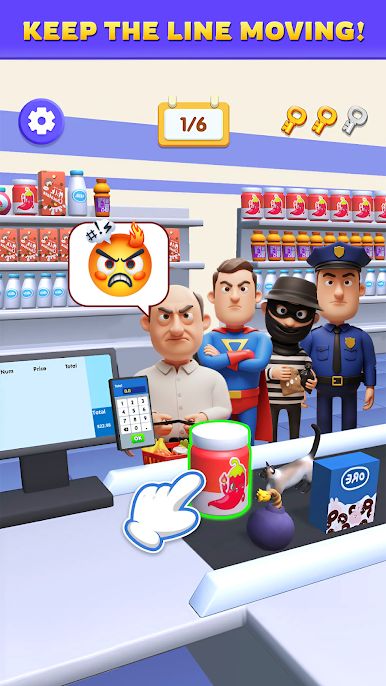
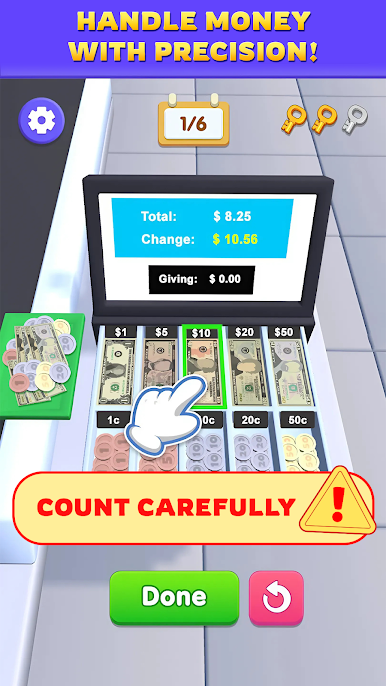
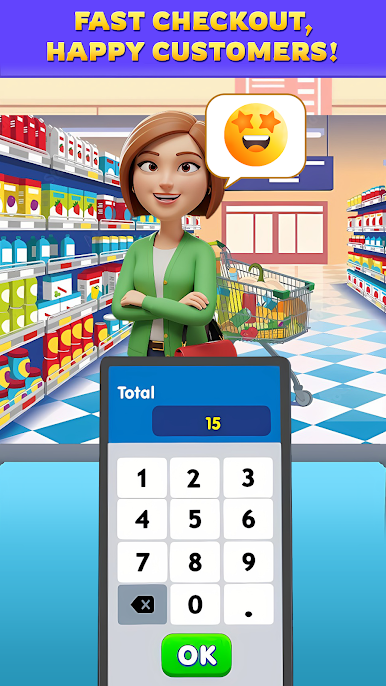
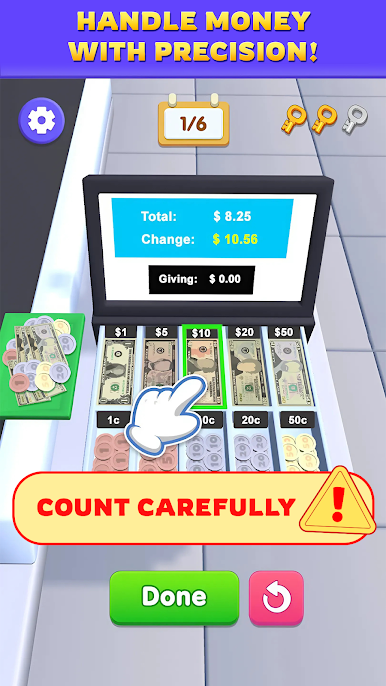
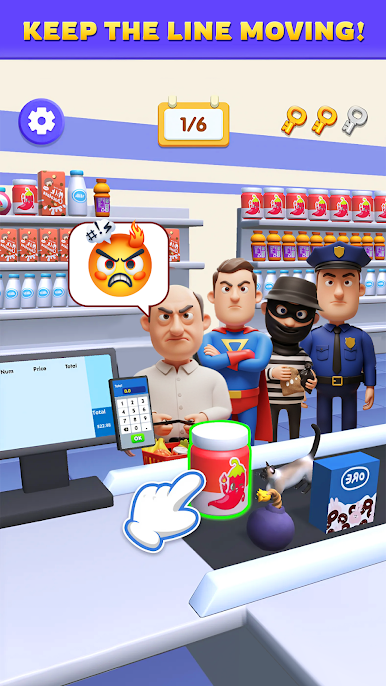
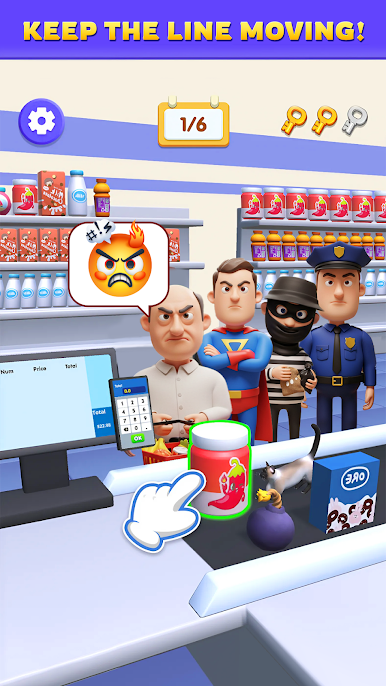
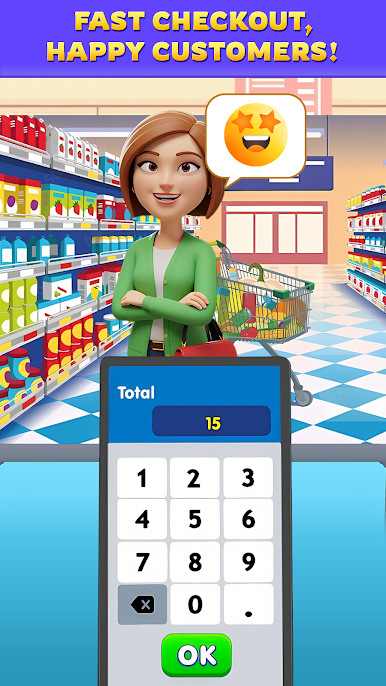
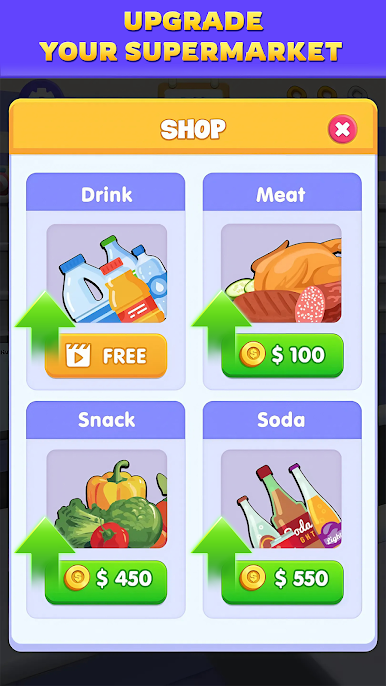
Supermarket Master Simulator is a laid-back store game where the small daily jobs end up being the hook. It starts with a tiny market and a simple routine at the register. Players scan items, tap through cash or card, and hand back the exact change while the line edges forward. The cashier mini-game moves fast enough to feel a little tense, but not stressful, and mistakes do matter. Earnings roll into shelves, new products like drinks, snacks, and meats, and a bigger floor that slowly fills with shoppers. Stocking is hands-on, so keeping aisles neat and full is part of the rhythm, and that rhythm feels good once it clicks.
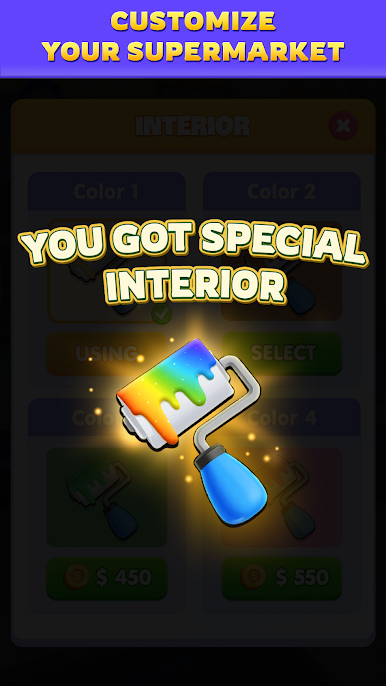
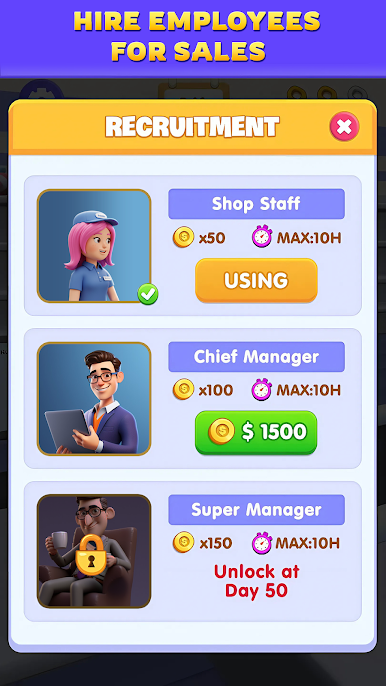
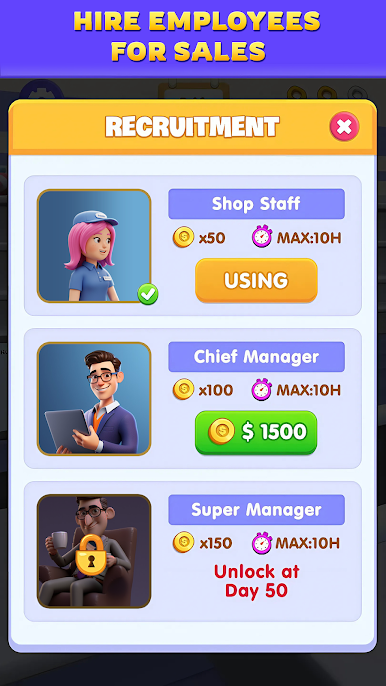
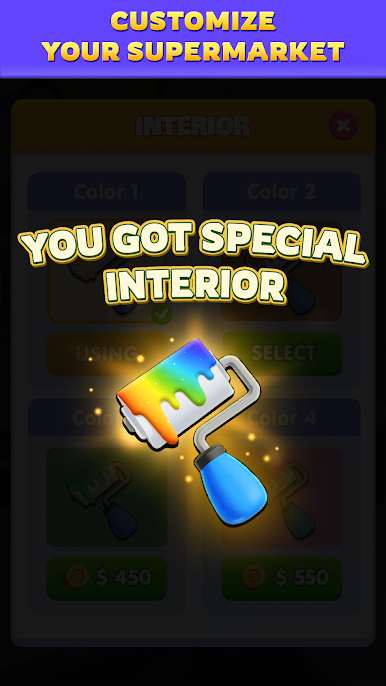
The management layer sits on top without getting heavy. Staff can be hired to cover the register or help manage, which frees time to plan layouts, pick colors, and decorate the place so it looks less bare. It is more cozy sim than hardcore business spreadsheet, but budgets and timing still matter if the goal is steady growth. The 3D look is clean and readable, so spotting empty gaps is easy. On PC with BlueStacks, mouse control makes scanning and dragging stock feel quick, and the larger screen helps when the store gets busy.
What stands out most is the loop of serve, stock, expand, repeat. Sessions can be short, and progress feels earned, even a little grindy at times, but in a good way. Anyone who likes tidying systems, small upgrades, and the calm buzz of a busy shop will get what this is about.
Start your journey now. Download the game on BlueStacks, invite your friends, and march on a new adventure.
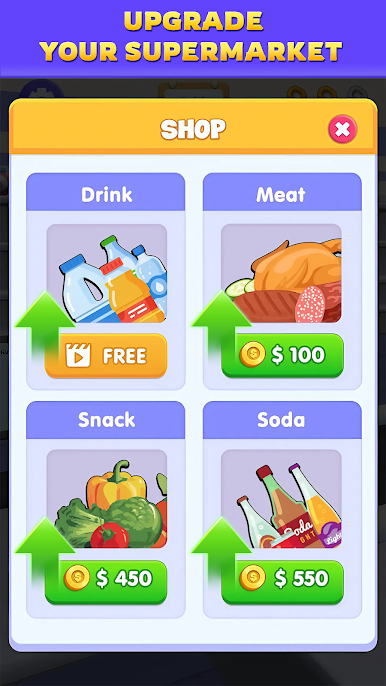
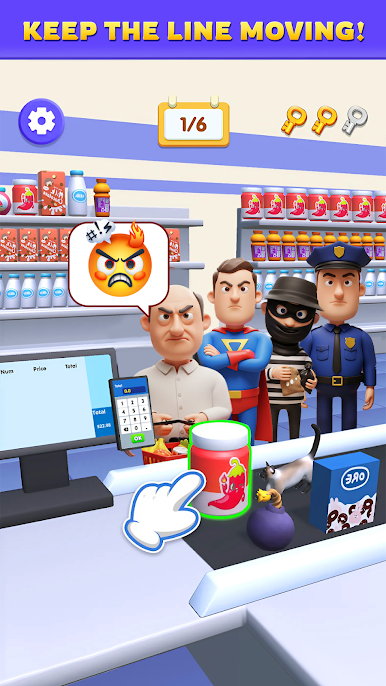
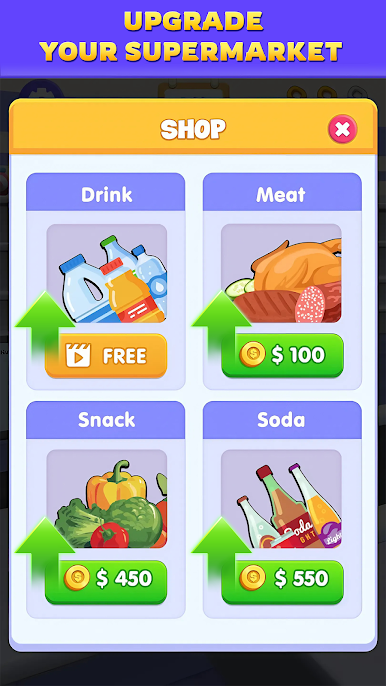
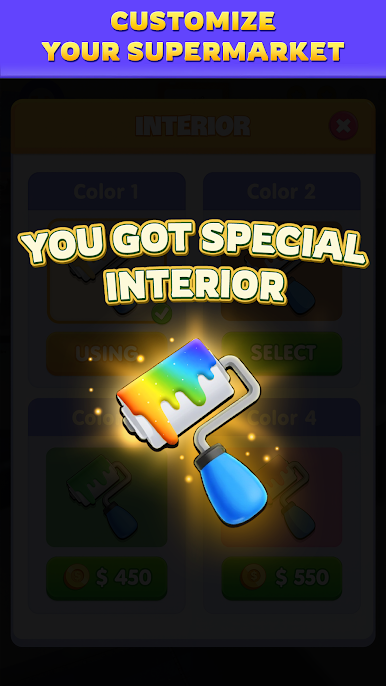

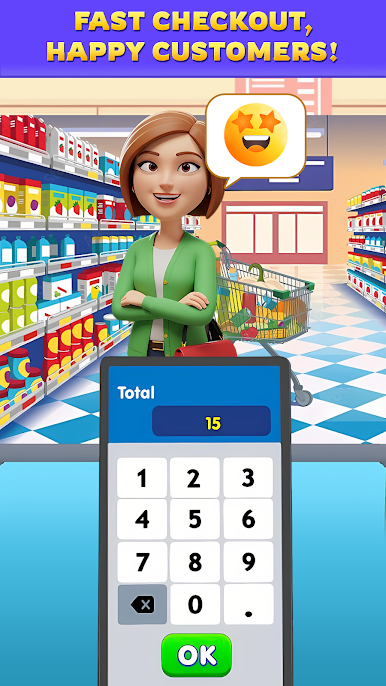
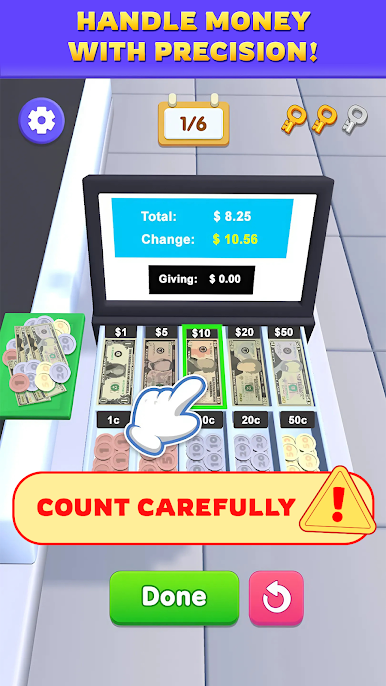
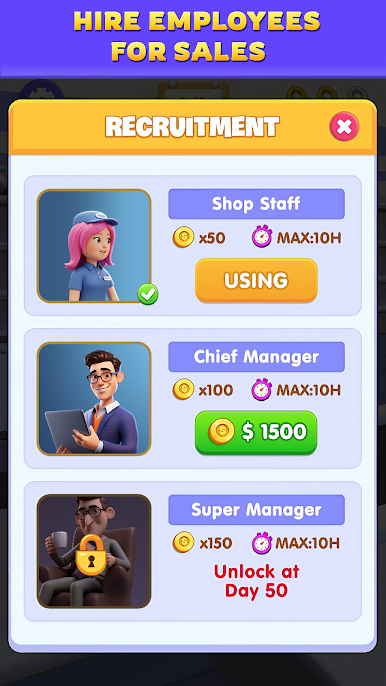
Spiele Supermarket Master Simulator auf dem PC. Der Einstieg ist einfach.
-
Lade BlueStacks herunter und installiere es auf deinem PC
-
Schließe die Google-Anmeldung ab, um auf den Play Store zuzugreifen, oder mache es später
-
Suche in der Suchleiste oben rechts nach Supermarket Master Simulator
-
Klicke hier, um Supermarket Master Simulator aus den Suchergebnissen zu installieren
-
Schließe die Google-Anmeldung ab (wenn du Schritt 2 übersprungen hast), um Supermarket Master Simulator zu installieren.
-
Klicke auf dem Startbildschirm auf das Supermarket Master Simulator Symbol, um mit dem Spielen zu beginnen

