


SuperMDS (All in One Emulator)
Spiele auf dem PC mit BlueStacks - der Android-Gaming-Plattform, der über 500 Millionen Spieler vertrauen.

Seite geändert am: Sep 20, 2023
Play SuperMDS (All in One Emulator) on PC
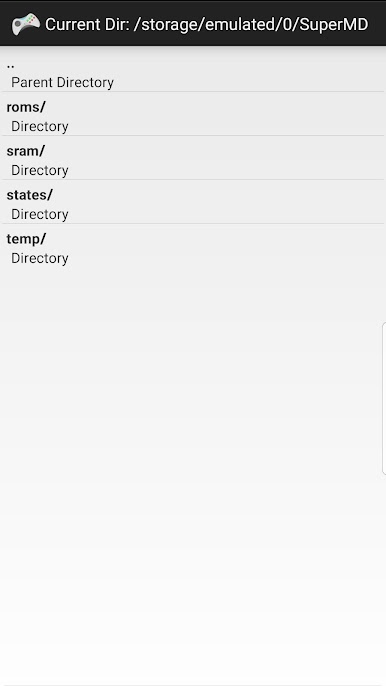
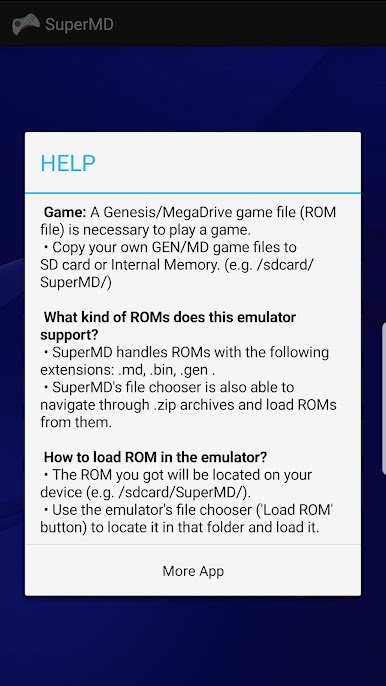
- Copy your own MegaDrive/DS game files to SD card or Internal Memory. (e.g. /sdcard/SuperMD/)
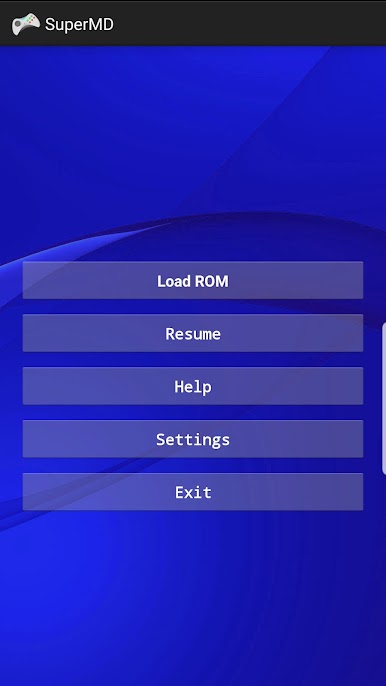
- Use the emulator's file chooser ('Load ROM' button) to locate it in that folder and load it.
- Supports multiple ROM files (.gen, .md, .bin, .zip, etc.)
UPDATE All in One Emulator. There are more than sixteen emulation cores are supported which includes PCSX-ReARMed, Mupen64Plus, VBA-M/mGBA, MelondS, Snes9x, FCEUmm, Genplus, Stella, etc.
FIX multi-touch on Samsung devices:
1. Turn ON/OFF Game Plugins (Game Launcher - Game Plugins - Game Booster Plus)
2. Restart the device
LEGAL: This product is not affiliated with or endorsed by SEGA/Nintendo in any way.

Spiele SuperMDS (All in One Emulator) auf dem PC. Der Einstieg ist einfach.
-
Lade BlueStacks herunter und installiere es auf deinem PC
-
Schließe die Google-Anmeldung ab, um auf den Play Store zuzugreifen, oder mache es später
-
Suche in der Suchleiste oben rechts nach SuperMDS (All in One Emulator)
-
Klicke hier, um SuperMDS (All in One Emulator) aus den Suchergebnissen zu installieren
-
Schließe die Google-Anmeldung ab (wenn du Schritt 2 übersprungen hast), um SuperMDS (All in One Emulator) zu installieren.
-
Klicke auf dem Startbildschirm auf das SuperMDS (All in One Emulator) Symbol, um mit dem Spielen zu beginnen

