


Swapcard - Smart Event App
Играйте на ПК с BlueStacks – игровой платформе для приложений на Android. Нас выбирают более 500 млн. игроков.

Страница изменена: Dec 18, 2025
Play Swapcard - Smart Event App on PC
Over 2 million attendees in 72 countries use the Swapcard app to enhance their events experience. Download the app today to see why!
• JOIN AN EVENT COMMUNITY IN SECONDS
Activate your profile using your email address and immediately start connecting with other attendees, exhibitors, and speakers.
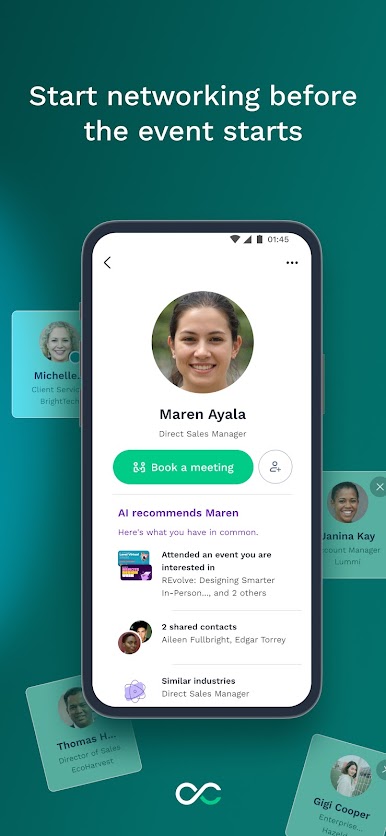
• AI-POWERED MATCHMAKING FOR MEANINGFUL CONNECTIONS
Swapcard’s AI suggests participants with common interests that match your professional needs. Review your matches, initiate conversations, and schedule in-person meetings directly in the app.
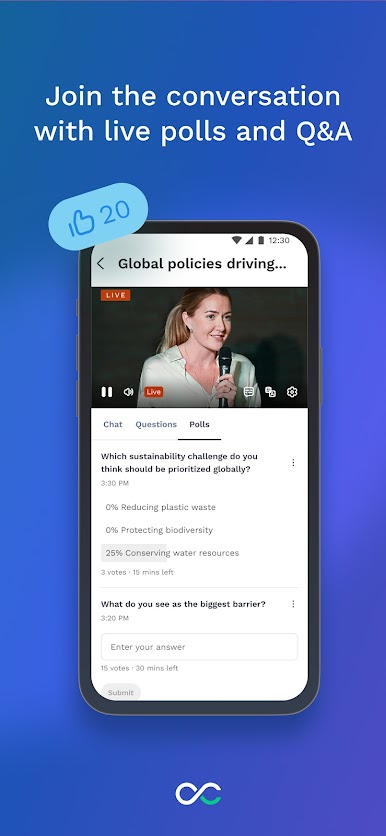
• JOIN LIVE STREAMS AND ACCESS ON-DEMAND CONTENT
Watch high-quality live streams and on-demand content directly from your device.
• YOUR OWN PERSONALIZED EVENT PROGRAM
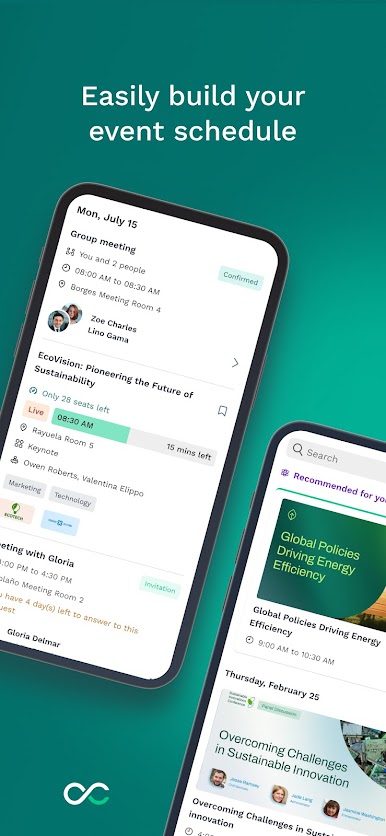
Swapcard lets you bookmark the sessions you want to attend and create a personalized schedule for a stress-free event day.
• MANAGE YOUR CONNECTIONS
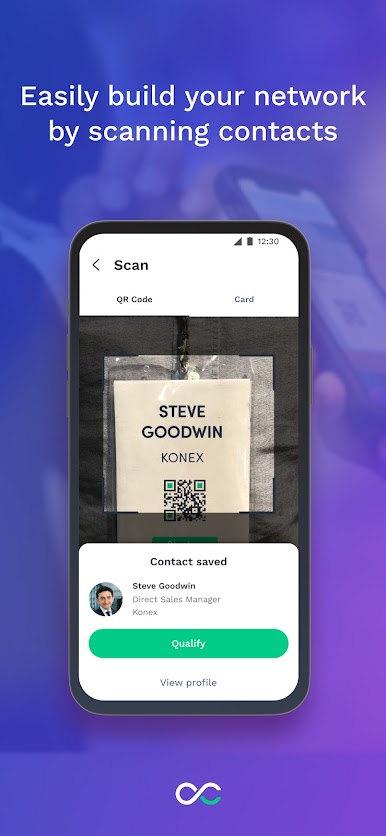
Tired of manually entering business card information? Use the Swapcard app to add tags and notes to your connections. After the event, export your contacts to your smartphone or CRM for easy follow-up.
• ENHANCED ON-SITE EXPERIENCES
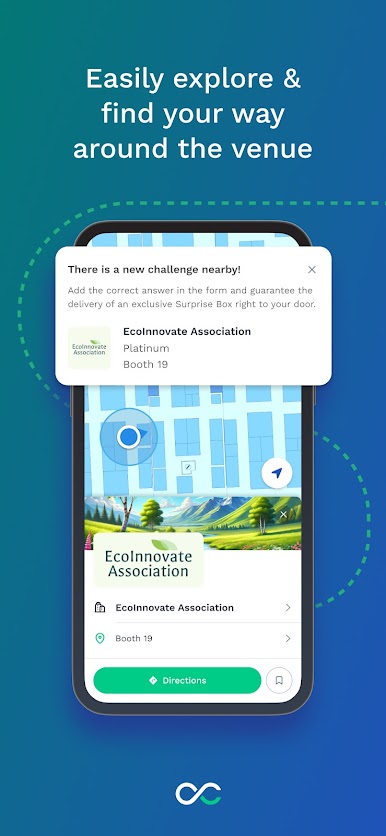
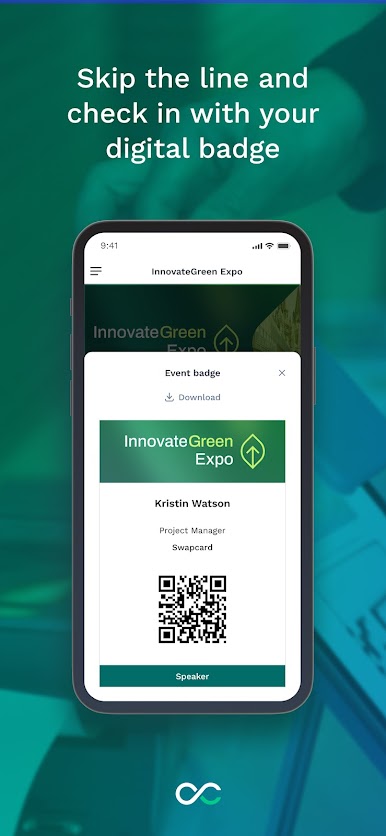
Connect to the Swapcard app for an enhanced on-site experience. You'll get access to interactive floor plans to find your sessions easily, mobile Q&As during sessions, and QR codes on booths to help you save favorite products or services. That’s one smart event experience.
• REAL-TIME UPDATES
Never miss a session or meeting again thanks to push notifications and real-time updates.
• COMPREHENSIVE SUPPORT
Contact our support team directly from the help section for a rapid response to any questions.
Alternatively, get in touch at support@swapcard.com - we’d love to hear from you!
*Please note, some features may have been disabled for your event by the event organizer.

Играйте в игру Swapcard - Smart Event App на ПК. Это легко и просто.
-
Скачайте и установите BlueStacks на ПК.
-
Войдите в аккаунт Google, чтобы получить доступ к Google Play, или сделайте это позже.
-
В поле поиска, которое находится в правой части экрана, введите название игры – Swapcard - Smart Event App.
-
Среди результатов поиска найдите игру Swapcard - Smart Event App и нажмите на кнопку "Установить".
-
Завершите авторизацию в Google (если вы пропустили этот шаг в начале) и установите игру Swapcard - Smart Event App.
-
Нажмите на ярлык игры Swapcard - Smart Event App на главном экране, чтобы начать играть.

