


Synology LiveCam
Spiele auf dem PC mit BlueStacks - der Android-Gaming-Plattform, der über 500 Millionen Spieler vertrauen.

Seite geändert am: Oct 25, 2024
Run Synology LiveCam on PC or Mac
Upgrade your experience. Try Synology LiveCam, the fantastic Productivity app from Synology Inc., from the comfort of your laptop, PC, or Mac, only on BlueStacks.
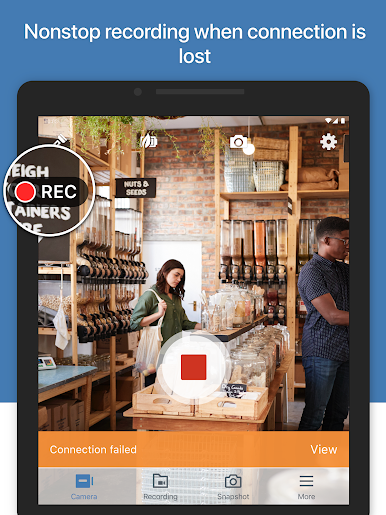
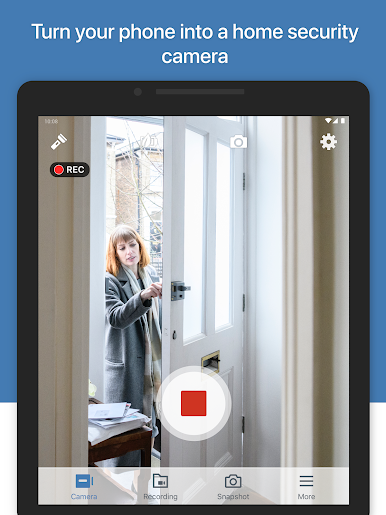
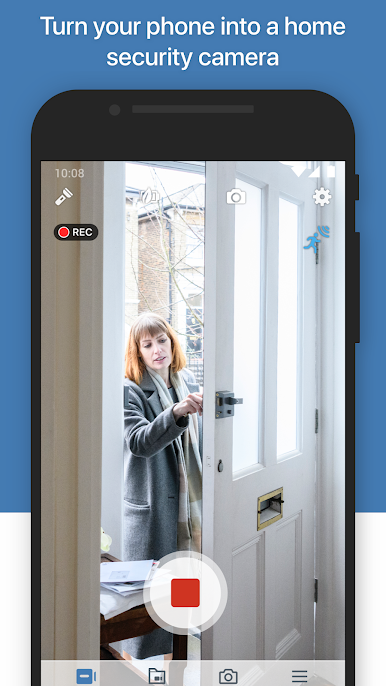
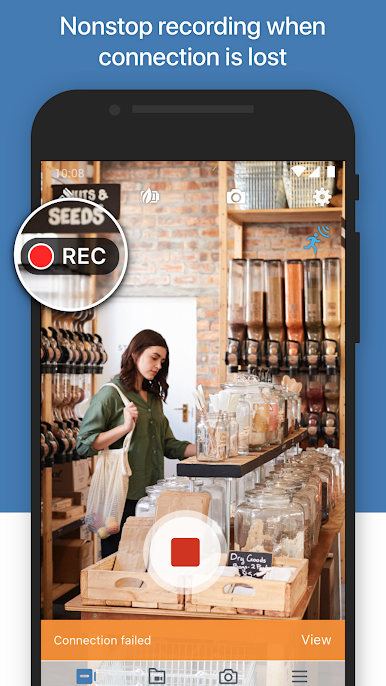
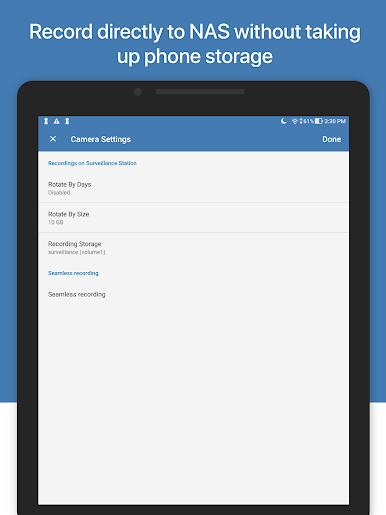
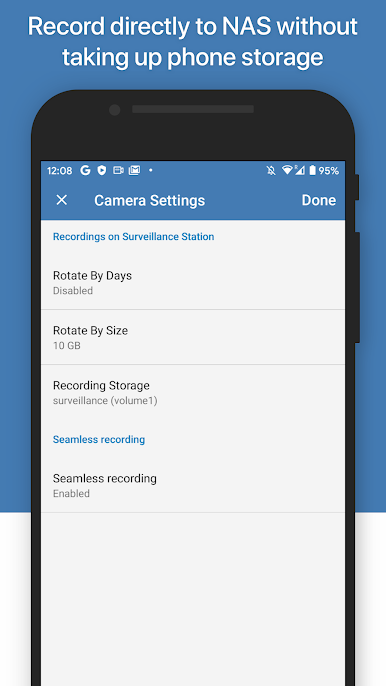
Synology LiveCam isn’t really one of those apps you just pick up for fun — it’s more for people who have a Synology NAS or NVR already and want to use their phone as a camera. Once it’s set up, the phone basically acts like a security camera, so you can stream video right to your Surveillance Station setup. The neat part is, it works pretty smoothly even if you’re running it through something like BlueStacks on a PC. If someone has a bunch of old phones lying around, this is actually a way to put them to work instead of letting them gather dust. Everything connects over Wi-Fi, so nobody has to mess around with wires or anything complicated.
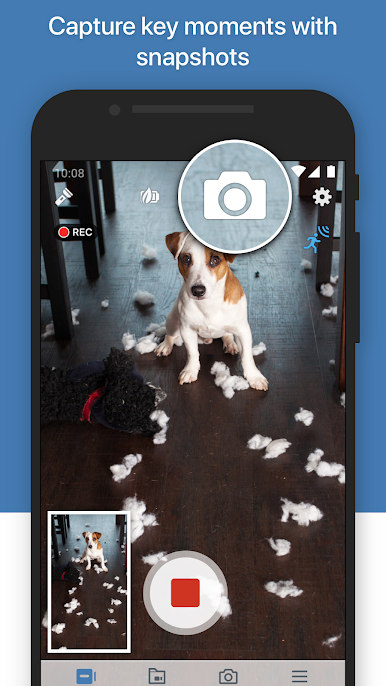
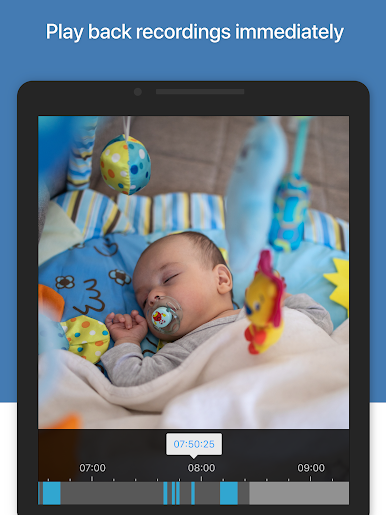
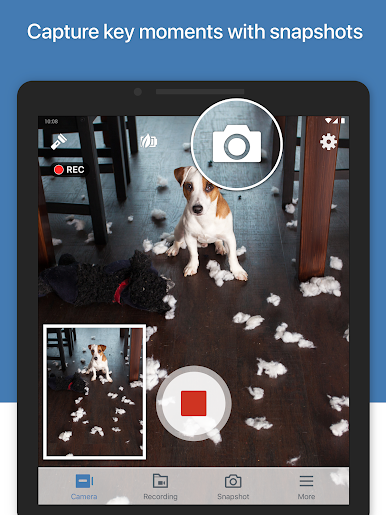
Watching the live video feels straightforward — there aren’t extra steps or confusing menus. If you want to save a recording or grab a quick snapshot, it gives you that option, and those files can be kept on the phone or pulled into the NAS system for later. It’s not flashy and doesn’t add unnecessary features, just does the job of turning a phone or tablet into a pretty decent extra camera. For anyone already using Surveillance Station, this could be useful for keeping an eye on a pet or a room without buying a bunch of hardware. And running it on a bigger screen through BlueStacks helps you check what’s going on without squinting at a tiny device.
Switch to BlueStacks and make the most of your apps on your PC or Mac.
Spiele Synology LiveCam auf dem PC. Der Einstieg ist einfach.
-
Lade BlueStacks herunter und installiere es auf deinem PC
-
Schließe die Google-Anmeldung ab, um auf den Play Store zuzugreifen, oder mache es später
-
Suche in der Suchleiste oben rechts nach Synology LiveCam
-
Klicke hier, um Synology LiveCam aus den Suchergebnissen zu installieren
-
Schließe die Google-Anmeldung ab (wenn du Schritt 2 übersprungen hast), um Synology LiveCam zu installieren.
-
Klicke auf dem Startbildschirm auf das Synology LiveCam Symbol, um mit dem Spielen zu beginnen

