


Duplicate Contact Fixer
Spiele auf dem PC mit BlueStacks - der Android-Gaming-Plattform, der über 500 Millionen Spieler vertrauen.

Seite geändert am: Aug 14, 2025
Run Duplicate Contacts Fixer and Remover on PC or Mac
Upgrade your experience. Try Duplicate Contacts Fixer and Remover, the fantastic Tools app from SYSTWEAK SOFTWARE PRIVATE LIMITED, from the comfort of your laptop, PC, or Mac, only on BlueStacks.
About the App
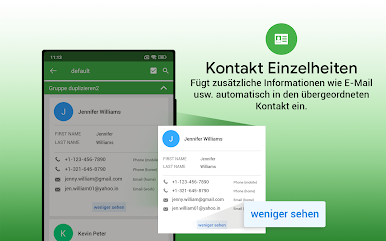
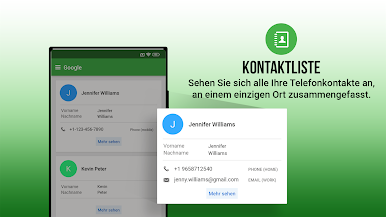
Ever scrolled through your contacts and thought, “Wait, who are all these extra people—do I even know three Johns?” Duplicate Contacts Fixer and Remover, from SYSTWEAK SOFTWARE PRIVATE LIMITED, makes sorting out contact chaos a breeze. This app helps you clear out repeated entries, merges the same numbers, and gets you a tidy, up-to-date address book without all the guesswork. If switching phones or syncing accounts has left your contact list looking like a jigsaw puzzle, this handy tool will set things straight in no time.
App Features
- Quick Duplicate Detection
-
Spots identical or similar contacts in just a tap, so you don’t need to dig for doubles yourself.
-
Works Across All Accounts
-
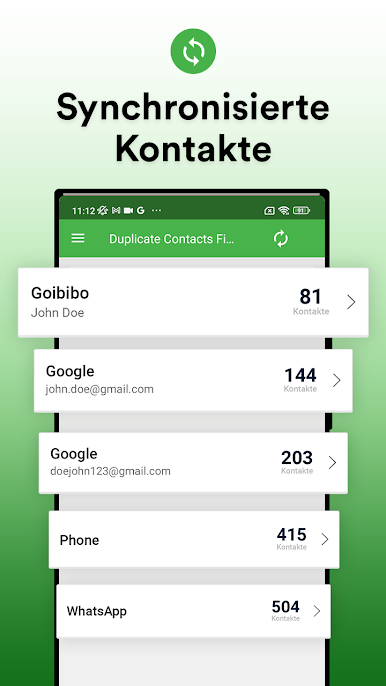
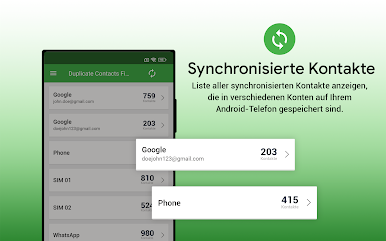
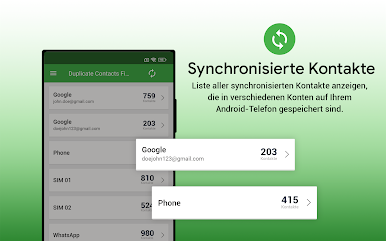
Whether your contacts are from Google, WhatsApp, Facebook, Truecaller, or elsewhere, it finds duplicates across the board.
-
Merge & Clean
-
Instantly merges entries with the same number and trims your list down to just unique contacts.
-
Simple, Friendly Design
-
Clean, intuitive interface keeps things effortless, even if you’re not a tech whiz.
-
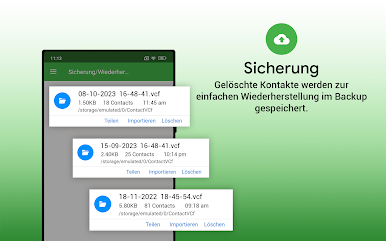
Smart Backup System
-
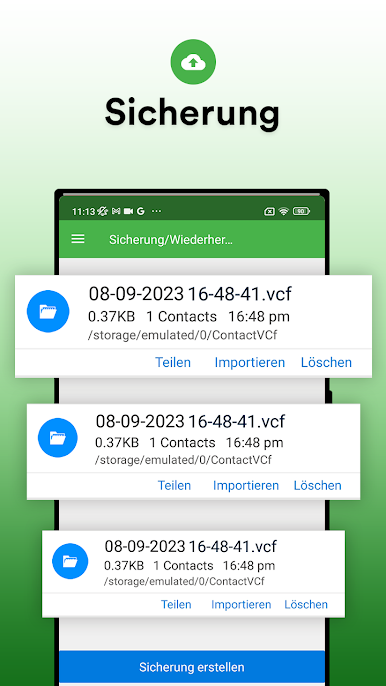
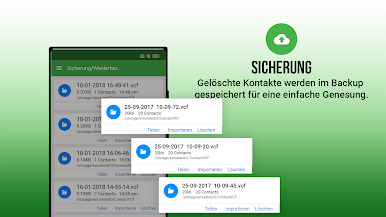
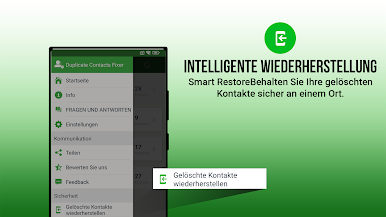
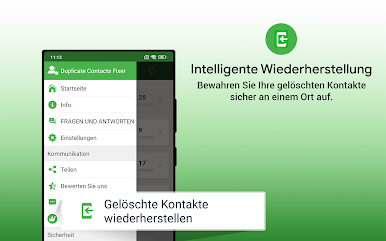
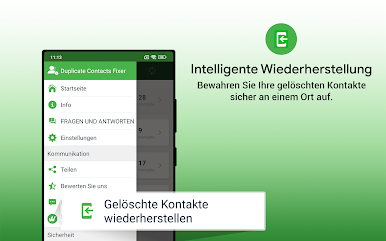
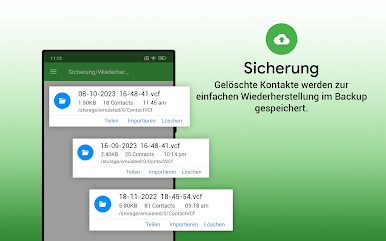
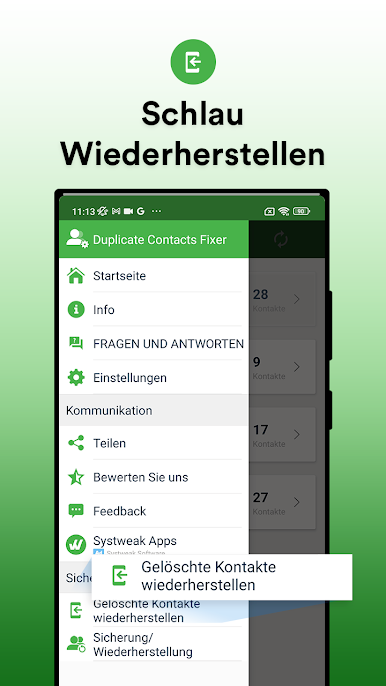
Before making changes, the app creates a full backup (.vcf format) of your contacts, protecting you if anything goes sideways. Need to restore? No problem.
-
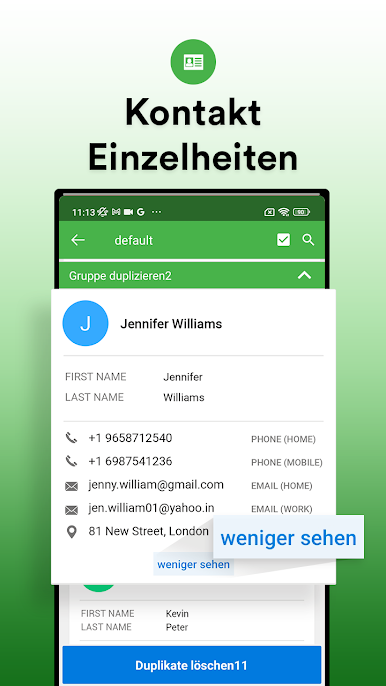
Group Results for Easy Action
-
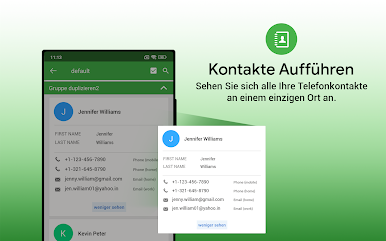
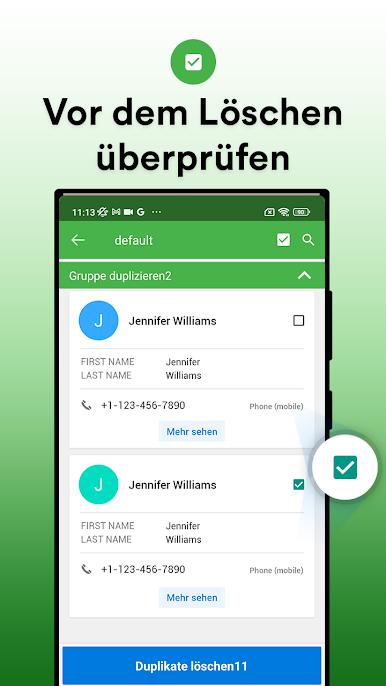
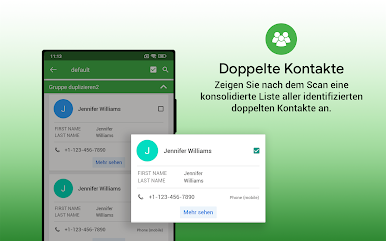
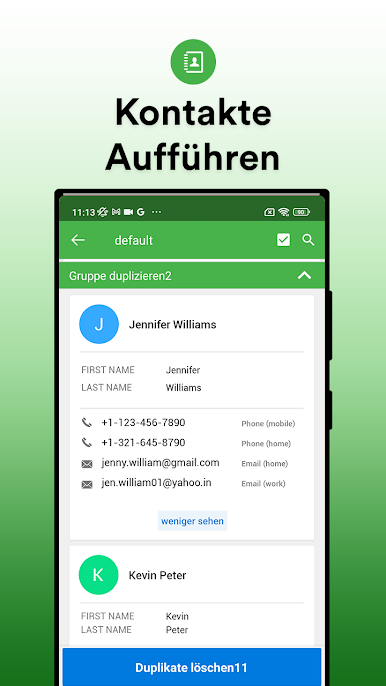
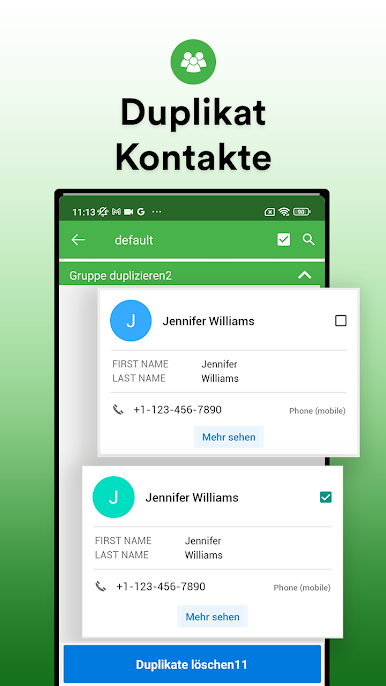
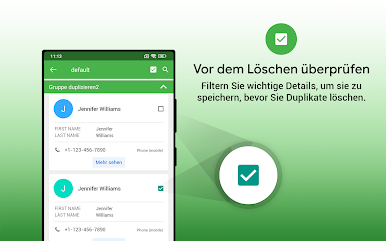
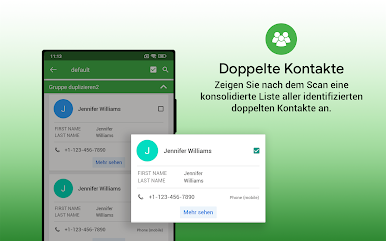
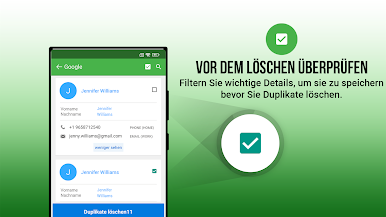
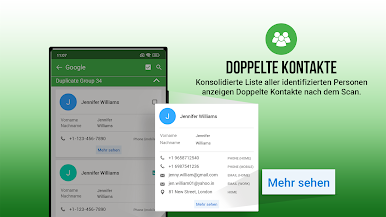
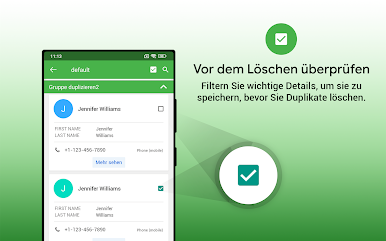
Duplicates and look-alikes are neatly grouped together—delete them all at once or review them first.
-
Lightweight & Battery-Friendly
-
Doesn’t hog memory or drain your battery, no matter how big your contact list is.
-
Full Address Book Cleanup
- Not only does it rids you of duplicates, but it can also catch close matches—like contacts with the same number but slightly different names.
And if you like having your tools on a bigger screen, using Duplicate Contacts Fixer and Remover through BlueStacks can make things even more comfortable.
BlueStacks brings your apps to life on a bigger screen—seamless and straightforward.

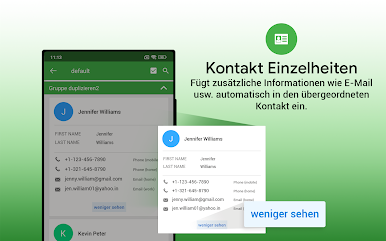
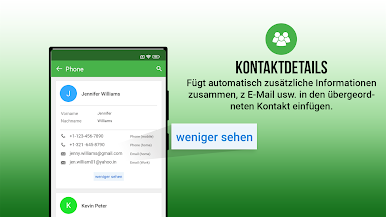
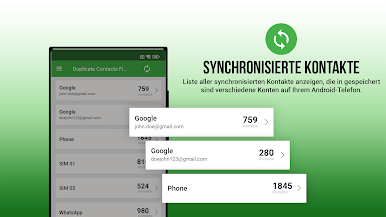
Spiele Duplicate Contact Fixer auf dem PC. Der Einstieg ist einfach.
-
Lade BlueStacks herunter und installiere es auf deinem PC
-
Schließe die Google-Anmeldung ab, um auf den Play Store zuzugreifen, oder mache es später
-
Suche in der Suchleiste oben rechts nach Duplicate Contact Fixer
-
Klicke hier, um Duplicate Contact Fixer aus den Suchergebnissen zu installieren
-
Schließe die Google-Anmeldung ab (wenn du Schritt 2 übersprungen hast), um Duplicate Contact Fixer zu installieren.
-
Klicke auf dem Startbildschirm auf das Duplicate Contact Fixer Symbol, um mit dem Spielen zu beginnen

