


Pop-up reklamları kaldırma
500M + oyuncunun güvendiği Android Oyun Platformu, BlueStacks ile PC'de oynayın.

Sayfa Değiştirilme tarihi: Dec 20, 2025
Run Appwatch: pop up ads removal on PC or Mac
Let BlueStacks turn your PC, Mac, or laptop into the perfect home for Appwatch: pop up ads removal, a fun Tools app from APPDEV QUEBEC.
About the App
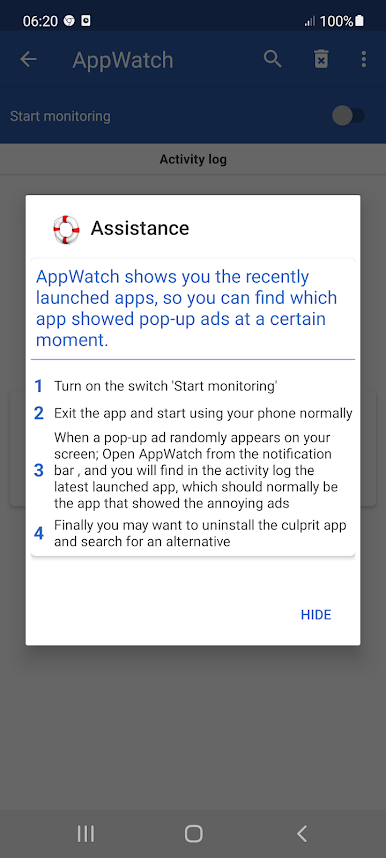
Tired of those unexpected pop-up ads showing up out of nowhere on your phone? Appwatch: pop up ads removal makes it easy to track down which sneaky app keeps interrupting you. It’s straightforward and stress-free—just a quick setup, and you’ll finally know what’s really behind those distracting ads. No guesswork, no tech expertise needed.
App Features
-
Simple Monitoring
Flip a single switch to start monitoring your phone for pop-up ads. There’s no complicated setup—just enable it and leave the rest to the app. -
Activity History
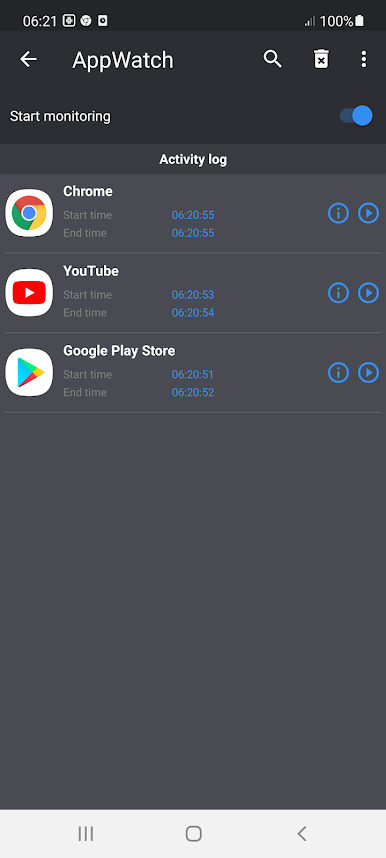
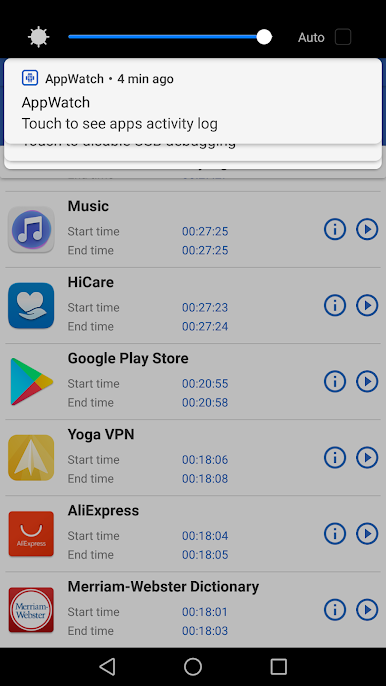
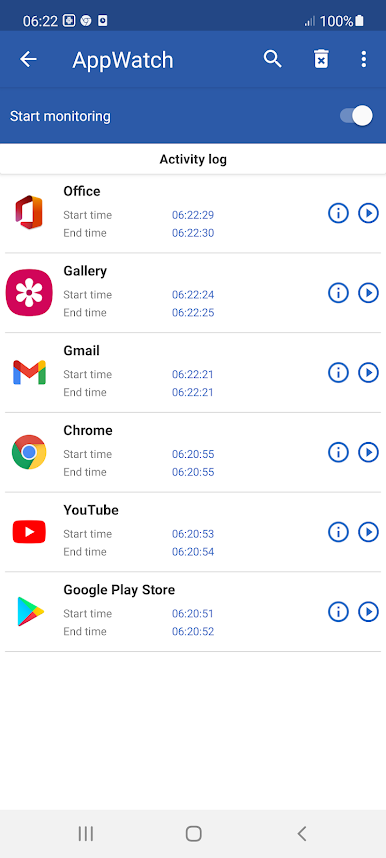
Every time a pop-up ad shows up, just open Appwatch: pop up ads removal and check the history. It’ll show which app was launched just before the ad, helping you easily pinpoint the troublemaker. -
Easy App Tracking
Forget the detective work. This tool gives you a clear, updated list of suspected apps, so you know exactly what’s causing those annoying interruptions. -
No Unnecessary Hassle
There’s no need to dig through settings or experiment. Just follow the app’s simple process, spot the culprit, and choose if you want to remove it from your device. -
Works Smoothly with BlueStacks
If you’re using BlueStacks, you’ll find Appwatch: pop up ads removal fits right in, making it easier to manage unwanted pop-ups even when you’re running apps on your computer. -
From APPDEV QUEBEC
Developed by APPDEV QUEBEC, this handy Tool is all about cutting through the confusion and giving you control over those endless pop-up ads—without making things complicated.
Ready to experience Appwatch: pop up ads removal on a bigger screen, in all its glory? Download BlueStacks now.
Pop-up reklamları kaldırma oyununu PC'de oyna. Başlamak çok kolay.
-
BlueStacks'i PC'nize İndirin ve Yükleyin
-
Play Store'a erişmek için Google girişi yapın ya da daha sonraya bırakın.
-
Sağ üst köşeye Pop-up reklamları kaldırma yazarak arayın.
-
Pop-up reklamları kaldırma uygulamasını arama sonuçlarından indirmek için tıklayın.
-
(iEğer Adım 2'yi atladıysanız) Pop-up reklamları kaldırma uygulamasını yüklemek için Google'a giriş yapın.
-
Oynatmaya başlatmak için ekrandaki Pop-up reklamları kaldırma ikonuna tıklayın.

