


Teamwork Desk
500M + oyuncunun güvendiği Android Oyun Platformu, BlueStacks ile PC'de oynayın.

Sayfa Değiştirilme tarihi: Sep 22, 2025
Play Teamwork Desk on PC
Key Features:
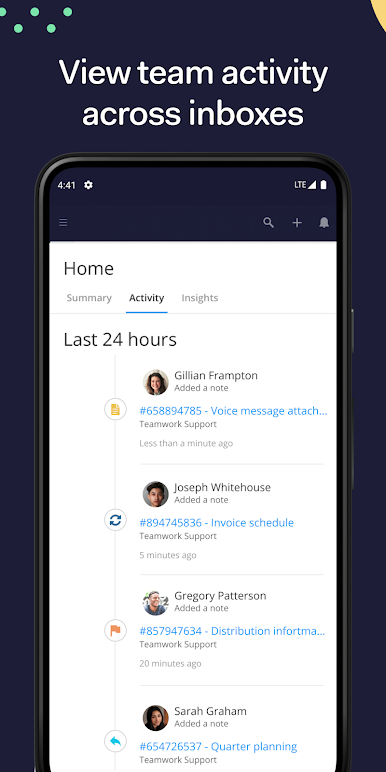
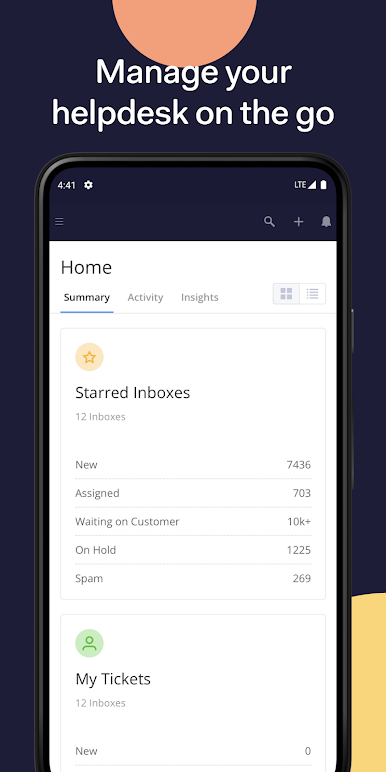
• Manage your help desk on the go with full dashboard access
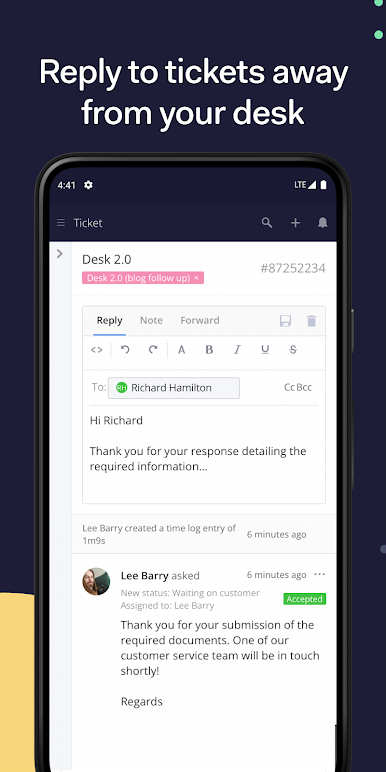
• Create new tickets and reply to existing tickets while you’re away from your desk
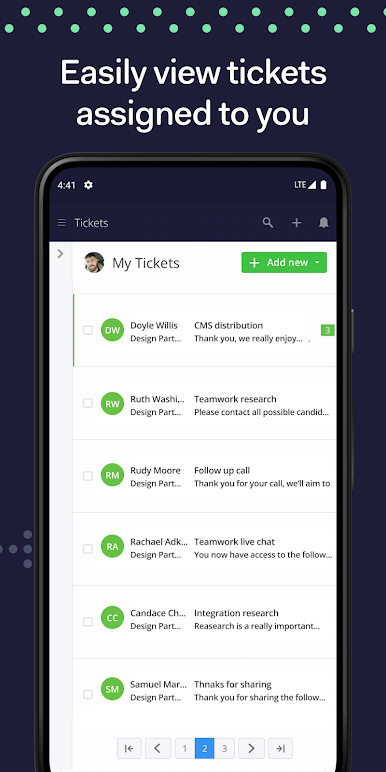
• Quickly assign and manage requests with bulk updates on ticket priority, status, inbox and much more
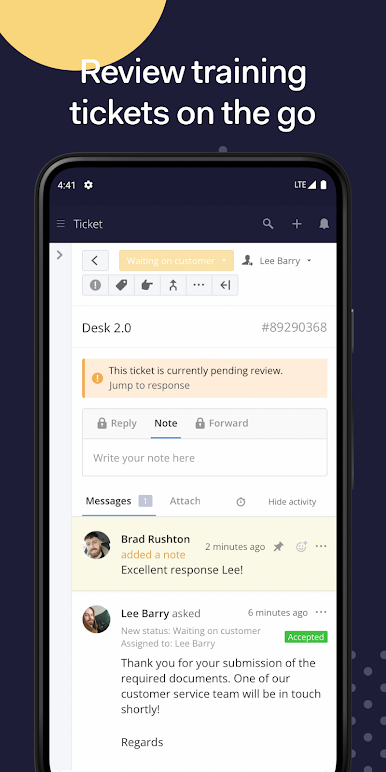
• Add private notes to tickets to collaborate with your team
• Review and sign-off on replies from agents enrolled in training
• Generate time logs on all replies
• Search tickets
• Manage agents, customers and company profiles
• Create tasks directly in your linked Teamwork Projects installation
Questions? Click on the App Support link below and we'll be more than happy to help!
Love the app? Leave a quick review below!
Teamwork Desk oyununu PC'de oyna. Başlamak çok kolay.
-
BlueStacks'i PC'nize İndirin ve Yükleyin
-
Play Store'a erişmek için Google girişi yapın ya da daha sonraya bırakın.
-
Sağ üst köşeye Teamwork Desk yazarak arayın.
-
Teamwork Desk uygulamasını arama sonuçlarından indirmek için tıklayın.
-
(iEğer Adım 2'yi atladıysanız) Teamwork Desk uygulamasını yüklemek için Google'a giriş yapın.
-
Oynatmaya başlatmak için ekrandaki Teamwork Desk ikonuna tıklayın.

