

Fotoğrafa metin ekle - TextArt
500M + oyuncunun güvendiği Android Oyun Platformu, BlueStacks ile PC'de oynayın.

Sayfa Değiştirilme tarihi: Aug 19, 2025
Run Add Text To Photo - Text Art on PC or Mac
What’s better than using Add Text To Photo – Text Art by ZipoApps? Well, try it on a big screen, on your PC or Mac, with BlueStacks to see the difference.
About the App
Add Text To Photo – Text Art, made by ZipoApps, turns ordinary pictures into personalized, shareable images with just a few taps. It’s a Photography app that mixes a really approachable text editor with filters, frames, and easy layout tools — great for captions, quotes, or playful edits. Expect fast results without a steep learning curve.
App Features
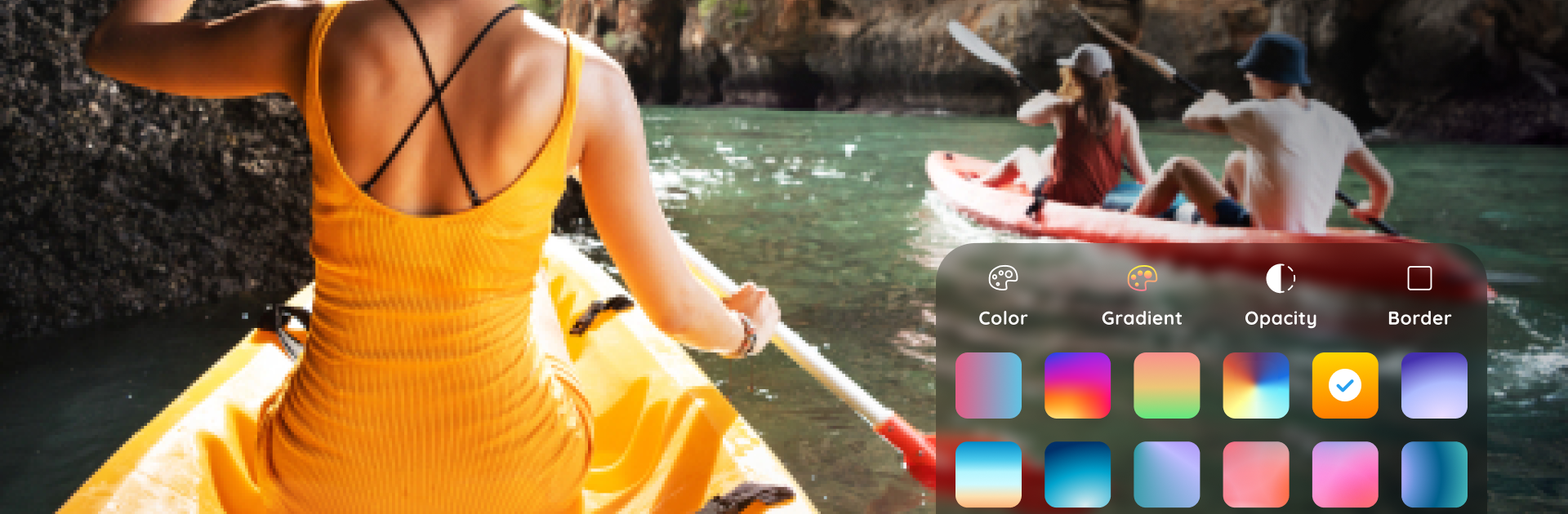
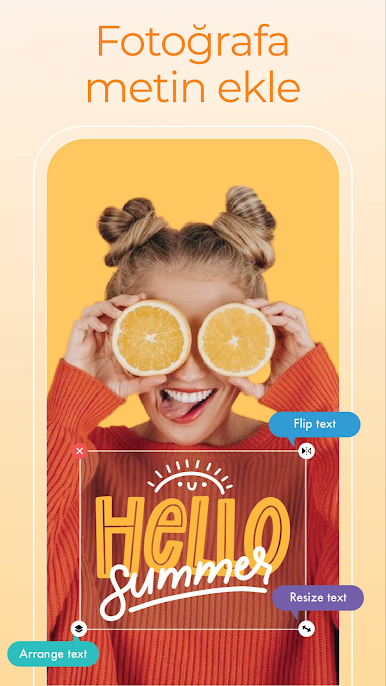
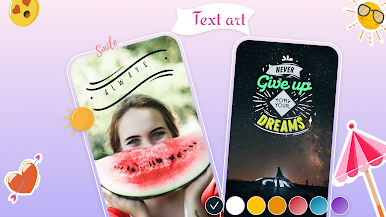
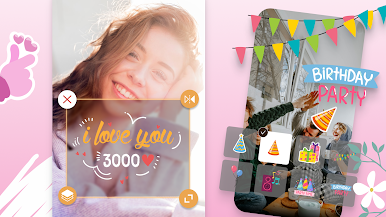
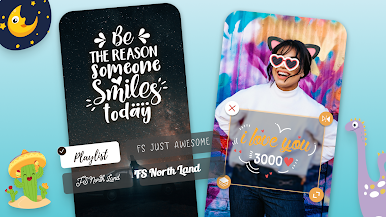
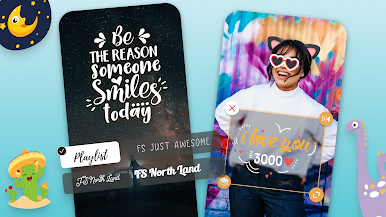
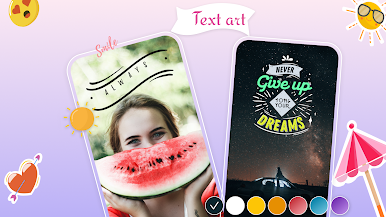
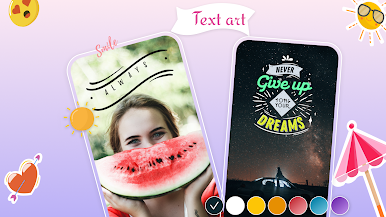
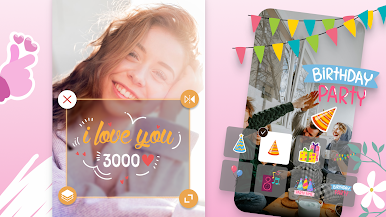
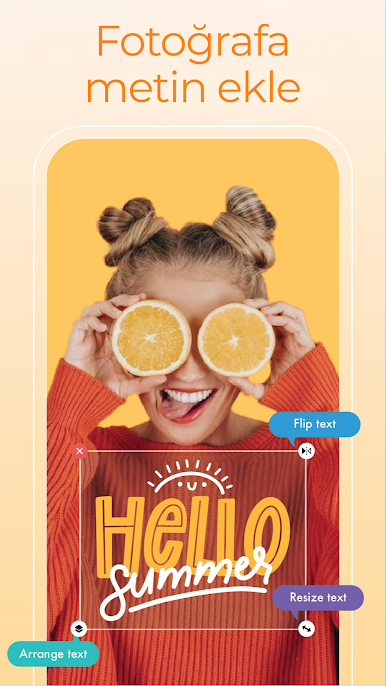
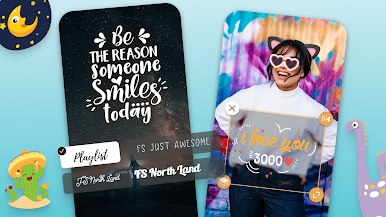
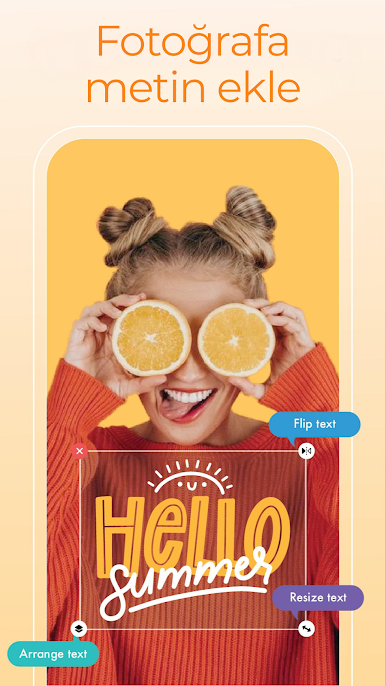
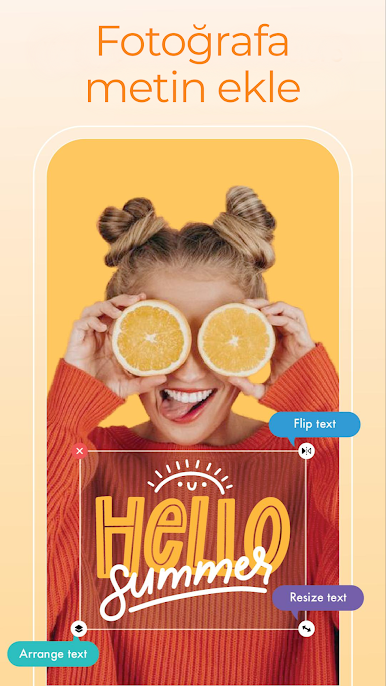
- Text tools: A straightforward text editor that lets you add, resize, rotate, and style text with controls for color, opacity, and layering.
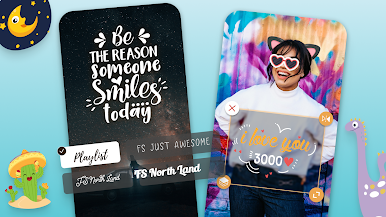
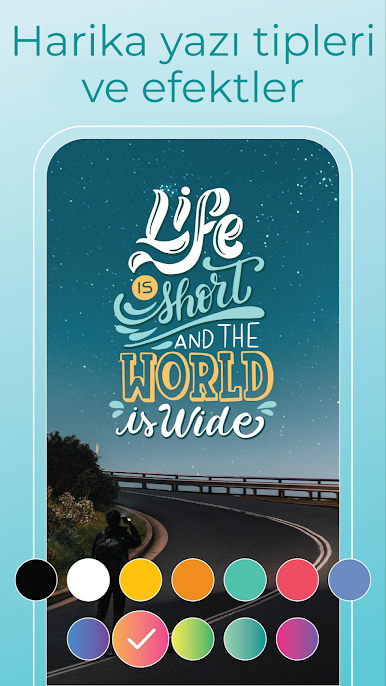
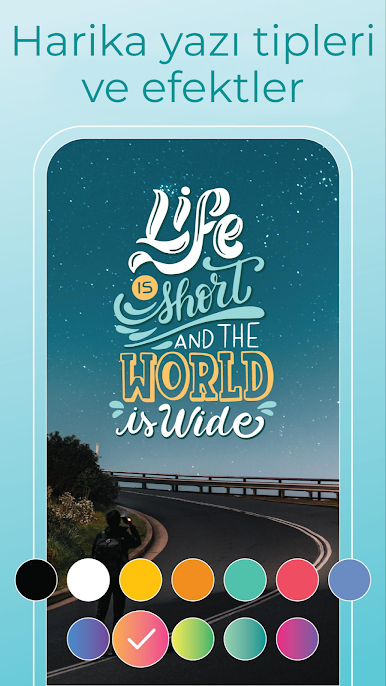
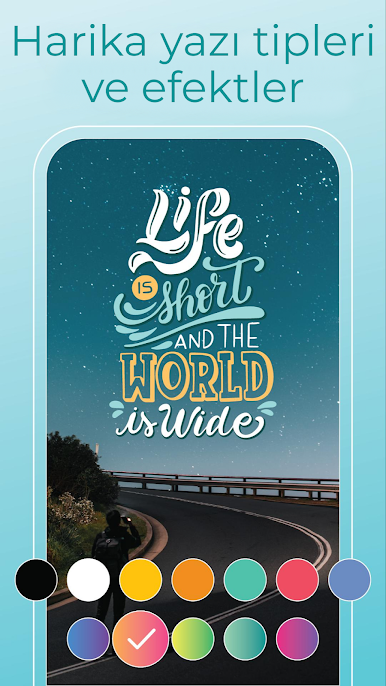
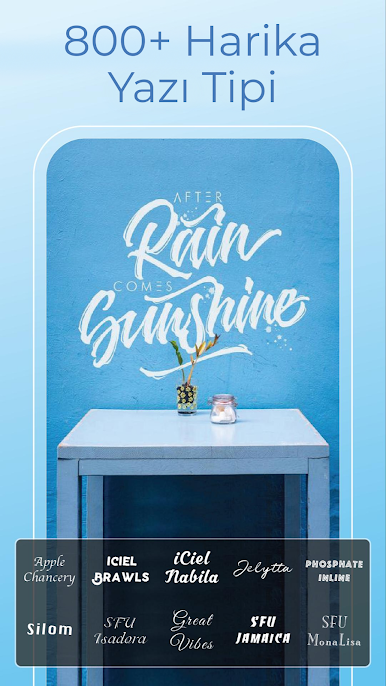
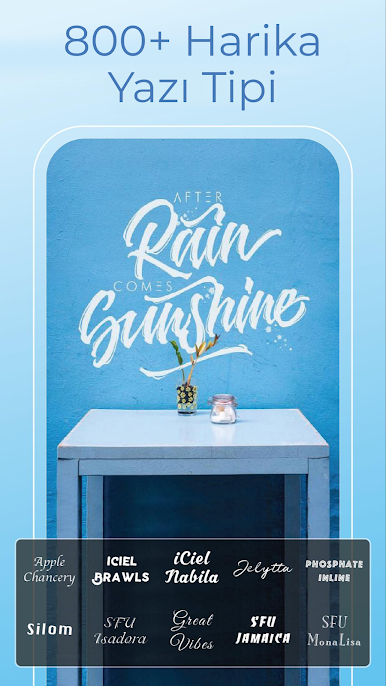
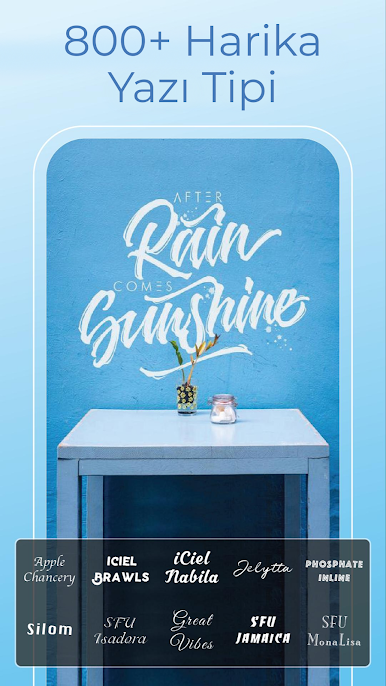
- Font library: Plenty of fonts and preset styles to choose from, plus sample quotes to get you started when inspiration’s low.
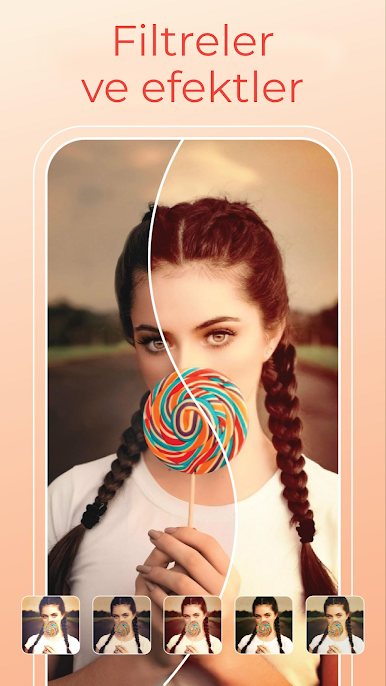
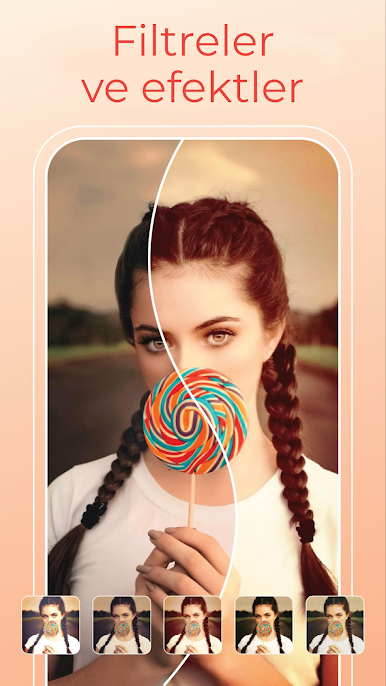
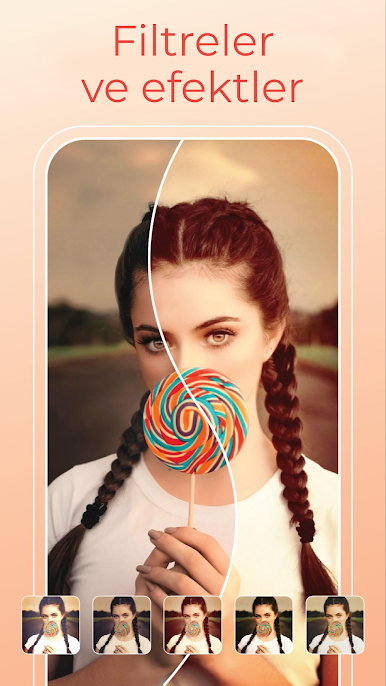
- Filters & effects: Over a hundred photo filters and visual effects so you can change mood and tone in seconds.
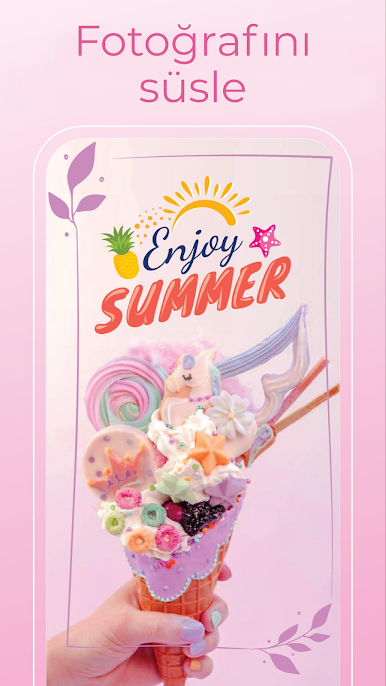
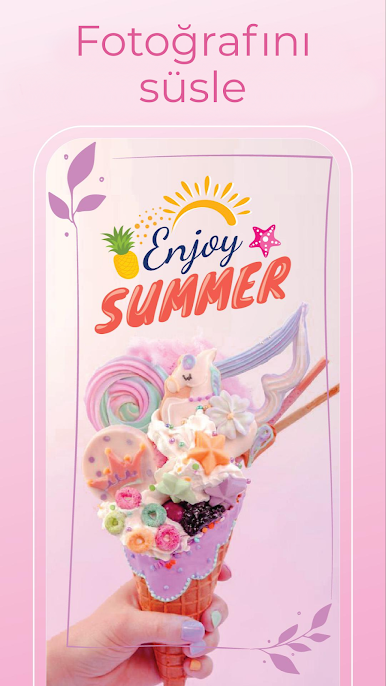
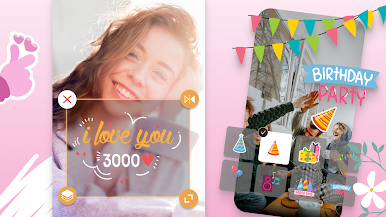
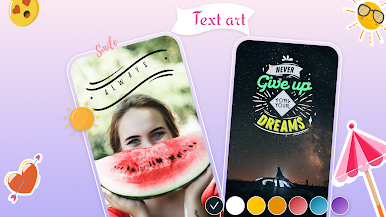
- Stickers & frames: A collection of stickers and themed frames to decorate photos or give them a polished border.
- Collage & story maker: Combine multiple photos into clean collages or story layouts for social posts.
- Basic editing: Handy photo adjustments like crop/resize, rotate, rounded corners, and blur/obscure tools for quick fixes.
- Undo/auto-save: Edits are saved automatically and can be undone/redone, so you won’t lose experimental edits.
- Image resources: Built-in backgrounds and image packs help you build attractive compositions without hunting for assets.
- Easy sharing: Export high-quality images and post them straight to your favorite social apps with minimal fuss.
- Desktop-friendly: If you prefer editing on a bigger screen, people often run the app on BlueStacks to use their PC.
BlueStacks gives you the much-needed freedom to experience your favorite apps on a bigger screen. Get it now.






Fotoğrafa metin ekle - TextArt oyununu PC'de oyna. Başlamak çok kolay.
-
BlueStacks'i PC'nize İndirin ve Yükleyin
-
Play Store'a erişmek için Google girişi yapın ya da daha sonraya bırakın.
-
Sağ üst köşeye Fotoğrafa metin ekle - TextArt yazarak arayın.
-
Fotoğrafa metin ekle - TextArt uygulamasını arama sonuçlarından indirmek için tıklayın.
-
(iEğer Adım 2'yi atladıysanız) Fotoğrafa metin ekle - TextArt uygulamasını yüklemek için Google'a giriş yapın.
-
Oynatmaya başlatmak için ekrandaki Fotoğrafa metin ekle - TextArt ikonuna tıklayın.

