


Dr French, French grammar
Spiele auf dem PC mit BlueStacks - der Android-Gaming-Plattform, der über 500 Millionen Spieler vertrauen.

Seite geändert am: Aug 11, 2025
Run Dr French, French grammar on PC or Mac
What’s better than using Dr French, French grammar by The Grammar University? Well, try it on a big screen, on your PC or Mac, with BlueStacks to see the difference.
About the App
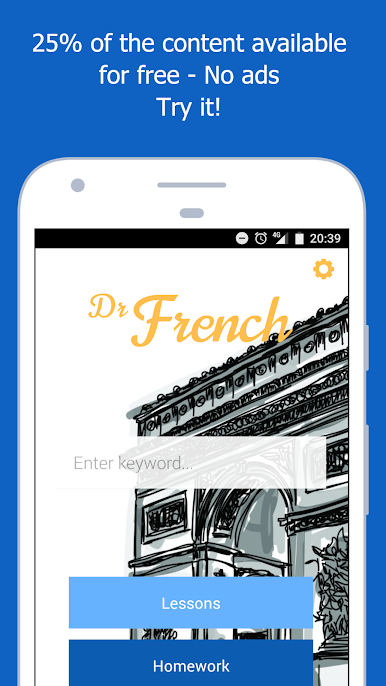
If French grammar feels a bit overwhelming, Dr French, French grammar is here to make things clearer—no fuss, no headaches. Whether you’re just starting out, brushing up old skills, or somewhere between, this app breaks grammar down into bite-sized lessons you can actually use. Created by real language teachers from The Grammar University, it’s designed for learners who want simple explanations and practical ways to practice. Expect a clean, friendly space to tackle French grammar—without any annoying ads or distractions.
App Features
-
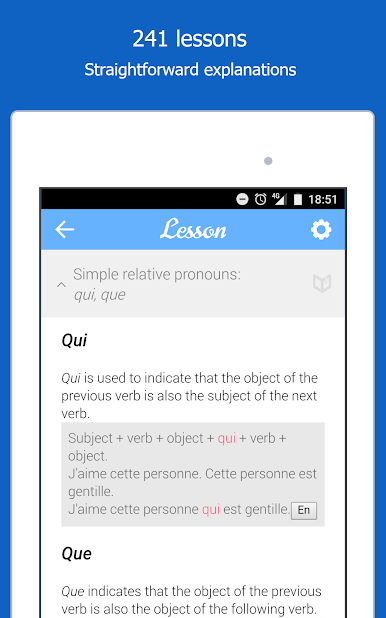
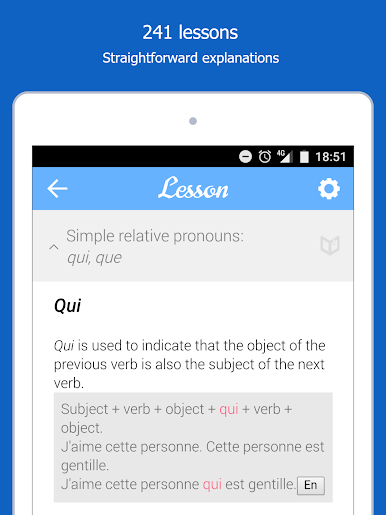
Quick, Clear Lessons
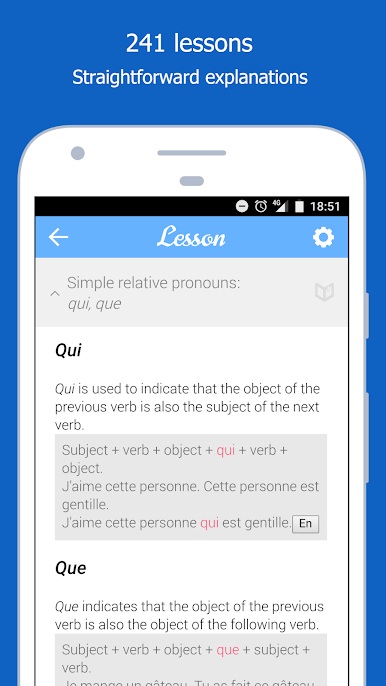
Each lesson gets straight to the point—short explanations, loads of real examples, and just enough detail so you actually get it, not just memorize rules. -
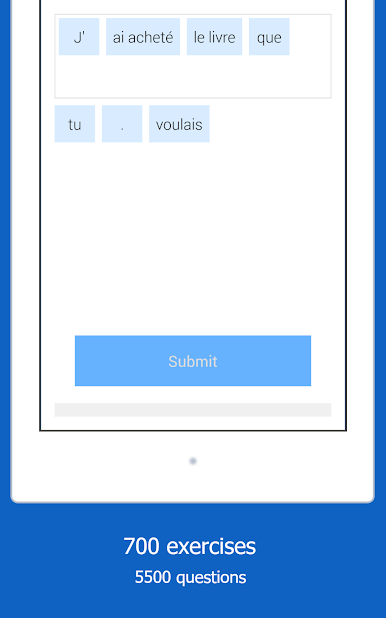
Practice Exercises
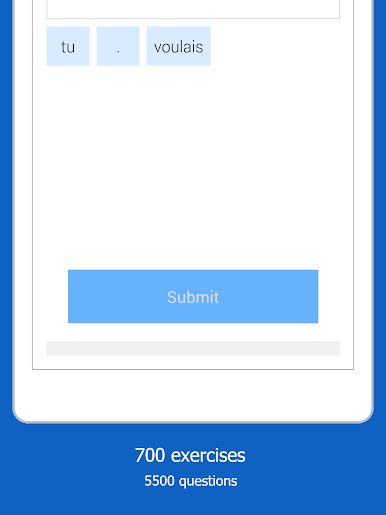
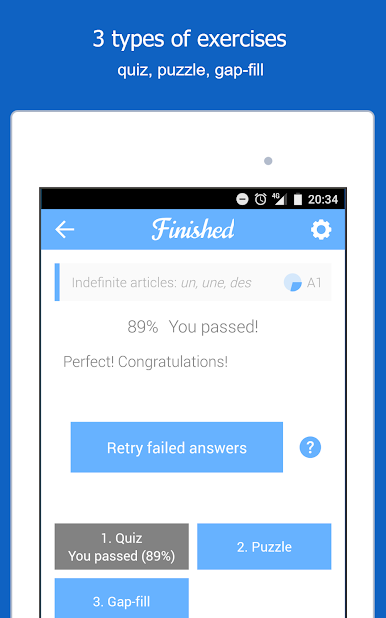
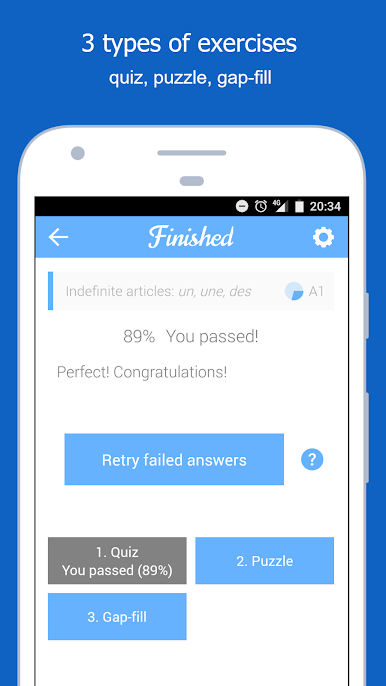
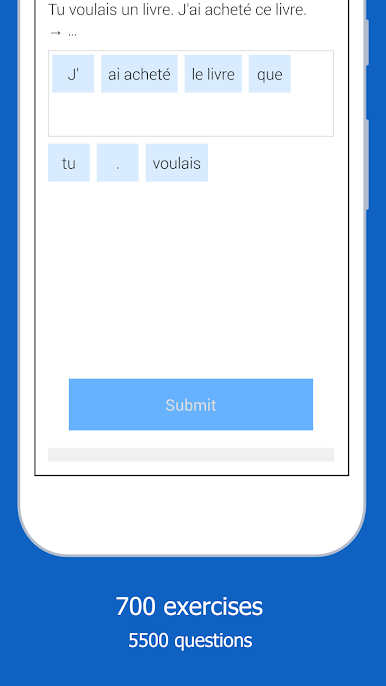
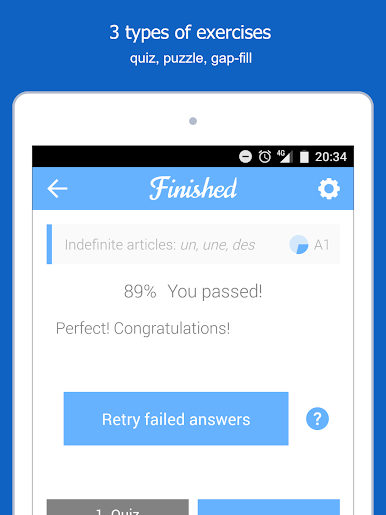
Over 700 interactive exercises mean you’ll always have something to practice, with thousands of questions to really cement what you’ve learned. -
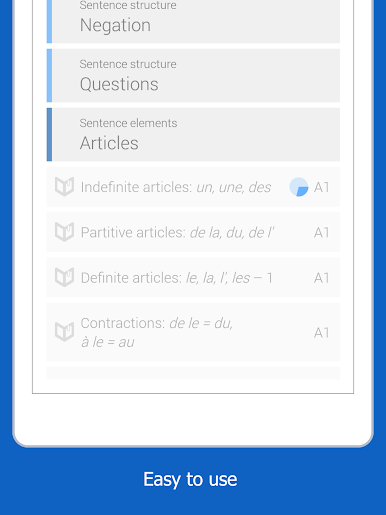
Organized by Topic and Level
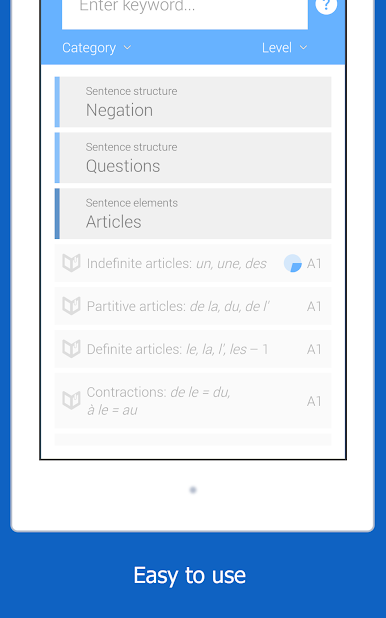
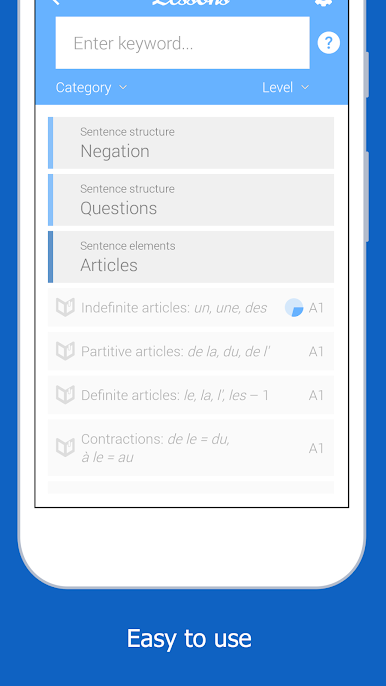
No hunting around—everything’s sorted into neat levels and topics, so you can focus on what matters most to you at any stage. -
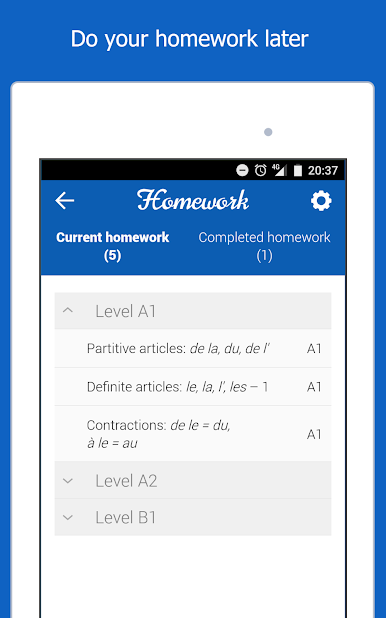
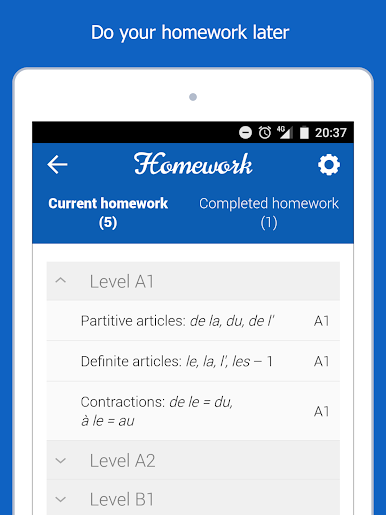
Homework Tools
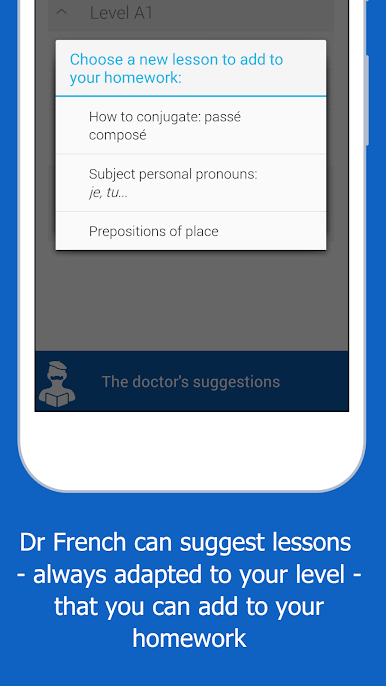
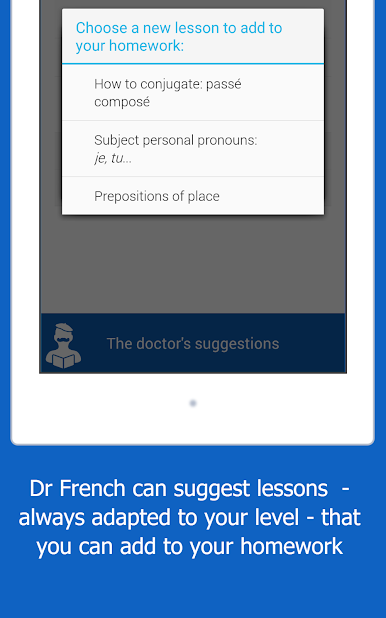
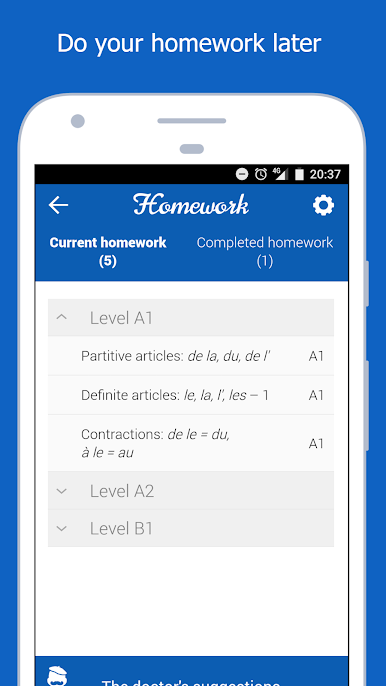
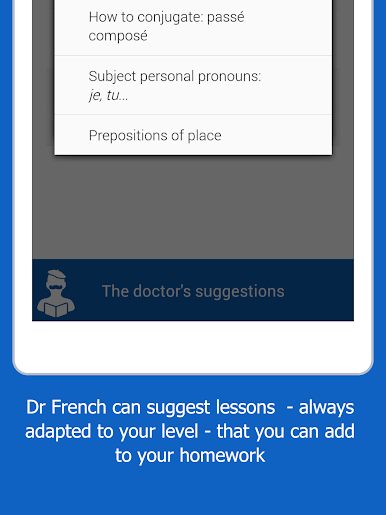
Found something tricky? Bookmark lessons as “homework” to review later, or let the app suggest what you should tackle next, all based on how you’re progressing. -
Smart Search Bar
Stuck on a verb tense or a random rule? Just type what you’re looking for, and the app will pull up the most relevant lessons or explanations right away. -
Multilingual Support
Lessons aren’t just in English—switch between French, Mandarin Chinese, Portuguese, or stick to English. All examples are translated, so no more guessing. -
Fully Offline Access
No need to worry about Wi-Fi. Study at home, on the subway, or wherever you’ve got a few minutes to spare. -
No Ads or Pop-Ups
The whole experience is about learning—no banners, no pushy requests, just the content you care about. -
Teacher-Developed Content
Everything’s put together by real educators, so you’re always getting reliable info, not random tips. -
Supportive Team
If you get stuck or something’s confusing, the Dr French crew is quick to offer help.
And if you want to use Dr French, French grammar on a bigger screen, it works smoothly with BlueStacks too.
Eager to take your app experience to the next level? Start right away by downloading BlueStacks on your PC or Mac.
Spiele Dr French, French grammar auf dem PC. Der Einstieg ist einfach.
-
Lade BlueStacks herunter und installiere es auf deinem PC
-
Schließe die Google-Anmeldung ab, um auf den Play Store zuzugreifen, oder mache es später
-
Suche in der Suchleiste oben rechts nach Dr French, French grammar
-
Klicke hier, um Dr French, French grammar aus den Suchergebnissen zu installieren
-
Schließe die Google-Anmeldung ab (wenn du Schritt 2 übersprungen hast), um Dr French, French grammar zu installieren.
-
Klicke auf dem Startbildschirm auf das Dr French, French grammar Symbol, um mit dem Spielen zu beginnen

