


Kung Fu Z
Spiele auf dem PC mit BlueStacks - der Android-Gaming-Plattform, der über 500 Millionen Spieler vertrauen.

Seite geändert am: Nov 6, 2025
Play Kung Fu Z on PC or Mac
Join millions to experience Kung Fu Z, an exciting Arcade game from Tiny Titan Studios. With BlueStacks App Player, you are always a step ahead of your opponent, ready to outplay them with faster gameplay and better control with the mouse and keyboard on your PC or Mac.
About the Game
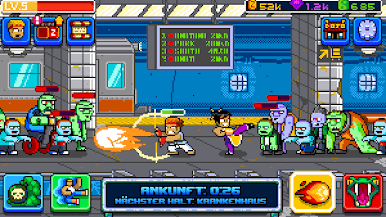
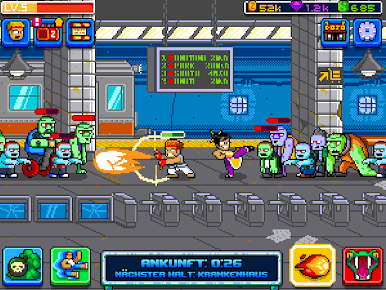
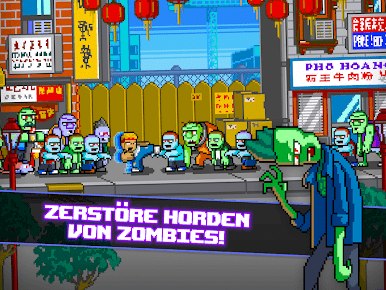
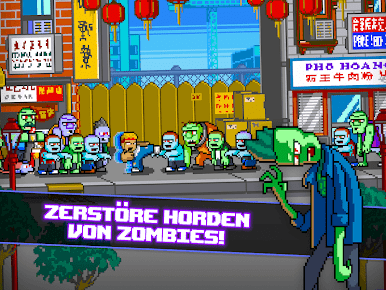
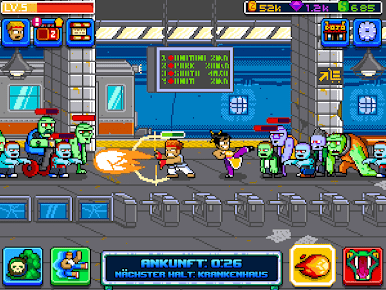
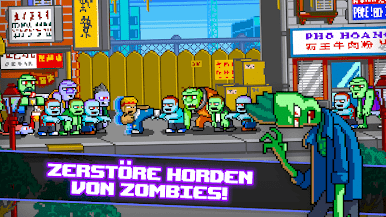
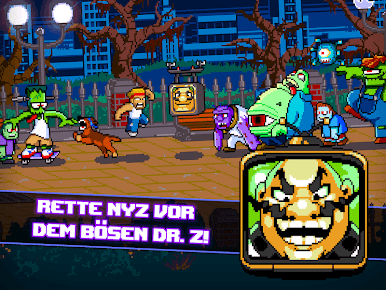
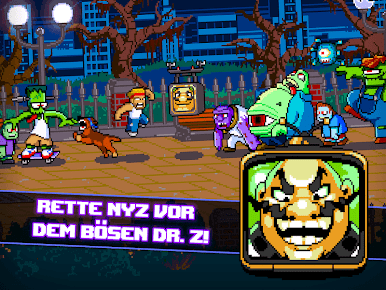
If you’ve ever wanted to take down a zombie horde using pure martial arts skills, Kung Fu Z by Tiny Titan Studios is definitely your jam. It’s an action-packed Arcade game where you step into Zak’s sneakers and kick, punch, or headbutt your way through relentless waves of undead chaos. Expect wild combos, some over-the-top moves, and a retro style that feels right at home on BlueStacks—or wherever you play.
Game Features
-
Martial Arts Madness
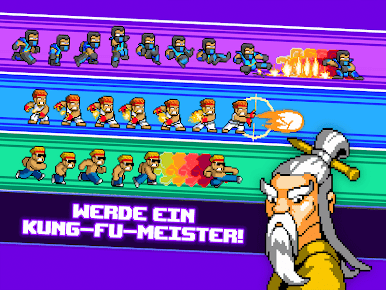
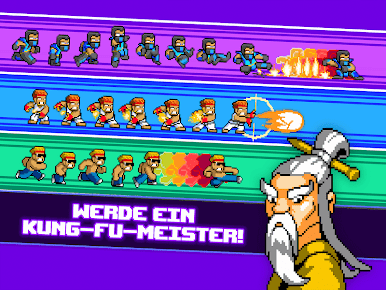
Pull off flashy kung fu moves, from hurricane kicks to dragon-powered knockouts. Every fight feels like a fast-paced stunt scene. -
Supercharged Combos & Powers
Unlock wild special attacks and tap into ancient powers linked to creatures like the Dragon, Snake, and Tiger. These aren’t just for show—each one packs a punch against the zombie swarm. -
Epic Sidekick Roster
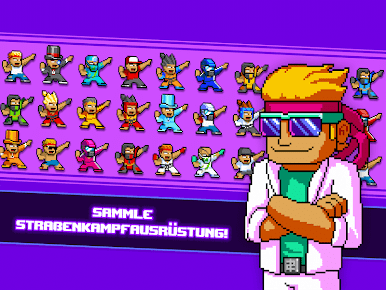
You don’t have to fight alone. Collect a crew of quirky sidekicks, each bringing something unique to the battle. Some are just there for moral support, others help clear the screen. -
Weapons and Gear Galore
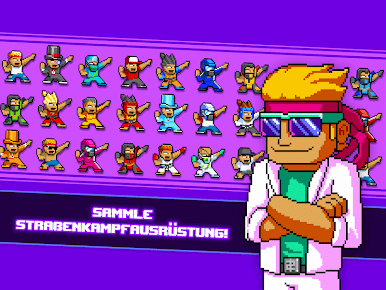
On your way to black belt status, dig up ancient scrolls, collect tons of gear, and discover costumes that keep things fresh (and a little hilarious). -
Retro Vibes
The pixel art style and throwback music track keep things charmingly old school. It’s a real treat for anyone who misses classic arcade energy. -
Boss Fights and Challenges
Don’t get too comfy—boss battles raise the stakes with tougher, weirder enemies. Master new techniques to survive. -
Offline Action
You won’t lose your place if you’re not always online—great for quick gaming bursts whenever the mood (or zombie) strikes.
Start your journey now. Download the game on BlueStacks, invite your friends, and march on a new adventure.




Spiele Kung Fu Z auf dem PC. Der Einstieg ist einfach.
-
Lade BlueStacks herunter und installiere es auf deinem PC
-
Schließe die Google-Anmeldung ab, um auf den Play Store zuzugreifen, oder mache es später
-
Suche in der Suchleiste oben rechts nach Kung Fu Z
-
Klicke hier, um Kung Fu Z aus den Suchergebnissen zu installieren
-
Schließe die Google-Anmeldung ab (wenn du Schritt 2 übersprungen hast), um Kung Fu Z zu installieren.
-
Klicke auf dem Startbildschirm auf das Kung Fu Z Symbol, um mit dem Spielen zu beginnen

