


Ultrasonic Cleaner
Spiele auf dem PC mit BlueStacks - der Android-Gaming-Plattform, der über 500 Millionen Spieler vertrauen.

Seite geändert am: Nov 4, 2025
Play Ultrasonic Cleaner on PC
Key Features:
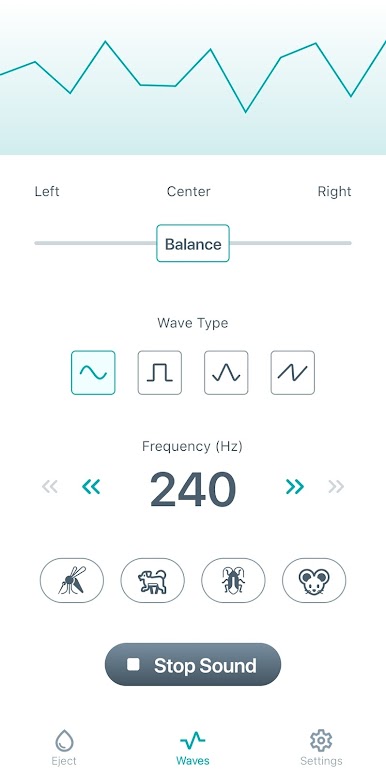
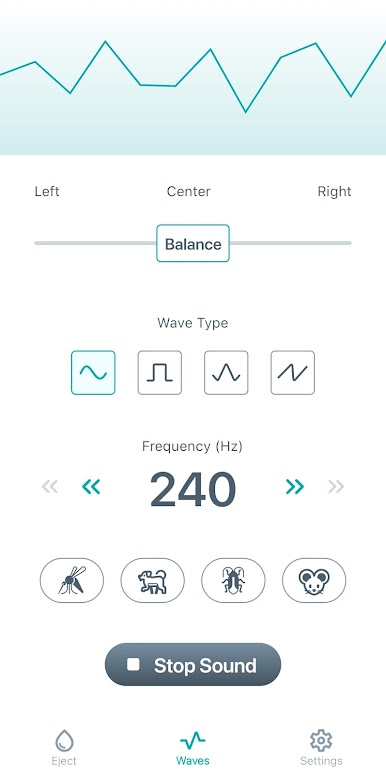
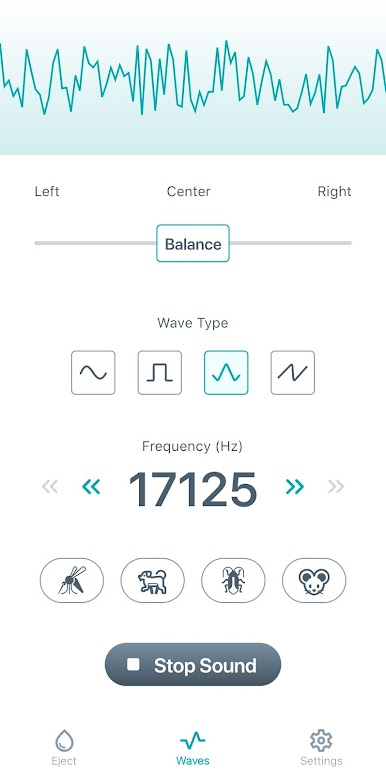
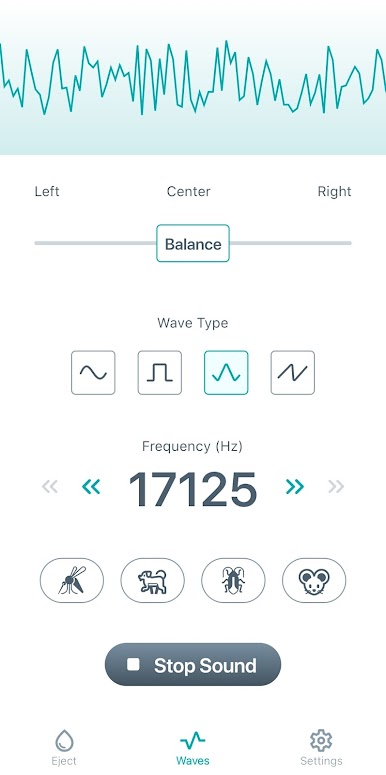
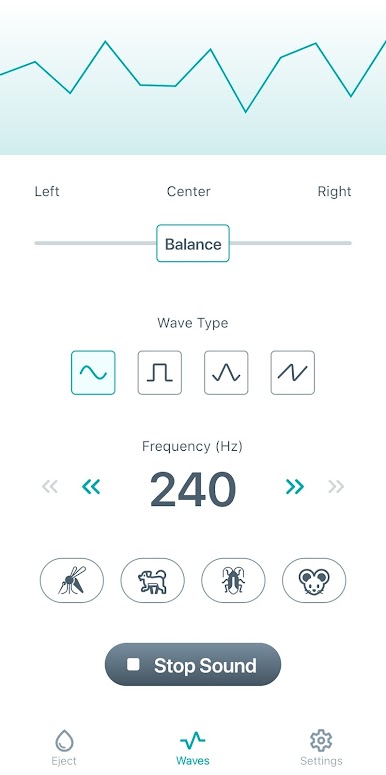
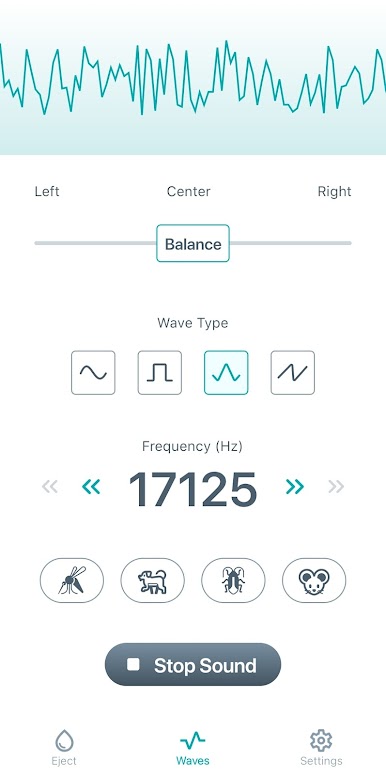
- Speaker Cleaner: Ultrasonic Cleaner employs ultra-low and high-frequency sound waves to effectively clean your speaker. This advanced speaker cleaner targets water and dust particles, ensuring your device produces optimal sound quality.
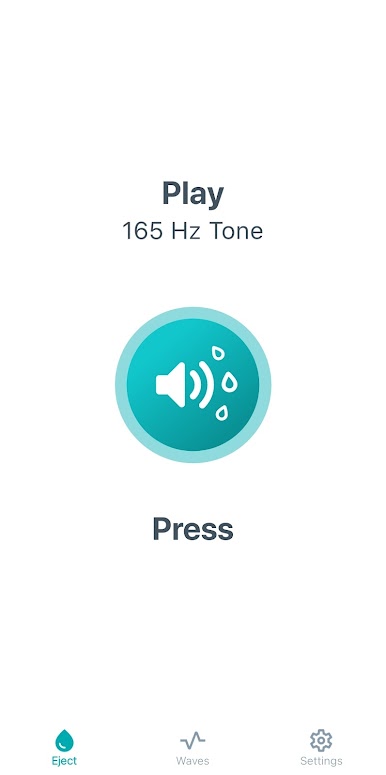
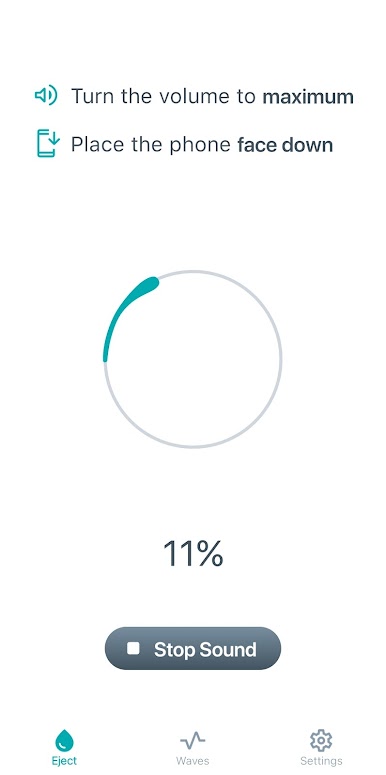
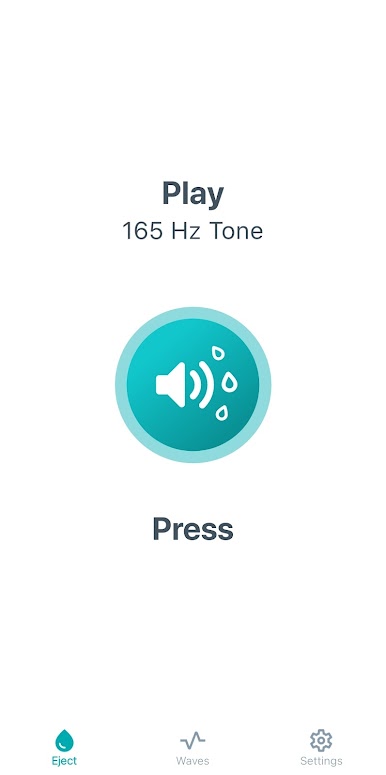
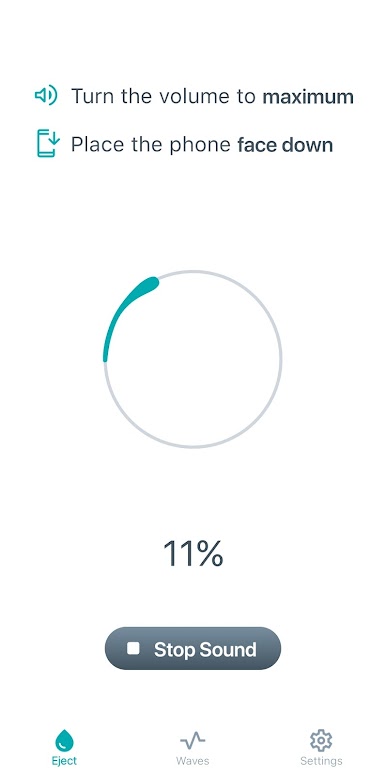
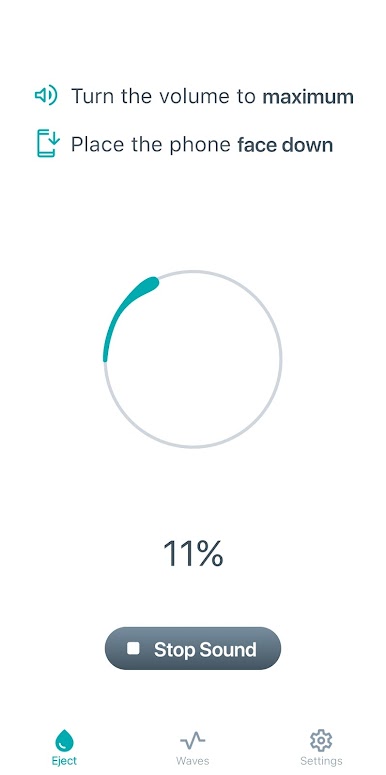
- Water Eject: Our water eject feature is designed to get water out of your phone speakers swiftly and efficiently. By playing specific sound frequencies, Ultrasonic Cleaner dislodges and expels water trapped inside the speakers, restoring your phone's audio clarity.
- Clear Speaker: After cleaning, you will notice a significant improvement in your device's sound output. The clear speaker function enhances audio performance, making your speakers sound as good as new.
- Water Remover: Our water remover is not limited to phones; it is compatible with headphones, tablets, and laptops. Ultrasonic Cleaner helps clear water from any speaker you connect to your phone, ensuring all your devices are in top-notch condition.
- Volume Booster: Our app also features a volume booster that amplifies your speaker's sound after cleaning. This function ensures a louder, clearer sound, enhancing your overall audio experience.
- Sound Cleaner: Ultrasonic Cleaner doubles as a sound cleaner, removing impurities from the audio output. Our app ensures you enjoy pure, high-quality sound by eliminating unwanted noise.
Supported Devices:
Ultrasonic Cleaner is not limited to just smartphones. Our app supports a wide range of devices, including:
- Phones
- Headphones
- Tablets
- Laptops
- Clocks
- Any speakers connected to your phone
Whether you're dealing with water in the speaker, dust, or any other audio issues, Ultrasonic Cleaner is equipped to handle it all.
Note:
While Ultrasonic Cleaner is highly effective, please note that the app does not physically remove water from your phone. It utilizes sound waves and vibrations to dislodge and eject water and dust particles, thereby improving audio quality.
Spiele Ultrasonic Cleaner auf dem PC. Der Einstieg ist einfach.
-
Lade BlueStacks herunter und installiere es auf deinem PC
-
Schließe die Google-Anmeldung ab, um auf den Play Store zuzugreifen, oder mache es später
-
Suche in der Suchleiste oben rechts nach Ultrasonic Cleaner
-
Klicke hier, um Ultrasonic Cleaner aus den Suchergebnissen zu installieren
-
Schließe die Google-Anmeldung ab (wenn du Schritt 2 übersprungen hast), um Ultrasonic Cleaner zu installieren.
-
Klicke auf dem Startbildschirm auf das Ultrasonic Cleaner Symbol, um mit dem Spielen zu beginnen

