


English Grammar Complete Handbook
Spiele auf dem PC mit BlueStacks - der Android-Gaming-Plattform, der über 500 Millionen Spieler vertrauen.

Seite geändert am: Nov 04, 2025
Übersicht
This app will not only help you with learning basic grammar but will also help you with confusing aspects of grammar, which is a pretty unique feature. Most grammar learning platforms share knowledge on the basics only; while our project includes solutions to everyday issues that we face in English grammar, and we enrich our app on a regular basis. If you still don’t see the exact information you need, you may send us a request via our contact section, or wait until we add what you need.
Features:
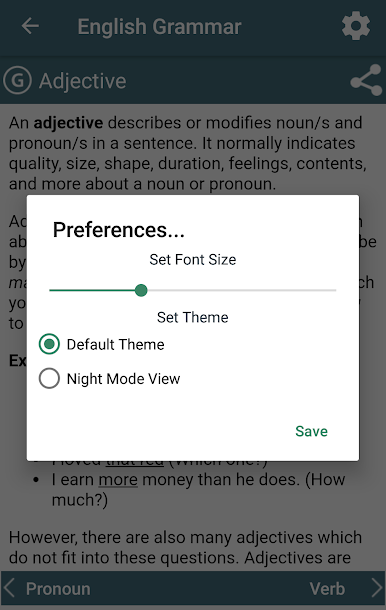
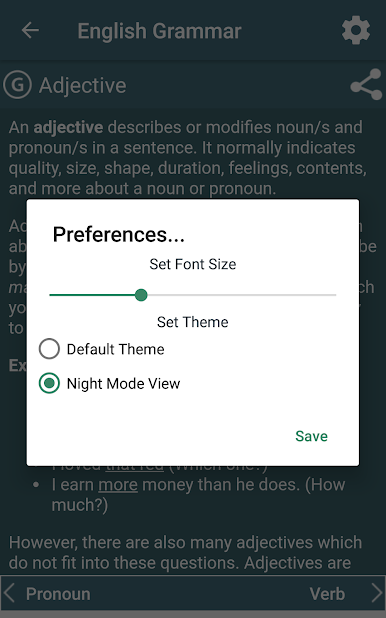
- Night mode reading.
- Control on font size.
- Easy to use the app.
- A great number of examples for each topic.
- Practice for every topic (Online)
- Study/Lessons Reminder
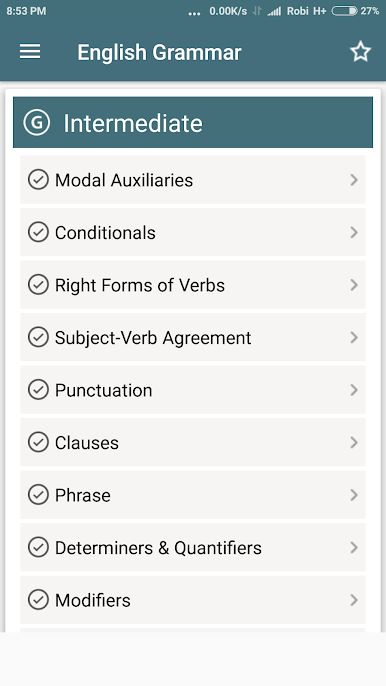
We divided all topics into three section such as beginner, intermediate and advanced so that one can easily follow step by step learning.
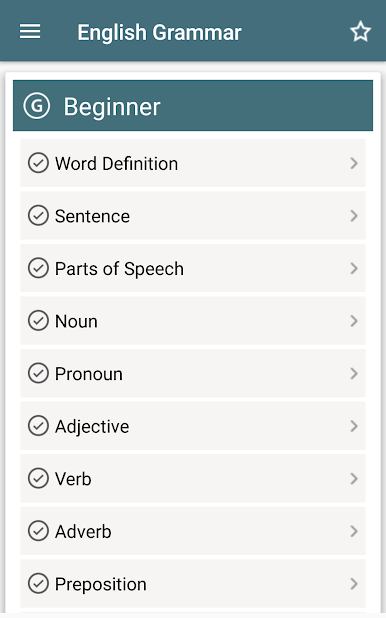
::: Beginner ::::::
- Word
- Sentence
- Parts of Speech
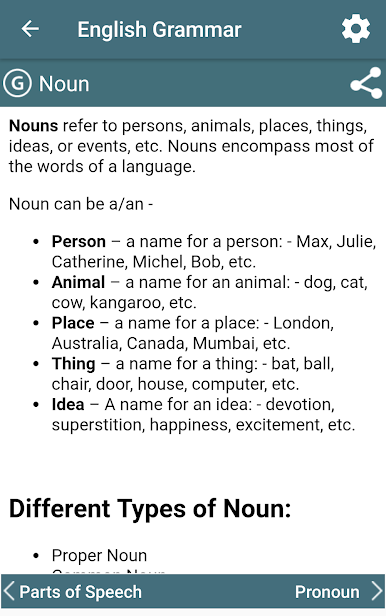
- Noun
- Pronoun
- Adjective
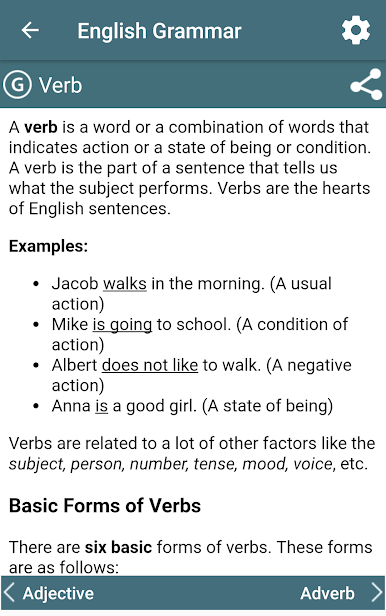
- Verb
- Adverb
- Preposition
- Conjunction
- Interjection
- Articles
- Tense
- Number
::: Intermediate ::::::
- Phrases
- Clauses
- Conditionals
- Article
- Modifiers
- Narration
- Prefixes
- Suffixes
- Modal Auxiliaries
- Subject-Verb Agreement
- Right Forms of Verbs
- Determiners &
- Quantifiers
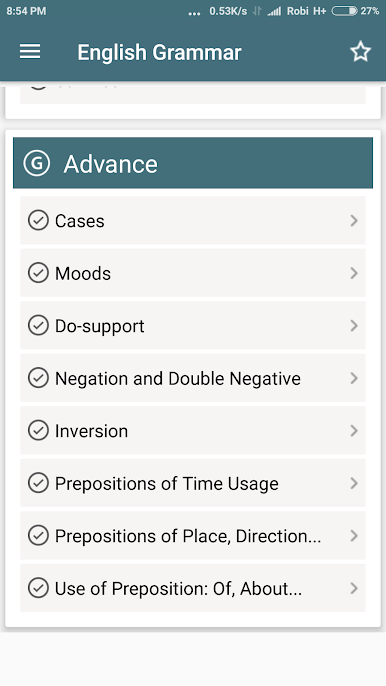
::: Advanced ::::::
- Cases
- Moods
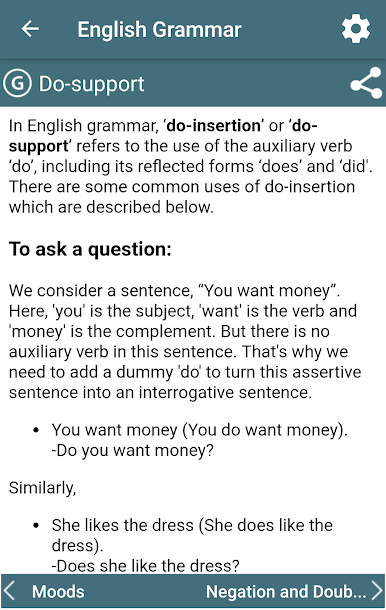
- Do-support
- Negation &
- Double Negative
- Inversion
- Use of Prepositions
- Pronouns before the Gerunds & Infinitives
- Antecedents of Pronoun
- Adjective followed by the Infinitives
- Causative Verbs
- Verbs followed by Gerunds
- Verbs followed by Infinitives
- Uses of Direct & Indirect Object
- Correct Use of "Sequence of Tense" in Writing
- Affirmative & Negative Agreement
- Comparatives
- Dangling Modifiers
- Embedded Questions
- Parallel Structure
- Perfectives
- Subjunctive
- One VS You
To get more topics and discussion, please visit https://www.learngrammar.net
We expect a 5 rating with a good review from you.
Spiele English Grammar Complete Handbook auf dem PC. Der Einstieg ist einfach.
-
Lade BlueStacks herunter und installiere es auf deinem PC
-
Schließe die Google-Anmeldung ab, um auf den Play Store zuzugreifen, oder mache es später
-
Suche in der Suchleiste oben rechts nach English Grammar Complete Handbook
-
Klicke hier, um English Grammar Complete Handbook aus den Suchergebnissen zu installieren
-
Schließe die Google-Anmeldung ab (wenn du Schritt 2 übersprungen hast), um English Grammar Complete Handbook zu installieren.
-
Klicke auf dem Startbildschirm auf das English Grammar Complete Handbook Symbol, um mit dem Spielen zu beginnen

