


Basketball Scoring/Shot Charts
Играйте на ПК с BlueStacks – игровой платформе для приложений на Android. Нас выбирают более 500 млн. игроков.

Страница изменена: Jul 10, 2025
Play Basketball Scoring/Shot Charts on PC
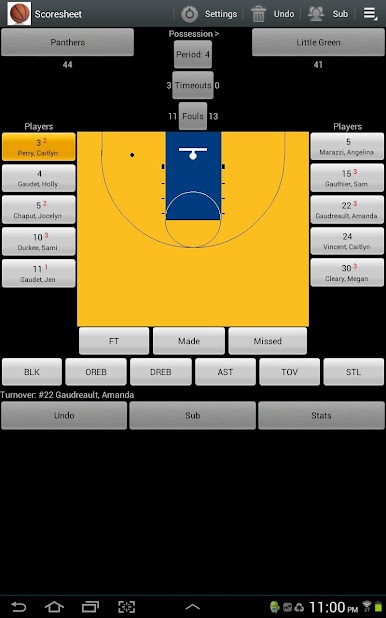
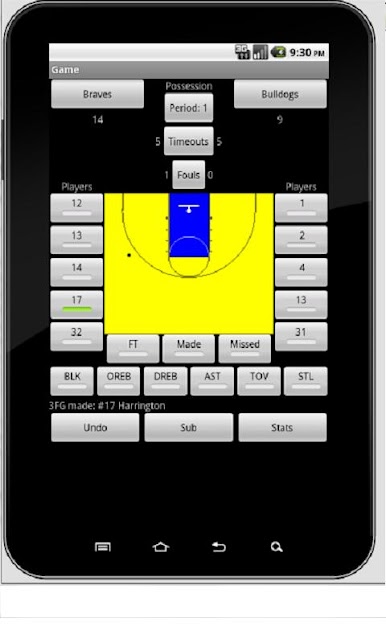
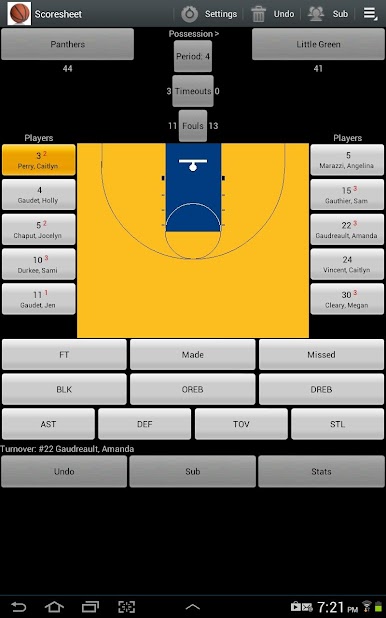
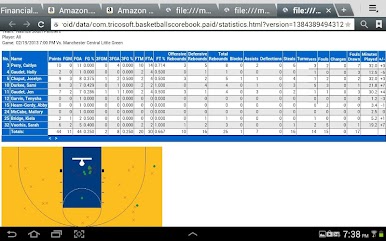
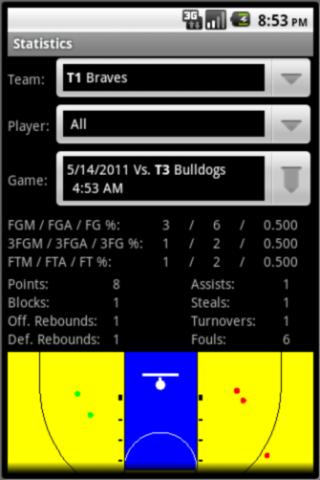
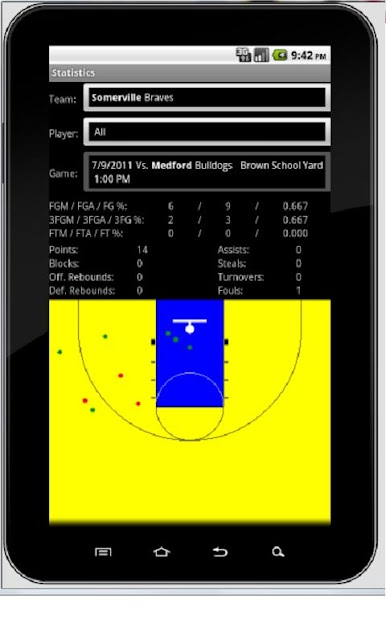
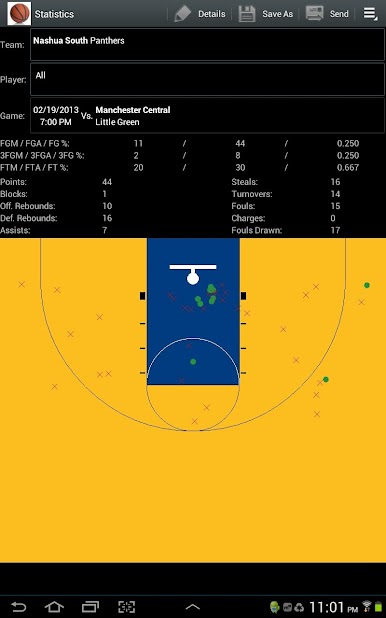
The application requires permission to write to your SD card to create files containing statistics in CSV, HTML, and MaxPreps TXT formats and shot charts in JPEG format that can be saved and later sent through email.
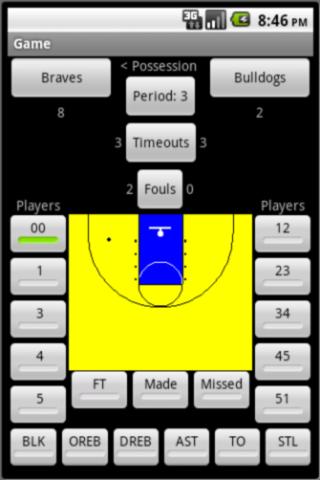
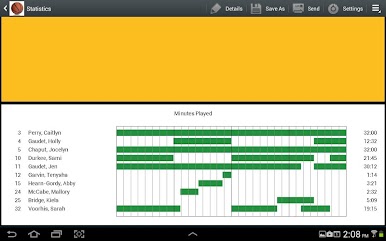
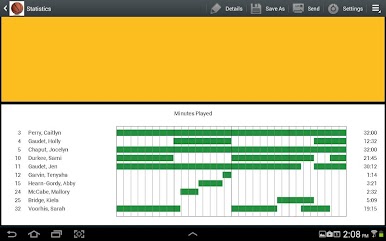
The application supports actual minutes played using check-in and check-out times.
The application is available in English, Spanish, Italian and Portuguese. Translations were done using Google Translate. Please send translation fixes to mailto:info@tricosoft.com.
If you have any issues with the application, please include the Android device type to better help us troubleshoot the issue. Emails can be sent to mailto:info@tricosoft.com.


Играйте в игру Basketball Scoring/Shot Charts на ПК. Это легко и просто.
-
Скачайте и установите BlueStacks на ПК.
-
Войдите в аккаунт Google, чтобы получить доступ к Google Play, или сделайте это позже.
-
В поле поиска, которое находится в правой части экрана, введите название игры – Basketball Scoring/Shot Charts.
-
Среди результатов поиска найдите игру Basketball Scoring/Shot Charts и нажмите на кнопку "Установить".
-
Завершите авторизацию в Google (если вы пропустили этот шаг в начале) и установите игру Basketball Scoring/Shot Charts.
-
Нажмите на ярлык игры Basketball Scoring/Shot Charts на главном экране, чтобы начать играть.

