


Learn Turkish Phrases Offline
Spiele auf dem PC mit BlueStacks - der Android-Gaming-Plattform, der über 500 Millionen Spieler vertrauen.

Seite geändert am: Jul 3, 2025
Run Learn Turkish Phrases Offline on PC or Mac
What’s better than using Learn Turkish Phrases Offline by KidsTube? Well, try it on a big screen, on your PC or Mac, with BlueStacks to see the difference.
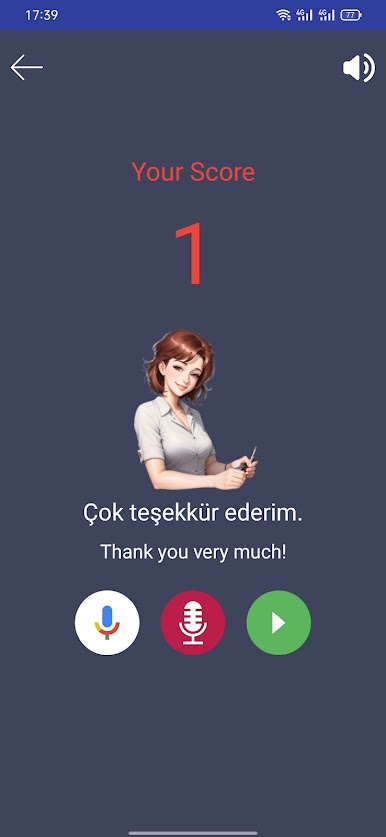
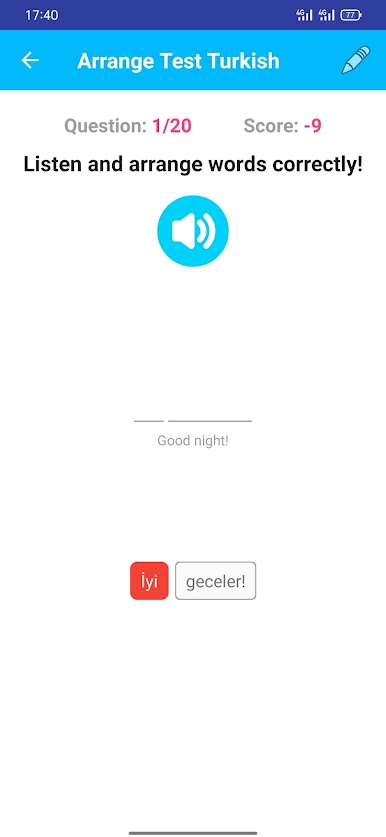
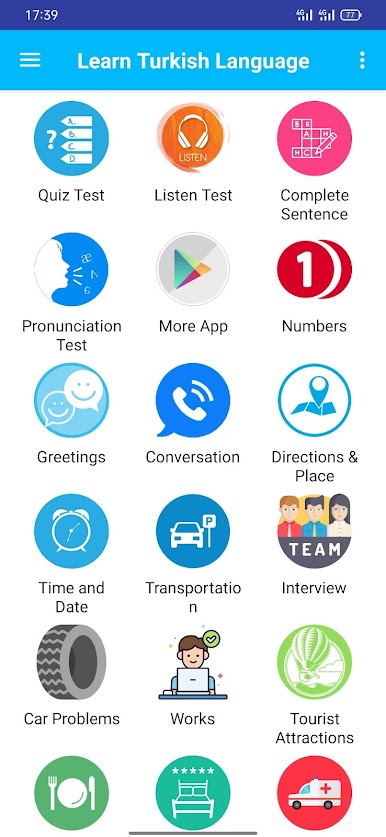
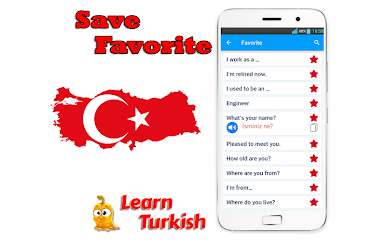
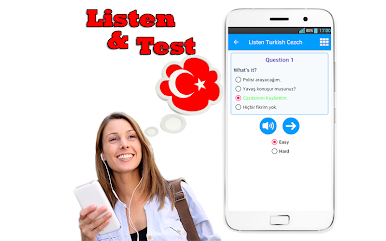
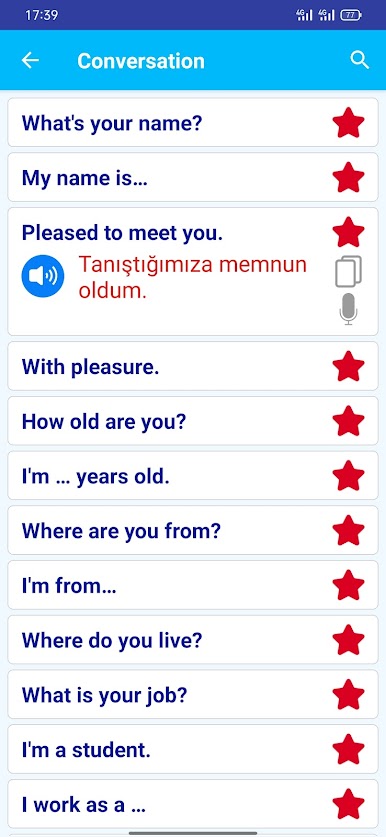
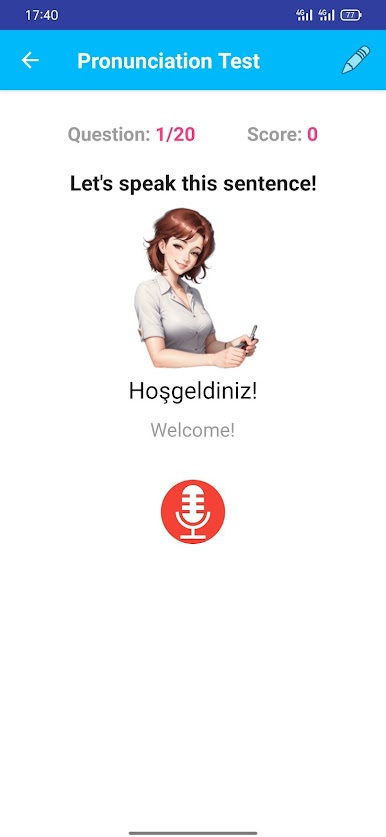
Learn Turkish Phrases Offline feels like a no-fuss phrasebook that talks back. It gives clear audio for a little over a thousand everyday lines, and everything works without internet, which is kind of the whole point. The app sorts phrases into useful buckets like greetings, directions, time and date, transportation, eating out, booking a room, shopping, even emergencies. There is a nice touch with tongue twisters to train tricky sounds, plus small bits of pronunciation and basic grammer scattered around so the words do not just sit there. Some sections are very travel focused, and there is even a reminder that Turkey’s emergency number is 112. It will not teach deep grammar or long lessons, but it helps someone get through real moments like asking where the bus is or ordering food without feeling lost.
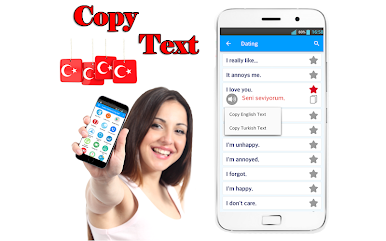
On a PC with BlueStacks, it is very easy to tap a phrase, hear it, and repeat. The bigger screen makes the categories easier to skim, and the audio buttons are simple enough that someone can just loop a line until it sticks. A few descriptions read a little awkward, and a couple examples feel random, but the recordings do the heavy lifting. It is best treated as a quick reference and speaking coach, with practical sets like family words, colors, dating lines, feeling sick, and general occasion phrases for everyday talk.
Ready to experience Learn Turkish Phrases Offline on a bigger screen, in all its glory? Download BlueStacks now.




Spiele Learn Turkish Phrases Offline auf dem PC. Der Einstieg ist einfach.
-
Lade BlueStacks herunter und installiere es auf deinem PC
-
Schließe die Google-Anmeldung ab, um auf den Play Store zuzugreifen, oder mache es später
-
Suche in der Suchleiste oben rechts nach Learn Turkish Phrases Offline
-
Klicke hier, um Learn Turkish Phrases Offline aus den Suchergebnissen zu installieren
-
Schließe die Google-Anmeldung ab (wenn du Schritt 2 übersprungen hast), um Learn Turkish Phrases Offline zu installieren.
-
Klicke auf dem Startbildschirm auf das Learn Turkish Phrases Offline Symbol, um mit dem Spielen zu beginnen

